

What Copper Actually Is
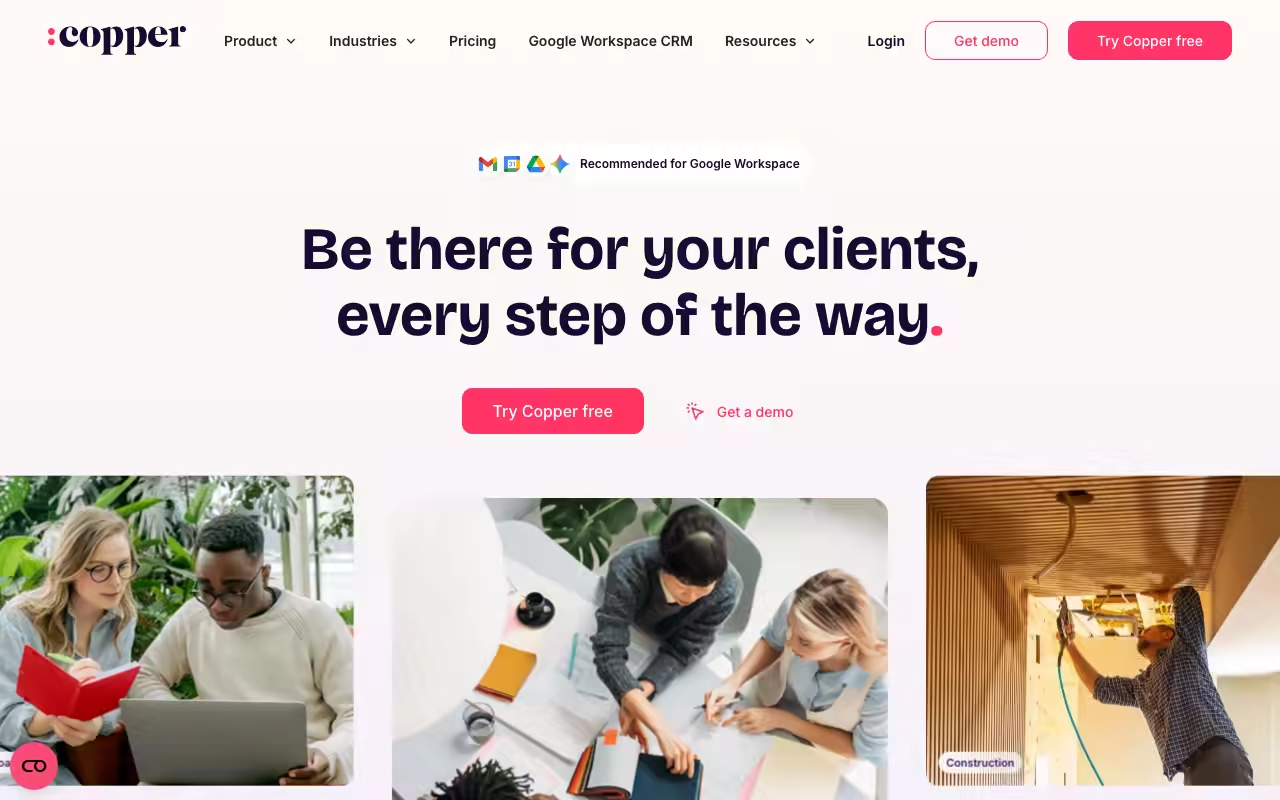
Copper is a customer relationship management platform built for service businesses that run their working day inside Google Workspace. It manages the full arc of a client relationship, from the first inbound lead through the deal, into project delivery, and on to repeat work, without asking anyone to leave Gmail to do it.
The focus is deliberately narrow. Copper is not trying to be a general purpose CRM for every industry and every sales motion. It is aimed at agencies, consultancies, real estate teams, and other relationship-led firms that already live in Gmail, Google Calendar, and Google Drive, and it leans into that context rather than fighting it. That single design decision shapes almost everything else about the product.
Try Copper Get started →The Google Workspace CRM That Lives in Gmail
The feature that defines Copper is its native Google Workspace integration. Copper is a recommended Google Workspace CRM partner, and the product is engineered around that relationship rather than bolting a connector on afterwards. A Chrome extension puts the full CRM inside a sidebar in Gmail, so a rep reading an email sees the contact record, the deal it belongs to, recent activity, and the next steps in the same window as the message.
That placement changes the data entry problem that sinks most CRM rollouts. Copper captures contacts and email history automatically from Gmail, syncs meetings from Google Calendar, and links files from Google Drive to the right records, so the log of who said what and when builds itself. Contact enrichment fills in details on people and companies without manual research. The practical result is that the CRM reflects reality, because nobody has to remember to update it after every call.
This is also why Copper tends to win on setup time. Teams that already use Gmail can be working in it within days rather than spending weeks importing and mapping data, and adoption holds up because the tool sits where the work already happens instead of demanding a separate tab and a separate habit. The usual CRM tax, the hours reps spend logging activity that a manager then cannot trust, largely disappears when capture is automatic.
The trade is that this strength is also a boundary. Copper assumes Google is your source of truth for mail, calendar, and files. For a Gmail-first firm that is exactly right, and it is the main reason to pick Copper over a larger, more generic platform.
What Else It Does
Pipelines and deal tracking
Copper organises sales into visual pipelines with drag-and-drop stages, so a manager can see every open opportunity and its value at a glance and move deals forward as they progress. Multiple pipelines let a firm run distinct processes, for example new business alongside renewals, without forcing them into one shared set of stages.
Project management after the sale
Because Copper is built for service businesses, it does not stop at the closed deal. Project management tools carry a won opportunity into delivery, tracking the work a client actually pays for. Keeping delivery in the same system as the sales history means the account team works from the same record the closer built, which matters for repeat business and renewals.
Automation and email
Task and workflow automation handle the routine follow-ups, stage changes, and reminders that otherwise get forgotten. On the higher plans, bulk email and multi-step email series let a team run outreach and nurture sequences from inside Copper, and AI-assisted email templates speed up the drafting of repetitive messages. The aim is less busywork per rep rather than a full marketing suite.
Reporting and integrations
Custom reports and analytics track pipeline health, activity, and outcomes so leaders can see what is converting and where deals stall. Copper connects to more than 100 other tools, including Slack, QuickBooks, Zapier, LinkedIn, PandaDoc, DocuSign, and JustCall, and native mobile apps for iOS and Android keep records reachable away from the desk.
Pricing
Copper sells three per-seat plans and starts free with a trial that does not require a credit card. Prices are lowest on annual billing (up to 26 percent off), with monthly billing costing more per seat. The main difference between tiers is the contact limit and the depth of automation, email, and reporting.
- Basic: $23 per seat per month billed annually ($29 monthly), with a 2,500 contact limit, task automation, pipelines, project management, and contact enrichment.
- Professional: $59 per seat per month billed annually ($69 monthly), raising the limit to 15,000 contacts and adding workflow automation, bulk email, reporting, and integrations.
- Business: $99 per seat per month billed annually ($134 monthly), with unlimited contacts plus email series, custom reports, multi-currency, and premium support.
Copper notes that roughly 63 percent of new customers start on the Professional plan, which is the point where workflow automation, bulk email, and integrations arrive. Personal onboarding is offered on eligible annual Professional and Business accounts, and the contact limits, rather than raw feature gates, are often what pushes a growing team up a tier.
Who It Is For
Copper is the right call for a specific buyer: a service business already committed to Google Workspace that wants a CRM its team will actually use. Agencies, consultancies, real estate practices, and professional services firms are the core audience, particularly those where the same relationship spans a sale and a delivery project and where account continuity drives revenue.
It is a weaker fit in a few cases. Teams standardised on Microsoft Outlook and Office lose the central advantage, since the Gmail integration is the point. High-volume outbound sales organisations that need heavy call center tooling or complex quote configuration may find it lighter than a platform built for that motion. And a small team on Basic should note the 2,500 contact ceiling and that automation and bulk email sit on the paid-up tiers. For a Google-first firm that values fast adoption over maximal configurability, though, the trade is a good one, and the free trial is the fastest way to test whether the Gmail workflow clicks.
Is Copper only for Google Workspace users?
Copper works best for teams on Google Workspace because its Gmail sidebar, Calendar sync, and Drive linking are the core of the product. It runs in any modern browser and has iOS and Android apps, but the value is heavily tied to Gmail, so Outlook-first teams will get less from it.
How much does Copper cost?
Copper has three plans on annual billing: Basic at $23 per seat per month, Professional at $59, and Business at $99. Monthly billing is higher at $29, $69, and $134 respectively. You can start with a free trial that does not require a credit card.
What is the difference between the plans?
Basic covers pipelines, project management, task automation, and contact enrichment with a 2,500 contact limit. Professional raises that to 15,000 contacts and adds workflow automation, bulk email, reporting, and integrations. Business removes the contact limit and adds email series, custom reports, multi-currency, and premium support.
Does Copper handle project management as well as sales?
Yes. Alongside sales pipelines it includes project management, so a won deal can move into delivery inside the same system. That continuity is a deliberate design choice for service businesses that both sell to and deliver for the same client.
How long does Copper take to set up?
Setup is fast for teams already using Gmail, often a matter of days rather than weeks, because contacts and email history import automatically and the CRM lives inside the inbox. Eligible annual Professional and Business accounts also receive personal onboarding.



