
Best AI Image Upscalers (2026): 7 Tools Compared for Sharper Photos

Key facts7 tools compared: Topaz Gigapixel, Magnific AI, Upscayl, Krea, Let's Enhance, Clipdrop, Aiarty
- 7 tools compared: Topaz Gigapixel, Magnific AI, Upscayl, Krea, Let's Enhance, Clipdrop, Aiarty
- Topaz Gigapixel (best for: Real photos, offline pro work): $29/mo or $149/yr
- Magnific AI (best for: Creative reinvention, AI art): From $39/mo
- Upscayl (best for: Free local upscaling): Free (open source)
- Krea (best for: Web-based, generative + real-time): Free; paid $9-$70/mo
A blurry product shot, a tiny logo a client sent at 400 pixels wide, a screenshot you need to print at poster size. The fix used to mean reshooting or living with the mush. AI upscalers changed that, and in 2026 the good ones are scary good at inventing plausible detail that was never in the original file.
The catch is that "upscale" now means two different jobs, and most roundups blur them together. One job is faithful enlargement: take a real photo and make it bigger without it falling apart. The other is creative reinvention: let a generative model hallucinate skin pores, fabric weave, and brick texture that look real but aren't in your source. Picking the wrong type for your task is how you end up with a portrait that looks like a wax figure.
If you want the short version: Topaz Gigapixel is still the one I reach for on real photography, because it enlarges without lying too much and runs offline on my own machine. If you want a generative model to dream new detail into a render or AI art, Magnific AI is the most powerful option, though you pay for it. And if your budget is zero, Upscayl does a genuinely solid job for free. This guide is for anyone, designers, marketers, e-commerce sellers, who needs bigger, sharper images without a Photoshop habit.
Quick comparison
| Tool | Best for | Price | Standout |
|---|---|---|---|
| Topaz Gigapixel | Real photos, offline pro work | $29/mo or $149/yr | Nine specialized AI models |
| Magnific AI | Creative reinvention, AI art | From $39/mo | Generative detail you control |
| Upscayl | Free local upscaling | Free (open source) | Runs offline, no account |
| Krea | Web-based, generative + real-time | Free; paid $9-$70/mo | Up to 22K on the top plan |
| Let's Enhance | E-commerce, print prep | Free trial; $9-$45/mo | Print-ready presets |
| Clipdrop | Fast, cheap browser upscaling | Free; Pro $9/mo | Cheapest paid option |
| Aiarty | Batch jobs, one-time license | $115 lifetime | Enhance 1,000+ images at once |
Topaz Gigapixel: the default for real photography
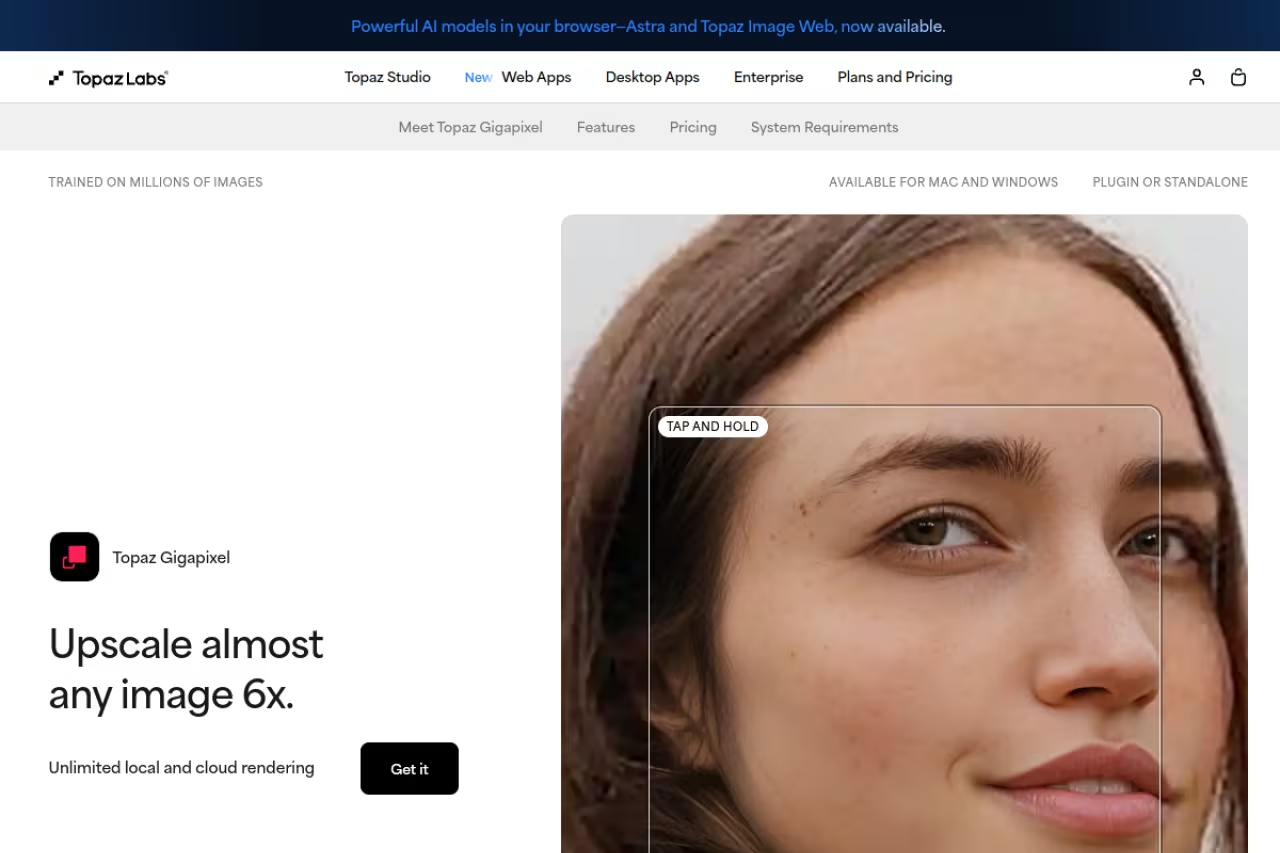
Topaz Gigapixel is the tool most working photographers and retouchers already own, and comparing it against everything else, the reason is clear. It enlarges images up to 6x in a single pass using nine specialized models, runs locally on your own GPU, and stays disciplined about not inventing detail that wasn't plausibly there.
The default for anyone working with real camera files, like old scans, product photos, and archived shots. Nine models and local GPU processing keep it disciplined about not inventing detail, but it is subscription-only now and hungry for GPU power.
The nine models matter more than the marketing suggests. Standard and High Fidelity handle clean photos, Recover v2 rebuilds detail in sub-1MP sources, Text & Shapes keeps edges crisp, and Redefine Creative is a generative mode with four creativity levels for heavily degraded material. You pick the right brain for the job instead of hoping one model fits everything.
Pricing is subscription-only now. Topaz killed perpetual licenses in October 2025, which annoyed a lot of longtime users. Gigapixel as a standalone runs $29/mo or $149/yr on the Personal tier, $499/yr on Pro, per Topaz's pricing page. It's also bundled into Topaz Studio if you want their video and photo apps too.
The catch: it's a desktop install, not a browser tab, and it's hungry. Without a decent GPU, big batches crawl. And the move to subscription means you're renting it forever, which stings if you only upscale a few images a month.
Magnific AI: when you want the model to dream
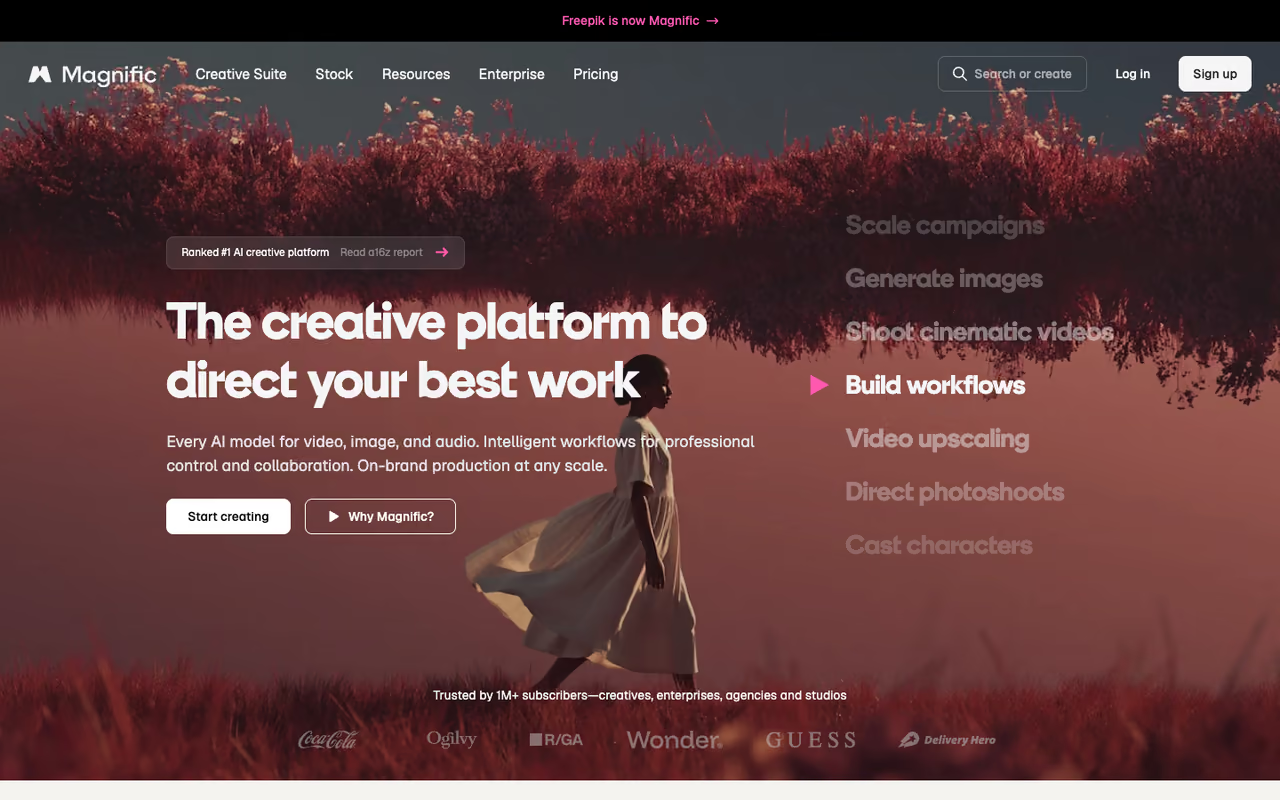
Magnific AI is the opposite philosophy. Where Gigapixel tries to recover likely detail, Magnific invents it. You feed it an image and a "creativity" slider, and it hallucinates pores, threads, foliage, and surface grain that can look stunning or completely rewrite your image, depending on how hard you push.
Pick Magnific to upscale AI renders and concept art where accuracy to a real subject does not matter. The creativity slider can add stunning texture, but pricing is steep with no free tier, and it will turn real faces into someone slightly different.
On a flat Midjourney output, Magnific can add a layer of believable texture that no faithful upscaler will touch. It supports up to 16x magnification on higher plans, with outputs as large as 10,752 x 7,168 pixels.
Pricing is steep and there's no free tier or trial. Plans start at $39/mo for Pro (around 500 credits), $99/mo for Premium, and $299/mo for Business, per Magnific's own breakdown. A single enhancement can burn 10+ credits, so heavy users hit limits fast. One important 2026 change: Magnific was folded into Freepik, and as of April 2026 its billing, credits, and AI suite now run through the Freepik account system rather than a standalone product.
Where it falls short: it's unpredictable and expensive, and on real human faces it will happily turn your subject into someone slightly different. This is a creative tool, not a restoration tool. Don't use it on your wedding photos.

Upscayl: the best free option, full stop
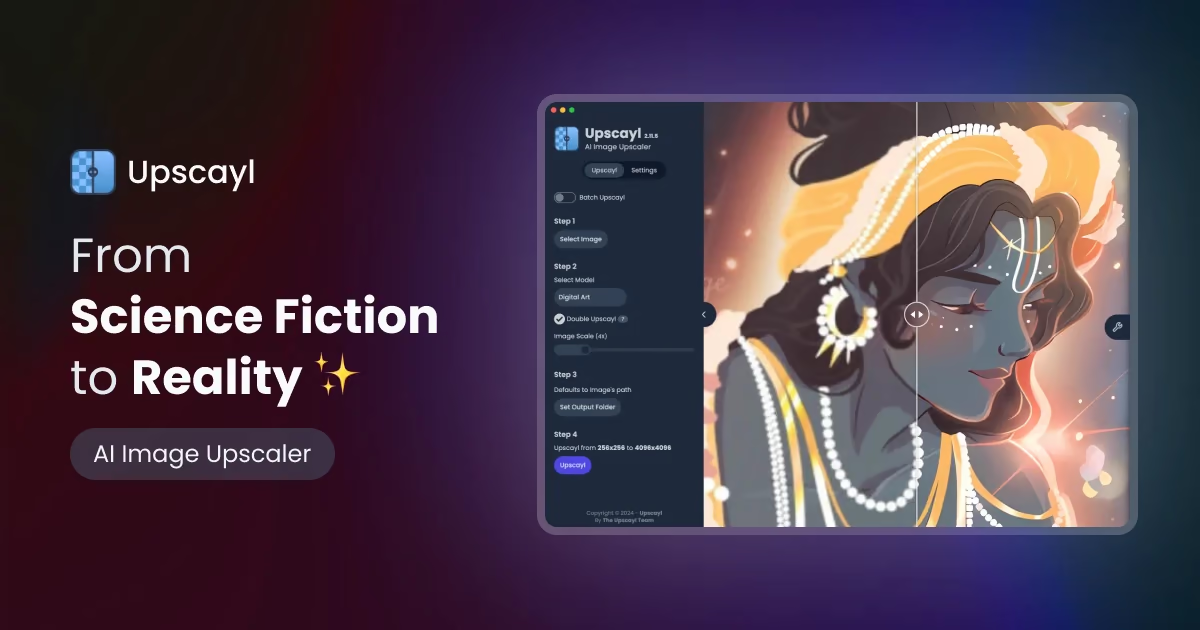
Upscayl is the free, open-source desktop app I recommend to anyone who balks at a subscription. It runs entirely on your own machine, no uploads, no watermark, no account, and it's built on Real-ESRGAN models with a Vulkan GPU backend. The project has racked up over 40,000 GitHub stars and ships under the AGPL-3.0 license.
Best for hobbyists, privacy-conscious users, and anyone doing occasional upscales who refuses to pay monthly. It handles up to 16x output, works on Windows, macOS, and Linux, and the results on illustrations, game assets, and decent-quality photos are genuinely close to paid tools for a lot of everyday jobs.
The price is the headline feature: $0. There's a paid Upscayl Cloud tier and an Upscayl Pro desktop edition if you want faster processing and batch support, but the free desktop app covers most needs.
The free pick for hobbyists, privacy-conscious users, and occasional upscalers who refuse a subscription. It runs locally with no watermark or account and handles up to 16x, though it needs a Vulkan GPU and won't match Topaz on tricky portrait detail.
The catch: you need a Vulkan-compatible GPU, and on integrated graphics it's slow. The interface is plain, the model selection is narrower than Gigapixel's, and it won't match Topaz on tricky portrait detail or Magnific on creative reinvention. It's the value champion, not the quality champion. For more free and open-source picks across categories, our top tools directory is worth a browse.
If you're assembling a wider creative AI stack, a Dupple X membership bundles access to the paid tools below so you're not juggling five separate subscriptions.

Krea: the all-in-one web studio
Krea bundles upscaling into a broader generative image and video platform, which makes it handy if you already generate art there and want to enlarge it without leaving the tab. Its upscaler bumps resolution 2x, 4x, 8x, or 16x in one click, and the top plan pushes to 22K image output.
A good fit for creators who already generate art and want generation, editing, and upscaling in one browser home. The free tier gives 100 compute units a day, but upscaling is one feature among many and heavy use competes with your generation budget.
The free tier gives you 100 compute units a day with basic 2K upscaling, which is enough to test it properly. Paid plans run $9/mo (Basic, 4K), $35/mo (Pro, 8K), and $70/mo (Max, 22K), per Krea's pricing, with a 20% annual discount.
The catch: upscaling is one feature among many here, not the main event, so it's not as fine-tuned as a dedicated tool. The credit system also means heavy upscaling competes with your generation budget. If you want a pure upscaler, look elsewhere. If you want a Swiss Army platform, Krea earns its place. We cover the broader category in our best AI image generators guide.
Let's Enhance: built for e-commerce and print
Let's Enhance is a web tool aimed squarely at people who need print-ready or store-ready images: product photographers, marketplace sellers, and anyone prepping files for physical output. It leans on presets for specific outcomes rather than raw sliders, which makes it fast for non-technical users.
Built for batch e-commerce work and print prep where predictable, repeatable results across a catalog matter. Presets make it fast for non-technical users, but the credit model gets expensive at volume and free output carries a watermark.
Plans run $9/mo (Starter, 100 credits annually), $24/mo (Pro, 300 credits), and $34/mo (Max, 500 credits with rollover) on annual billing, per multiple pricing summaries. A free account gives you 10 credits to try it, though free output carries a watermark.
Where it falls short: the credit model gets expensive at volume, and the watermark on the free tier means you can't really ship anything without paying. It's also less impressive than Gigapixel on pure detail recovery. But for a marketer who needs 50 product shots cleaned up by Friday, the presets save real time.
Clipdrop: cheapest paid upscaler that works
Clipdrop is a lightweight browser tool that does one thing well: fast upscaling with adjustable sharpness and noise reduction. No install, runs in any browser, and it's the cheapest paid option on this list.
The cheap, good enough choice for occasional upscaling without a desktop app or a big subscription. Pro at $9/mo unlocks up to 16x, but it is basic by design and only okay on heavily degraded sources.
The free plan does 2x; the Pro plan at $9/mo (or roughly $7/mo annually) unlocks up to 16x. For a quick enlarge on a single image, it's hard to beat the speed-to-cost ratio.
The catch: it's basic by design. You won't get Gigapixel's model selection or Magnific's generative detail, and on heavily degraded sources the results are merely okay. Think of it as the "good enough, right now, cheap" pick rather than a pro tool.
Aiarty Image Enhancer: one-time license for batch work
Aiarty Image Enhancer is the answer for people allergic to subscriptions who still want desktop power. It's a one-time purchase, $115 for a lifetime license, and it's tuned for high-volume batch jobs.
A fit for anyone processing large libraries who is allergic to subscriptions: $115 buys a lifetime license and it can batch-enhance over 1,000 images at once. The upfront cost is a real commitment, and quality on hero images won't dethrone Gigapixel.
It can batch-enhance over 1,000 images at once and upscale to very large resolutions, which is the kind of throughput subscription web tools throttle hard.
The catch: a $115 upfront cost is a real commitment for casual users, and the brand is less established than Topaz, so you're betting on a smaller team for updates. Quality on individual hero images won't dethrone Gigapixel, but for sheer batch volume at a fixed price, it fills a gap the subscription crowd leaves open.
How to choose the right upscaler
Start with one question: do you need faithful enlargement or creative invention?
If your source is a real photo and the result has to look like the real subject, stay in the faithful camp. That means Gigapixel for top quality, Upscayl if you want free, or Let's Enhance and Clipdrop for quick web jobs. None of these will dramatically rewrite your image.
If your source is AI art, a 3D render, or anything where accuracy to reality doesn't matter and you want maximum wow, go generative. Magnific is the most powerful, Krea is the friendlier all-in-one, and Gigapixel's Redefine Creative mode gives you a taste without a second subscription.
Then weigh three practical filters. Privacy and offline: if you can't upload client files to a cloud, Upscayl, Gigapixel, and Aiarty all run locally. Volume: for hundreds of images, Aiarty's one-time license or Let's Enhance's batch credits beat paying per-image. Budget: Upscayl is free, Clipdrop is the cheapest paid, and Magnific is the splurge. Most people overbuy here. If you upscale a handful of real photos a month, you do not need a $39/mo generative tool.
FAQ
What is the best AI image upscaler in 2026?
For real photography, Topaz Gigapixel is the strongest overall, because it enlarges faithfully and runs offline. For creative AI art where you want the model to invent detail, Magnific AI is the most powerful. For a free option, Upscayl is the best of the no-cost tools. The "best" depends entirely on whether you want faithful enlargement or generative reinvention.
Are there any free AI image upscalers worth using?
Yes. Upscayl is genuinely good, fully free, open source, and runs locally with no watermark or account. Krea and Clipdrop offer free tiers too, though they cap resolution and Clipdrop limits free use to 2x. For occasional jobs, Upscayl alone covers most needs without ever paying.
What's the difference between Topaz Gigapixel and Magnific AI?
Gigapixel recovers likely detail based on existing patterns, so it stays faithful to your original, which is what you want for real photos. Magnific uses generative AI to invent new detail that was never in the source, which can look spectacular on renders and AI art but will alter real subjects. Use Gigapixel for accuracy, Magnific for creative reinvention.
Can AI upscalers really restore old or blurry photos?
To a point. Tools like Gigapixel's Recover model and Upscayl can rebuild plausible detail in low-resolution scans and add sharpness. But they're guessing at missing information, not recovering lost pixels. On faces especially, aggressive upscaling can subtly change someone's appearance, so review results carefully before treating them as accurate restorations.
How much should I expect to pay for an AI upscaler?
Anywhere from $0 to $300/mo. Upscayl is free. Clipdrop Pro is around $9/mo. Topaz Gigapixel is $29/mo or $149/yr. Aiarty is a $115 one-time license. Magnific starts at $39/mo and climbs to $299/mo. Most individual users are well served in the $0 to $30 range; the high-end plans are for studios and heavy creative workflows.
Do AI upscalers work offline or do I need to upload my images?
Both options exist. Upscayl, Topaz Gigapixel, and Aiarty are desktop apps that process images locally on your own GPU, so nothing gets uploaded, which matters for sensitive client work. Magnific, Krea, Let's Enhance, and Clipdrop are cloud-based and require uploading your files to their servers. If privacy is a concern, stick with the local desktop tools.
If you want to keep a running shortlist of the AI tools worth paying for, Dupple X gives you discounted access to a rotating set of them, which softens the subscription math when you need more than one. And for adjacent picks, our guides on the best AI photo editors and AI tools for designers pair well with whatever upscaler you land on.
Related guides
Some offers on this page may be paid placements or contain affiliate links.
Across our whole catalogue the median is $24 a month and 33% of tools advertise a free tier. Figures are the lowest recurring monthly price quoted in our own review of each tool, read on 2026-08-19. Full method and every category.
