Last updated: March 2026
Wrike Review: Enterprise Project Management That Does Not Hold Back on Features
Project management tools exist on a spectrum. On one end, you have simple task boards like Trello. On the other, you have full-scale work management platforms designed for organizations that need to coordinate hundreds of people across dozens of projects with real-time visibility into resources, timelines, and budgets. Wrike sits firmly on the powerful end of that spectrum.
Wrike is a work management platform used by 20,000+ companies including Google, Siemens, and Estee Lauder. It handles task management, project planning, resource allocation, time tracking, proofing, reporting, and more. In 2025 and 2026, Wrike has added AI capabilities across all plans, making it one of the more feature-complete options on the market.
The question with Wrike is never "can it do what I need?" It almost certainly can. The real question is whether your team needs (and will actually use) this much firepower, or whether a simpler tool would serve you better.
Try Wrike Free Get started →Key Features
Multiple Project Views
Wrike offers every view you could want: list, table, Kanban board, Gantt chart, calendar, and workload view. Each view is fully interactive, meaning you can drag tasks, adjust timelines, reassign work, and update statuses directly from any view. The Gantt chart in particular is one of the best in the category, with dependency mapping, critical path highlighting, and automatic rescheduling when timelines shift.
Cross-Project Reporting and Dashboards
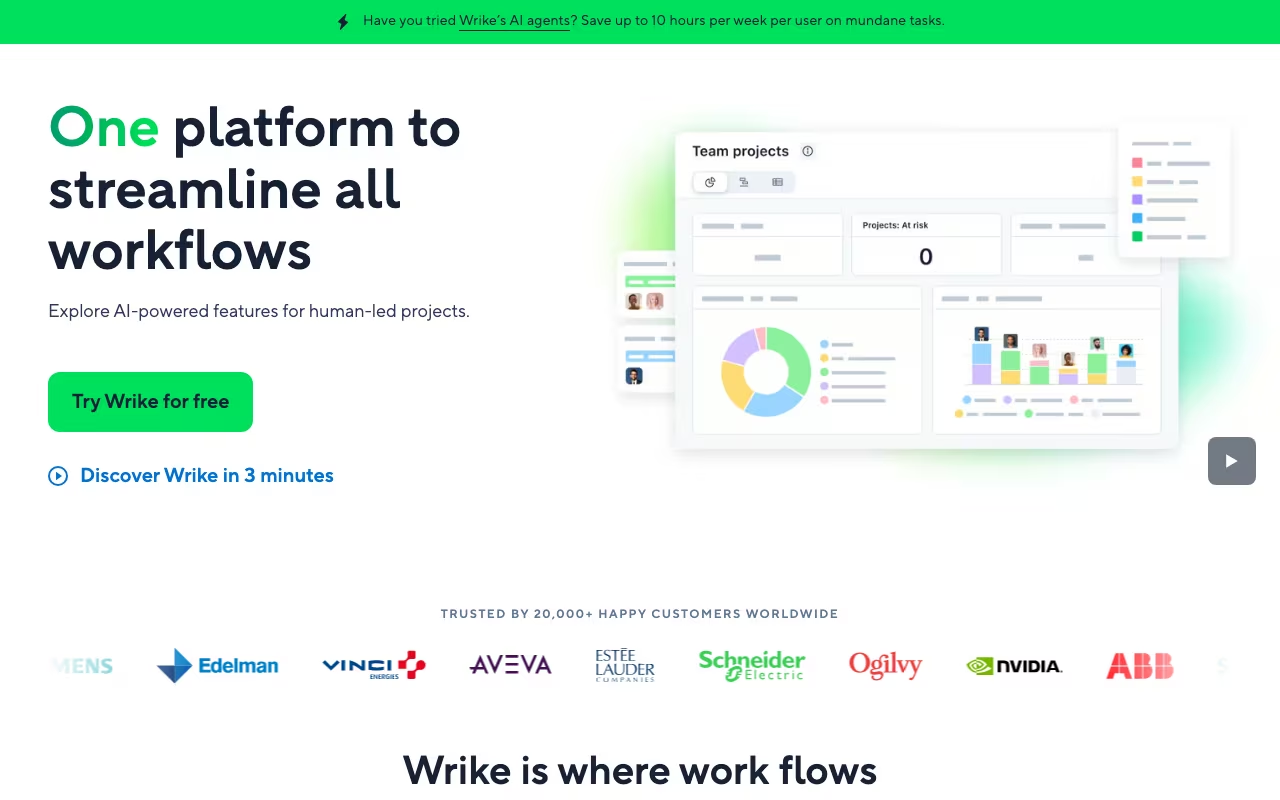
Where Wrike separates itself from simpler tools is its reporting engine. You can build dashboards that pull data across multiple projects, teams, and departments. Custom reports can track anything from task completion rates to resource utilization to budget burn. For managers overseeing a portfolio of projects, this cross-project visibility is invaluable.
Resource Management
The workload view shows team capacity at a glance, highlighting who is overbooked and who has bandwidth. You can set working hours per team member, account for vacations and holidays, and allocate effort at the task level. The Business plan and above include resource and capacity planning tools that help with longer-term workforce planning.
Built-in Proofing and Approvals
Wrike includes a proofing tool for reviewing creative assets (images, PDFs, videos, HTML) directly within the platform. Reviewers can mark up files with annotations, leave comments on specific areas, and route approvals through customizable workflows. For creative and marketing teams, this eliminates the need for separate tools like Frame.io or Filestage.
AI Features (Available on All Plans)
Wrike's AI, branded as "Work Intelligence," is included at no extra cost on all plans. The AI Essentials tier (Team plan) includes smart search, document summarization, and task creation from descriptions. The AI Elite tier (Business plan and above) adds predictive risk assessment, resource recommendations, and automated project planning. Having AI included in every plan, rather than as a paid add-on, is a genuine differentiator.
Automation Engine
Wrike's automation lets you build if-this-then-that rules for repetitive workflows. Auto-assign tasks when status changes, send notifications when deadlines approach, move tasks between stages, update custom fields. The Business plan and above support more complex multi-step automations with conditions and branching.
Wrike Pricing in 2026
Wrike updated its pricing structure in January 2026. Here is what each plan costs:
- Free Plan: $0 for unlimited users. Basic task management, board and table views, file sharing, and AI-powered search. Limited to simplified workflows and no Gantt charts.
- Team Plan: $10/user/month (annual billing). For 2 to 15 users. Adds Gantt charts, interactive dashboards, AI Essentials, custom fields, and 2 GB storage per user.
- Business Plan: $25/user/month (annual billing). For 5 to 200 users. Adds AI Elite, resource and capacity planning, time tracking, custom workflows, branded workspace, and 5 GB storage per user.
- Pinnacle Plan: Custom pricing. Adds advanced analytics, job roles, budgeting, locked spaces, 15 GB storage per user, and advanced reporting. Designed for large enterprises.
Note that seats must be purchased in groups: groups of 5 for up to 30 users, groups of 10 for 30 to 100 users, and groups of 25 for 100+ users. This means you may pay for seats you do not use if your team size does not align with these increments.
What We Like About Wrike
- Feature depth is unmatched: Gantt charts, resource management, proofing, time tracking, reporting, automation, AI. Wrike does not cut corners on functionality. If you need a platform that handles everything, Wrike is one of very few options that truly delivers.
- AI included in all plans: While competitors charge extra for AI features, Wrike bundles AI at every tier. Even the free plan gets smart search. The Team plan includes document summarization and task creation. This is a meaningful cost advantage.
- Cross-project visibility: The dashboard and reporting engine give managers real-time insight across their entire project portfolio. Most competitors only let you report within a single project or workspace.
- 400+ integrations: Wrike connects with Salesforce, Jira, Slack, Microsoft Teams, Google Workspace, Adobe Creative Cloud, and hundreds more. The integration library is one of the broadest in project management.
- Enterprise-grade security: Role-based access control, SSO, two-factor authentication, 99.9% uptime SLA, and data encryption. For regulated industries, Wrike's security posture is a real selling point.
What Could Be Better
- Steep learning curve: Wrike's power comes with complexity. New users consistently report feeling overwhelmed by the number of menus, views, and configuration options. Plan for a 2 to 4 week onboarding period and consider investing in Wrike's training resources.
- Essential features locked to higher tiers: Time tracking requires the Business plan ($25/user/month). Resource planning, custom workflows, and advanced reporting are also locked behind mid-tier or higher pricing. For smaller teams, the features they need may require a plan that feels expensive.
- Seat purchasing is inflexible: Buying seats in groups of 5, 10, or 25 means you cannot add one user at a time. A 6-person team pays for 10 seats. This adds unnecessary cost for teams that do not fit neatly into the increments.
- Performance can lag with large projects: Multiple users report slower loading times when managing complex projects with hundreds of tasks and dependencies. Dashboard rendering can also slow down in multi-department environments.
- Mobile app is limited: The mobile experience lacks several desktop features, including detailed reporting and some configuration options. Offline functionality is minimal. Field workers and traveling managers may find this frustrating.
Who Should Use Wrike (and Who Should Not)
Wrike is ideal for: Mid-sized to enterprise teams (20 to 500+ people) that manage multiple complex projects simultaneously, need cross-project reporting, and want built-in proofing and resource management. Marketing agencies, professional services firms, and product development teams get particularly strong value from Wrike's feature set.
Wrike is not the best fit for: Small teams (under 10 people) with simple project needs. If a Kanban board and basic task lists are all you need, tools like Trello, Asana, or Notion are simpler and cheaper. Solopreneurs and freelancers will find Wrike overkill. And teams that need deep time tracking for billing should evaluate whether Wrike's built-in time tracking meets their needs or if a dedicated tool like Harvest is better.
Frequently Asked Questions
How does Wrike compare to Asana?
Asana is generally easier to learn and better for teams that value simplicity. Wrike offers more advanced features, especially in resource management, proofing, and cross-project reporting. For enterprise teams, Wrike's depth wins. For smaller teams that want to get started quickly, Asana is often the better choice.
How does Wrike compare to Monday.com?
Monday.com has a more colorful, visual interface and is slightly easier to adopt. Wrike has stronger reporting, better Gantt charts, and more advanced automation. Monday.com is better for teams that prioritize aesthetics and simplicity. Wrike is better for teams that prioritize functionality and scale.
Can Wrike handle agile development workflows?
Yes. Wrike supports Kanban boards, sprints, backlog management, and integrates with Jira. However, dedicated agile tools like Jira or Linear offer deeper development-specific features. Wrike is better as a cross-functional tool where development is one of several workflows.
Is Wrike's free plan useful?
The free plan works for very small teams needing basic task management. It includes unlimited users, which is generous. However, the lack of Gantt charts, custom fields, and time tracking makes it too limited for most professional use cases. It is best used as an extended trial.
Final Verdict
Wrike is one of the most feature-complete project management platforms available, offering a depth of functionality that only a handful of competitors can match. The combination of advanced project views, cross-project reporting, built-in proofing, resource management, and AI (included in all plans) makes it a strong choice for organizations that have outgrown simpler tools.
The tradeoffs are the learning curve, the pricing structure for essential features, and the inflexible seat purchasing. But for teams that need serious project management capabilities and are willing to invest in proper onboarding, Wrike delivers on its promise. If you are managing complex, multi-team work and need a single platform for it all, Wrike deserves a spot on your shortlist.
Start Your Free Wrike Trial Get started →