Resume Building With Analytics
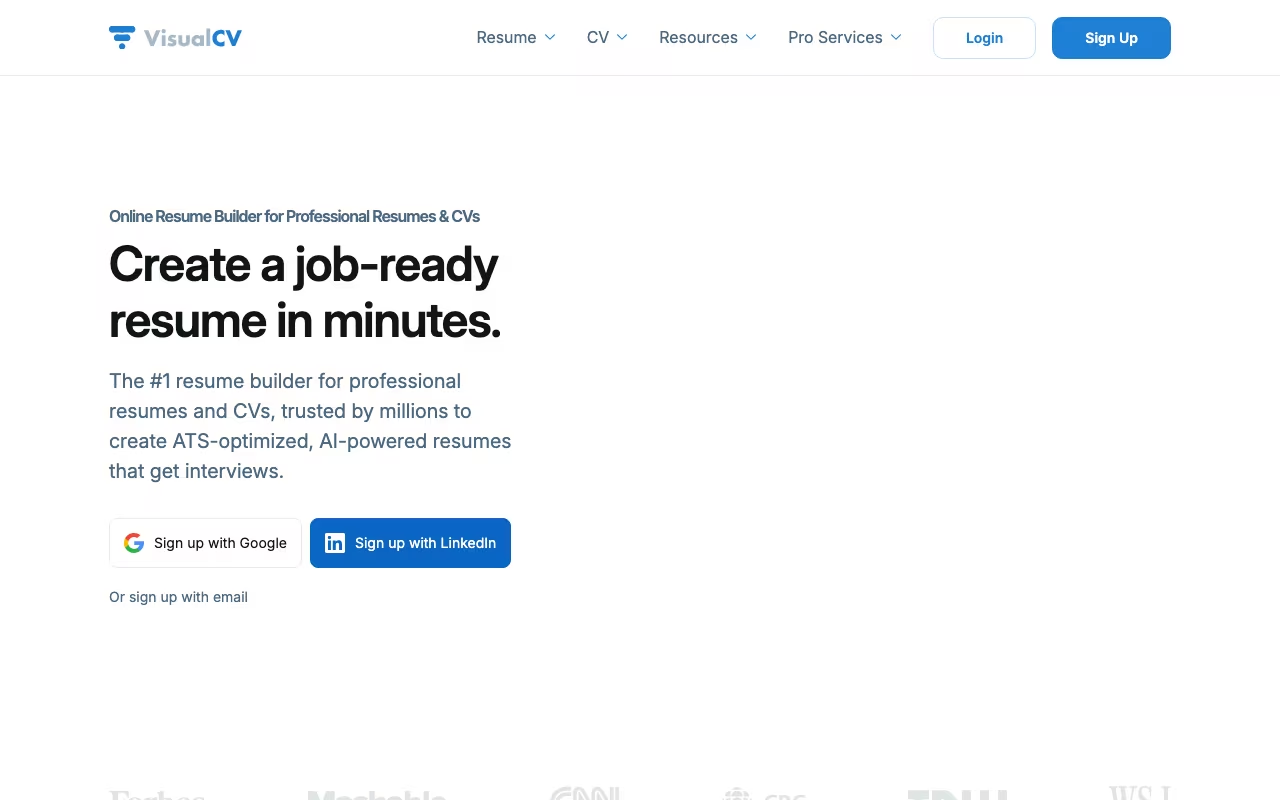
VisualCV is an online resume builder that does something none of its competitors offer: it tracks who views and downloads your resume. Share a link to your VisualCV resume, and the analytics dashboard shows you how many people opened it, how long they spent on it, and when. If you're applying to 50 jobs and want to know which companies are actually reading your materials, that data is gold.
The platform has served over 3.1 million users since launching in 2006. You choose from 30+ recruiter-tested templates, fill in your content (or import from LinkedIn), and export to PDF or share via a trackable link. The portfolio feature lets you embed videos, images, project links, and reference letters alongside your traditional resume, which is useful for creative professionals and consultants who need to show work, not just describe it.
Build Your Resume with VisualCV Get started →AI Writing and Key Features
An AI writing assistant powered by ChatGPT analyzes job descriptions and generates optimized bullet points for your work experience. You paste a job posting, and the AI suggests achievement-oriented statements tailored to that role. It's not revolutionary compared to what you could do yourself with ChatGPT, but the integration saves the copy-paste workflow. The output quality is decent for generating starting points that you then customize with your specific metrics and accomplishments.
Version control is genuinely useful for active job seekers. You might need a product management resume, a project management resume, and a general leadership resume all at the same time. VisualCV lets you maintain unlimited versions, each tailored to different job types, and share different links with different employers. The analytics then show you which version gets the most engagement, which is data-driven feedback on your resume strategy.
The portfolio feature embeds rich media directly into your resume page. For designers, developers, videographers, and consultants, the ability to show project screenshots, demo videos, and client testimonials alongside your work history creates a stronger impression than a plain PDF. LinkedIn import pulls your profile data to pre-fill sections, saving initial setup time. Multi-language support covers 9+ languages for international job seekers.
One notable gap: there's no built-in spell-checker. For a platform dedicated to professional documents, that's a surprising omission. Run your content through a separate tool before finalizing your resume. The editor sometimes creates formatting issues when adding or removing sections, particularly with custom layouts. Always preview your PDF carefully before sending it anywhere.
VisualCV Pricing in 2026
VisualCV has a free tier plus a Pro plan billed monthly or quarterly. The free plan does not include PDF downloads, which makes it unusable for actual applications, so plan to pay if you want VisualCV's analytics and portfolio features. All paid plans include the same features; the only difference is billing cadence.
| Plan | Price (USD) | Includes | Best for |
|---|---|---|---|
| Free | $0 | Test drive templates and create your first resume; PDF downloads not included | Preview the builder; not for actual applications |
| Pro Monthly | $25/mo | All Pro features; no commitment | Quick one-month sprint, single application push |
| Pro Quarterly | $48 / 3 mo ($16/mo) | All Pro features | Short job search (1-3 months) |
All paid plans include 30+ premium templates, unlimited resumes, unlimited PDF downloads, cover letter builder, resume analytics (the differentiator), version control, and portfolio tools. A 30-day money-back guarantee applies, which reduces the risk of trying Pro. All templates are ATS-compliant, meaning they pass through Applicant Tracking Systems without formatting corruption. This matters because visually impressive resumes from other builders frequently get mangled by ATS parsers before a human ever sees them.
The lack of PDF downloads on the free tier rules it out for real applications, so think of Free as a preview only. For most active job seekers, the quarterly plan at $48 ($16/mo) is the right choice. For a single-month push, the monthly plan at $25 avoids prepaying for three months.
Prices checked on the VisualCV pricing page in September 2026. Plans and limits change, so confirm before you buy.
How It Compares to Alternatives
VisualCV holds a 3.6 out of 5 on Trustpilot from 180 reviews. The distribution is polarized: 80% give 5 stars while 16% give 1 star. The negative reviews concentrate on auto-renewal charges and difficulty canceling subscriptions. Set a calendar reminder the day you sign up.
Canva offers thousands of resume templates for free with better design flexibility, but no ATS optimization and no analytics. Novoresume scores higher on Trustpilot (4.5 from 1,500 reviews) with ATS-focused templates and 74 color themes, though customization is more rigid. Zety has the largest review base (4.5 from 13,000 reviews) and strong step-by-step guidance, but uses aggressive upselling from a confusing trial-to-subscription model.
VisualCV's unique advantages are resume analytics and the portfolio embedding feature. If knowing whether employers actually open your resume matters to your job search strategy, no other builder provides that data. For pure template quality and ease of use at a lower price, Novoresume or Canva often win. For the analytics angle and portfolio embedding, VisualCV stands alone in the market.
Try VisualCV's Resume Analytics Free Get started → Create Your Professional Resume Now Get started →How VisualCV works
VisualCV, from Workstory Inc., is a resume and CV builder aimed at individual job seekers. You pick from its template library, fill in structured sections, and export as PDF, Word or plain text, or publish the resume as a hosted online page with a shareable link. Around the editor sit a few extras: a GPT-powered "Improve with AI" assistant that rewrites summaries and work-experience bullets, an ATS checker that flags formatting, structure and keyword gaps against applicant tracking systems, an AI cover letter generator, view and download analytics on shared resumes, and a Career Journal for logging achievements over time. It also sells human services separately, including professional resume writing and video resume reviews.
You start one of three ways: from scratch, from one of 2,500+ role-specific examples, or by importing an existing resume file. Content goes into sections, and you can press Improve with AI on any section to get multiple rewrite options that you regenerate or edit by hand. The AI can also read a target job description and suggest wording aligned to it. The core tailoring workflow is duplication: clone a resume per job title, adjust the keywords, and keep the versions side by side.
Templates come in chronological, functional and hybrid formats, grouped by industry tone: creative, conservative for law and finance, technical, and hybrid for career changers. Publishing gives you a custom URL whose access you control, and edits sync across formats. Editing works on desktop and through the iOS and Android apps. This is a self-serve consumer tool: no ATS, HRIS or job-board integrations are advertised. The site is localized into nine languages.
Where VisualCV wins
- Pricing is published and unambiguous. Free is $0, Pro is $25/mo billed monthly or $16/mo billed quarterly (36% off), you can cancel any time, and there is a 30-day no-questions money-back guarantee.
- Export coverage is unusually complete for this category: PDF, Word and plain text, so legacy application forms and "Word only" postings are both covered.
- The hosted online resume is a real feature, with a custom URL, access control, and view and download analytics. Most builders stop at the PDF.
- The AI is scoped to specific jobs (rewrite a bullet, generate a summary, align to a pasted job description) and returns multiple regenerable options rather than one opaque output. The site names GPT-5 as the underlying model.
- The Career Journal for logging achievements between job hunts is a genuine differentiator over one-shot resume generators.
Where it falls short
- The free tier is a demo, not a product. You can test templates and build one resume, but the pricing page lists shareable links, the personal website, the ATS-friendly template, the cover letter builder, analytics and unlimited PDF downloads as Pro-only. There is no free download path.
- Pro is expensive per outcome. $25/mo billed monthly is steep for a need that is usually short-lived, and the cheaper $16/mo rate forces a three-month prepayment.
- Zero integrations. No LinkedIn import, job board, ATS or Google Docs connection is advertised anywhere on the builder or AI pages. Content gets in by typing it or uploading an existing file.
- The vendor contradicts itself on template count. The resume-builder page says "20+" in body copy and "30+" in its own FAQ, while the pricing page says 30+.
- Effectiveness claims are unsupported marketing: "beats 9/10 resumes", "virtually impossible for a recruiter to distinguish" AI writing from hand-written, and an ATS checker described only in general terms with no named ATS it has been validated against.
- Support is business hours only, 9am to 5pm PDT, with a one-business-day target response.
Who should use VisualCV
This suits job seekers who want a designed, ATS-conscious resume plus a shareable online version, and who are willing to pay for one or two active months of searching. The industry-specific formats stretch from students through executives, and the conservative templates for law and finance alongside the hybrid ones for career changers mean the library is not just a creative-portfolio play. If you apply to many similar roles, the clone-and-adjust workflow plus the job-description-aware rewrites will save real time, and the view analytics tell you whether a shared link was actually opened.
Skip it if you want a free downloadable resume, because the free tier does not offer one. Skip it if you need LinkedIn import or any connection to the tools you already use, since none exists. And skip it if a plain Word template would genuinely do the job, which for plenty of roles it would. If you do subscribe, treat it as a short engagement: pay monthly, finish the search, cancel, and lean on the 30-day money-back guarantee if the ATS checker turns out to be vaguer than you hoped.