

Last updated: March 2026
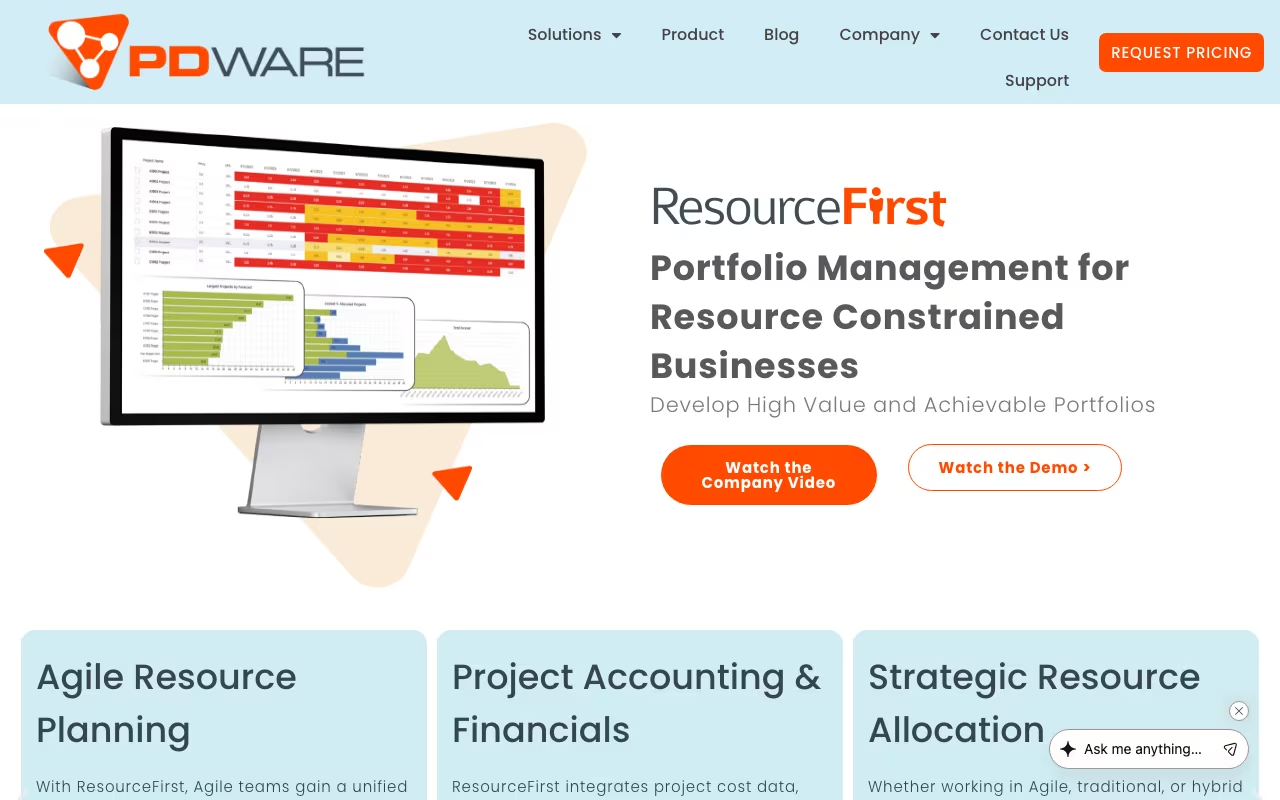
Most project portfolio management tools treat resource management as an afterthought: a tab you check after the project plan is done. PDWare flips that. Their flagship product, ResourceFirst, puts resource capacity planning at the center of portfolio decisions. The question isn't "what projects should we do?" but "given our people, what projects can we actually do?"
PDWare has been in this space for over 20 years, serving R&D organizations, professional services firms, and product development teams. This isn't a startup. It's an established enterprise tool for organizations where the constraint is always people, not ideas.
See PDWare ResourceFirstHow It Works
Resource capacity planning: Forecast staffing needs across projects, departments, and time horizons. Understand true costs. Plan whether to hire, outsource, or defer projects based on actual people availability.
Portfolio optimization: Rank projects by strategic alignment, then use waterline analysis to visualize which projects fall above or below your funding and staffing thresholds. This is PDWare's strongest feature: showing you exactly where the line is between what you can do and what you can't.
What-if scenarios: Model different project mixes, budget adjustments, and hiring plans. "What happens if we delay Project X by three months?" "What if we add two engineers?" These questions get real answers instead of guesswork.
Skills tracking: Catalog competencies, certifications, and proficiency levels across your workforce. Match people to projects based on actual skills, not just availability.
Time tracking: Added in Release 9 (2024). Timesheet submission, manager approval, and integration with non-project activities.
Pricing
Enterprise pricing starting around $50,000 as a one-time licensing fee. Scales with users, modules, and integrations. Annual support and configuration costs on top. No free tier.
This is clearly aimed at organizations with 200+ resources to manage and real portfolio complexity. If you're a 30-person company, the ROI math doesn't work.
Request PDWare PricingStrengths
- Resource-first approach: Built around workforce planning from day one, not project scheduling with resources tacked on
- Scenario analysis: The what-if modeling is genuinely powerful. Compare multiple portfolio scenarios side by side with real resource constraints.
- 20+ years in the market: Mature, battle-tested software. Edge cases are handled.
- Highly configurable: Adapts to different industries and organizational structures
- Customer support: Users consistently report fast responses and willingness to provide custom configuration scripts at no extra charge
Limitations
- Steep learning curve: The breadth of features takes time to learn. Plan for dedicated training.
- High price point: $50K+ puts it out of reach for mid-market organizations
- Slower release cycles: Updates come less frequently than cloud-native competitors
- Small vendor: Limited market visibility compared to Planview, Smartsheet, or Microsoft Project
PDWare vs. the Alternatives
Planview is the enterprise standard for portfolio management. Broader feature set, much higher cost, and more complex to implement.
Smartsheet handles project management well but its resource management capabilities are basic by comparison.
Microsoft Project / Project for the Web is cheaper if you're in the Microsoft ecosystem, but its resource planning is surface-level.
PDWare wins when the primary challenge is "we have limited people and need to decide which projects to staff." If your challenge is project execution and tracking, other tools are better.
Bottom Line
PDWare is a specialized tool for a specific problem: organizations where resource constraints drive portfolio decisions. If that's your situation, and you have the budget and the people count to justify it, ResourceFirst does this better than most alternatives. If your portfolio is small enough to manage in a spreadsheet, you don't need this.
Try PDWare for Resource Planning