
PandaDoc Review: Document Automation That Actually Speeds Up Your Sales Cycle
Every sales team knows the pain. You have a prospect ready to buy, but then the proposal takes two days to build. The contract goes through three rounds of redlining. The signature gets stuck in someone's inbox for a week. By the time the deal closes, you have lost momentum, and sometimes you have lost the deal entirely.
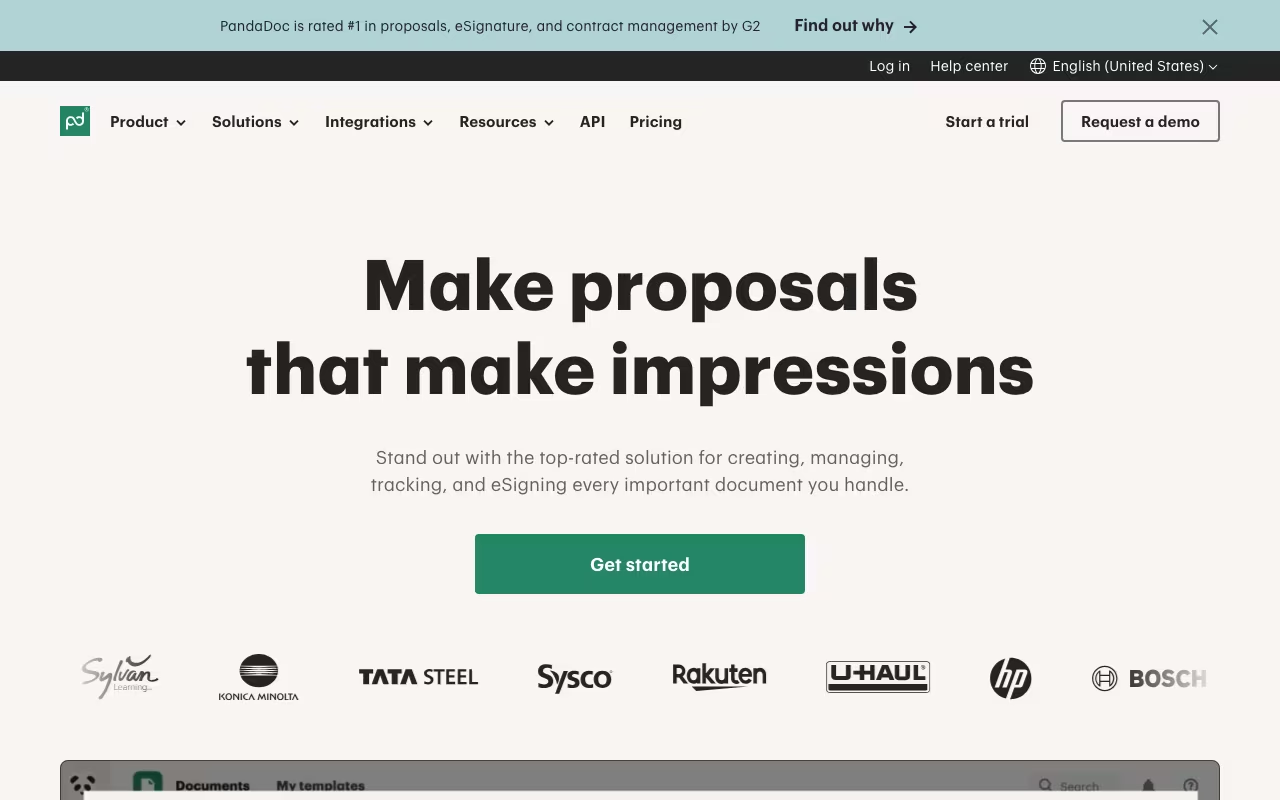
PandaDoc exists to eliminate that friction. It is an all-in-one document automation platform that handles proposals, contracts, quotes, invoices, and e-signatures in a single workflow. Over 50,000 companies use it, including names like Hewlett-Packard, Bosch, and Rakuten.
The pitch is simple: create documents faster, track how recipients interact with them, get signatures electronically, and collect payments, all without leaving the platform. Here is what works, what does not, and who should consider it, based on its features, pricing, and public user reviews.
Try PandaDoc Free Get started →Key Features
Drag-and-Drop Document Builder
PandaDoc's editor is genuinely intuitive. You drag content blocks (text, images, pricing tables, signature fields, form fields) into your document, style them, and save the whole thing as a reusable template. The library includes 750+ pre-built templates for proposals, contracts, NDAs, SOWs, and invoices. Templates support variables that auto-populate from your CRM, so a proposal that used to take 30 minutes to customize can be generated in under 5.
Smart Content and AI Assistance
PandaDoc's AI features (introduced in 2025 and expanded in 2026) can generate document sections, adjust tone (formal vs. conversational), suggest content blocks based on your document type, and summarize lengthy contracts. The content library lets you save approved sections (pricing language, legal clauses, team bios) and drop them into any document. This ensures consistency across your team and reduces the risk of someone sending out an unauthorized discount or outdated terms.
Document Analytics
This is one of PandaDoc's most underrated features. When you send a document, PandaDoc tracks everything: when the recipient opened it, how long they spent on each page, whether they forwarded it to someone else, and whether they downloaded it. Sales reps can use this data to time their follow-ups perfectly. If a prospect spent 8 minutes on the pricing page yesterday but has not signed, that is a signal to call.
E-Signatures
PandaDoc includes legally binding e-signatures on all plans (including the free tier). Signers can sign from any device without creating an account. Advanced options include signing order (signer A must sign before signer B sees the document), identity verification, and notarization. The signing experience is smooth and professional, which matters more than people realize for closing deals quickly.
CRM Integrations
PandaDoc integrates natively with Salesforce, HubSpot, Pipedrive, and Zoho CRM, among others. The integrations are deep: you can generate documents directly from a CRM deal record, auto-populate fields from CRM data, and sync document status back to your pipeline. The Salesforce and HubSpot integrations are particularly polished.
Payments
Recipients can pay directly within the document via Stripe, PayPal, or Square. For businesses that send invoices or require payment at signing, this removes yet another friction point. No separate payment link, no "I'll send you an invoice after you sign." Everything happens in one flow.
PandaDoc Pricing in 2026
- Free eSign Plan: $0/month. Unlimited e-signatures, up to 3 active documents at a time, and basic templates. No document analytics or CRM integration. Good for freelancers or very small businesses that only need signatures.
- Essentials Plan: $19/user/month (annual) or $25/user/month (monthly). Adds unlimited documents, custom templates, document analytics, audit trail, and basic CRM integrations. The entry point for most businesses.
- Business Plan: $49/user/month (annual) or $59/user/month (monthly). Adds content library, approval workflows, custom branding, embedded video in documents, API access, and Salesforce/HubSpot native integrations. The most popular plan.
- Enterprise Plan: Custom pricing (typically $59+/user/month). Adds SSO, HIPAA compliance, advanced security, dedicated support, and custom integrations. Requires contacting sales.
PandaDoc offers a 14-day free trial on all paid plans, which is enough time to build a few templates and test the workflow with real documents.
What We Like About PandaDoc
- Fast document creation: The template library plus CRM auto-population means proposals that took 30 to 60 minutes now take 5 to 10. For high-volume sales teams, this time savings compounds dramatically across dozens of deals per month.
- Document analytics are genuinely useful: Knowing exactly when a prospect opened your proposal, what they focused on, and who else viewed it gives sales reps a real edge in timing follow-ups and tailoring conversations.
- Clean signing experience: Recipients do not need to create accounts, download software, or navigate confusing interfaces. They click, sign, and it is done. This reduces signing friction and speeds up close times.
- Free e-signature plan is generous: Unlimited signatures at no cost is a strong offer. Small businesses and freelancers can use PandaDoc for free indefinitely if they only need basic signing functionality.
- Strong CRM integrations: The Salesforce and HubSpot integrations work reliably, sync data bidirectionally, and let reps create documents without leaving their CRM. This is where PandaDoc saves the most time in practice.
What Could Be Better
- Formatting can be finicky: The drag-and-drop editor works well for standard layouts, but complex formatting (multi-column designs, precise alignment, intricate tables) can be frustrating. Content blocks sometimes shift unexpectedly, and fixing alignment issues requires patience.
- Pricing tables need improvement: While functional, the pricing table builder lacks advanced calculation capabilities (conditional pricing, tiered discounts, complex formulas). CPQ-heavy sales teams may find it too basic compared to dedicated tools like DealHub or Proposify.
- No phone support on lower tiers: Phone support is available only as an add-on or on the Enterprise plan. Essentials and Business plan users get chat and email support, which can be slow during peak times.
- Mobile experience is limited: Creating and editing documents on mobile is clunky. The mobile app is better for reviewing and signing than for building documents. If your team works primarily from phones or tablets, this is a real limitation.
- Content library requires Business plan: The ability to save and reuse approved content sections is locked behind the $49/user/month plan. For teams that need consistency across many documents, this forces an upgrade that smaller teams may not want to pay for.
Who Should Use PandaDoc (and Who Should Not)
PandaDoc is ideal for: Sales teams that send 10 or more proposals, contracts, or quotes per month and want to reduce the time from "verbal yes" to "signed deal." Marketing agencies, SaaS companies, professional services firms, and any business with a repeatable document workflow will see strong ROI. Teams already using Salesforce or HubSpot get extra value from the native integrations.
PandaDoc is not the best fit for: Businesses that only need e-signatures without document creation (DocuSign or HelloSign are simpler and cheaper for pure signing). Legal teams handling complex contract negotiation may find PandaDoc's redlining too basic compared to tools like Ironclad. Very small businesses sending fewer than 5 documents per month may not see enough time savings to justify the cost.
Frequently Asked Questions
How does PandaDoc compare to DocuSign?
DocuSign is primarily an e-signature tool, while PandaDoc is a full document creation and automation platform. PandaDoc includes a document builder, templates, analytics, and payment collection alongside signatures. If you only need signatures, DocuSign is simpler. If you need to create, send, track, and sign documents, PandaDoc offers more value.
Are PandaDoc e-signatures legally binding?
Yes. PandaDoc e-signatures comply with ESIGN (US), eIDAS (EU), and other international electronic signature laws. All signatures include a detailed audit trail with timestamps, IP addresses, and signer authentication data.
Can PandaDoc handle complex proposals with custom pricing?
PandaDoc handles standard pricing tables well, including line items, quantities, discounts, and taxes. For complex CPQ scenarios (tiered pricing, conditional options, multi-year deals with escalators), you may need to supplement with a dedicated CPQ tool or use PandaDoc's API for custom integrations.
Does PandaDoc work for HR documents?
Yes. PandaDoc is used by HR teams for offer letters, NDAs, employee handbooks, and onboarding forms. The template library includes HR-specific templates, and the approval workflow feature ensures proper sign-off before documents go to candidates.
Final Verdict
PandaDoc is one of the best document automation platforms for sales-driven teams. The combination of fast document creation, smart analytics, clean e-signatures, and strong CRM integrations creates a workflow that measurably shortens the sales cycle. Teams that adopt PandaDoc typically report 30 to 50% reductions in time-to-signature.
The formatting quirks and pricing table limitations are real but manageable for most use cases. If your team sends proposals, contracts, or quotes regularly and you want to eliminate the manual busywork, PandaDoc delivers. Start with the free eSign plan or the 14-day trial to see if the workflow fits your team before committing.
Get Started with PandaDoc Free Get started →