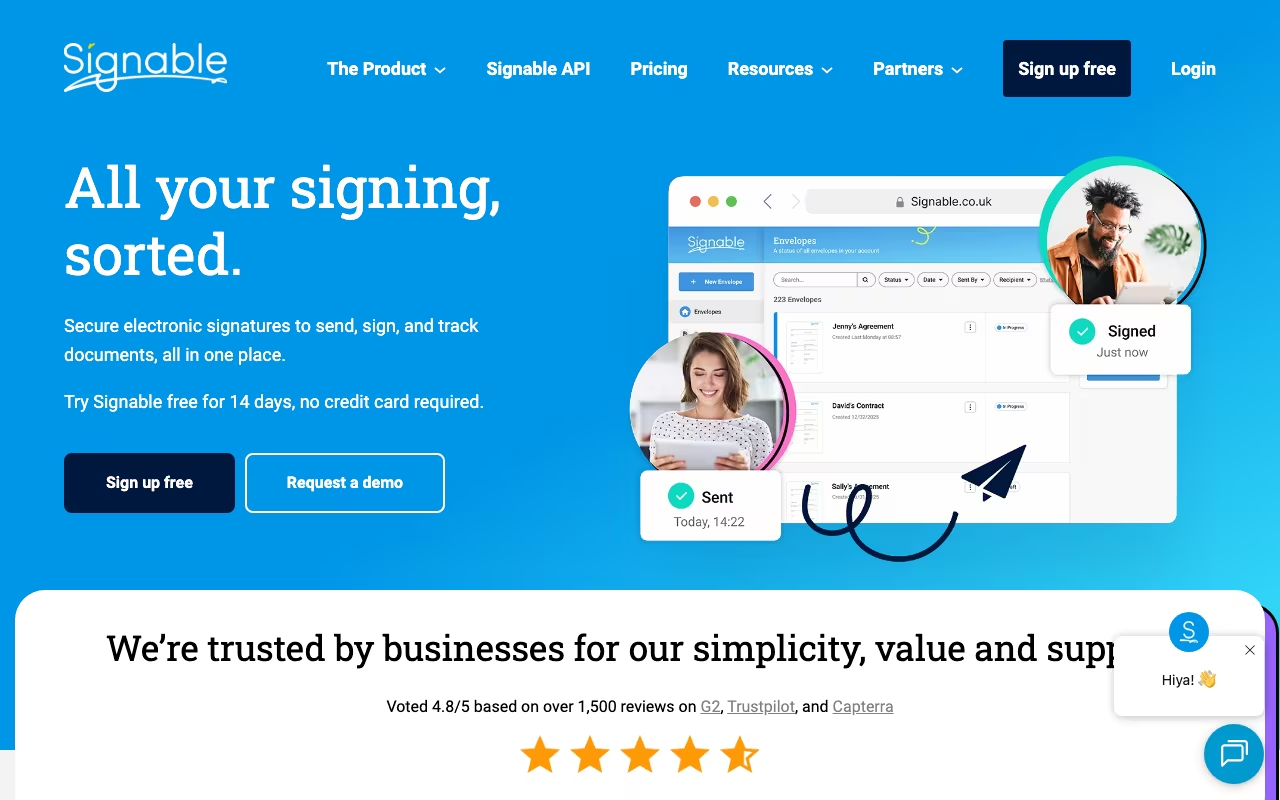
Signable is a UK-based e-signature platform that has been operating since 2011. Its two standout features are unlimited users on every plan (no per-seat pricing) and a genuine pay-as-you-go option at GBP 1.50 per envelope. For UK small businesses that need e-signatures without the enterprise complexity and pricing of DocuSign, Signable is the obvious option to evaluate.
Pricing That Makes Sense for Small Teams
Most e-signature platforms charge per user per month. Signable does not. Every plan, including pay-as-you-go, includes unlimited users, unlimited templates, API access, and audit trails. The only variable is how many envelopes you send:
- Pay As You Go: GBP 1.50 per envelope, no subscription. Buy bundles of 10-125 credits as needed.
- Small Business (GBP 29/month): 50 envelopes/month
- Medium Business (GBP 69/month): 150 envelopes/month
- Large Business (GBP 169/month): 400 envelopes/month
- Corporate (GBP 299/month): 750 envelopes/month
Annual billing saves roughly two months. Overages cost GBP 1.50 + VAT per extra envelope. One envelope can contain as many documents as you need, so you are not penalized for multi-page contracts. UK-registered charities get 10% off the first year on any annual plan.
The pay-as-you-go model is genuinely unique in this market. If you send 5 documents one month and 50 the next, you only pay for what you use. No other major e-signature provider offers this flexibility.
Try Signable Free for 14 DaysWhat It Does Well
Signable covers the core e-signature workflow cleanly. You upload documents, place signature and form fields using tag-based auto placement or manual positioning, and send to recipients. Bulk Send handles high-volume dispatches. Templates with auto-field placement save time on recurring document types. Automatic expiry dates handle time-sensitive documents.
Security is solid: ISO 27001 certified, Cyber Essentials compliant, with Advanced Electronic Signatures (AES), two-factor authentication via SMS for signers, IP allowlisting, and full audit trails that record when documents were received, opened, and signed. Legal compliance covers eIDAS (EU/UK), ESIGN Act, and UETA (US), so signatures are legally binding in major jurisdictions.
Branding is available on all plans. You can add your logo and brand colors to signing pages and email notifications. The API is accessible on every plan including pay-as-you-go, which is unusual and useful for businesses that want to integrate signing into their own applications.
See Signable PlansWhere It Falls Short
Signable has fewer native integrations than DocuSign's 900+. You get Google Drive, Dropbox, Slack, and Google Docs natively. Everything else goes through Zapier (12 trigger events connecting to 5,000+ apps including Salesforce, HubSpot, Zoho, and PipeDrive) or Make. If your workflow depends on deep, native integration with a specific CRM or document management system, check whether Zapier covers your needs before committing.
Customer support hours are Monday through Friday, 9am-5pm UK time. No weekend support, no 24/7 coverage. For urgent signing needs outside business hours, you are on your own. DocuSign offers 24/7 support, which matters for time-critical deals.
Advanced workflow features are basic compared to enterprise tools. Complex multi-party signing sequences with conditional routing, collaborative fields, and document markups are DocuSign territory. Signable keeps things simple, which is a benefit for straightforward use cases and a limitation for complex ones.
Signable vs. DocuSign and Dropbox Sign
DocuSign is the enterprise standard with 900+ integrations, advanced workflows, SOC 2 and FedRAMP compliance, and 99.9% uptime SLA. It charges per user per month. Dropbox Sign (formerly HelloSign) offers a free tier (3 sends/month) and integrates tightly with the Dropbox and Google ecosystem, also with per-user pricing.
Signable wins on simplicity and value for UK-based teams. No per-user fees means a 10-person team pays the same as a solo user. UK data residency eliminates GDPR cross-border concerns with US servers. The pay-as-you-go model has no equivalent at DocuSign or Dropbox Sign. API access on all plans (including PAYG) is more accessible than competitors that restrict API to paid tiers only.
With 4.8/5 on both G2 (16 reviews) and Capterra (189 reviews), and 509 Trustpilot reviews, user satisfaction is high. The 14-day free trial includes 20 envelopes with no credit card required, and it rolls into the pay-as-you-go plan automatically if you do not choose a subscription. Signable serves over 4,000 businesses and was recognized in the 2025 Tech South West Awards as a people-first Bristol scale-up.
Industry-Specific Use Cases
Signable is particularly popular in UK property (estate agents handling tenancy agreements and property sales), recruitment (offer letters and contractor agreements), legal (client engagement letters), and finance (loan applications and compliance documents). The template system with auto-field placement is well suited to these industries where the same document types get sent repeatedly with minor variations.
The Zapier integration with 12 trigger events connects Signable to workflows across 5,000+ apps including Salesforce, HubSpot, Microsoft Teams, SharePoint, and Google Sheets. While not as deep as DocuSign's native integrations, it covers most small business CRM and productivity tool needs. Make (formerly Integromat) integration provides an alternative automation option. For businesses with custom software, the API being available on all plans including pay-as-you-go removes a barrier that competitors typically gate behind higher-tier subscriptions.
Start Your Signable Free Trial