
Last updated: March 2026
Most CRMs are built for enterprise sales teams and then awkwardly simplified for small businesses. Nutshell was built the other way around: designed for small B2B sales teams (2-25 people) who need to track leads, manage pipelines, and send email campaigns without a six-month implementation project.
The standout feature is built-in email marketing. Most CRMs make you pay for a separate tool (Mailchimp, ActiveCampaign, whatever) and then struggle with syncing data between them. Nutshell includes email campaigns, automation sequences, and audience segmentation inside the CRM. For small teams, that's one fewer tool to manage and one fewer integration to maintain.
Try Nutshell Free for 14 DaysThe Pipeline View That Keeps Reps Honest
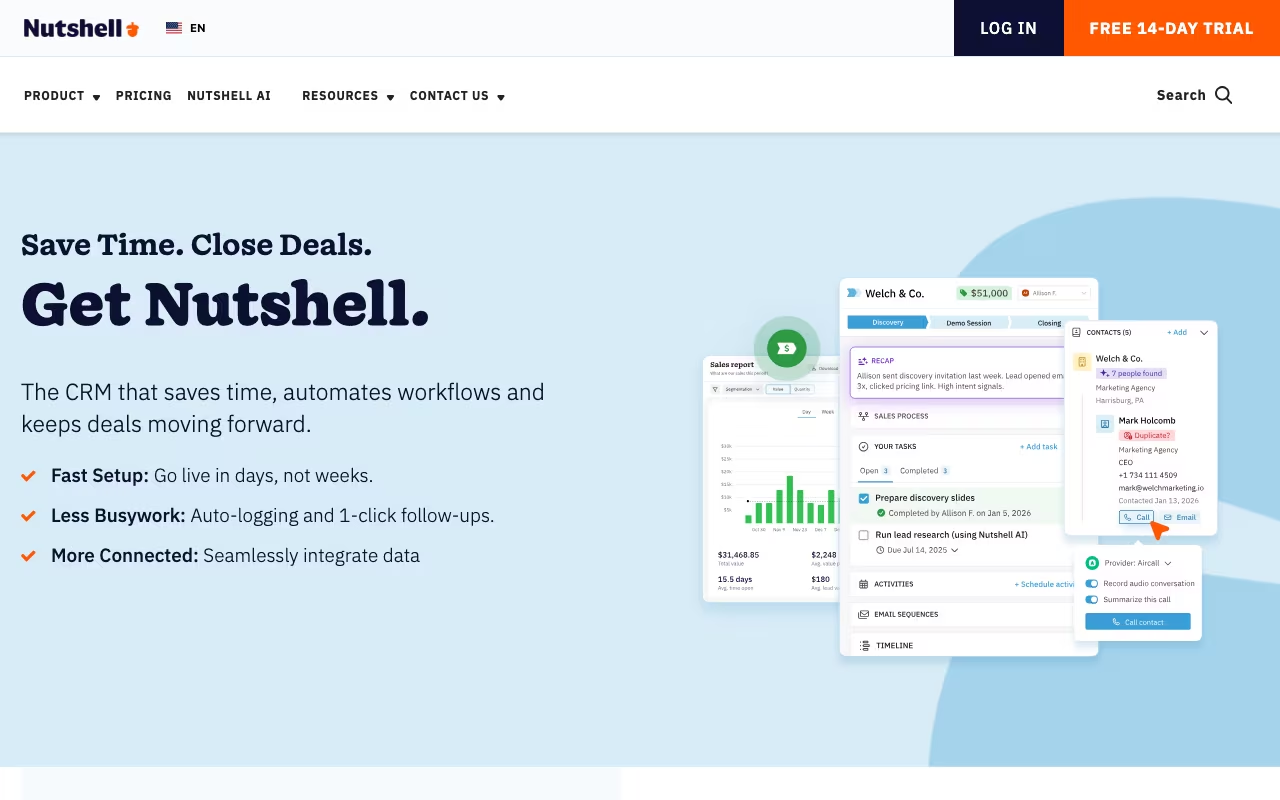
Nutshell's pipeline management is visual and flexible. Board view for drag-and-drop, list view for bulk work, chart view for forecasting, map view for territory-based teams. You can run multiple pipelines for different products or sales processes, each with custom stages and win probability settings.
Sales automation handles the repetitive parts. Set up sequences that send follow-up emails when leads go cold, create tasks when deals hit certain stages, or notify managers when high-value deals need attention. The automation isn't as deep as HubSpot's, but it covers what a 10-person sales team actually needs.
Email Marketing Without the Separate Tool
This is Nutshell's real differentiator. Build broadcast emails and drip campaigns, segment your audience by any CRM field, track opens and clicks, and see email engagement data right alongside deal data. When a prospect opens your campaign email three times, your sales rep sees that context on the contact record before making the call.
The email builder is drag-and-drop with decent templates. It's not as sophisticated as Mailchimp for complex email design, but it handles newsletters, product announcements, and nurture sequences well enough for most small businesses.
Five Plans, Unlimited Contacts
All prices below are annual billing. Nutshell charges per user, not per contact, which is important because contact-based pricing punishes you for growing your database.
Foundation ($13/user/month): Core CRM, contact management, pipeline, email sync. The basics done well.
Growth ($25/user/month): Adds sales automation, email marketing, and advanced reporting. This is where most teams start.
Pro ($42/user/month): AI email replies, custom reporting, API access, meeting transcription with AI summaries.
Business ($59/user/month): AI Agents, engagement suite (web chat, SMS, AI chatbot), deeper analytics.
Enterprise ($79/user/month): People analytics, audit trail, dedicated support.
All plans include unlimited contacts and free onboarding. 14-day trial, no credit card. For a 5-person team on Growth, that's $125/month total, which is hard to beat for CRM plus email marketing in one tool.
See Nutshell PricingWhat Works
- Salespeople don't hate it: Clean interface, fast loading, minimal clicks to log activity. Adoption is the #1 CRM challenge and Nutshell handles it well
- Email marketing included: Eliminates the CRM-to-email-tool sync headache
- Unlimited contacts: No penalty for growing your database
- US-based support team: Responsive, helpful, and they actually help with onboarding
- Up and running in days: Import contacts, set up pipeline, connect email. Not weeks of configuration
What Doesn't
- Tops out around 25 users: No territory management, limited role hierarchies, basic permission controls. Past 25 reps, you'll feel the ceiling
- Email marketing is good, not great: If you need advanced segmentation, A/B testing flows, or complex conditional logic, you'll outgrow it
- Integration library is smaller: Connects to the essentials (Google, Microsoft, Slack, QuickBooks, Zapier) but may miss niche industry tools
- Limited customization: Custom fields and pipeline stages are flexible, but you can't reshape the entire data model like Salesforce
Nutshell vs HubSpot vs Pipedrive
HubSpot CRM has a free tier and much deeper marketing automation, but the free version is limited and costs climb fast once you need features. HubSpot's starter sales bundle starts at $20/user/month but email marketing requires the Marketing Hub ($20/month for 1,000 contacts). Nutshell is simpler and more predictable on price.
Pipedrive is the closest competitor on usability for small sales teams. Pipedrive is pure CRM with no email marketing; you'd need a separate tool. If email campaigns matter to you, Nutshell wins. If you only need pipeline management, Pipedrive's interface is slightly more polished.
Close is built for inside sales with native calling, SMS, and email sequences. If your team lives on the phone, Close is worth a look. Nutshell is more versatile for teams that mix calls, emails, and in-person meetings.
Salesforce does everything but takes months to implement and costs $75+/user/month for comparable features. Only makes sense if you're planning to scale past 50 users.
Frequently Asked Questions
Can I import from my current CRM?
Yes. Nutshell supports CSV imports and has migration paths from Salesforce, HubSpot, and Pipedrive. Their support team helps with complex migrations for free.
Is there a free tier?
No permanent free plan. The 14-day trial gives full access. Foundation starts at $13/user/month (annual).
Nutshell is the CRM I'd recommend to any small B2B sales team that's currently using spreadsheets or struggling with a tool that's too complex. The built-in email marketing saves you a second subscription, the pricing is fair (unlimited contacts, no per-contact gotchas), and the interface is clean enough that reps will actually use it. It won't scale to a 100-person sales org, but for teams of 2-25, it hits the sweet spot between too simple and too much.
Start Your Nutshell Free Trial