
Last updated: March 2026
Sellfy Review: The Simplest Way for Creators to Sell Digital Products, Subscriptions, and Merch
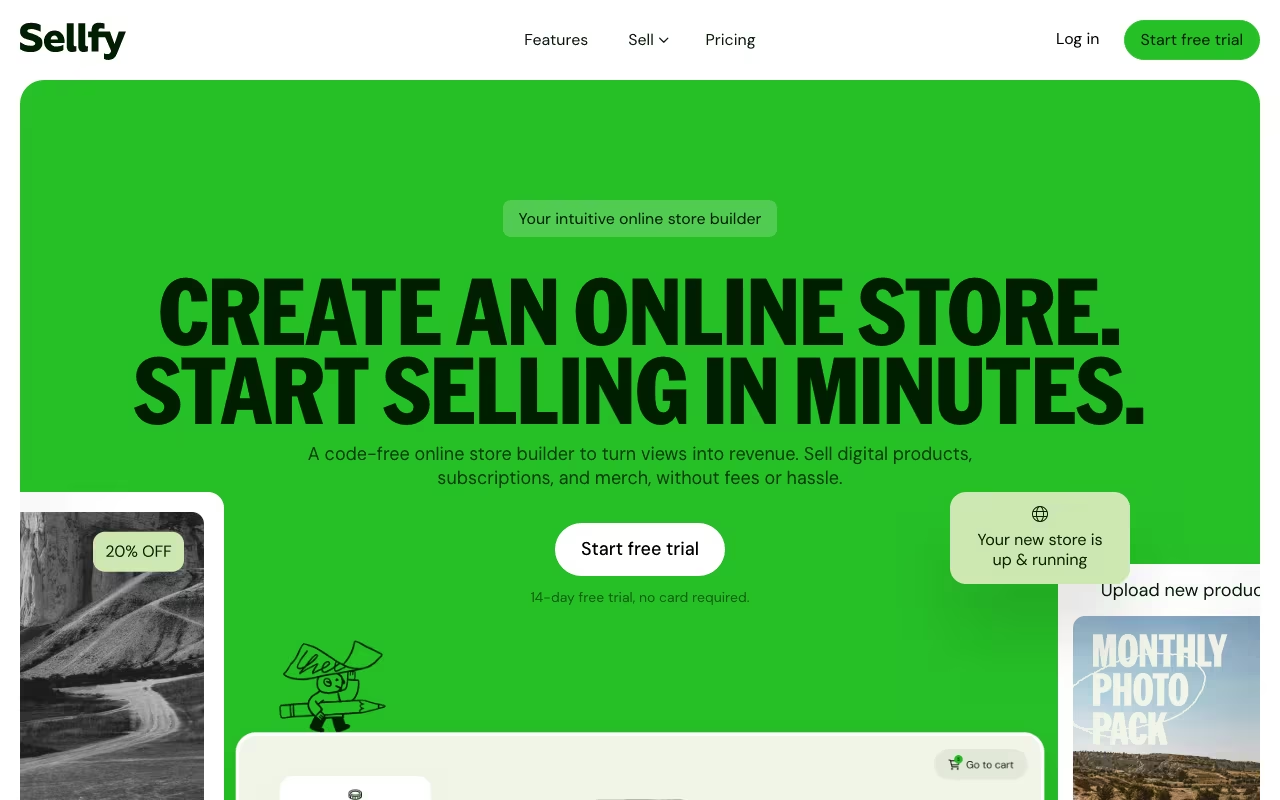
Most ecommerce platforms are built for traditional retailers. They assume you are shipping physical inventory from a warehouse. But if you are a creator selling ebooks, courses, design templates, music, or print-on-demand merch, you need something different. Sellfy was built from the ground up for this exact use case: letting creators sell digital products, subscriptions, and custom merchandise from a single storefront, with zero coding and minimal setup time. It is not the most powerful ecommerce platform, but it might be the fastest way to go from "I have a product idea" to "I just made my first sale."
Try Sellfy Free for 14 DaysWhat Sellfy Does
Sellfy is an all-in-one ecommerce platform designed for independent creators. You build your store on Sellfy (or embed their checkout on your existing site), upload digital files up to 20GB each, create subscription products with weekly/monthly/yearly billing, and sell custom print-on-demand merchandise. Sellfy handles hosting, payments, file delivery, and tax compliance. When someone buys a digital product, they get instant access. When someone buys a t-shirt, Sellfy's POD partners print and ship it automatically.
The target audience is clear: YouTubers, musicians, designers, coaches, writers, and other creators who want to monetize their audience without learning Shopify or hiring a developer.
Key Features
Digital Product Sales
Sellfy supports any file type: PDFs, videos, audio files, PSD templates, ZIP archives, software, fonts, and more. Each file can be up to 20GB. When a customer completes their purchase, they receive an automatic download link. You can set download limits and PDF stamping to discourage piracy. For video products, Sellfy offers built-in streaming so buyers can watch without downloading, which is useful for courses and tutorials.
Subscription Products
You can create recurring subscription products with weekly, monthly, or yearly billing. This works well for membership sites, serialized content (like a monthly design pack or workout routine), exclusive communities, and ongoing coaching programs. Payments are handled automatically through Stripe or PayPal, and subscribers get access to new content as you publish it.
Built-in Print-on-Demand
Sellfy has integrated print-on-demand for t-shirts, hoodies, mugs, hats, and other merchandise. You upload your design, set your price, and when a customer orders, the product is printed at one of Sellfy's 11 global fulfillment centers and shipped directly to the buyer. No inventory, no upfront cost. The POD selection is smaller than dedicated platforms like Printify, but the convenience of having it built into your store is the point.
Marketing Tools
Sellfy includes built-in email marketing (up to 10,000 emails/month depending on your plan), discount codes, upsell popups, cart abandonment recovery (Business plan and up), and product embed widgets for your website or blog. These are basic compared to dedicated tools like Mailchimp or ConvertKit, but they cover the essentials without extra subscriptions.
Store Builder
The visual store builder lets you customize colors, fonts, layout, and branding without code. You get a sellfy.com subdomain by default or can connect your own custom domain. The designs are clean and mobile-responsive, though customization options are limited compared to Shopify themes. On the Business plan and above, you can remove Sellfy branding.
Sellfy Pricing in 2026
Sellfy has three plans with no transaction fees on any tier:
Starter ($29/month, or $22/month billed yearly): Up to $10,000 in annual sales. Includes digital products, subscriptions, POD, custom domain, email marketing (up to 2,000 emails/month), discount codes, and upselling. Sellfy branding remains on your store.
Business ($79/month, or $59/month billed yearly): Up to $50,000 in annual sales. Everything in Starter, plus cart abandonment emails, store design migration, removal of Sellfy branding, and 10,000 emails/month.
Premium ($159/month, or $119/month billed yearly): Up to $200,000 in annual sales. Everything in Business, plus product migration assistance, priority support, and 50,000 emails/month.
For sellers exceeding $200K in annual revenue, Sellfy offers custom pricing. There is a 14-day free trial on all plans, no credit card required. The important detail: Sellfy charges zero transaction fees on every plan. Unlike Gumroad (which takes 10%), you keep 100% of your revenue minus payment processor fees (Stripe/PayPal, typically 2.9% + $0.30).
Pros
- Zero transaction fees: Unlike Gumroad (10%) or Payhip (5% on free plan), Sellfy takes no cut of your revenue on any paid plan.
- Fastest setup in the category: You can have a functional store with products listed in under 30 minutes. No themes to configure, no apps to install.
- All-in-one for creators: Digital products, subscriptions, POD merch, email marketing, and analytics in a single platform. No plugin juggling.
- Large file support (20GB): Ideal for video courses, software, and large design bundles that other platforms struggle with.
- Built-in email marketing: Basic but functional. Saves $20-50/month on a separate email tool for simple use cases.
- Excellent customer support: Consistently praised in user reviews for fast, helpful responses.
Cons
- Revenue caps on each plan: The $10K cap on Starter forces an upgrade as you grow. If you hit $10,001 in annual sales, you are paying $79/month.
- Limited store customization: The store builder is simple, which is both a pro (easy) and a con (basic). No custom code, limited layout options, and fewer design choices than Shopify or WordPress.
- Payment options are limited: Only Stripe and PayPal. No support for Apple Pay, Google Pay, or regional payment methods without going through Stripe.
- POD catalog is small: Compared to Printify (1,300+ products) or Printful, Sellfy's POD selection is limited to basic apparel and accessories.
- No free plan: The 14-day trial is generous, but there is no permanent free tier for testing or low-volume sellers.
- No app store or extensions: What you see is what you get. No third-party integrations beyond the basics.
Who Should Use Sellfy
Great for: Digital product creators (ebooks, courses, templates, music, software) who want the fastest path to selling online. YouTubers and influencers looking to sell merch alongside digital products. Creators who want subscriptions and digital sales in one platform. Anyone who hates dealing with plugins, themes, and technical configuration.
Skip it if: You are building a large ecommerce store with hundreds of physical products (use Shopify). You need advanced marketing automation (use Gumroad + ConvertKit or Shopify + Klaviyo). You want maximum design control over your storefront. Your business will exceed $200K in revenue and you need enterprise features.
Frequently Asked Questions
How does Sellfy compare to Gumroad?
The biggest difference is fees. Gumroad takes 10% of every transaction. Sellfy charges zero transaction fees on all plans, which means at $5,000/month in revenue, Sellfy saves you $500/month compared to Gumroad. Gumroad has a more established marketplace for discovery, but if you already have an audience, Sellfy's pricing model is significantly better for your bottom line.
Can you use Sellfy with your existing website?
Yes. Sellfy offers embed options that let you add "Buy Now" buttons, product cards, or a full store widget to any website. You can also use Sellfy with a custom domain to create a standalone store. The embed approach works well if you have a WordPress blog or portfolio site and just want to add a checkout layer.
Does Sellfy handle taxes?
Sellfy automatically calculates and applies EU VAT for digital products sold to EU customers. For US sales tax and other jurisdictions, you can configure tax settings manually. Sellfy does not file taxes on your behalf, so you will still need an accountant or service like TaxJar for compliance.
What happens if you exceed your plan's revenue cap?
If you exceed the annual revenue limit for your plan (for example, $10K on Starter), Sellfy will prompt you to upgrade to the next tier. Your store stays active, and existing orders are fulfilled normally. You are not penalized, but you will need to upgrade to continue processing new orders.
Final Verdict
Sellfy is the best ecommerce platform for creators who want to start selling quickly without technical complexity. Zero transaction fees, built-in digital delivery, subscriptions, and print-on-demand in a single tool make it uniquely positioned for independent creators. The tradeoffs are real: limited customization, revenue caps that force upgrades, and a small POD catalog. But if you are a creator with an audience who needs to start selling ebooks, courses, templates, or merch today, Sellfy gets you there faster than any alternative. Start with the 14-day trial and see how the math works for your product mix.
Try Sellfy Free for 14 Days