CallHippo Review: Affordable Cloud Phone System With Global Reach and a Few Rough Edges
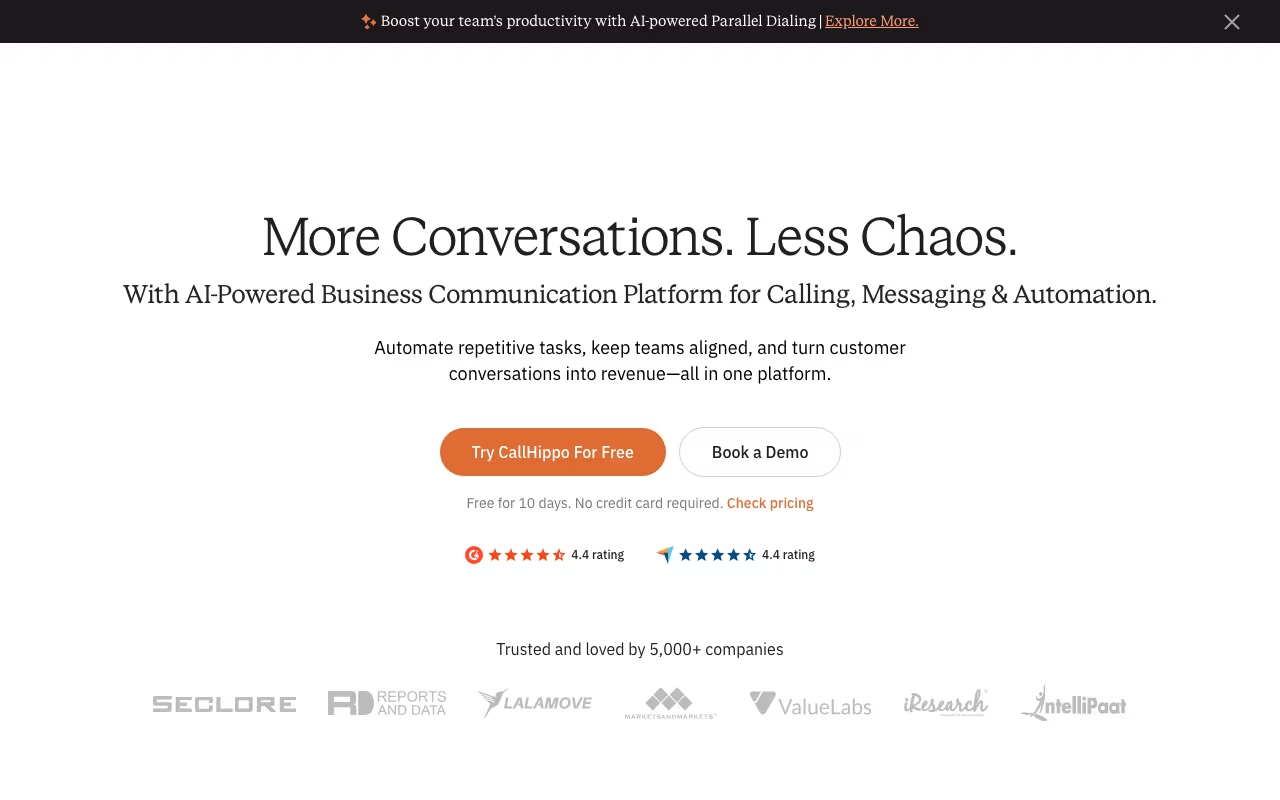
Setting up a business phone system used to mean expensive hardware, long contracts, and IT headaches. CallHippo flips that script by offering a cloud-based VoIP platform that lets you buy virtual phone numbers in 50+ countries and start making calls within minutes. Founded in 2017, CallHippo now serves over 5,000 companies including names like Amazon and Oracle.
The pitch is simple: get local and toll-free numbers globally, route calls through the cloud, and manage everything from a single dashboard. For small businesses and startups that need a professional phone presence without the infrastructure cost, CallHippo looks compelling on paper. But dig into the details and you will find a product with genuine strengths alongside some frustrating gaps. Here is the full breakdown.
Try CallHippo Get started →Key Features
Virtual Phone Numbers in 50+ Countries
CallHippo's core value proposition is global reach. You can purchase local, toll-free, and mobile numbers in over 50 countries from a single account. This means a startup in Germany can present a US local number to American clients, or a sales team in India can have UK numbers for outbound prospecting. Numbers are provisioned instantly in most cases, so you do not wait days for activation. The platform supports both inbound and outbound calling, SMS, and MMS on these numbers.
Power Dialer
For outbound sales teams, CallHippo's Power Dialer automates the dialing process. It queues up your contact list and dials the next number the moment an agent becomes available, eliminating the dead time between calls. The system can handle call dispositions, notes, and automatic logging so reps stay in their workflow rather than switching between tools. For teams making 50+ outbound calls per day, this feature alone can reclaim hours of productive time each week.
Smart Switch
Call quality is the Achilles heel of VoIP, and CallHippo addresses it with Smart Switch. This feature automatically detects when your default telephony provider is experiencing connectivity issues and reroutes calls through an alternative provider in real time. You do not need to do anything; the switch happens behind the scenes. In practice, this means fewer dropped calls and more consistent audio quality, especially for international calls that route through multiple carriers.
AI-Powered Call Analytics
CallHippo's analytics suite goes beyond basic call logs. The platform offers AI-powered transcription, sentiment analysis, call scoring, and keyword tracking. Managers can review call performance across the team without listening to every recording. The system flags conversations where sentiment turned negative, identifies trending topics across calls, and scores agent performance based on configurable criteria. These features are genuinely useful for coaching and quality assurance, though they do require the higher-tier plans or add-ons.
CRM Integrations
CallHippo integrates with 20+ tools including Salesforce, HubSpot, Zoho, Pipedrive, Slack, and Zapier. Calls are automatically logged in your CRM with recordings, transcripts, and notes attached. The Salesforce and HubSpot integrations are the most polished, with bi-directional sync and click-to-call functionality. Other integrations work through Zapier, which adds flexibility but also complexity.
CallHippo Pricing in 2026
CallHippo offers four main plans, all priced per user per month when billed annually:
- Basic (Free): Click-to-call, voicemail, SMS/MMS, team assignment, and AI Global Connect for timezone identification. No phone numbers, minutes, or caller ID included. You pay separately for everything you actually use.
- Bronze ($16/user/month): Adds call recording, smart dashboard, skill-based routing, campaign management, and business hours configuration. This is the entry point for most small teams.
- Silver ($24/user/month): Everything in Bronze plus basic IVR (interactive voice response), call queuing, after-call work tools, and live call monitoring. The sweet spot for growing sales teams.
- Platinum ($40/user/month): Full feature set including multi-level IVR, intelligent analytics, smart DID routing, predictive and power dialer, and warm/blind call transfer.
Watch out for add-on costs. SPAM Watch is $2/number/month, SMS services are $3/number/month, AI features cost $10/user/month, dashboard user access is $15/user/month, and call transcription (Call Scribe) is $15/user/month. These extras add up fast. A Platinum user with AI and transcription ends up paying $65/user/month before any call charges.
What CallHippo Gets Right
- Fast global setup: Getting a number in a new country takes minutes, not weeks. For teams expanding internationally, this removes a major friction point.
- Affordable entry point: The Bronze plan at $16/user/month is genuinely competitive for a full-featured business phone system with call recording and routing included.
- Smart Switch reliability: Automatic carrier switching is a feature most VoIP providers do not offer. It makes a real difference on international calls where single-carrier routing often degrades quality.
- Responsive support: Multiple reviewers praise CallHippo's customer support as quick and helpful, with live chat and phone support available on paid plans.
- Quick onboarding: The interface is straightforward enough that non-technical users can set up numbers, configure routing, and start calling without IT help.
Where CallHippo Falls Short
- Hidden costs everywhere: The advertised per-user price is just the starting point. Essential features like AI, transcription, and SMS require paid add-ons that can double your effective cost per user.
- Call quality inconsistency: Despite Smart Switch, users report periodic call drops, audio delays, and connection failures. Network-dependent VoIP will always have this issue, but competitors like RingCentral and Nextiva have more consistent quality.
- Mobile app needs work: The mobile app freezes periodically, some features are missing compared to the desktop version, and push notifications for incoming calls can be unreliable.
- Limited native integrations: While 20+ integrations sounds decent, many tools require Zapier as a middleman. Direct CRM integrations beyond Salesforce and HubSpot are less polished.
- Cancellation friction: Some users report difficulty canceling their subscriptions, with support requests going unanswered or requiring multiple follow-ups. This is a red flag for any SaaS product.
Who Should Use CallHippo
Great for: Small and mid-sized businesses that need phone numbers in multiple countries without setting up local offices. Outbound sales teams making high-volume calls who need a power dialer at an affordable price. Startups that want a professional phone presence quickly without committing to enterprise contracts. Remote teams spread across different countries that need a unified phone system. Businesses in real estate, insurance, or financial services running outbound calling campaigns.
Skip it if: Call quality is absolutely critical to your business (contact centers handling sensitive customer support should look at RingCentral or Nextiva). You need a full unified communications platform with video conferencing and team messaging built in (try Zoom Phone or Microsoft Teams instead). You want transparent, all-inclusive pricing without add-on surprises. Your team is larger than 50 users and needs enterprise-grade admin controls and compliance features. You rely heavily on CRMs beyond Salesforce or HubSpot and need deep native integrations.
Frequently Asked Questions
Does CallHippo work for receiving calls, or is it mainly for outbound?
CallHippo fully supports both inbound and outbound calling. You can set up IVR menus, call queues, and skill-based routing for incoming calls on Silver and Platinum plans. The Basic and Bronze plans support basic inbound call handling with voicemail and team assignment. For businesses that primarily receive calls (like customer support teams), the Silver plan is the minimum you should consider since it includes call queuing and live monitoring.
How does CallHippo compare to Aircall and RingCentral?
CallHippo is significantly cheaper than both, starting at $16/user/month versus Aircall's $30/user/month and RingCentral's $20/user/month. However, Aircall and RingCentral offer more polished call quality, deeper integrations, and more reliable mobile apps. CallHippo's main advantages are its global number coverage (50+ countries) and the Smart Switch feature for carrier failover. If budget is your primary concern and you need international numbers, CallHippo wins. If call quality and integration depth matter more, Aircall or RingCentral are safer bets.
Can I port my existing phone numbers to CallHippo?
Yes. CallHippo supports number porting for most US, UK, and Canadian numbers. The process typically takes 2 to 4 weeks depending on your current carrier. During the porting period, calls continue routing to your old provider so there is no downtime. International number porting is available for select countries but may take longer. Contact CallHippo support before signing up to confirm porting availability for your specific numbers.
Is there a free trial to test the platform?
CallHippo offers a 10-day free trial that gives you access to most features so you can test call quality, integrations, and the dashboard before committing. The free Basic plan also exists permanently, but it does not include phone numbers or minutes, so it is really only useful for exploring the interface. For a proper evaluation, use the 10-day trial on a Bronze or Silver plan and make real calls to assess quality in your specific use case.
Final Verdict
CallHippo delivers on its core promise: affordable, fast-to-deploy cloud phone numbers with global coverage. The Smart Switch feature is genuinely innovative, the power dialer is solid for outbound teams, and the pricing undercuts most competitors at the entry level. But the add-on pricing structure means your real cost will be 40-60% higher than the advertised per-user price once you enable the features you actually need. Call quality is acceptable but not best-in-class, and the mobile app needs meaningful improvement. For small teams that need international numbers on a budget and can tolerate occasional quality hiccups, CallHippo is a practical choice. Start with the 10-day free trial and test call quality specifically on the routes you will use most.
Try CallHippo Get started →