
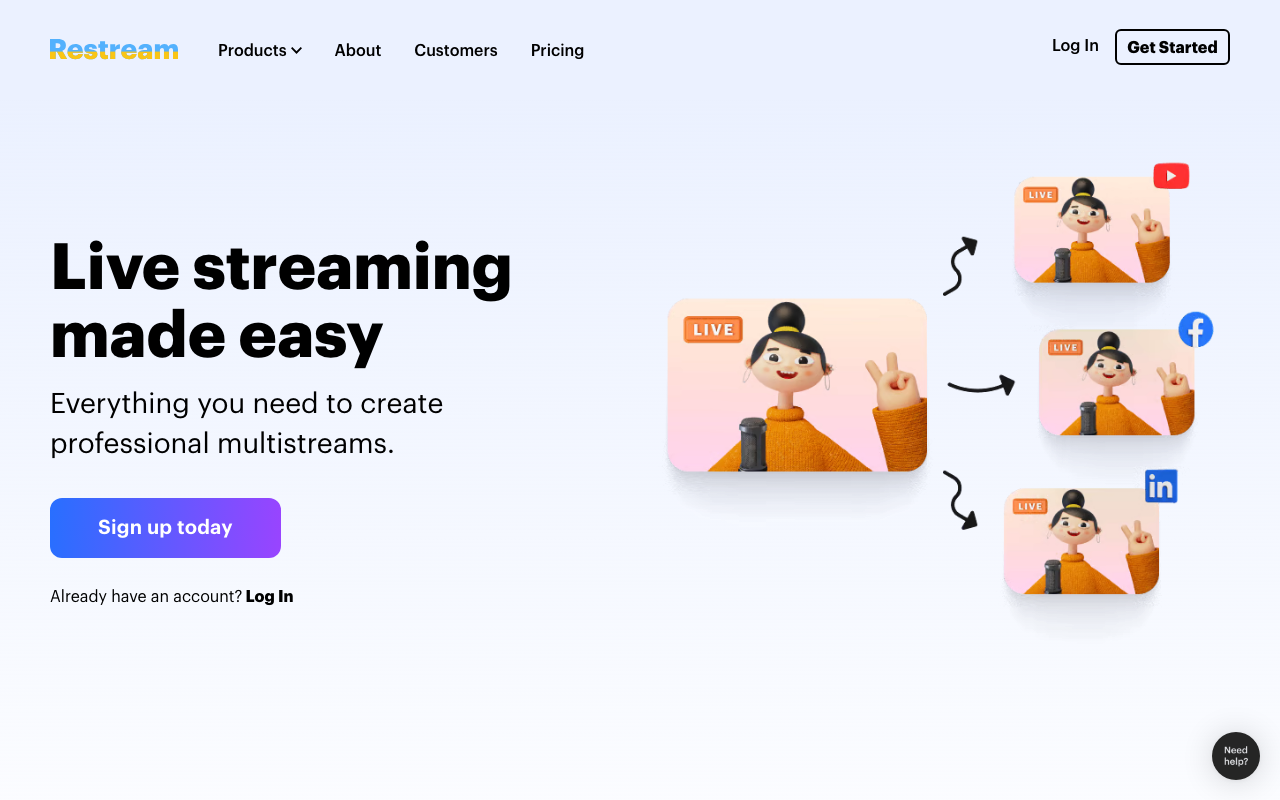
What Is Restream?
Restream is the multistreaming and live video platform that lets creators broadcast to 30+ destinations simultaneously including YouTube, Twitch, LinkedIn, X, TikTok, Facebook, and Kick. Founded in 2015, Restream serves over 6 million streamers ranging from solo content creators to enterprise marketing teams running live commerce events.
The pitch is simple. Streaming to multiple platforms used to require multiple computers, expensive hardware encoders, or unreliable software workarounds. Restream uses the cloud to fan out one source to many destinations, making multi-platform streaming accessible to anyone with a stable internet connection.
The product covers casual creators streaming weekly, businesses running webinars and live commerce, and professionals producing TV-style productions with multiple guests. Use cases span gaming, marketing, education, religion, and entertainment.
Try Restream Free Get started →How Restream Works
Two main workflows. Restream Studio runs in the browser as a complete production environment: webcam, screen share, scenes, overlays, lower thirds, guest invitations via browser link. Hit "Go Live" and your stream broadcasts to every connected destination.
Alternative workflow: stream from your existing software (OBS Studio, Streamlabs, vMix, hardware encoders) to Restream's RTMP endpoint. Restream then fans the stream out to your selected destinations. Same multistreaming benefit; you keep your preferred production tools.
Destinations include YouTube, Twitch, Facebook (Pages and Groups), LinkedIn, X (Twitter), TikTok, Kick, Trovo, plus custom RTMP for less common platforms. Each destination can have different stream titles, thumbnails, and descriptions optimized for that platform's algorithm.
Chat aggregation shows messages from all platforms in one stream. Respond to YouTube comments, Twitch chat, Facebook reactions, and LinkedIn questions without switching tabs. Critical for solo streamers who would otherwise miss messages on platforms they cannot watch simultaneously.
Recording captures locally and to the cloud. Edit later or download for podcast distribution, social media clips, or course content.
Restream Pricing in 2026
Free: 2 destinations, 720p, Restream branding overlay.
Starter: $19/month annually. 4 destinations, 1080p, no branding.
Standard: $41/month annually. 7 destinations, 4 guests, scheduled streams.
Professional: $83/month annually. 8 destinations, 10 guests, advanced production features.
Business: Custom pricing for SLA, dedicated support, advanced features.
See Restream Plans See plans →Where Restream Wins
- Multistreaming made easy: configure once, broadcast everywhere.
- Cloud Studio: full production without OBS skills or hardware.
- Chat aggregation: respond to viewers across platforms from one panel.
- Reliable infrastructure: rare to drop streams during major events.
- Guest invitations: browser-based co-host without VPNs or NDI.
Where It Falls Short
- Pricing climbs fast: hitting 5+ destinations at high quality requires Pro or Business.
- Bitrate caps: 1080p OK, 4K available only on top tiers.
- Studio less polished than StreamYard: works but UI feels older in places.
- Audio quality varies: especially with multiple guests on different connections.
Restream vs StreamYard vs Castr vs OBS
Content Creation tools, published pricing
| Tool | Pricing | Model |
|---|---|---|
| Restream | $19/mo (lowest published recurring price) | Subscription |
| Livestorm | $99/mo (lowest published recurring price) | Subscription |
| Descript | Free, $15/mo (Creator), $30/mo (Pro) | Freemium |
| ElevenLabs | $5/mo (lowest published recurring price) | Subscription |
| Storylane | $40/mo (lowest published recurring price) | Subscription |
| Gamma | $10/mo (lowest published recurring price) | Subscription |
StreamYard is the closest competitor on browser-based Studio. Cleaner UX, owned by RingCentral, similar pricing.
Castr targets multistreaming with stronger video quality controls.
OBS Studio is free and powerful for solo creators. No native multistreaming or cloud features.
vMix targets professional production with Windows-only desktop software.
Who Should Use Restream
Creators streaming to multiple platforms: simplest path to multistreaming.
Podcasters running live shows: chat aggregation across platforms helps.
Businesses running webinars and demos: cloud-based production without hardware.
Churches streaming services: multi-platform reach for the congregation.
Skip it if: you stream to one platform only (use platform-native tools), need 4K everywhere (consider Castr), or want full OBS-level production control.
How Restream works
Restream is a live video platform built around one job: multistreaming. You send a single video feed into Restream and it fans that feed out to many destinations at the same time, including YouTube, Twitch, Facebook, LinkedIn, X, TikTok, Kick, Rumble, Vimeo, Telegram, Substack, Patreon and 30+ others. The destination list also covers regional platforms most competitors ignore, such as Bilibili, Douyu, Huya and KakaoTV.
Setup starts by connecting your destination accounts with OAuth. Anything without a native integration can still be added as a Custom RTMP, SRT, HLS or WHIP channel, so the native list is a starting point rather than a ceiling. From there you have two ways to go live. The first is Restream Studio, a browser-based production tool that handles scenes, on-screen guests who join by invite link, overlays and branding, which means you do not need OBS at all. The second is to point an encoder at Restream's ingest. Supported encoders include OBS, Streamlabs, vMix, XSplit, Ecamm, Wirecast, TriCaster, LiveU, Zoom, Microsoft Teams, GoPro, capture cards from Xbox and PlayStation, and mobile encoders such as Larix Broadcaster, Wirecast Go and Mobile Streamlabs.
Around the core sit a few extras: recording (stored for a retention window that depends on your plan), a Clips add-on that cuts short vertical segments out of a live stream, and an embeddable player for your own website. Further integrations cover live shopping (Shopify, WooCommerce, Wix, Amazon, Etsy) and utilities (Dropbox, Google Drive, Descript, Elgato Stream Deck).
Where Restream wins
- The destination list is genuinely broad. 30+ native social platforms, including non-Western ones like Bilibili, Douyu, Huya, Naver TV, KakaoTV, SOOP and FC2 that most competitors do not support.
- Custom channels remove the ceiling. RTMP, SRT, HLS and WHIP channels mean you are not limited to whatever Restream has integrated natively.
- It is encoder-agnostic. OBS, vMix, XSplit, Wirecast, TriCaster, LiveU, hardware capture cards and mobile encoders all work, or you can skip encoders entirely and produce the show in the browser Studio.
- There is a real free tier. It streams to 2 destinations with no time limit on the plan itself, and includes 6-hour recordings.
- The Business tier is built for organisations. It adds co-producer mode, team workspaces, a 1,000-viewer website player and custom SRT channels for teams running scheduled shows.
Where it falls short
- 1080p is expensive. It is gated behind the Professional plan at $49/month ($39 annual). The Free and $19 Standard plans cap Studio at 720p.
- The free plan is branded and narrow. Restream branding appears on the stream, and you are limited to 2 simultaneous channels. Removing the branding means paying.
- Clips cost extra on top of the subscription. $19/mo for 50 clips on Standard, $29/mo for 100 on Professional, $59/mo for 250 on Business. They are not included in any plan.
- Collaboration starts high. Free, Standard and Professional are single-seat. Multi-user workspaces begin at the Business plan ($239/mo, $199 annual), which includes 2 seats and charges $25 per extra seat.
- Recordings are not an archive. Retention is 15 days on Free and Standard, and 30 days on Professional.
Who should use Restream
Restream fits creators, podcasters and marketing teams who publish the same live show to several platforms at once and want a single tool for both producing it and distributing it. The free and $19 tiers are a reasonable match for a solo creator who needs 2-3 destinations at 720p and does not mind the branding on the free plan.
Skip it in three cases. If you need 1080p output on a small budget, the jump to $49/month is hard to justify. If you need real team collaboration, nothing below the $199/month annual Business tier gives you a second seat. And if you already run a full OBS or vMix workflow and only want a cheap RTMP fan-out, you are paying for a Studio and a production layer you will never open.
Frequently Asked Questions
Can I use OBS with Restream?
Yes. Stream from OBS to Restream's RTMP endpoint.
Does Restream record streams?
Yes. Recordings available for download after the stream.
How many guests can join?
10 guests on Professional. 4 guests on Standard.
Does it support 4K?
1080p on most tiers. 4K available on Business and Enterprise.
Can I schedule streams in advance?
Yes. Schedule streams to go live automatically at specified times.