
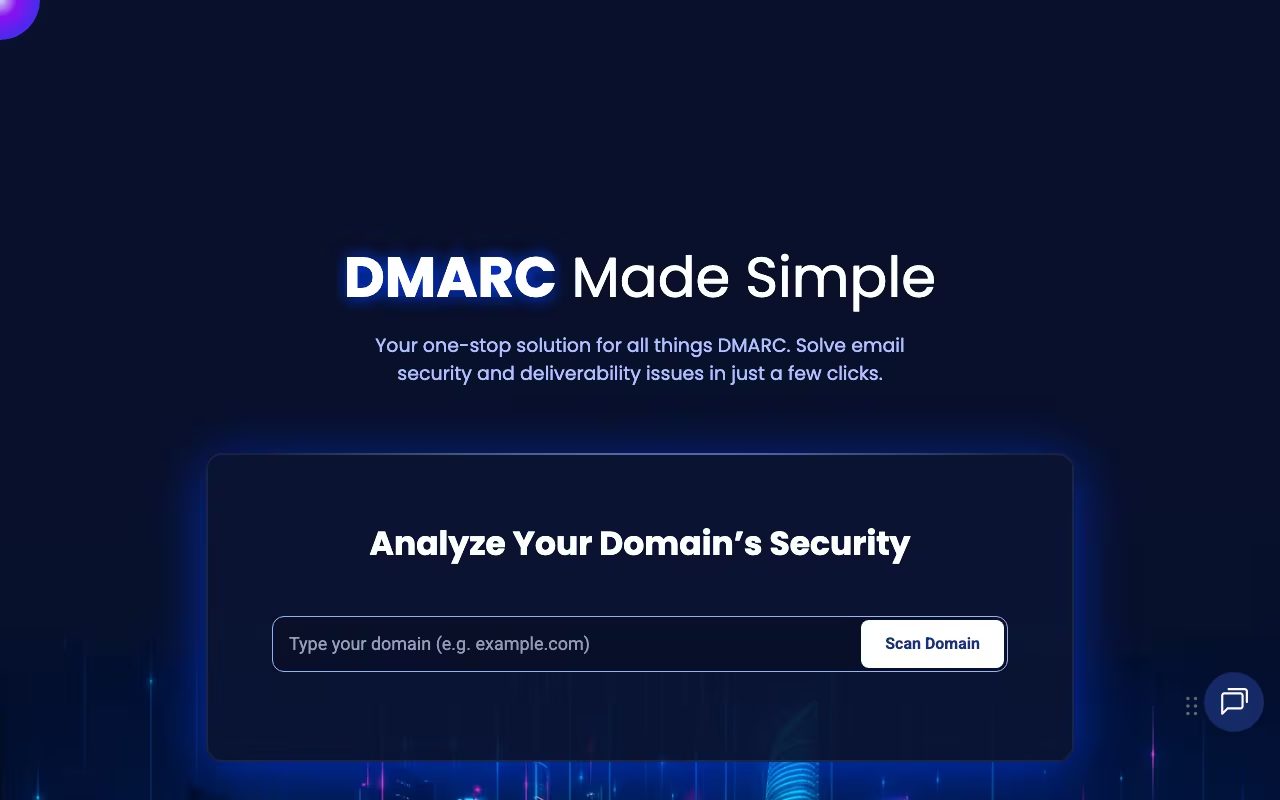
Google and Yahoo started requiring DMARC for bulk senders in 2024. If you're sending marketing emails, transactional emails, or anything at volume, email authentication isn't optional anymore. EasyDMARC turns the intimidating process of setting up SPF, DKIM, and DMARC into something a non-expert can actually manage.
The problem is real: DMARC generates XML reports that no human can read. Misconfiguration can block your own legitimate emails. And you need to understand three interlinked protocols (SPF, DKIM, DMARC) that interact in non-obvious ways. EasyDMARC gives you visual dashboards, guided setup, and clear recommendations that replace reading RFC specifications.
Scan Your Domain Free Get started →How EasyDMARC Makes DMARC Manageable
The dashboard generates properly formatted DMARC, SPF, and DKIM records and explains what each setting does. The implementation follows a safe path: start with monitoring mode (p=none) to collect data without affecting delivery, then move to quarantine, then full rejection once you're confident all legitimate senders authenticate properly.
DMARC aggregate reports (the daily XML dumps from Gmail, Outlook, Yahoo, etc.) get transformed into visual dashboards. You see who's sending email using your domain, which sources pass authentication, and which fail. This is where the "oh no" moments happen: most organizations discover third-party services (marketing platforms, CRMs, support tools) sending unauthenticated email on their behalf.
Forensic reports give details on specific failures. SPF monitoring catches the common 10-lookup limit problem. DKIM validation confirms your signing is working. Brand protection shows unauthorized senders impersonating your domain in real-time, useful for phishing takedown requests.
What EasyDMARC Costs
Free: 1 domain, 1,000 emails/month, 14-day data retention. Run a scan, see your current status. Not enough for ongoing monitoring.
Plus (~$36/month annual): 2 domains, full reporting, forensic reports, BIMI reporting, priority support. Covers most small businesses.
Premium (~$72/month annual): 4 domains, API access, advanced analytics, Slack alerts, managed services options.
Enterprise: Custom pricing for large domain portfolios.
Prices are billed in EUR; USD equivalents are approximate. All paid plans include a 14-day trial.
Try EasyDMARC Free for 14 Days Get started →What Works
- Makes DMARC understandable: XML reports become visual dashboards. Complex concepts get plain-language explanations
- Guided implementation prevents disasters: The progressive enforcement path (monitor -> quarantine -> reject) catches issues before they block legitimate emails
- Full authentication suite: SPF, DKIM, and DMARC in one place, not just DMARC
- Brand protection visibility: See who's impersonating your domain and get evidence for takedown requests
What Doesn't
- Email infrastructure is still complex: EasyDMARC simplifies it, but you still need basic understanding of DNS, SPF lookups, and how email routing works
- Cost scales with domains: 5+ domains means Premium or Enterprise pricing. Agencies managing many client domains feel this
- Not set-and-forget: Every time you add a new email service (new CRM, new marketing tool, new transactional email provider), you need to update your authentication records
- Overkill for one domain: A freelancer with one domain can set up DMARC manually with free tools like Postmark DMARC digests
EasyDMARC vs Valimail vs Dmarcian
Dev tools, published pricing
| Tool | Pricing | Model |
|---|---|---|
| EasyDMARC | Free (up to 10K emails/mo), from $35/mo (Business) | Freemium |
| Netlify | $19/mo (lowest published recurring price) | Subscription |
| Dify | $59/mo (lowest published recurring price) | Subscription |
| Ultahost | $2.49/mo (lowest published recurring price) | Subscription |
| Capacity | Free (5 credits), $25/mo (Starter), $69/mo (Growth), $129/mo (Professional), $299/mo (Business) | Credits |
| Airia | AI orchestration platform, custom enterprise pricing | Subscription |
Valimail is the enterprise leader with automated SPF management (no manual DNS changes) and deeper automation. Significantly more expensive but handles complex enterprise email ecosystems with less manual work.
Dmarcian is the other major player, with excellent educational resources and similar functionality. Interface preference often decides the choice between Dmarcian and EasyDMARC.
Postmark DMARC sends free weekly DMARC digests to your email. No dashboard, no management tools, but it's free and covers basic monitoring for simple setups.
EasyDMARC hits the middle ground: more capable than free tools, more accessible than enterprise platforms, priced for small-to-mid businesses.
How EasyDMARC works
EasyDMARC is an email authentication and anti-spoofing platform built around DMARC, SPF, DKIM, BIMI and MTA-STS. It ingests the aggregate (RUA) and failure (RUF) XML reports that receiving mail servers send back, parses them into readable dashboards, and walks you from a monitoring-only policy (p=none) to enforcement (p=reject) without breaking legitimate mail. Alongside the core platform it publishes a large set of free lookup tools and sells two adjacent products, EasySender (deliverability) and Touchpoint (MSP lead gen).
In practice you add a domain, publish the DMARC record EasyDMARC generates so reports flow to its collectors, then read source-by-source results: which senders pass SPF and DKIM, which fail, aggregate GeoMaps of where mail originates, subdomain detection, and email vendor identification so you can recognise your own SaaS senders.
The differentiator is the managed services on higher tiers. Instead of editing DNS every time a record changes, you publish "a unique CNAME record" once and EasyDMARC hosts and updates the underlying DMARC, DKIM, BIMI and MTA-STS records, so a policy change becomes "selecting the domains that currently lack DMARC and clicking the desired policy button." EasySPF addresses the 10-DNS-lookup SPF limit centrally. Premium and above add direct DNS-provider integrations (Cloudflare, GoDaddy, AWS Route 53 and others), Slack and Teams alerting, blacklist and reputation monitoring, SSO, permission and group management, and a REST API (Bearer token, with endpoints for DNS lookup, aggregate reports, organizations, domains, billing and magic-link SSO). Enterprise adds audit logs and SIEM integrations (Microsoft Sentinel, Splunk). MSPs get a separate multi-tenant console with white-label reporting and PSA/RMM integrations (ConnectWise, HaloPSA, Autotask, SyncroMSP).
Where EasyDMARC wins
- A real free tier for a single small domain: 1 domain, 1,000 emails/month, 14 days of history, aggregate and failure reports, and full access to the SPF/DKIM/DMARC/BIMI tooling.
- Managed DMARC/DKIM/BIMI/MTA-STS via one CNAME delegation removes the recurring DNS-change burden that makes DMARC projects stall, and turns policy escalation into a button rather than a change ticket.
- Unusually broad free public tooling: DMARC/SPF/DKIM/BIMI lookups and generators, XML report analyzer, email header analyzer, domain scanner, deliverability test and phishing link checker, all usable before or without an account.
- Operational plumbing is present at Premium: DNS-provider integrations for Cloudflare, GoDaddy and Route 53, Slack and Teams alerts, an alert manager, reputation and blacklist monitoring, SSO and group permissions.
- A documented public API with Bearer-token auth covering domains, organizations, aggregate reports, DNS lookups and passwordless magic-link SSO, which is enough to script multi-tenant onboarding.
- A genuine MSP track: multi-tenant console, unlimited domains, emails and users on a "Monthly Pay-as-You-Grow Model," white-label reports, PSA/RMM integrations and a dedicated DMARC engineer.
- Compliance posture is published (SOC 3 report PDF, security policy, GDPR page), which matters for the regulated buyers it targets.
Where it falls short
- The free plan is a demo, not an operating tier: 1 domain, 1,000 emails/month and only 14 days of history, too short to spot a monthly-cadence sender before you enforce.
- Domain caps are aggressive relative to price. Plus (€35.99/mo billed annually, €44.99 regular) allows 2 domains, Premium (€71.99/mo billed annually, €89.99 regular) allows 4. Any organisation with parked or brand domains to protect gets pushed to Enterprise custom pricing quickly.
- Nearly everything a security team considers table stakes is Premium-only: API, SSO, permission and group management, all the Managed services, DNS-provider integrations, Slack/Teams alerts, TLS reports and reputation monitoring. Plus is essentially reporting plus EasySPF.
- Plus caps you at 1 invited user, so even a two-person IT team has to jump to Premium for a second seat.
- Pricing is quoted in euros with no published USD equivalent, and neither the MSP/partner plans nor Enterprise show any number at all. Both route to sales.
- Data retention is tiered rather than generous: 3 months on Plus, 1 year on Premium, 3 years even on Enterprise, which is thin for long-horizon forensic or audit needs.
- API rate limits are acknowledged ("rate limited per API key") but the actual numbers are not published.
Who should use EasyDMARC
EasyDMARC suits IT and security teams that need to reach DMARC enforcement without hand-editing DNS every week. The managed CNAME delegation is the reason to pick it: it converts an ongoing DNS-change workflow into a console action, which is what usually determines whether a domain actually reaches p=reject or sits at p=none for a year. It also fits MSPs managing authentication across many client domains, thanks to the multi-tenant console, white-label reporting, PSA/RMM integrations and the unlimited pay-as-you-grow model. The free tier is fine for a single small domain doing a one-off audit.
Skip it if you hold more than a handful of domains on a modest budget, because the per-domain caps (2 on Plus, 4 on Premium) bite quickly and push you into custom pricing. Skip it if you need the API or SSO but cannot justify the Premium tier, since both live there rather than in Plus. And look elsewhere if you require more than a year of report history without signing an Enterprise contract.
Frequently Asked Questions
Can DMARC block my legitimate emails?
Yes, if you jump straight to enforcement without checking which services send on your behalf. EasyDMARC prevents this by starting in monitoring mode, collecting data for weeks, and letting you fix authentication gaps before turning on enforcement.
Is DMARC legally required?
Not by law, but Google and Yahoo require it for bulk senders (5,000+ emails/day). Even below that threshold, poor authentication hurts deliverability. It's effectively required for anyone doing email marketing.
Email authentication is one of those things every business needs but most ignore until deliverability tanks or a phishing attack hits their brand. EasyDMARC makes the process manageable without requiring a dedicated email infrastructure team. Run the free domain scan, see what's actually sending email on your behalf, and fix it before Google's filters do it for you.
Start Protecting Your Domain Get started →