
The 7 Best Zapier Alternatives in 2026 (Compared and Priced)

Key facts7 tools compared: Make, n8n, Activepieces, Pabbly Connect, Power Automate, Lindy, Workato
- 7 tools compared: Make, n8n, Activepieces, Pabbly Connect, Power Automate, Lindy, Workato
- Make (best for: Most teams switching from Zapier): $9/mo (10k ops)
- n8n (best for: Developers, privacy, high volume): Free self-hosted / €24/mo cloud
- Activepieces (best for: AI agents + MCP, open source): Free (10 flows) / self-host
- Pabbly Connect (best for: Solo founders, flat pricing): $249 one-time (lifetime)
Zapier still works. That isn't the problem. The problem shows up on the invoice, usually around the time your task count crosses 50,000 a month and the per-task math turns your "$20 automation tool" into a $150 line item nobody approved.
Zapier still deserves its reputation, and it's still the pick for people who want the widest app library and the least friction. But the moment you start running multi-step workflows at volume, or you need logic Zapier charges extra for, the value equation flips. That's when an alternative pays for itself in a single billing cycle.
If you want the short version: Make is the best all-round swap for most teams, because it counts operations instead of tasks and gives you visual branching Zapier locks behind higher tiers. If you have a developer or you're privacy-conscious, n8n is the one to self-host. This guide covers both plus five others, with real 2026 pricing and the catch on each.
Quick comparison
| Tool | Best for | Starting price | Standout |
|---|---|---|---|
| Make | Most teams switching from Zapier | $9/mo (10k ops) | Visual branching, cheap ops |
| n8n | Developers, privacy, high volume | Free self-hosted / €24/mo cloud | Execution-based billing, open source |
| Activepieces | AI agents + MCP, open source | Free (10 flows) / self-host | Every integration is an MCP server |
| Pabbly Connect | Solo founders, flat pricing | $249 one-time (lifetime) | No per-task charge, lifetime deal |
| Power Automate | Microsoft 365 shops | $15/user/mo | Native Office + desktop RPA |
| Lindy | AI-first, decision-based work | Free (400 credits) / $49.99/mo | AI agents that reason, not just route |
| Workato | Enterprise iPaaS | ~$10k/yr | Governance, SAP/Oracle connectors |
Make: the default Zapier replacement
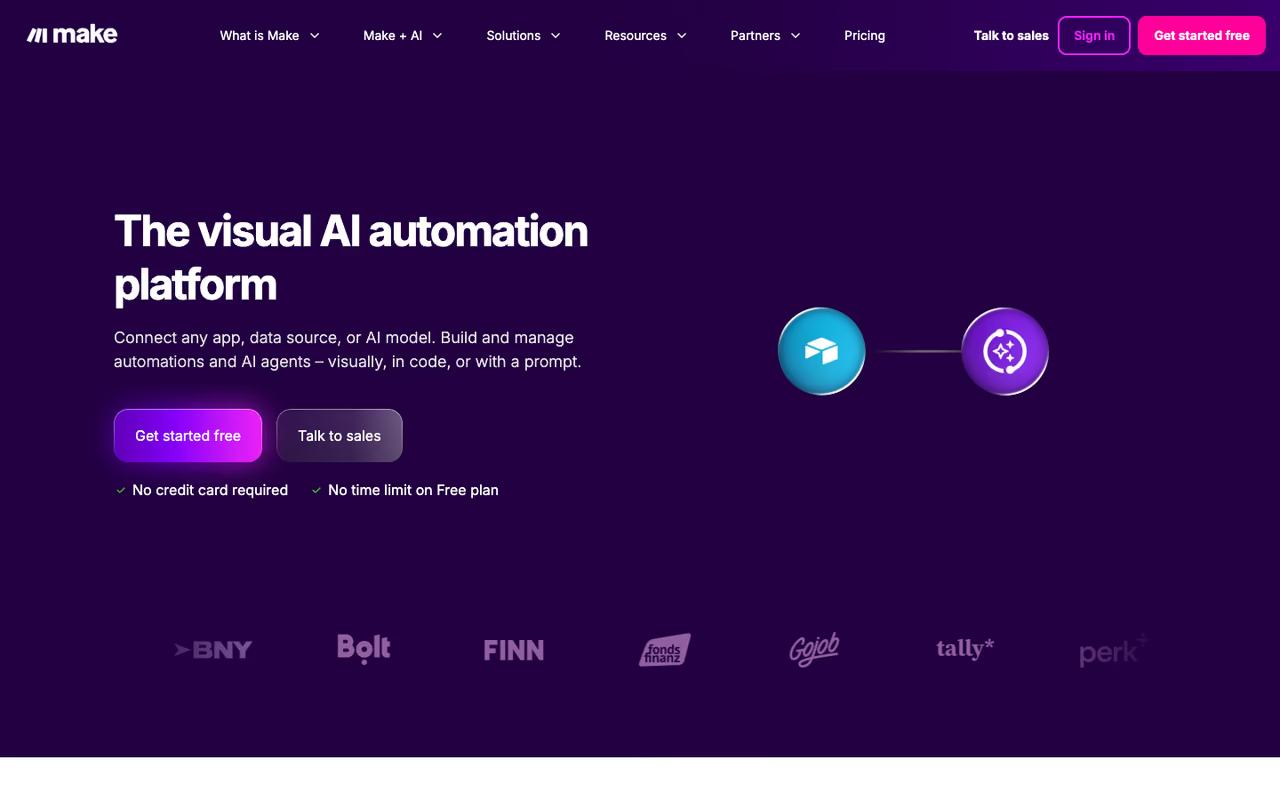
Make (formerly Integromat) is what most people should try first when Zapier gets expensive. The interface is a visual canvas where you drag modules and draw connections between them, which makes complex logic far easier to reason about than Zapier's stacked-step list.
Who it's best for: teams running multi-step workflows with branching, filters, and routers. If your automations have any real logic to them, Make's model rewards you.
What most people should try first when Zapier gets expensive, with a visual canvas that makes branching and routers easy to reason about. Polling triggers can drain operations quickly, so use webhooks wherever the source app allows.
the Core plan is $9/month for 10,000 operations, per the Make pricing page. Pro is $16/month, Teams is $29/month. Compare that to Zapier's Professional plan at $19.99/month (billed annually) for 750 tasks, and the gap is obvious on paper.
The standout: Make bills per operation, not per task, and most logic steps are cheap. A 5-module scenario that runs once burns 5 operations, and 10,000 operations stretches a long way for normal workloads.
The catch: operations can drain faster than you expect when you use polling triggers. Make checks for new data on a schedule, and a poll that runs every 15 minutes around the clock can quietly eat 8,000+ operations a month before any real work happens. Use webhooks instead of polling wherever the source app supports them, and the math stays friendly.

n8n: the one to self-host
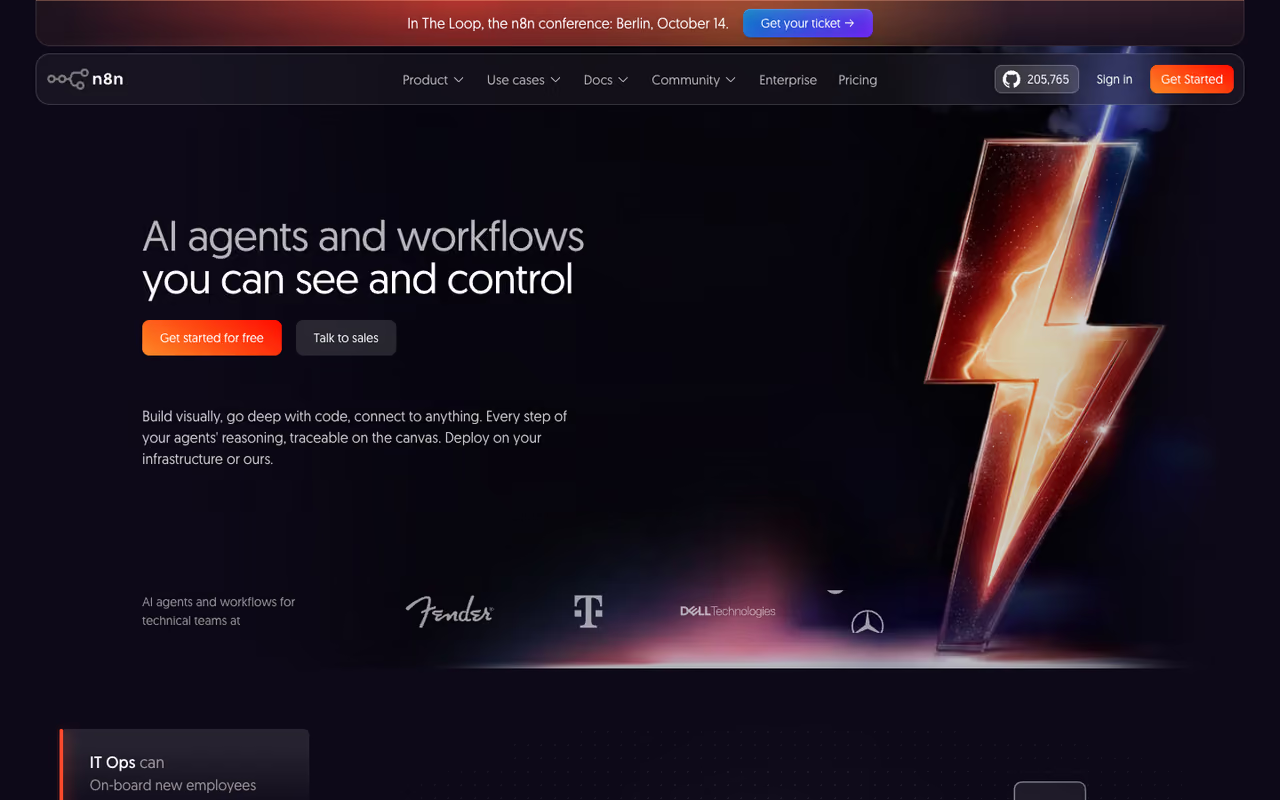
n8n is the pick for anyone with a developer on hand or a reason to keep data on their own servers. It's open source, you can run the Community Edition free on your own infrastructure, and it has the best execution economics of anything here.
Who it's best for: technical teams, agencies running client automations, and anyone whose workflows have lots of steps. Also the obvious choice when compliance means data can't touch a third-party cloud.
The pick for technical teams, agencies and compliance-driven shops that want the best execution economics and a free self-hosted Community Edition. Self-hosting costs server and DevOps time, and the learning curve is steeper than Make's.
the self-hosted Community Edition is free with unlimited executions. Cloud starts at €24/month for 2,500 executions (Starter), €60/month for 10,000 (Pro), per n8n's own pricing. As of April 2026, n8n removed active-workflow limits across every plan, so you only pay on execution volume now.
The standout: n8n bills per workflow execution, not per step. A 10-step workflow is one execution here versus 10 tasks on Zapier. For complex automations that difference compounds into 60-80% savings against Zapier and 30-50% against Make.
Where it falls short: self-hosting isn't free in the way the price tag suggests. You're looking at $20-150/month for a server plus the DevOps time to keep it patched, backed up, and monitored. If nobody on your team wants to own that, the cloud plan or a managed host removes the headache but eats into the savings. n8n is also more of a builder's tool. The learning curve is steeper than Make's.
If you're already building agentic workflows, n8n pairs well with the broader stack we cover in our guide to the best AI workflow automation tools.

Activepieces: open source built for AI agents
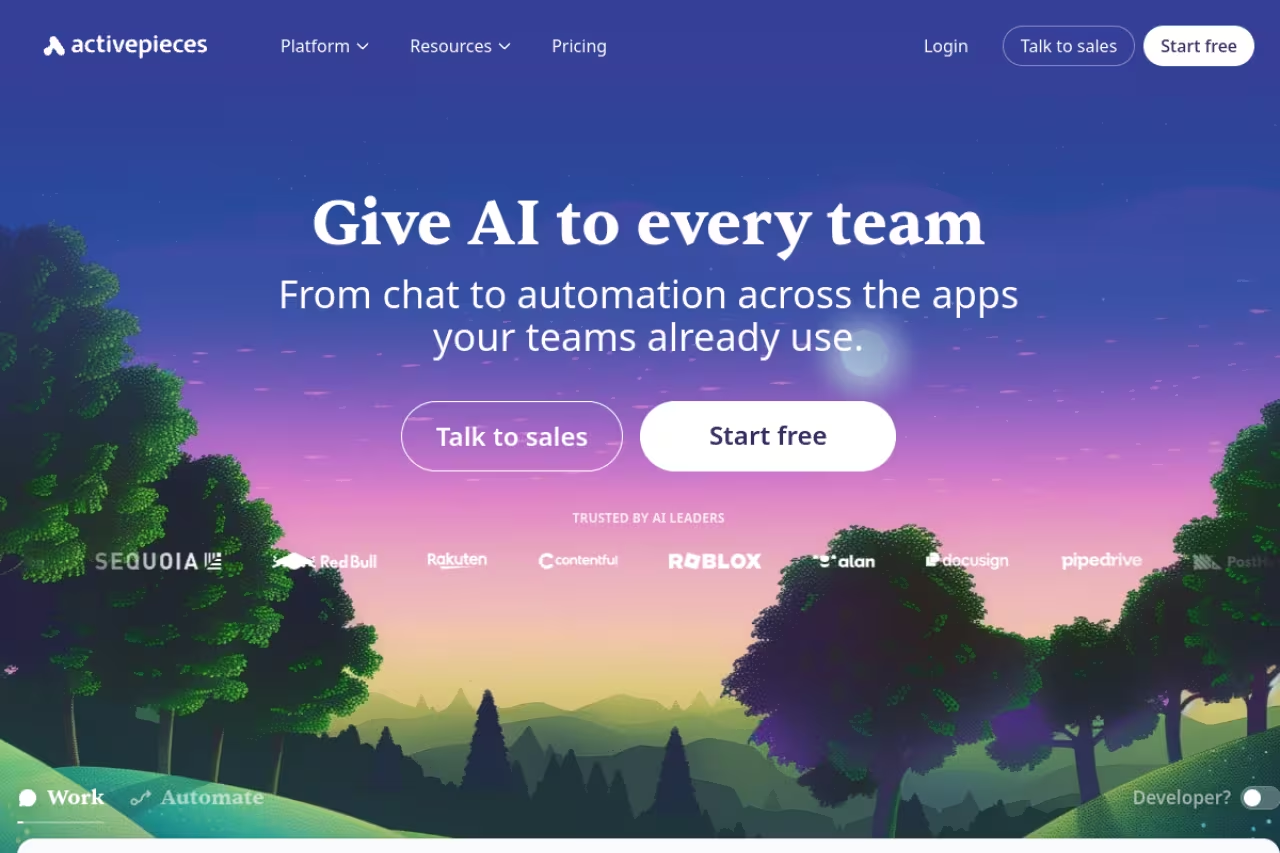
Activepieces is the newest serious contender, and it's aimed squarely at the AI-agent era. It's MIT-licensed open source, and the thing that sets it apart is how it treats integrations.
Who it's best for: teams building AI agents or anyone who wants an open-source platform that's friendlier to non-developers than n8n. Good middle ground.
A good middle ground for teams building AI agents or wanting open source that is friendlier to non-developers than n8n. Its app library is smaller than Zapier's or Make's, so check your niche tools before committing.
the free Standard plan covers 10 active flows with unlimited runs, AI agents, and unlimited MCP servers. Extra flows are $5 per flow per month. Plus is $25/month, Business is $150/month, and the self-hosted Community edition removes flow limits entirely.
The standout: every one of its 680+ integrations is also exposed as a Model Context Protocol server. That means tools like Claude Desktop, Cursor, and Devin Desktop (formerly Windsurf) can call those integrations directly, which turns Activepieces into a connector layer for your AI assistants, not just a workflow runner.
The catch: the app library is smaller than Zapier's 7,000+ or Make's 2,000+. For mainstream apps you'll be fine, but check your specific niche tools before you commit. The community-built pieces also vary in polish. Some are excellent, a few are thin. For more on this category, see our roundup of the best AI agent platforms.
If you're weighing whether to build agents on top of one of these platforms or use a dedicated tool, our top tools directory is a good place to compare options side by side.
Pabbly Connect: flat pricing for solo founders
Pabbly Connect wins on one thing: it doesn't punish you for volume. Where Zapier and Make meter every task or operation, Pabbly charges a flat rate and stops counting internal steps.
Who it's best for: solo founders, bootstrappers, and anyone who hates usage-based billing on principle.
Flat pricing and lifetime deals for solo founders and bootstrappers who hate usage-based billing, since internal steps do not burn tasks. The interface feels dated next to Make, and lifetime task limits cannot be extended.
Pabbly leans hard on lifetime deals. The current offer runs around $249 one-time for the Standard tier (3,000 tasks/month), up to roughly $699 for the Ultimate tier with 10,000 tasks/month and unlimited workflows. Monthly plans exist too if you'd rather not commit upfront.
The standout: internal steps don't burn tasks, and a one-time payment that never recurs is genuinely rare in this space. If your volume is predictable, a lifetime deal can pay back inside a year.
Where it falls short: the interface feels dated next to Make, and lifetime task limits can't be extended once exhausted. You top up with a monthly add-on if you blow past them. The app catalog (2,000+) covers the basics but lacks the depth of the bigger players.
Microsoft Power Automate: for Microsoft 365 shops
If your company already lives in Microsoft 365, Power Automate is probably already in your license, and that changes the calculation entirely.
Who it's best for: enterprises and teams deep in the Microsoft stack, especially anyone who needs desktop RPA alongside cloud automation.
Probably already in your license if you live in Microsoft 365, and the only option here with desktop RPA for apps without an API. It is clunky outside the Microsoft world, and the licensing is hard to budget accurately.
the Premium plan is $15 per user per month (annual), with unlimited cloud flows and 5,000 AI Builder credits. A Per Flow plan runs $500/month for 5 flows for org-wide automations, and unattended RPA bots start around $150/month each, per Microsoft's pricing page.
The standout: native, deep hooks into Office, SharePoint, Teams, and Dynamics, plus Power Automate Desktop for automating legacy Windows apps that have no API at all. That RPA layer is something most tools on this list can't touch.
The catch: it's clunky outside the Microsoft world. Third-party connectors exist but feel like second-class citizens, and the licensing is a maze. Per-user, per-flow, per-process, hosted vs. unattended, AI Builder credits. Budgeting it accurately takes real effort.
Lindy: when you want agents, not just routing
Lindy is a different animal. Instead of "if X then Y" rules, it builds AI agents that can read context, make decisions, and handle messy inputs that would break a rigid Zap.
Who it's best for: teams automating work that needs judgment. Triaging support tickets, qualifying leads, drafting replies, summarizing calls.
Choose Lindy for work that needs judgment, like triaging support tickets or qualifying leads, where rigid Zaps break on messy inputs. Credit pricing is hard to forecast, and for simple data-shuffling Make or Zapier is cheaper.
the free plan includes 400 credits/month. Paid plans run $49.99/month (Plus), $99.99 (Pro), and $199.99 (Max). Credits scale with how much reasoning a task needs, so simple actions cost one credit and complex agent runs cost more.
The standout: it handles ambiguity. A normal automation needs structured triggers. Lindy can take a vague email and decide what to do with it, which opens up a whole category of work that rule-based tools can't reach. If agents are your focus, our guide to the best AI agents goes deeper.
Where it falls short: credit-based pricing on AI work is hard to forecast, and costs can spike if your agents run hot. It's also overkill for plain data-shuffling between apps. For "copy a new row to a spreadsheet," a credit-burning AI agent is the wrong tool, and Make or Zapier will do it cheaper.

Workato: the enterprise iPaaS
Workato sits at the opposite end from everything above. It's a full enterprise integration platform with governance, audit logs, and connectors to systems like SAP and Oracle that the cheaper tools simply don't support.
Who it's best for: large organizations with IT governance requirements, sensitive data, and integration needs that span dozens of internal systems.
The enterprise end of the market, with governance and connectors to systems like SAP and Oracle that cheaper tools skip. Pricing is custom with no self-serve signup, so it is overkill for small teams by a wide margin.
custom and not public. Industry benchmarks put the entry point around $10,000/year, with mid-market deployments at $25-50K and large enterprise builds well past $75K. Negotiated deals often land 35-50% below the first quote, so don't take the opening number as fixed.
The standout: governance and depth. Role-based access, environment management, and premium connectors for the systems that run actual enterprises. This is iPaaS, not consumer automation.
The catch: the price tag and the sales cycle. There's no self-serve signup, you'll talk to sales, and you'll likely need onboarding help to map your first recipes. Overkill for small teams by a wide margin.
How to choose
Skip the feature checklists. Three questions get you to the right answer faster.
What's your monthly volume? Under a few thousand tasks, Zapier or Make on a cheap tier is fine. Above 50,000, switch to execution-based billing (n8n) or flat-rate (Pabbly) before the per-task math eats you alive.
Do you have a developer? If yes, self-hosted n8n or Activepieces gives you the best economics and full data control. If no, Make is the friendliest powerful option, and Lindy is best for AI-heavy work.
Where does your data live? All Microsoft? Power Automate is half-installed already. Regulated industry or privacy-first? Self-host n8n or Activepieces so nothing leaves your servers. Everyone else? Pick on price and app coverage.
One more thing worth doing before you migrate: list the five apps you actually automate against, and confirm each alternative supports them. A platform being cheaper means nothing if it can't talk to your CRM. If you're building out a wider automation stack, our no-code platforms guide covers the adjacent tools you'll likely want.
If your goal is broader than connecting apps, and you're trying to put AI to work across your whole operation, Dupple X bundles the models and tooling teams use to ship automations and content without juggling ten subscriptions. Start a yearly trial if you want one bill instead of seven.
FAQ
What is the best free alternative to Zapier?
For most people it's the self-hosted Community Edition of n8n or Activepieces, both free with unlimited runs if you're willing to host them. If you want a hosted free tier with no server to manage, Make's free plan (1,000 operations/month) and Activepieces' free plan (10 active flows) are the strongest. Pabbly's lifetime deals are also worth a look if you'd rather pay once than subscribe.
Is Make cheaper than Zapier?
Usually, yes, for workflows with multiple steps. Make's Core plan is $9/month for 10,000 operations versus Zapier's Professional at $19.99/month (annual) for 750 tasks. The catch is that Make counts every module as an operation and polling triggers can burn through your allowance, so the savings depend on using webhooks and keeping scenarios efficient.
What's the difference between tasks, operations, and executions?
They measure different things, which is why prices aren't directly comparable. Zapier counts a task per action step. Make counts an operation per module run. n8n counts one execution per full workflow run regardless of step count. A 10-step workflow is 10 tasks on Zapier, around 10 operations on Make, and a single execution on n8n. That's why n8n gets dramatically cheaper as your workflows get longer.
Which Zapier alternative is best for AI agents?
Activepieces and Lindy lead here for different reasons. Activepieces exposes every integration as an MCP server, so AI assistants like Claude and Cursor can call them directly. Lindy builds reasoning agents that handle unstructured inputs and make decisions, rather than following fixed if-then rules. For agent platforms specifically, our best AI agent platforms comparison breaks down the options.
Can I self-host a Zapier alternative?
Yes. n8n and Activepieces are both open source and designed to run on your own infrastructure, which gives you full data control and removes usage-based billing. Budget $20-150/month for a server plus the maintenance time to keep it updated and backed up. It's the cheapest path at high volume and the only real option if compliance rules prevent data from touching a third-party cloud.
Is it worth switching away from Zapier?
It depends on volume and complexity. If you run a handful of simple automations, Zapier's app library and ease of use are hard to beat, so stay. If you're running multi-step workflows at scale and watching your task count climb, switching to operation-based (Make), execution-based (n8n), or flat-rate (Pabbly) pricing often pays for itself in the first billing cycle.
Related guides
Some offers on this page may be paid placements or contain affiliate links.
Across our whole catalogue the median is $24 a month and 33% of tools advertise a free tier. Figures are the lowest recurring monthly price quoted in our own review of each tool, read on 2026-08-19. Full method and every category.
