
The 9 Best Web Hosting Providers in 2026 (Compared and Ranked)

Key facts9 tools compared: Hostinger, Cloudflare Pages, Vercel, Netlify, Kinsta, SiteGround, Render…
- 9 tools compared: Hostinger, Cloudflare Pages, Vercel, Netlify, Kinsta, SiteGround, Render, DigitalOcean, IONOS
- Hostinger (best for: Most websites, value): $2.99/mo (renews $10.99)
- Cloudflare Pages (best for: Static sites, JAMstack): Free / $20/mo Pro
- Vercel (best for: Next.js & frontend apps): Free / $20/user/mo
- Netlify (best for: Jamstack, static sites): Free / $19/mo
"Web hosting" stopped meaning one thing a while ago. If you're a marketer who needs a WordPress site live by Friday, you want something totally different from the dev deploying a Next.js app on every git push. Same search term, two opposite answers.
People run sites on most of these for years, then leave after a renewal invoice triples because nobody read the fine print. The biggest trap here isn't bad hardware, it's the promotional-rate game: a host advertises $2.99/month, you sign a contract, and 12 months later you're paying $17.99 for the exact same box.
Short version: if you want one host that covers most people without drama, Hostinger gives you the best price-to-performance for a normal website. Shipping a frontend app? Vercel or Cloudflare Pages. If WordPress is your business and downtime costs you money, Kinsta is worth the premium. Below I break down nine options: who each is for, what it really costs after the intro period, and where each falls short.
Quick comparison
| Tool | Best for | Price (entry) | Standout |
|---|---|---|---|
| Hostinger | Most websites, value | $2.99/mo (renews $10.99) | Cheapest serious shared host |
| Cloudflare Pages | Static sites, JAMstack | Free / $20/mo Pro | Unlimited bandwidth, no egress fees |
| Vercel | Next.js & frontend apps | Free / $20/user/mo | Best deploy experience |
| Netlify | Jamstack, static sites | Free / $19/mo | Simple, generous free tier |
| Kinsta | Serious WordPress | $35/mo ($30 annual) | Managed WP done right |
| SiteGround | WordPress with hand-holding | $2.99/mo (renews $17.99) | Support and staging |
| Render | Full-stack apps, APIs | Free / $7/mo | Heroku replacement |
| DigitalOcean | Devs who want control | $4/mo droplet | Raw cloud, your rules |
| IONOS | Cheap small-business sites | ~$1/mo intro | Rock-bottom entry price |
Hostinger: the value pick for most people
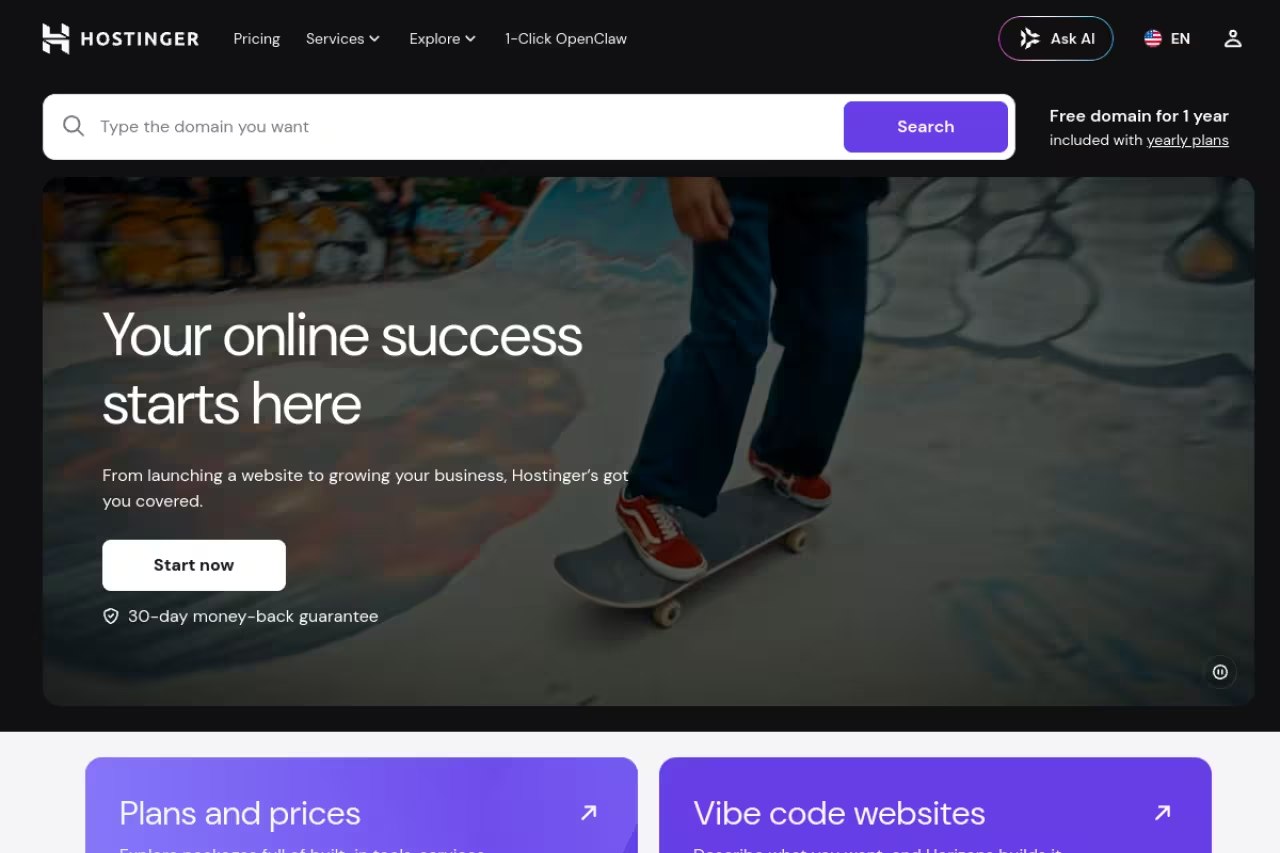
If someone asks "where should I host my website" with no other detail, the answer is Hostinger. It keeps winning round-ups from Cybernews and Hostingstep for a boring reason: fast, modern infrastructure at a price nobody matches at this quality.
The default pick for small businesses, bloggers and agencies who want WordPress without thinking about servers. Step up to Business at $3.99/month, but know the sticker price needs a 48-month commitment and Premium renews at $10.99/month.
Pricing: Premium runs $2.99/month on a long contract (sometimes $2.69 with a code), Business is $3.99/month. That extra dollar on Business is the one I'd pay: NVMe storage, daily backups instead of weekly, a free Cloudflare CDN, and more PHP workers. Cloud Startup starts around $7.99/month. Real numbers are on the Hostinger pricing page.
The standout is the hPanel dashboard, the cleanest control panel in budget hosting, plus a bundled AI site-builder that's genuinely usable if you don't want to touch WordPress.
The catch: the advertised price needs a 48-month commitment, and renewal jumps to $10.99/month for Premium. Budget for the real long-term cost, not the sticker. Pay monthly and the value mostly evaporates.

Cloudflare Pages: free hosting that scales without surprise bills
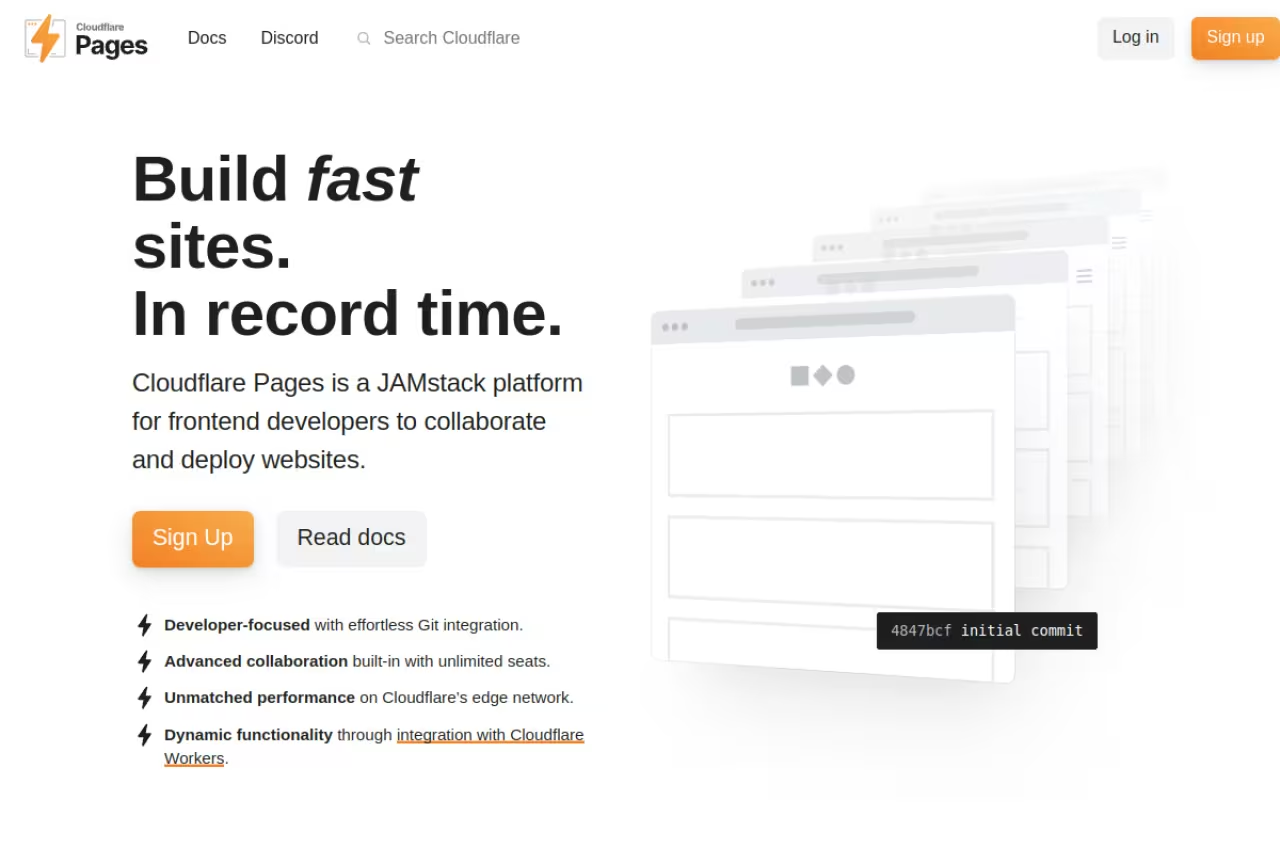
Cloudflare Pages is the one I point people to when they say "I built a site and I don't want to pay until I have to, but I also don't want a bandwidth bill if it goes viral." The free tier is the most generous in the category, and the reason it stays cheap at scale is the headline feature.
Go with Cloudflare Pages for static sites, docs and anything that might spike, since bandwidth is unlimited even on free. Expect a rougher developer experience than Vercel, especially if you live in Next.js.
Pricing: free covers 500 builds per month, unlimited sites, 100 custom domains per project, and unlimited requests. Pro is $20/month (billed annually) for 5,000 builds and 5 concurrent builds. Details live on the Cloudflare Pages pricing page.
The standout, and this is the whole pitch: bandwidth is unlimited on every tier, including free. Vercel and Netlify both meter data transfer and charge overages. Cloudflare doesn't. A traffic spike that would cost you $40+ in egress elsewhere costs you nothing here.
Where it falls short: the developer experience is rougher than Vercel's. Build logs are less friendly, framework support lags a little behind, and serverless functions run on Workers, which has its own learning curve. If you live in Next.js, you'll notice the gap.

Vercel: the best experience for frontend and Next.js apps
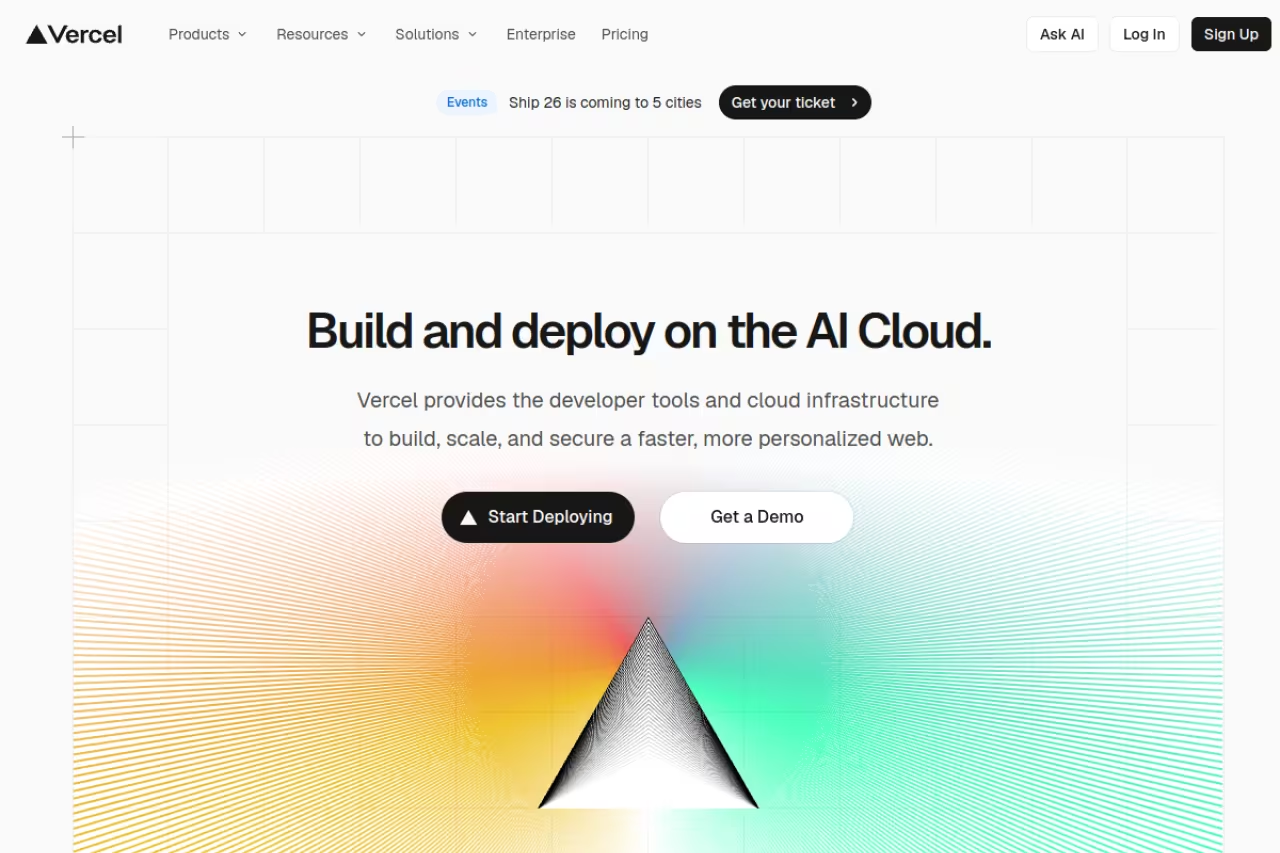
Vercel is the company behind Next.js, and it shows. Push to git, get a live preview URL on every pull request, ship to production with zero config. For frontend teams, nothing else feels this smooth. If you're building a modern web app and your time is worth more than your hosting bill, this is the default.
The smoothest home for React and Next.js apps and frontend teams that live on preview deployments. Per-user pricing and overages hurt: a team of five is $100/month before traffic, and extra transfer runs $0.15/GB.
Pricing: the Hobby tier is free forever and surprisingly capable, with 100 GB of fast data transfer and 1M function invocations a month. Pro is $20 per user per month, with a $20 usage credit included, then 1 TB of transfer before overages kick in. The full breakdown is on the Vercel pricing page.
The standout is preview deployments. Every branch gets its own URL automatically, which changes how teams review work. The build pipeline and edge network are also genuinely fast.
The catch: it's per-user, and usage overages bite. A team of five is $100/month before any traffic. Exceed the transfer allowance and you're paying $0.15/GB, which has produced some viral horror-story invoices. For a static marketing site, this is overkill. For a real app, it's worth it.

Netlify: the simplest path for static and Jamstack sites
Netlify was the original "git push and it's live" host, and it's still one of the easiest ways to get a static site or Jamstack project online. It pioneered a lot of what Vercel later polished.
A simple choice for static sites, Jamstack projects and small teams that want simplicity over raw power. The credits-based pricing is harder to predict, and heavy builds eat credits fast.
Pricing: Netlify moved to a credits model. Free gives a 300-credit monthly limit with deploy previews, custom domains with SSL, and functions. Pro is $20/month with 3,000 credits and unlimited members, with a $9/month Personal tier in between. Current numbers are on the Netlify pricing page.
The standout is how little you have to learn: connect a repo, pick a build command, done. The built-in form-handling and identity add-ons save real time on small sites.
Where it falls short: the credits-based pricing is harder to predict than a flat bandwidth number, and heavy builds eat credits fast. For pure frontend apps, Vercel's tooling has pulled ahead.

Kinsta: managed WordPress when downtime costs you money
If WordPress is your business, a $3/month shared host is a false economy. Kinsta runs every site in an isolated container on Google Cloud's premium tier, and the stability under load is obvious. Independent 2026 benchmarks consistently rank it among the fastest managed WordPress hosts.
Pick Kinsta for high-traffic WordPress, ecommerce and agency work where an hour of downtime costs real revenue. It starts at $35/month, charges overage fees past the visitor cap and offers no email hosting.
Pricing: plans start at $35/month ($30 annual) for one install and 35,000 monthly visits, scaling to agency tiers around $450/month. See the Kinsta plans page.
The standout is how much is included even on the entry plan: free migrations, Cloudflare CDN, daily backups, staging environments, and 24/7 expert support from people who actually know WordPress.
The catch: it's expensive, and the visitor caps matter. Go over your monthly visits and you pay overage fees, so a traffic surge can cost you. There's also no email hosting, so you'll need a separate provider.

SiteGround: WordPress hosting with hand-holding
SiteGround sits between cheap shared hosting and premium managed WordPress. It's the host I'd recommend to someone who's not technical but wants good support and a staging environment without paying Kinsta money.
A friendly WordPress host for non-technical small businesses and freelancers who will actually use support. Great first year, but StartUp renews at $17.99/month, a jump of roughly 500%.
Pricing: StartUp is $2.99/month promo for one site, GrowBig is $4.99/month for unlimited sites and 50 GB storage. Both are heavily discounted intro rates. Verify the current numbers on the SiteGround hosting page before you commit.
The standout is support quality and the developer touches: Git integration, staging, and a clean custom dashboard that's nicer than old-school cPanel.
The catch: the renewal pricing is brutal. StartUp renews at $17.99/month and GrowBig at $29.99/month, which is roughly a 500% jump on StartUp. Storage caps are also tight. Great first year, expensive after.

Render: the Heroku replacement for full-stack apps
When Heroku killed its free tier, Render became the obvious landing spot. It hosts web services, APIs, background workers, cron jobs, and databases with a clean dashboard and git-based deploys.
The natural landing spot for Heroku refugees running full-stack apps, APIs and side projects that need a real server. It gets pricey as you scale, and the free PostgreSQL database expires after 90 days.
Pricing: there's a genuine free tier (750 hours/month, services sleep after 15 minutes idle) plus unlimited free static hosting. Always-on Starter web services are $7/month for 512 MB RAM, scaling to $85/month for Pro. See the Render pricing page.
The standout is breadth: frontend, backend, and database under one roof with the same deploy flow, which is exactly the Heroku experience people miss.
The catch: it gets pricey as you scale, and the free PostgreSQL database expires after 90 days, which catches people off guard. A serious database costs real money fast.

DigitalOcean: raw cloud for developers who want control
DigitalOcean is for when you want a server, not a platform. A Droplet is a virtual machine you configure yourself. More work, more control, and predictable pricing that doesn't spike on a traffic surge.
Raw cloud for developers comfortable on the command line who want control and predictable pricing. Droplets start at $4/month but are unmanaged, so security updates, config and backups are yours.
Pricing: Basic Droplets start at $4/month (1 vCPU, 512 MB RAM, 500 GB transfer), and as of January 2026 billing is per-second. The App Platform free tier hosts up to three static sites, and dynamic apps start at $5/month. Full numbers are on the Droplet pricing page.
The standout is the documentation. DigitalOcean's tutorials are a public good, and the developer experience around a plain VM is the cleanest in the business.
The catch: a Droplet is unmanaged. You handle security updates, server config, and backups yourself. If "SSH into the box and configure nginx" sounds like a chore rather than a Tuesday, pick a managed host instead.
IONOS: the rock-bottom entry price
IONOS earns a spot purely on price. Intro rates dip to around $1/month, about as cheap as legitimate hosting gets, with solid uptime for the money.
Best for: personal sites, tiny business pages, anyone who needs something online for almost nothing.
A budget host for personal sites and tiny business pages that just need something online for around $1/month. The control panel is clunky, support is hit-or-miss and renewal rates run much higher.
Pricing: shared plans start near $1/month on intro promos, with managed WordPress and VPS options above. Check the IONOS hosting page for current deals.
The standout is the price-to-uptime ratio at the very bottom of the market. For a simple brochure site, it's hard to argue with $1/month.
The catch: clunky control panel, hit-or-miss support, and like every budget host the renewal rate is much higher than the intro. You get what you pay for, but for a basic site that's sometimes enough.
If you're building the site itself before you host it, our guides to the best AI website builders and no-code platforms cover that half of the problem, and the team behind those tools tends to live in newsletters like Dupple X.
How to choose
Forget the round-ups for a second and answer one question: what are you actually hosting?
A normal website or WordPress blog. Go Hostinger for value, Kinsta if WordPress is your livelihood and downtime is expensive, SiteGround if you want good support in between. Don't overthink it.
A static site or marketing page. Cloudflare Pages, because unlimited bandwidth means no surprise bills. Netlify if you want the simplest possible setup.
A frontend app (React, Next.js, Vue). Vercel for the best experience, Cloudflare Pages if you're cost-sensitive at scale.
A full-stack app or API. Render for platform simplicity, DigitalOcean if you want to control the server yourself.
The one rule that saves the most money: read the renewal price, not the intro price. Multiply the renewal rate by your contract length and decide based on that number. The $2.99 you see is bait. The $17.99 you'll pay next year is the real cost.
Ready to ship? Start your Dupple X yearly trial and keep the rest of your stack moving as fast as your hosting.
FAQ
What is the best web hosting for beginners in 2026?
Hostinger is the easiest starting point. The hPanel dashboard is simpler than traditional cPanel, the Business plan is under $4/month with daily backups and a free CDN, and there's a built-in site builder if you don't want to touch WordPress. SiteGround is a close second if you'd rather pay a bit more for stronger support.
Is free web hosting good enough for a real website?
For static sites, marketing pages, and side projects, yes. Cloudflare Pages and Netlify both run production sites for free with custom domains and SSL, and Cloudflare's bandwidth is unlimited even on free. The limits show up when you need always-on servers, databases, or heavy traffic, at which point a $7 to $20/month plan pays for itself.
Why is web hosting so much cheaper in the first year?
Almost every budget host advertises a steep promo rate that only applies to your first contract term, then renews at two to five times the price. SiteGround StartUp goes from $2.99 to $17.99/month, Hostinger Premium from $2.99 to $10.99. Base your decision on the renewal rate multiplied by how long you plan to stay, not the sticker.
What is the best hosting for a Next.js or React app?
Vercel, made by the team behind Next.js, gives the smoothest experience: automatic preview deployments, zero-config builds, and a fast edge network. The free Hobby tier handles personal projects, Pro is $20/user/month. If you expect heavy traffic and want to dodge bandwidth overages, Cloudflare Pages is cheaper at scale.
Do I need managed WordPress hosting, or is shared hosting fine?
If your site is a blog or small business page with modest traffic, shared hosting like Hostinger or SiteGround is fine and far cheaper. Managed hosts like Kinsta earn their $35/month-plus price when WordPress is your revenue source: isolated containers, expert WP support, staging, daily backups, and better uptime under load. Match the spend to what an hour of downtime actually costs you.
Related guides
Some offers on this page may be paid placements or contain affiliate links.
Across our whole catalogue the median is $24 a month and 33% of tools advertise a free tier. Figures are the lowest recurring monthly price quoted in our own review of each tool, read on 2026-08-19. Full method and every category.
