
Last updated: May 2026
What Is Laplink?
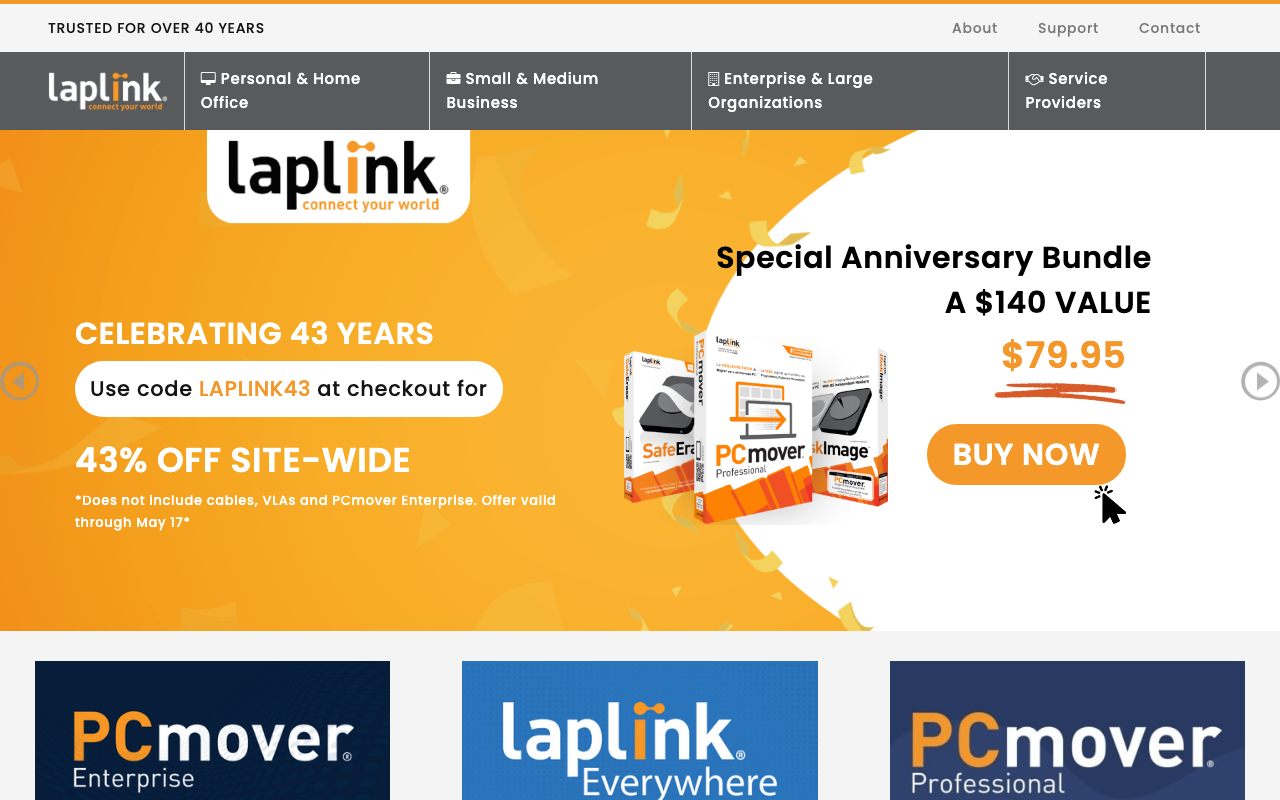
Laplink is the PC migration and data transfer software company best known for its PCmover product line. Founded in 1983, Laplink has been transferring data between PCs for over four decades, making it one of the longest-running software companies in the consumer and SMB space.
The pitch is painless PC upgrades. Buying a new PC traditionally means losing applications, settings, and customizations. PCmover transfers everything from the old PC to the new one: files, installed programs with settings, user accounts, browser bookmarks, and email configurations. The old PC stays intact; the new PC arrives ready to use.
For IT departments rolling out new laptops to employees, this saves hours per device. For consumers buying a new PC, it eliminates the dread of starting over with fresh software installs.
Try PCmoverHow Laplink Works
Install PCmover on both PCs (the old source PC and the new target PC). Connect them through Wi-Fi, ethernet cable, or external drive. PCmover scans the source PC, identifies transferable content, and lets you select what to move.
The transfer covers files, folders, user profiles, installed applications with their settings, registry entries, and personalized configurations. Most applications work on the new PC after transfer without reinstallation or license re-activation, though some software (especially DRM-protected) requires re-activation.
The Enterprise version adds management features: deployment via Group Policy, mass migration for IT projects, transfer reporting, and integration with deployment tools like SCCM. IT teams use it for OS refreshes and hardware replacements at scale.
For consumers, PCmover Home covers personal migrations. PCmover Professional adds application transfer and works for individual or small business use.
Laplink Pricing in 2026
Perpetual license model rather than subscription.
PCmover Home: $59.95 one-time. Transfers files, settings, user accounts. Does not transfer applications.
PCmover Professional: $79.95 one-time. Adds application transfer including installed programs.
PCmover Business: From $129.95 per seat. For IT departments and SMBs.
PCmover Enterprise: Custom pricing for IT departments running 50+ migrations.
The perpetual license model is unusual in 2026 when most software has moved to subscriptions. Laplink's pricing means you pay once per migration; if you upgrade PCs every 3-5 years, this works out cheaper than subscription alternatives.
Get Laplink PCmoverWhere Laplink Wins
- Application transfer: most migration tools handle files and settings; PCmover transfers installed apps too.
- Perpetual license: pay once per migration, no recurring fees.
- Battle-tested: 40+ years of PC migration experience.
- Enterprise IT support: integrates with deployment tools for mass migrations.
- Source PC remains intact: low-risk, reversible process.
Where It Falls Short
- Windows-only: no Mac support.
- Some applications resist transfer: DRM-protected, hardware-tied, or 32-to-64-bit incompatible apps may need reinstall.
- UI is functional but dated: works well but visually older.
- License re-activation needed for some apps: Office, Adobe, and similar software may need fresh activation.
Laplink vs Manual Migration vs Windows Easy Transfer
Manual transfer is free but slow. Copy files via USB drive, reinstall every application, reconfigure settings. Takes 4-12 hours per PC depending on complexity.
Windows Easy Transfer existed in Windows 7-8 but Microsoft retired it. Modern Windows offers limited built-in migration through OneDrive sync and Windows backup, which lacks application transfer.
Mac users use Migration Assistant built into macOS. Free, polished, works well within the Apple ecosystem.
Who Should Use Laplink
Anyone upgrading from old PC to new PC: especially with many installed applications.
IT departments refreshing employee laptops: Enterprise version saves hours per migration at scale.
SMBs replacing aging hardware: less downtime than fresh installs and reconfigurations.
Power users with customized environments: settings, configurations, and applications that took years to set up.
Skip it if: you do clean installs intentionally (some IT pros prefer this for performance), you use mostly cloud apps (less to migrate), or you migrate Mac-to-Mac (use Migration Assistant).
Frequently Asked Questions
Does it transfer software licenses?
Application data transfers; license re-activation may be needed for some software with DRM (Office, Adobe, etc.).
What if my old PC is broken?
PCmover supports transferring from a backup or external drive of the old PC.
Can I undo a migration?
The old PC remains untouched, so you can return to it. The new PC can have its profile rolled back if needed.
Does it work for Windows 11?
Yes. Supports migrations to and from Windows 7 through 11.
How long does a migration take?
Typically 2-6 hours depending on data volume and transfer method. Ethernet is fastest; Wi-Fi or external drive slower.