Last updated: March 2026
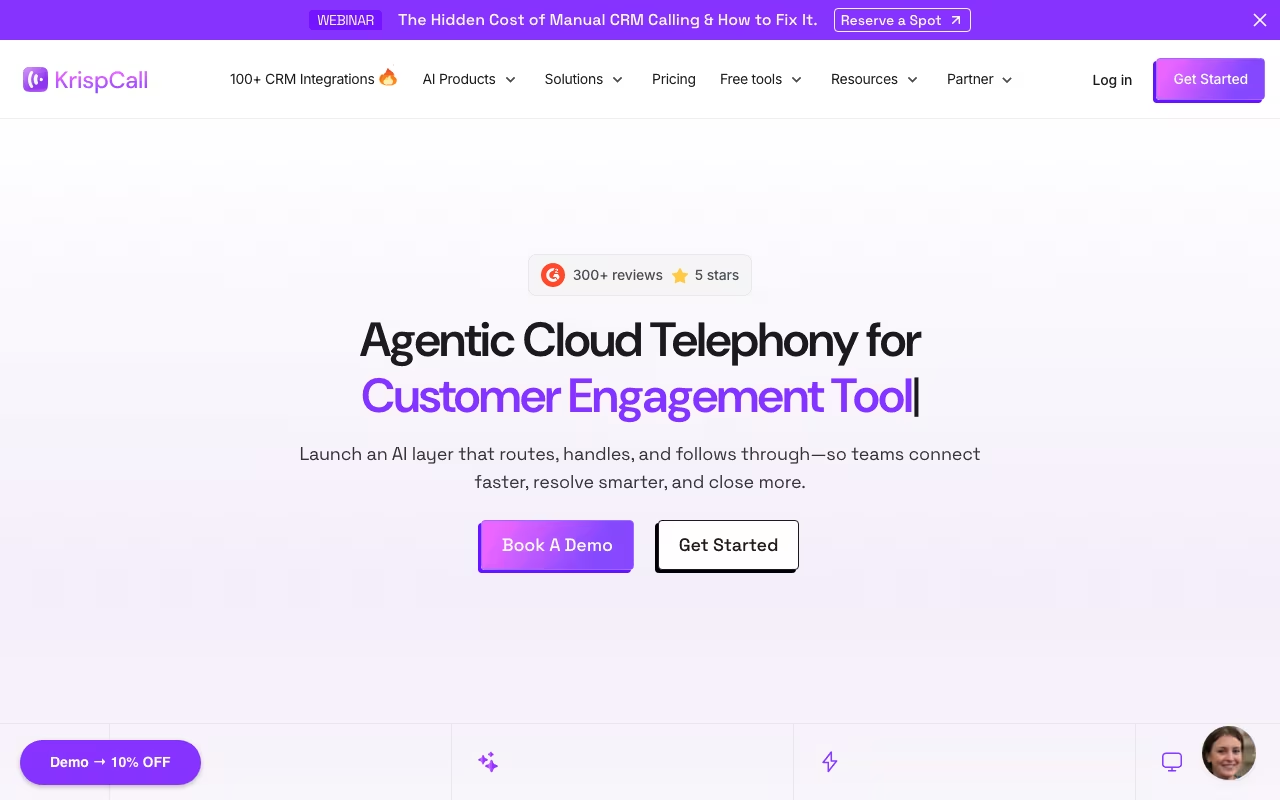
Setting up a business phone system used to mean hardware, contracts, and IT overhead. KrispCall is a cloud-based alternative that gives you virtual phone numbers in 100+ countries, call management, SMS/MMS, and basic CRM features from a single app. It targets small businesses and startups that need a professional phone presence without the complexity of traditional PBX systems or the cost of enterprise VoIP solutions like Aircall or Dialpad.
Try KrispCall FreeWhat You Get
A unified callbox that centralizes calls, texts, voicemails, and recordings in one inbox. Multi-level IVR (auto attendant) routes callers without a receptionist. Custom caller ID lets you show your business number regardless of where you are calling from. Call recording, transcription, and voicemail transcription are built in. An AI Copilot generates call summaries and suggested responses.
For team management: call whispering and barging let supervisors listen to calls and coach agents in real time. Call analytics and reporting track volumes, durations, and outcomes. Web, desktop, and mobile apps mean your team can take business calls from anywhere.
Number porting lets you bring existing business numbers to KrispCall. The platform supports 100+ integrations including HubSpot, Pipedrive, Salesforce (via Zapier), Slack, and various CRM tools. A lightweight built-in CRM handles basic contact management if you do not need a full external CRM. The power dialer automates outbound calling campaigns, though it is still in Beta as of February 2026.
One notable gap: no built-in video calling. If you need video meetings alongside voice, you will still need a separate tool like Zoom or Google Meet. KrispCall is strictly voice, SMS, and call management.
Pricing
Essential: $15/user/month ($12 annual). Up to 5 users. 1 local/mobile number per user (UK or US/CA). Unified callbox, IVR, custom caller ID, call recording, SMS/MMS, Slack integration, and basic analytics.
Standard: $40/user/month ($32 annual). Unlimited users. Power Dialer (still in Beta), bulk SMS, unlimited call recording storage, call transfer, phone trees, Pipedrive integration, API/webhook access, and 100+ third-party integrations including HubSpot.
Enterprise: Custom pricing. Developer support, dedicated account manager, bundled calling/SMS rates, and SLA guarantees.
Important cost note: Per-minute calling charges and per-segment SMS fees apply on top of the subscription. 10DLC compliance for US SMS has additional one-time ($4.50-$15) and monthly fees. These are not hidden, but they are not prominently displayed on the pricing page either. Budget accordingly.
Book a KrispCall DemoWhat Users Like
- Customer support is consistently praised as responsive and helpful (4.1/5 on Trustpilot from 537 reviews)
- Clean, user-friendly interface with short learning curve
- Competitive pricing for SMBs compared to Aircall or Dialpad
- Virtual numbers in 100+ countries for international presence
- AI call summaries and transcription save post-call admin time
- Call whispering/barging useful for training and quality assurance
What Users Complain About
- Call quality drops during peak hours. Words get cut off during soft or quick speech.
- Mobile app is laggy with unclear voice quality. Desktop/web version is more reliable.
- Per-minute and SMS fees on top of subscription can surprise users who expect all-inclusive pricing.
- Limited local number availability in some countries (e.g., Italy, smaller markets).
- Number porting takes 3+ days with limited status updates.
- No built-in video calling (requires third-party integration).
- Power Dialer still in Beta and not fully reliable.
- Excessive battery drain on mobile when running in background.
KrispCall vs. Alternatives
vs. Aircall ($30/user/month): Aircall is more polished with better call quality and deeper CRM integrations. KrispCall is roughly half the price and covers the basics well for teams that do not need enterprise features.
vs. Dialpad ($15/user/month): Similar entry pricing, but Dialpad has stronger AI features and video conferencing built in. KrispCall wins on international number availability.
vs. CloudTalk ($25/user/month): CloudTalk offers more advanced call center features. KrispCall is simpler and cheaper for small teams that need basic cloud calling.
Who Gets the Most Value
Small businesses with 2-5 employees who need a professional phone presence in multiple countries. Startups that want virtual numbers in the US, UK, and target markets without physical offices. Freelancers and consultants who need to separate business and personal calls with a dedicated number. Remote sales teams that need basic call recording, transcription, and analytics.
Skip KrispCall if your team has 20+ agents and needs advanced call center features (use Aircall or Five9). Skip it if you need video calling bundled into your phone system (use Dialpad or RingCentral). Skip it if call quality cannot have any hiccups (the peak-hour issues are a real concern for customer-facing teams).
Our Take
KrispCall is a solid budget option for small businesses that need virtual numbers and basic cloud calling across multiple countries. The pricing is competitive, the interface is clean, and the AI features (call summaries, transcription) add real value. The per-minute calling fees on top of the subscription are the main gotcha. If call quality and reliability are mission-critical, Aircall or Dialpad are worth the premium. For cost-conscious teams that can tolerate occasional quality hiccups, KrispCall delivers enough for the price.
Try KrispCall Free