Browse AI Review: No-Code Web Scraping That Works (Most of the Time)
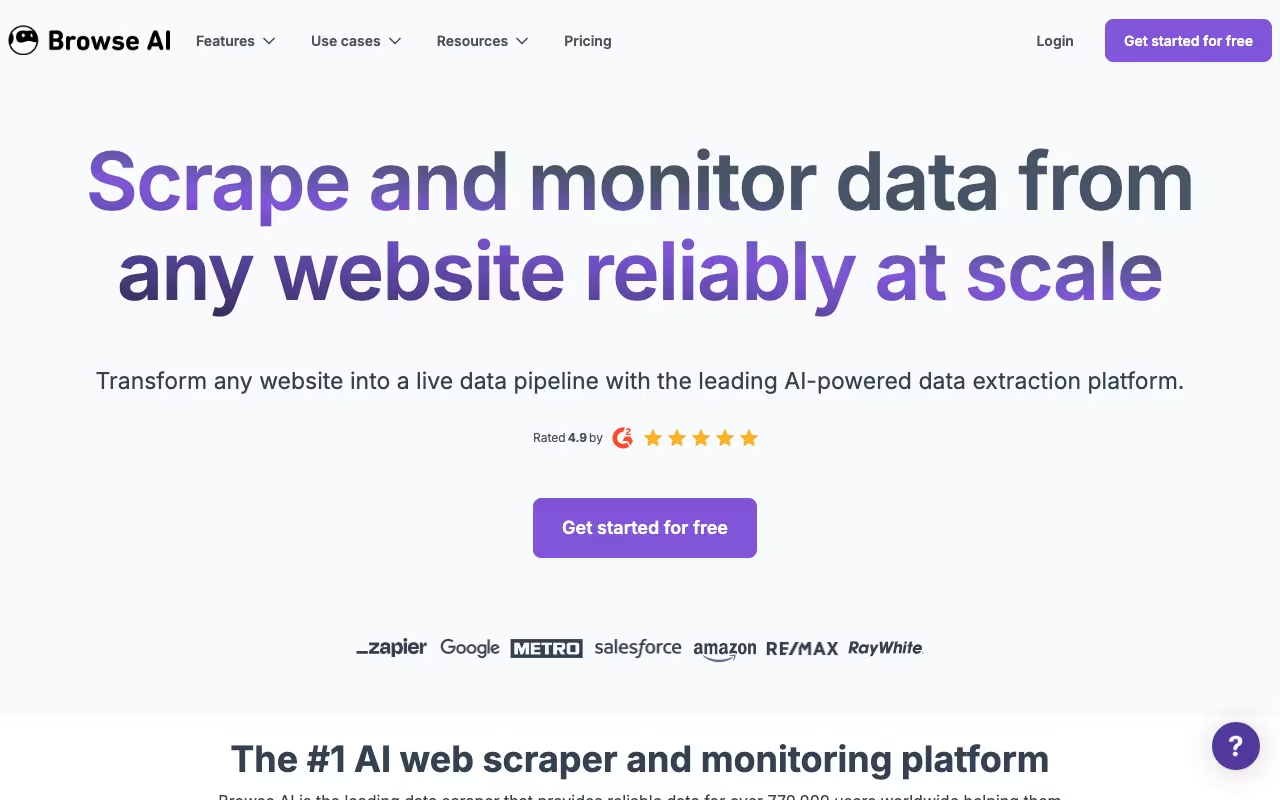
Web scraping has traditionally been a developer's game: writing Python scripts, managing proxies, handling CAPTCHAs, and rebuilding everything when a website changes its layout. Browse AI promises to make all of that unnecessary. It is a no-code platform where you train "robots" to extract and monitor data from any website by simply pointing and clicking on the elements you want. No coding, no proxies, no headaches.
With over 500,000 users extracting billions of data points monthly, Browse AI has become the default choice for non-technical teams that need web data. But the credit-based pricing can be confusing, and the platform has real limitations for complex scraping tasks. Here is an honest breakdown.
Try Browse AI Get started →Key Features
Point-and-Click Robot Training
Browse AI's core innovation is the training interface. You open the Browse AI Chrome extension, navigate to the website you want to scrape, and click on the data fields you want to extract. The AI watches your selections and builds a scraping robot that can repeat the process automatically. Training a basic robot takes about 2 minutes. The AI also adapts when websites change their layout, which is a genuine advantage over hard-coded scrapers that break every time a site updates its CSS.
Monitoring and Change Detection
Beyond one-time scraping, Browse AI can monitor websites on a schedule (hourly, daily, or weekly) and notify you when data changes. Common use cases include competitor price monitoring, job listing tracking, content change alerts, and stock availability checks. Notifications come via email, Slack, or webhook, so you can build automated workflows around detected changes.
Workflows (Robot Chaining)
For complex multi-step scraping tasks, Browse AI lets you chain robots together in workflows. One robot might scrape a list of product URLs from a category page, then pass those URLs to a second robot that extracts detailed product information from each page. This workflow approach handles scenarios that would normally require custom scripting.
Human Behavior Emulation
Browse AI robots can interact with websites the way a human would: clicking buttons, filling forms, navigating dropdowns, scrolling through infinite scroll pages, and waiting for dynamic content to load. This makes it effective on JavaScript-heavy sites and single-page applications where basic scrapers fail.
Bulk Runs
You can execute up to 50,000 robot runs simultaneously, which is useful for large-scale data collection. If you need to scrape product data from 10,000 pages, you do not have to do it sequentially.
Integrations and Export
Extracted data can be exported as CSV or JSON, synced to Google Sheets or Airtable in real time, or pushed to other tools via Zapier, Make.com, Pabbly, or webhooks. Browse AI also provides an API to programmatically trigger robot runs and retrieve results. The platform claims integration with 7,000+ apps through these connections.
Pricing
Browse AI uses a credit-based system. Each plan includes a monthly or annual credit allotment, and each scraping task costs credits based on the number of rows extracted and the complexity of the target site.
- Free: 50 credits/month, 5 robots, 1 user. Enough to test the platform on small tasks.
- Starter ($19/month billed annually): 10,000 credits/year, 10 robots, 1 user. Suitable for freelancers and small businesses with light scraping needs.
- Professional ($99/month billed annually): 60,000 credits/year, 20 robots, email support. The most popular plan, designed for regular data extraction at moderate scale.
- Team (custom pricing): Higher credit volumes, more robots, multiple users, and priority support for teams with extensive automation needs.
How credits work: Each credit covers 10 rows of extracted data from a standard site. So extracting 100 products from a regular website costs 10 credits. Premium sites (those with advanced security, CAPTCHAs, or complex structures) cost 2-10x more credits per task due to the additional computing resources required. Screenshots also consume credits. This means your actual cost per data point varies significantly depending on which websites you scrape.
Pros
- Genuinely no-code: The point-and-click training is intuitive and works as advertised for straightforward scraping tasks. Non-technical users can build functional robots in minutes.
- Auto-adapts to site changes: The AI automatically adjusts when websites update their layout. This is a major advantage over coded scrapers that break constantly.
- Built-in monitoring: Scheduled runs with change notifications make Browse AI useful for ongoing monitoring, not just one-time data extraction.
- Strong integrations: Google Sheets, Airtable, Zapier, Make.com, webhooks, and a proper API mean you can feed scraped data into almost any workflow.
- Workflow chaining: Multi-step scraping tasks that would require custom code elsewhere can be built visually by connecting robots.
- Security: AES-256 encryption, cloud-based infrastructure, and no stored credentials provide reasonable data security.
Cons
- Credit system is confusing: The variable cost per task (based on rows, site complexity, and premium status) makes it hard to predict your monthly spend. You might burn through credits much faster than expected on premium sites.
- No pay-as-you-go option: If you run out of credits mid-month, you must upgrade your plan. There is no option to buy additional credits for one-off needs, which is frustrating for unpredictable workloads.
- Limited on complex sites: While Browse AI handles most websites well, heavily protected sites (those with aggressive anti-bot measures, multi-step authentication, or very dynamic content) can produce inconsistent results. Developer-focused tools like Bright Data or Scrapy offer more control in these situations.
- Free plan is very limited: 50 credits per month is barely enough to test the platform. You will hit the limit quickly if you are evaluating Browse AI for a real use case.
- Learning curve for advanced features: Basic robot training is easy, but workflows, conditional logic, and handling edge cases require more time and experimentation to get right.
- No desktop app: Everything runs through the Chrome extension and web dashboard. If you prefer a standalone application, Browse AI does not offer one.
Who Should Use Browse AI
Great for: Marketing teams monitoring competitor pricing, product catalogs, and content changes. E-commerce businesses tracking competitor inventory and pricing across multiple sites. Sales teams extracting lead data from directories and listings. Researchers collecting structured data from public websites. Anyone who currently copies data from websites manually into spreadsheets.
Skip it if: You need to scrape heavily protected sites with aggressive anti-bot measures (use Bright Data or custom solutions). You need to extract data at very high volume on a tight budget (the credit system gets expensive at scale). You are a developer who is comfortable with code (Scrapy, Puppeteer, or Playwright will give you more control at lower cost). You need guaranteed 100% uptime and reliability for business-critical data pipelines (some users report occasional robot failures on complex sites).
Frequently Asked Questions
What are "premium sites" and why do they cost more credits?
Premium sites are websites with advanced security measures like CAPTCHAs, bot detection, IP blocking, or complex JavaScript rendering. These sites require Browse AI to use additional server resources, specialized IP addresses, and more sophisticated processing. A task that costs 1 credit on a standard site might cost 5-10 credits on a premium site. Browse AI labels sites as premium automatically when you train a robot, so you will know the cost multiplier before running a task.
Can Browse AI scrape data from behind a login?
Yes, Browse AI can handle login-protected pages. During robot training, you walk through the login process, and the robot replicates it before extracting data. However, this depends on the site's security measures. Sites with two-factor authentication, CAPTCHAs on login, or aggressive session management may cause issues. Always check the site's terms of service before scraping behind a login.
How does Browse AI compare to Bright Data and Scrapy?
Browse AI is the best option for non-technical users who need a no-code solution. Bright Data is better for large-scale, enterprise-grade scraping with proxy management and CAPTCHA solving built in, but requires technical setup. Scrapy is a free, open-source Python framework that gives developers maximum control but requires coding skills. If you cannot write code, Browse AI is your best bet. If you need industrial-scale reliability, Bright Data is worth the investment.
Is web scraping with Browse AI legal?
Web scraping of publicly available data is generally legal in most jurisdictions, but the specifics depend on the website's terms of service, the type of data you are collecting, and your local laws. Browse AI does not grant any legal right to scrape specific websites. Always review the target site's robots.txt file and terms of service. Avoid scraping personal data, copyrighted content, or data behind paywalls without permission. When in doubt, consult a lawyer familiar with data privacy regulations in your jurisdiction.
Final Verdict
Browse AI is the best no-code web scraping platform available in 2026 for non-technical users. The point-and-click robot training genuinely works, the auto-adaptation to site changes is a real differentiator, and the monitoring capabilities make it useful for ongoing data needs, not just one-time extraction. The main frustrations are the confusing credit system, the lack of a pay-as-you-go option for extra credits, and inconsistent results on heavily protected sites. At $19-$99/month for most users, it is reasonably priced for the time it saves compared to manual data collection. Start with the free plan to test a specific use case before committing to a paid tier, and pay close attention to how many credits your target sites consume.
Try Browse AI Get started →