
Last updated: May 2026
What Is Blinq?
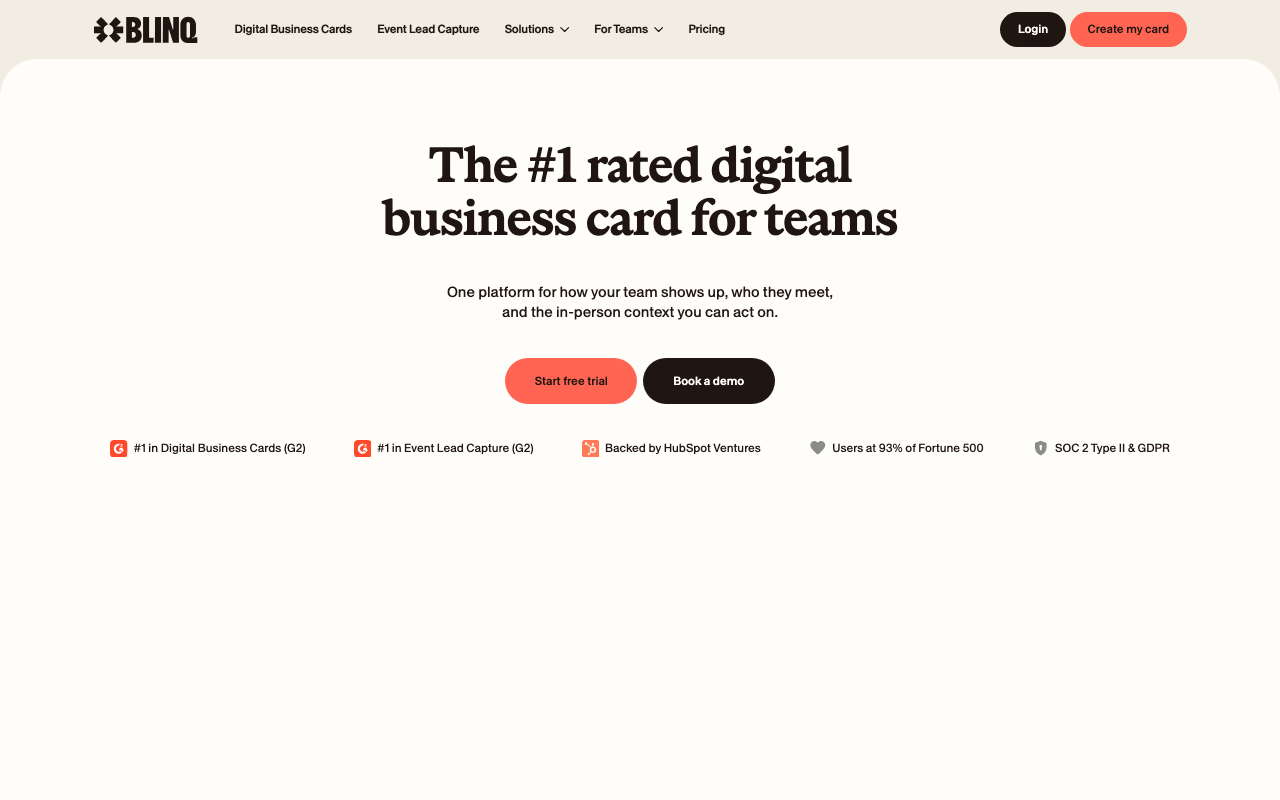
Blinq is the digital business card platform that replaces paper cards with NFC-enabled and QR-shareable digital profiles. Founded in 2017 in Melbourne, Blinq has issued over 5 million digital cards and serves both individuals and enterprise sales teams looking to modernize their networking.
The pitch is environmental, practical, and trackable. Stop printing paper business cards that get tossed within days. Tap an NFC card or scan a QR code, and the prospect's phone fills with your contact info, social links, lead capture form, and any branding you want. The interaction tracks who you connected with and when.
The product targets professional services, sales teams, real estate agents, and conference attendees. Enterprise sales teams use Blinq for Business with centralized branding and CRM integration; individuals use the personal product for general networking.
Try Blinq FreeHow Blinq Works
Create a digital profile in the app. Add your name, title, company, email, phone, social links (LinkedIn, Twitter, Instagram, others), website, and optional photo. The profile becomes your virtual business card.
Share via four methods. NFC: tap a physical Blinq card (sold separately) against a prospect's phone. QR code: display your QR; they scan with their camera. Link: text them your blinq.me URL. Email signature: embed in your signature so every email contact captures your profile.
When prospects open your profile, they see your info with one-tap actions: save contact to phone, visit website, message on LinkedIn, email you. Optional lead capture forms request their info in exchange (name, email, company), populating your CRM directly.
Blinq for Business adds enterprise features: centralized brand control, bulk card distribution, CRM integration (Salesforce, HubSpot), analytics on team networking, and SSO authentication. Sales teams ensure consistent branding while tracking which reps generate the most contacts.
Analytics show profile views, contact saves, and conversion rates. For sales teams running events, the data reveals which reps and what conditions produce the best networking outcomes.
Blinq Pricing in 2026
Free: Personal card, basic features.
Pro: $4.50/month annually. Custom branding, analytics, lead capture forms, unlimited cards per profile.
Business: $7.50/user/month annually. CRM integrations, team management, central brand control.
Enterprise: Custom pricing. SSO, advanced security, SCIM provisioning.
Physical NFC cards: $10-$50 depending on design. Sold separately as one-time purchase. Many users find QR sharing sufficient.
See Blinq PlansWhere Blinq Wins
- Polished design: profiles look professional, not amateurish.
- NFC and QR support: covers all sharing methods.
- Enterprise admin features: brand control, bulk distribution, analytics.
- CRM integration: leads flow to Salesforce, HubSpot.
- Affordable: $4.50/month for individuals beats paper card printing costs.
Where It Falls Short
- Physical NFC cards extra cost: $10-$50 for each card if you want NFC.
- Some prospects do not scan QR: education needed in industries that still expect paper.
- Mobile-dependent: less useful in office desk handoff contexts.
- Brand acceptance varies: traditional industries may view as less professional than paper.
Blinq vs HiHello vs Popl vs Linq
HiHello is the closest competitor with similar feature set and pricing.
Popl emphasizes physical NFC products with branded card lines.
Linq sells branded NFC cards with profile management.
Mobilo targets enterprise with deeper integration features.
Who Should Use Blinq
Sales reps attending conferences: lead capture beats paper cards.
Real estate agents: networking is core to the role.
Consultants and freelancers: professional presentation without printing costs.
Companies wanting branded team cards: enterprise admin features fit.
Skip it if: your network rarely scans QR codes (older industries), you prefer paper for cultural reasons, or you do not network frequently.
Frequently Asked Questions
Do prospects need an app?
No. They scan QR or tap NFC; contact info opens in their default browser.
Can I integrate with my CRM?
Yes on Business and Enterprise plans.
Are NFC cards required?
No. QR sharing works without physical cards. NFC cards optional for tap-style sharing.
Does it work on iOS and Android?
Yes. Cross-platform.
What about lead capture forms?
Yes on Pro and above. Customize fields and required information.