What Is Thinkific?
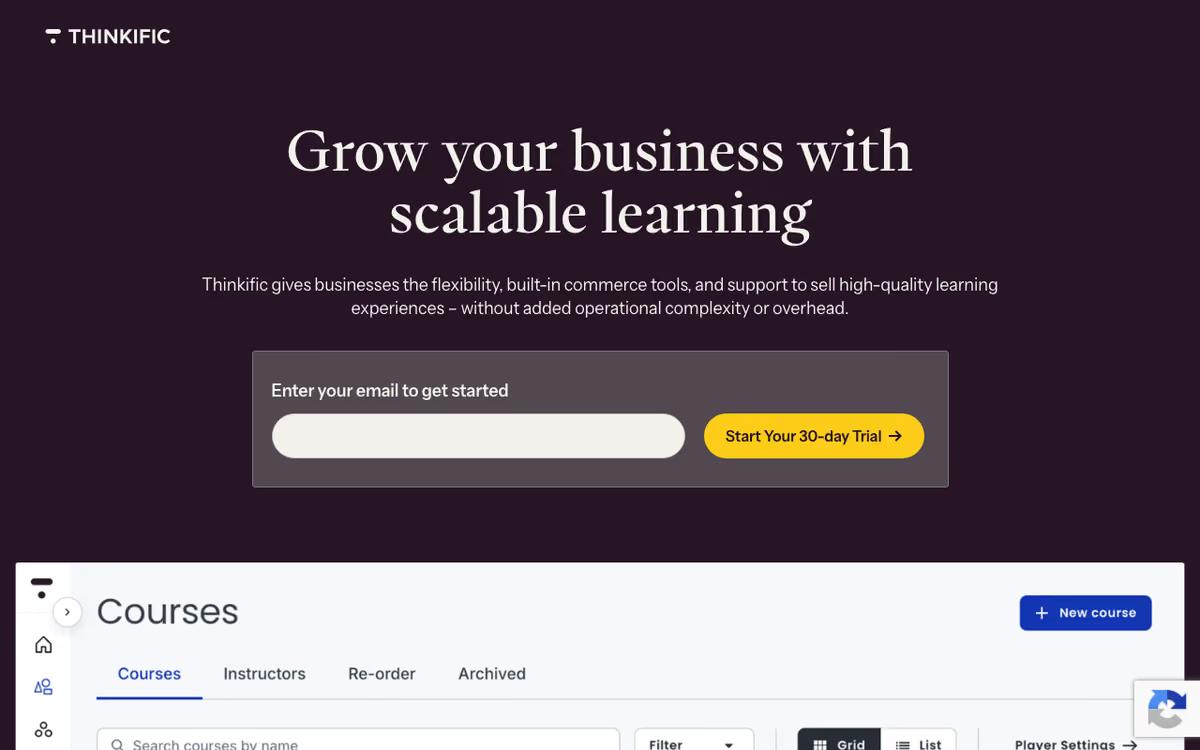
Thinkific is the online course platform that lets creators build, market, and sell digital courses without needing developers or marketing teams. Founded in 2012 in Vancouver, Thinkific has powered 50,000+ creators teaching over 100 million students. The platform handles everything from video hosting to checkout to certificates.
The pitch is independence. Where Udemy and Skillshare take 30-50% of revenue and own the customer relationship, Thinkific lets creators sell directly to their audience at their own prices through their own brand. Creators keep margins and email lists.
The product targets coaches, consultants, educators, and businesses creating online courses as primary or secondary revenue streams. SaaS companies building customer education portals also use Thinkific.
Try Thinkific Free Get started →How Thinkific Works
Build a course with the visual editor. Upload videos, add quizzes, attach downloads, structure lessons into modules. Course pages, checkout pages, and student dashboards generate automatically based on your branding.
Pricing models include one-time payment, payment plans, subscriptions, and bundles. Free preview lessons let prospects sample before purchase. Coupons run promotions; affiliate programs incentivize partner promotion.
The site builder creates the entire course website. Customize landing pages, sales pages, and the student portal with templates and visual editing. Replace the Thinkific subdomain with your custom domain.
Memberships and communities turn courses into recurring revenue. Subscribers access multiple courses or join cohorts; community features include discussions, live events, and direct messaging.
Integrations cover Stripe (payments), Mailchimp/ConvertKit (email marketing), Zapier (everything else), Google Analytics, and webhooks. Brillium integration handles certification exams; ScormCloud handles SCORM packages for corporate training.
Thinkific Pricing in 2026
Free: 1 course, 1 community, limited features. Trial-grade.
Basic: $49/month annually. Unlimited courses, payment integrations.
Start: $99/month annually. Memberships, communities, advanced features.
Grow: $199/month annually. Multiple admin accounts, advanced course customization.
Plus: Custom pricing. Enterprise features, dedicated support.
No transaction fees on paid plans (unlike platforms that take percentage of every sale).
See Thinkific Plans See plans →Where Thinkific Wins
- You own the relationship: customer data and emails stay with you.
- No transaction fees: keep 100% of course revenue minus payment processor fees.
- Marketing tools included: landing pages, email sequences, affiliate programs.
- Community features: discussions and live events build engagement.
- Strong support: live chat, knowledge base, and creator community.
Where It Falls Short
- You handle marketing: no built-in audience like Udemy.
- Limited course design flexibility: theme customization simpler than full website builders.
- Pricing climbs with features: communities and memberships require higher tiers.
- Mobile app for students less polished: works but feels older.
Thinkific vs Teachable vs Kajabi vs Podia
Course platform options, pricing from vendor sites, November 2026, USD list prices
| Option | Starting price | Pricing model | Best for |
|---|---|---|---|
| Thinkific | $82/mo billed annually, $109 monthly (Start) | Tiered subscription | Course businesses wanting flexibility |
| Teachable | Starter at $29/month billed annually or $39 monthly | Tiered subscription | Creators comparing on price and features |
| Kajabi | Basic at $143/month billed annually or $179 monthly | Tiered subscription | All-in-one with email marketing |
| Podia | $42/mo billed annually (Mover) | Subscription | Simpler creators |
Teachable is the closest competitor on price and feature set. Similar tradeoffs.
Kajabi is the all-in-one alternative with stronger email marketing. More expensive.
Podia targets simpler creators with cleaner UX. Smaller scope.
LearnWorlds offers more interactive course features.
Who Should Use Thinkific
Creators with an existing audience: own the relationship and keep margins.
Coaches and consultants productizing knowledge: courses + community + memberships.
Businesses building customer education portals: complete platform with branding control.
Skip it if: you have no audience and need marketplace traffic (try Udemy first), need ultra-flexible design (use custom Webflow + Memberstack), or want all-in-one with email marketing built in (use Kajabi).
How Thinkific works
Thinkific is a hosted platform for building and selling online courses, communities, memberships, digital downloads, coaching sessions and webinars under your own brand and domain. You build a site on a Thinkific subdomain or a custom domain, create courses in a drag-and-drop builder (video lessons, quizzes, assignments, in-course discussions, drip and completion rules), then attach pricing and publish landing pages made in the website and page builder. Community spaces with posts and live events sit alongside the courses. The company says customers in 100+ countries have earned $4.23 billion on the platform and reached 214 million learners.
Pricing on your products can be one-time, subscription, a payment plan, free or time-limited. Selling runs through TCommerce / Thinkific Payments, the in-house processor at roughly 2.9% plus card costs, which unlocks order bumps, Buy Now Pay Later via Klarna and Afterpay, gifting, smart retries, invoicing and a 0.5% Sales Tax and VAT solution built with Stripe. Stripe and PayPal still work, but carry an extra gateway fee (see below).
Extensions come from the Thinkific App Store, spanning seven categories and including Zoom for live lessons, Zapier, HubSpot, QuickBooks Sync, Meta Pixel and GA4. There is a standard REST API and webhooks from the Grow plan up. Plans are Basic $54/mo ($40 annual), Start $109/mo ($82), Grow $219/mo ($164) and Plus (quote), and every account starts with a 30-day free trial. A branded iOS and Android app is a $199/mo add-on, included on select Plus contracts.
Where Thinkific wins
- Unlimited published courses on every plan, including the $54 Basic tier, which also allows 10,000 current students.
- In-house payments at Stripe-comparable rates. TCommerce bundles order bumps, BNPL, gifting, invoicing, smart retries and an automated US, CA, UK and EU sales-tax-and-VAT solution for 0.5%.
- Communities are native, not bolted on: standalone community products with spaces, live events, DMs and weekly digests, sellable on subscription or bundled with a course.
- A full commerce toolkit out of the box: bundles, upsells, payment plans, memberships, coupons, abandoned-cart recovery, plus B2B group orders and invoicing from Grow.
- Room to extend and to grow up: a proper app ecosystem, HTML and CSS editing from Start, standard API and webhooks from Grow, and SCORM, SSO, learning paths and HubSpot/Salesforce CRM integration on Plus.
Where it falls short
- No free plan any more, only a 30-day trial, and the old Free plan was forced onto Thinkific Payments in 2024.
- Keeping your own Stripe gateway is expensive on cheap tiers. The third-party gateway fee scales inversely with plan price: 5% on Basic, 2% on Start, 1% on Grow, 0.5% on Expand, none on Plus.
- Thinkific branding stays on your site and products until the $219/mo Grow plan.
- Developer and enterprise features are gated high. API access and webhooks start at Grow; SCORM, SSO, learning paths, custom roles, custom analytics dashboards and CRM integrations are Plus-only on quote pricing.
- Hard ceilings the marketing copy glosses over: 10,000 current students on all self-serve plans, video bandwidth capped at 100, 200 or 400 GB per month, admins limited to 1, 3 or 10, and communities to 1, 1 or 3.
- A branded mobile app is a separate $199/mo charge on top of the subscription unless you are on a qualifying Plus contract.
Who should use Thinkific
Thinkific suits solo experts and small course businesses that want a polished, all-in-one course and community storefront without touching code, and that are happy to sell through Thinkific Payments. If you take that deal, the maths is good: unlimited courses from $54/mo, no gateway penalty, and tax handling, order bumps and BNPL included rather than assembled from plugins. The native communities also make it a reasonable pick if you plan to sell membership access rather than one-off courses.
Skip it if you need API access on a budget, must keep your own Stripe gateway (the 5% Basic fee makes that painful), need SCORM or SSO, or serve more than 10,000 active learners, since the self-serve plans stop there. Check the video bandwidth and admin caps against your actual catalogue before committing, and price the branded app add-on separately if a mobile presence is part of the plan.
Frequently Asked Questions
Does Thinkific take transaction fees?
No on paid plans. Only payment processor fees (Stripe ~2.9% + 30¢).
Can I use my own domain?
Yes on paid plans. Custom domain support included.
Does it support memberships?
Yes from Start tier. Recurring subscriptions and tiered access supported.
What about live cohort courses?
Yes. Cohort features include start dates, live sessions, and community discussions.
Does it integrate with email marketing?
Yes. Native integrations with Mailchimp, ConvertKit, AWeber, and others via Zapier.