
Best Password Managers in 2026: 7 Compared and Ranked

Key facts7 tools compared: Keeper, Bitwarden, 1Password, Proton Pass, NordPass, Dashlane, KeePassXC
- 7 tools compared: Keeper, Bitwarden, 1Password, Proton Pass, NordPass, Dashlane, KeePassXC
- Keeper (best for: Individuals and families on every device): $1.79/mo first year
- Bitwarden (best for: Best free tier, open source): Free, or $19.80/yr Premium
- 1Password (best for: Developers + power users): $2.99/mo (billed yearly)
- Proton Pass (best for: Privacy + email aliases): Free, or $1.99/mo Plus
You reuse one password across forty accounts. Be honest. Most people do, and it works fine right up until a breach somewhere leaks that password and a bot tries it everywhere else. A password manager kills that whole attack class. It generates a unique random string for every login, remembers all of them, and fills them in so you never type a password again.
The hard part is picking one. The market is loud, every "review" site is stuffed with affiliate links, and prices shifted hard in early 2026 (1Password jacked up its individual plan, Bitwarden raised its Premium tier, Proton Pass cut its price in half). So I spent real time comparing seven of them, pricing pages, documentation, and public user reviews, looking at what they actually cost today, how they sync, and where each one falls short.
Short version: Keeper takes the top spot for anyone who wants one zero-knowledge vault for logins, IDs and payment details on every device, with Emergency Access and family sharing built in. If you want the best free option, go with Bitwarden. It is open source, audited, and the free tier is genuinely unlimited. If you live in the terminal and want secrets management baked in, 1Password is worth the premium. The full ranking is below, and the trade-offs matter more than the order.
Quick comparison
| Tool | Best for | Price (individual) | Standout |
|---|---|---|---|
| Keeper | Individuals and families on every device | $1.79/mo first year | Zero-knowledge vault, Emergency Access |
| Bitwarden | Best free tier, open source | Free, or $19.80/yr Premium | Truly unlimited free, open source |
| 1Password | Developers + power users | $2.99/mo (billed yearly) | SSH agent, CLI, secrets automation |
| Proton Pass | Privacy + email aliases | Free, or $1.99/mo Plus | Unlimited hide-my-email aliases |
| NordPass | Simplicity, clean UX | Free (1 device), ~$1.99/mo | Fast autofill, easy onboarding |
| Dashlane | All-in-one with VPN | $4.99/mo (no free tier soon) | Bundled VPN, dark web scans |
| KeePassXC | Offline, no cloud | Free | Local-only encrypted vault |
Keeper: one zero-knowledge vault for every device
Keeper is a password manager that saves your logins, IDs and payment details, then syncs them to every phone, tablet, laptop and desktop you use, all protected by zero-knowledge encryption. Emergency Access lets up to five trusted contacts step in if you're locked out, and secure sharing keeps family logins organized in one place. It's ideal for everyone who wants a simpler, safer way to manage their digital life.
Who it is best for: individuals and families who want one simple, secure vault on every device, plus small teams that want the same vault with an admin console.
Keeper keeps logins, IDs and payment details in one zero-knowledge vault that syncs to every device, with Emergency Access for up to five trusted contacts and secure family sharing built in. Plans start at $1.79/month for the first year.
Personal is $1.79/month for the first year (50% off $3.58), Family is $3.83/month for five users (50% off $7.67), and Business Starter is $7/month for a minimum of five users, billed annually (30% off $10). The discounts apply to the first year for new customers, and every plan comes with a free trial. Current plans are on Keeper's offer page.
Key strengths:
- Unlimited password storage and syncing across phones, tablets, laptops and desktops
- Zero-knowledge encryption that helps protect your private information
- Emergency Access and secure sharing that make it easy to keep family accounts covered
The catch: the headline prices are first-year rates for new customers, so check the renewal price before you commit. Dark web monitoring (BreachWatch) is sold as an add-on.

Bitwarden: the one I recommend to almost everyone
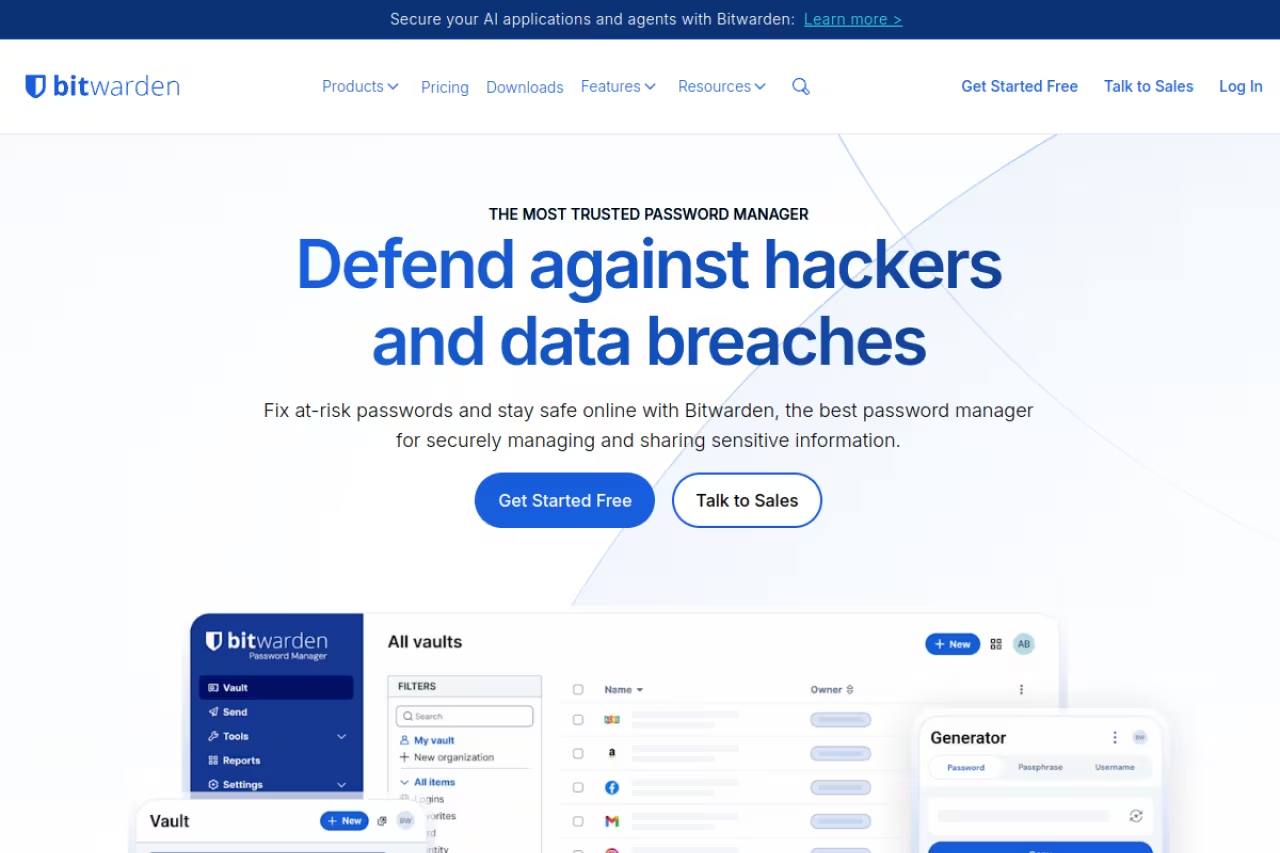
Bitwarden is the password manager I install on family laptops and then never hear about again. It is open source, the code gets independent security audits, and you can self-host the whole server on your own box if you are the type who reads Dockerfiles for fun.
The reason it wins for most people is the free plan. Unlimited passwords, unlimited devices, sync across phone, laptop, and browser, all at zero cost. Most "free" password managers cripple you on device count or vault size to push the upgrade. Bitwarden does not. You can run it free forever and lose nothing important.
Who it is best for: anyone who wants strong security without a subscription, plus privacy folks who want to self-host.
The default I recommend to almost everyone: open source, audited, and a free plan with unlimited passwords and devices. Premium is $19.80/year. The interface is functional rather than pretty, and autofill occasionally misfires on odd login forms.
Free covers the basics fully. Premium is $1.65/month billed annually at $19.80/year, which adds the built-in authenticator (TOTP), 5 GB of file storage, emergency access, and vault health reports. That price went up in January 2026 from the old $10/year, and it is still the cheapest paid tier in this list. Families is $3.99/month for six users. See the official pricing page for the full breakdown.
The standout: the combination of open source plus a no-asterisks free tier. You can verify what it does, and you do not pay to do the basic job well.
The catch: the interface is functional, not pretty. Autofill occasionally misfires on weird login forms, and the desktop app feels a generation behind 1Password on polish. If you care about a slick experience more than principle, that gap is real.

1Password: the developer's pick
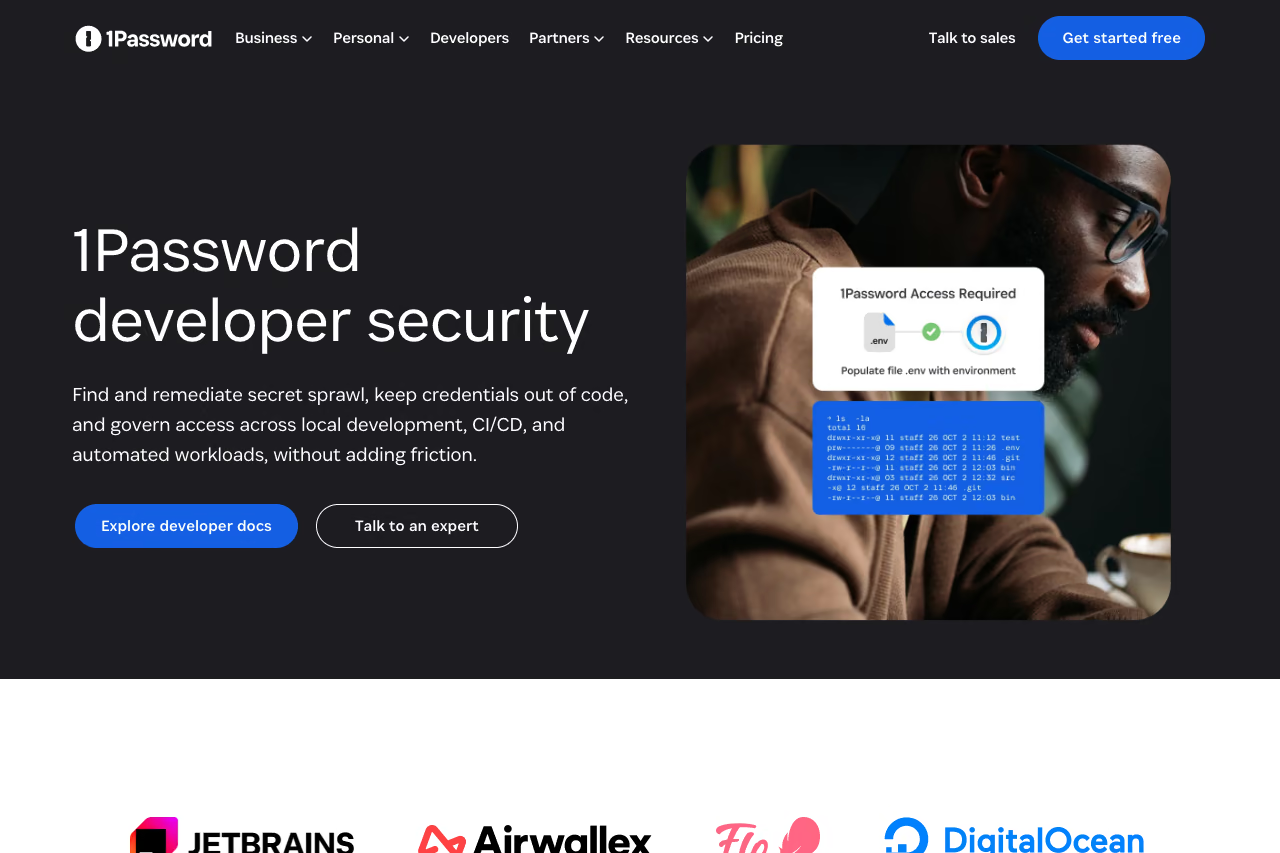
1Password is the most polished app here, and it has quietly become the default for engineering teams. The reason is its developer tooling: a real SSH agent that holds your keys and authenticates Git without ever exposing the private key, a CLI that injects secrets into your shell, service accounts for CI, and SDKs for Python, Go, and JavaScript.
For a normal user, 1Password is just a clean, fast vault with great autofill and Watchtower breach alerts. For a developer, it replaces a pile of .env files and plaintext secrets with something auditable. I moved my SSH keys into it and stopped scattering credentials across config files.
Who it is best for: developers, technical teams, and anyone who wants the nicest app and does not mind paying for it.
Developers and technical teams get the most from 1Password, thanks to its SSH agent, CLI and service accounts. There is no free plan and the per-user math gets expensive for larger teams, so pay only if you will use the polish and dev tooling.
Individual is $2.99/month billed annually. Families is $4.49/month for up to five people. Business is $8.99/user/month billed annually and adds SSO with Okta or Entra. Note that 1Password raised its individual pricing in early 2026, and there is no free tier, only a 14-day trial. Full details on the pricing page.
The standout: secrets management and the SSH agent. Nothing else in this list comes close for developer workflows.
Where it falls short: there is no free plan, and the per-user math gets expensive for larger teams compared to Bitwarden. You are paying for polish and the dev tooling. If you do not use those, you are overpaying.

Proton Pass: privacy-first, and now cheap
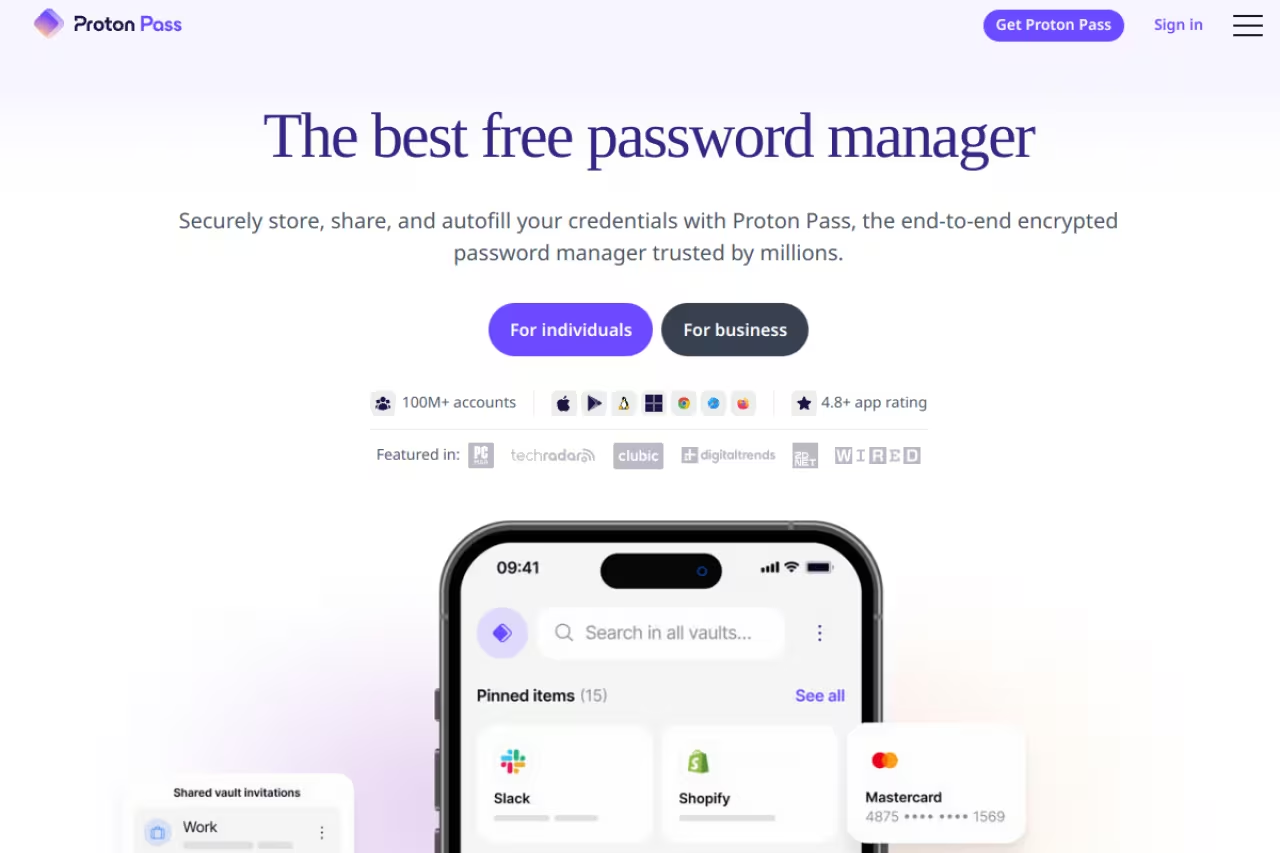
Proton Pass comes from the team behind Proton Mail and Proton VPN, and it carries the same privacy posture: end-to-end encryption, Swiss jurisdiction, and a refusal to monetize your data. It landed late but matured fast.
Its signature feature is email aliasing. Instead of handing your real address to every site, Proton Pass generates a unique hide-my-email alias per service. If one leaks or starts spamming you, you kill that single alias without touching your real inbox. The free tier gives you 10 aliases, which is enough to feel the value before you commit.
Who it is best for: privacy-conscious users, and anyone already inside the Proton ecosystem.
Proton Pass suits privacy-conscious users and anyone already in the Proton ecosystem, with native email aliasing and 10 free aliases. Pass Plus at $1.99/month on the annual plan is a bargain, but the standalone apps still feel thin.
the free plan covers unlimited logins, unlimited devices, passkeys, and 10 hide-my-email aliases. Pass Plus dropped to $1.99/month on the annual plan in 2026, down from $3.99 (Proton announced the 50% cut), which adds unlimited aliases, a built-in 2FA authenticator, dark web monitoring, and custom alias domains. If you want the whole Proton suite, the Unlimited bundle folds in Mail, VPN, Calendar, and Drive.
The standout: unlimited email aliases done natively. This is a different security layer than passwords alone, and most competitors charge extra or do not offer it.
The catch: it is younger than the others, so the desktop apps and form-fill logic are still catching up to 1Password and Bitwarden. The browser extension is solid; the standalone apps occasionally feel thin.
If you are mapping out the rest of your privacy and security stack, our guide to the top AI and productivity tools pairs well with this section.

NordPass: the easy on-ramp
NordPass, from the Nord Security family (NordVPN), is the one I hand to people who find Bitwarden intimidating. Onboarding is friendly, the design is clean, and autofill is quick. It uses XChaCha20 encryption, which is a modern choice over the more common AES-256, though in practice both are fine.
Who it is best for: non-technical users who want something attractive and obvious.
The easy on-ramp for non-technical users who find Bitwarden intimidating, with the cleanest first-run experience here. The free tier limits you to one active device, and promotional pricing renews higher, so check the renewal rate.
the free tier stores unlimited passwords but limits you to one active device at a time, which is a real constraint if you switch between phone and laptop. Premium runs around $1.49 to $1.99/month on promotional annual or two-year plans, with a $2.99/month base rate, and that unlocks all-device sync, password sharing, and breach scanning.
The standout: the cleanest first-run experience here. If you have abandoned a password manager before because setup felt like work, this is the one that sticks.
Where it falls short: the single-device free limit is annoying on purpose, and the promotional pricing renews higher, so check the renewal rate before you sign up. The value is real, but read the fine print.

Dashlane: everything bundled, no more free tier
Dashlane goes wide. Every Premium subscription bundles a VPN, dark web monitoring, and AI-flavored scam protection on top of the password vault. If you want one subscription that covers several security needs, it is the most all-in-one option here.
Who it is best for: people who want a VPN plus password manager in a single bill and do not want to assemble a stack.
Go with Dashlane if you want a VPN and password manager on a single bill. Premium at $4.99/month is the priciest individual plan here and the free plan ends in September 2026, so you pay for breadth whether you use it or not.
Premium is $4.99/month billed annually, which is the priciest individual plan in this roundup. Friends & Family covers 10 members. The big caveat: Dashlane is discontinuing its free plan in September 2026, and the old free tier was already capped at 25 passwords on one device. So there is effectively no free option going forward.
The standout: the bundled VPN and the breadth. You are buying a security suite, not just a vault.
The catch: you pay for the breadth whether you use it or not, and losing the free tier removes the easy trial path. If the VPN does not interest you, a standalone VPN plus Bitwarden costs less and does each job better.
KeePassXC: no cloud, no trust required
KeePassXC is the answer for people who do not want their passwords in anyone's cloud, ever. It is free, open source, and stores everything in a single encrypted .kdbx file on your own machine. There is no account, no server, no subscription. You own the file, and you decide how to sync it (or not).
The 2.7.12 release in March 2026 added passkey backup-state flags and nested-folder imports, so it is actively maintained, not a relic. Browser extensions handle autofill, and mobile apps like KeePassDX and KeePassium read the same database format.
Who it is best for: privacy maximalists, air-gapped setups, and developers who want zero vendor dependency.
KeePassXC is for privacy maximalists, air-gapped setups and developers who want zero vendor dependency: free, with your vault in one local file. You handle sync yourself, which is a feature for some people and a dealbreaker for others.
free. Forever. No tier.
The standout: total local control. Your vault never touches a server you do not run.
The catch: you handle sync yourself. There is no one-click cross-device magic, so getting your vault from laptop to phone means setting up your own sync (a synced folder, a USB stick, whatever you trust). That is a feature for some people and a dealbreaker for others.
How to choose
Pick based on the one thing you care about most, not the feature matrix.
- You want one simple vault for you and your family, on every device: Keeper, with Emergency Access and secure family sharing.
- You want free and trustworthy: Bitwarden. Done. The free tier does the real job.
- You are a developer: 1Password, for the SSH agent and CLI. The secrets tooling pays for itself.
- You care most about privacy: Proton Pass for the email aliases, or KeePassXC if you refuse the cloud entirely.
- You want zero friction for a non-technical person: NordPass.
- You want a VPN bundled in: Dashlane.
One rule that matters more than the brand: turn on two-factor authentication for the password manager itself, and make the master password long and unique. The vault is only as strong as the key to it. After that, let the tool generate everything else.
If you are building out a broader workflow stack, our Dupple X members get curated picks and deals across security and productivity tools, and our best AI tools guide covers the rest of the modern setup.
FAQ
What is the best password manager in 2026?
Keeper ranks #1 on this list for its zero-knowledge vault that syncs to every device, with Emergency Access and secure family sharing. If you want the best free option, Bitwarden combines a genuinely unlimited free tier with open-source code and independent audits. Developers tend to prefer 1Password for its SSH agent and secrets tooling, and privacy-focused users lean toward Proton Pass for its built-in email aliasing. The "best" depends on whether you optimize for price, polish, or privacy.
Are free password managers safe to use?
Yes, the reputable ones are. Bitwarden's free plan and Proton Pass's free plan use the same end-to-end encryption as their paid tiers, and both are open source or audited. KeePassXC is free and fully offline. The thing to avoid is a no-name free app with no audit history, since you are trusting it with every credential you own.
Is it safe to store all my passwords in one place?
It is far safer than the alternative, which is reusing weak passwords or writing them in a notes file. A good password manager encrypts your vault so that even the company cannot read it (zero-knowledge architecture). Your real risk is the master password and your 2FA, so protect those. A single strong, encrypted vault beats dozens of reused passwords every time.
What happens if I forget my master password?
For zero-knowledge managers like Bitwarden, 1Password, and Proton Pass, the company genuinely cannot recover it, because they never had it. Some tools offer recovery codes or emergency-access contacts you set up in advance. Set those up the day you start. If you skip it and forget the master password, you can lose the entire vault, so write the master password down somewhere physically secure.
Should I use passkeys instead of passwords?
Use both for now. Passkeys are more secure and phishing-resistant, and every manager in this list supports storing them. But not every site supports passkeys yet, so you still need password storage for the long tail of older accounts. The good news is your password manager handles both, so you do not have to choose one system.
Is the built-in browser password manager good enough?
Chrome and Safari password managers are better than nothing, but they fall short on cross-browser sync, secure sharing, breach monitoring, and email aliases. They also tie your credentials to one ecosystem. A dedicated manager like Bitwarden or 1Password works everywhere, shares securely, and gives you features browser tools simply do not have. The upgrade is worth the small effort.
Ready to lock down the rest of your stack? Start a Dupple X trial and get our full toolkit of vetted security and productivity picks.
Related guides
Some offers on this page may be paid placements or contain affiliate links.
Across our whole catalogue the median is $24 a month and 33% of tools advertise a free tier. Figures are the lowest recurring monthly price quoted in our own review of each tool, read on 2026-08-19. Full method and every category.
