
The 12 Top Business Intelligence Tools for Data-Driven Decisions in 2026

Key factsGlobal BI market was $33.3 billion in 2025, projected to reach $54.9 billion by 2030
- Organizations using BI are 5 times more likely to make faster decisions than competitors, per Harvard Business Review Analytics Services.
- 73% of enterprise data goes unused for analytics, according to Forrester Research, 2025.
- Average ROI is $12.70 for every $1 spent on BI analytics, according to Nucleus Research.
- Microsoft Power BI Pro costs $10 per user per month, while Power BI Premium Per User costs $20 per user per month.
- Tableau uses role-based pricing billed annually: Creator at $75, Explorer at $42, and Viewer at $15 per user per month.
In today's data-saturated world, the ability to transform raw numbers into strategic action is the ultimate competitive advantage. Business intelligence (BI) is no longer a complex technical discipline reserved for specialists; it's the critical process of turning operational data into clear, actionable insights that drive growth, boost efficiency, and spark innovation. However, the market is crowded with options, and choosing the right platform can feel overwhelming.
Key Facts: Business Intelligence in 2026
- $33.3 billion. Global BI market size in 2025, projected to reach $54.9 billion by 2030 (MarketsandMarkets)
- Organizations using BI are 5x more likely to make faster decisions than competitors (Harvard Business Review Analytics Services)
- 73% of enterprise data goes unused for analytics, the right BI tool bridges this gap (Forrester Research, 2025)
- $12.70 ROI for every $1 spent on BI analytics on average (Nucleus Research)
This guide is designed to cut through that noise. We provide a clear, practical comparison of the top business intelligence tools available today, moving beyond marketing claims to offer an honest assessment. Our goal is to help everyone, from data analysts and department heads to startup founders and enterprise IT leaders, to confidently select the BI platform that best fits their specific needs, budget, and technical ecosystem. Modern approaches to business intelligence emphasize the ability to swiftly process and interpret vast datasets, with AI Data Analysis emerging as a game-changer for finding deeper insights.
Navigating this list will equip you to make an informed decision. For each tool, you'll find a concise overview, key features that actually matter, transparent pricing details, ideal use cases, and a frank look at its strengths and weaknesses. We've included screenshots and direct links to help you visualize each platform and explore it further. Forget generic feature lists; this resource focuses on what you truly need to know to find the perfect tool to unlock the power of your data.
BI Platform Selection Quick-Reference Guide
Use this decision matrix to narrow your shortlist before diving into detailed reviews:
| Your Situation | Top 3 Picks | Why |
|---|---|---|
| SMB, budget-conscious | Zoho Analytics, Power BI, QuickSight | Free/low-cost tiers, fast time-to-value |
| Microsoft-heavy enterprise | Power BI, SAP Analytics Cloud, Cognos | Deep ecosystem integration, enterprise governance |
| Data-mature engineering org | Looker, Tableau, Qlik | Advanced semantic modeling, exploration |
| Non-technical business users | ThoughtSpot, Domo, Zoho Analytics | NLP queries, self-service, low learning curve |
| Embedding analytics in products | Sisense, Looker, QuickSight | API-first, SDKs, white-label capabilities |
| AWS-native infrastructure | QuickSight, Tableau, Domo | Native S3/Redshift connectors, serverless |
1. Microsoft Power BI
Microsoft Power BI is a dominant force among the top business intelligence tools, particularly for organizations already embedded in the Microsoft ecosystem. It excels at transforming disparate data sources into coherent, visually immersive, and interactive insights. Its core strength lies in its smooth integration with products like Microsoft 365, Azure, and the new Microsoft Fabric data platform, creating a unified analytics environment.
The platform offers a robust, self-service experience, helping users from data analysts to business stakeholders to create their own reports and dashboards without heavy IT reliance. Its powerful DAX (Data Analysis Expressions) language allows for sophisticated calculations and data modeling, providing a depth that surpasses basic reporting tools. While Power BI is a great entry point for general analytics, for teams focused specifically on deep product analytics and user behavior, exploring tools like the Amplitude platform for product intelligence might offer more specialized features.
Key Details & Pricing
- Best For: Organizations of all sizes, especially those using Microsoft 365 and Azure.
- Strengths: Unbeatable price-to-value ratio, extensive data connectivity, and strong community support. Over 250 native data connectors available.
- Weaknesses: The desktop client is Windows-only, and mastering DAX presents a steep learning curve for beginners. Governance can become complex in large deployments.
- Pricing: Starts with a free Power BI Desktop version. Power BI Pro is priced at $10 per user/month, while Power BI Premium Per User (with advanced AI and self-service features) is $20 per user/month. Capacity-based pricing for larger enterprises is also available, starting at $4,995 per month.
2. Tableau
Tableau has long been celebrated as a leader among the top business intelligence tools, renowned for its best-in-class data visualization and exploration capabilities. It helps users to create beautiful, interactive, and insightful dashboards with an intuitive drag-and-drop interface. The platform's primary strength is its ability to make complex data analysis accessible to business users, not just data scientists, fostering a culture of data-driven decision-making across an organization.
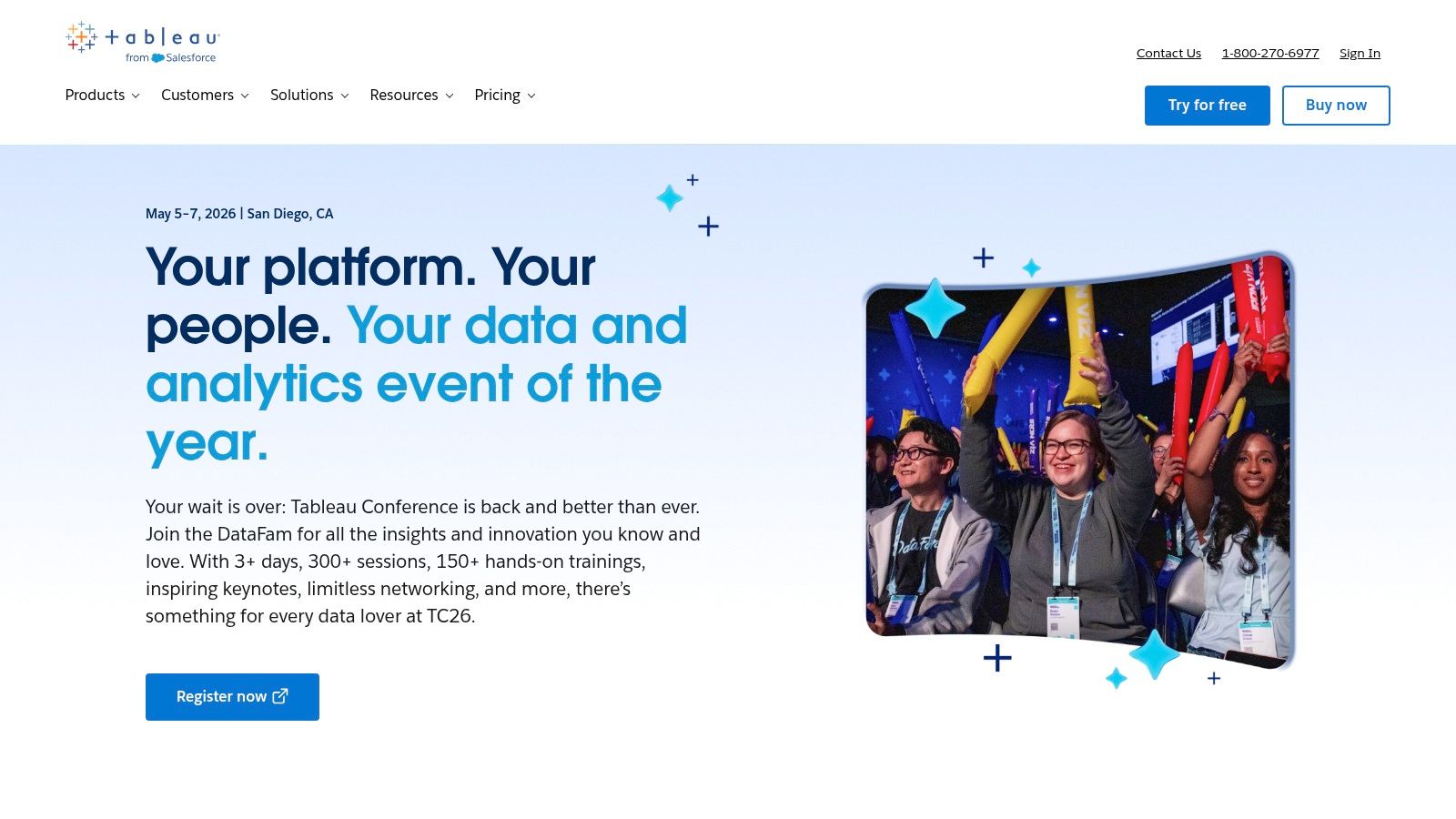
Acquired by Salesforce, Tableau benefits from deep integration with the Salesforce ecosystem, making it a powerful choice for sales and marketing analytics. Its role-based licensing (Creator, Explorer, Viewer) allows organizations to scale access appropriately, from data preparation with Tableau Prep to consuming insights on the go. While Tableau excels at visualization, users seeking a more conversational and AI-driven approach to data analysis may find that exploring tools like the Julius AI platform for data analysis provides a complementary experience.
Key Details & Pricing
- Best For: Enterprises and teams that prioritize high-end data visualization and user-friendly exploration.
- Strengths: Unparalleled interactive visualization capabilities, a very active and supportive user community (over 1 million members), and flexible deployment options (cloud or on-premises).
- Weaknesses: The total cost of ownership can be high, particularly for larger teams, as a Creator license is required for each deployment. The learning curve for advanced functions can be steeper than it first appears.
- Pricing: Role-based licensing, billed annually. Tableau Creator is $75 per user/month, Tableau Explorer is $42 per user/month, and Tableau Viewer is $15 per user/month. Minimum user counts may apply for new deployments.
3. Looker (Google Cloud)
Looker, now part of the Google Cloud family, distinguishes itself among the top business intelligence tools with its unique, model-driven approach to data governance. It focuses on creating a centralized, reliable source of truth through its semantic modeling layer, LookML. This allows data teams to define business logic and metrics once, ensuring consistency and trust across all reports and dashboards, which is essential for enterprise-scale deployments.
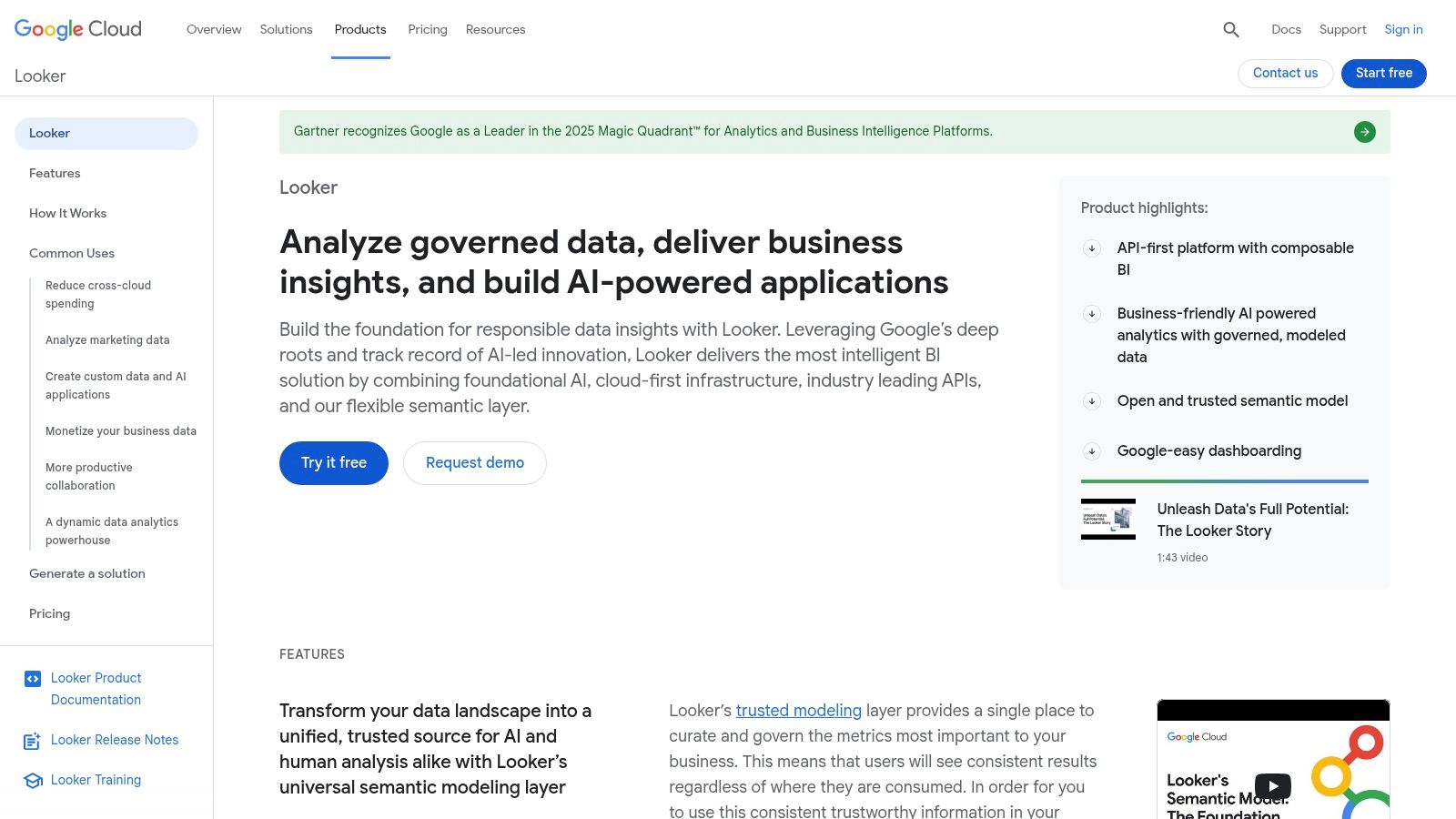
The platform is designed for modern data stacks and excels in embedded analytics, powered by robust APIs that allow businesses to integrate data experiences directly into their own applications. For organizations exploring the Google ecosystem, it's also worth noting the powerful data visualization capabilities of Looker Studio as a complementary tool for more straightforward reporting needs. Furthermore, teams needing to supplement their BI with extensive external datasets can explore how to integrate third-party data sources to enrich their analytics.
Key Details & Pricing
- Best For: Data-mature organizations, especially those on Google Cloud, needing strong governance and embedded analytics.
- Strengths: Powerful centralized semantic layer (LookML) for data governance, excellent API for embedding analytics, and strong version control with Git integration.
- Weaknesses: Pricing is not publicly listed and requires custom quoting, which can be a barrier for smaller companies. There is a steeper learning curve associated with mastering LookML, and it's most powerful when aligned with the Google Cloud stack.
- Pricing: Custom pricing based on factors like user types (Standard, Developer, Viewer), deployment scale, and API usage. A custom-priced Standard Edition is available, starting from $5,000/month. Prospective customers must contact the Google Cloud sales team for a quote.
4. Qlik Cloud Analytics
Qlik Cloud Analytics has carved out a significant space among the top business intelligence tools with its unique Associative Engine. This technology allows users to explore data from all angles, uncovering hidden insights that might be missed in traditional, query-based BI platforms. Instead of being confined to linear exploration paths, users can freely click on any data point in any chart to see all other data instantly filter and associate, fostering a more intuitive and powerful discovery process.
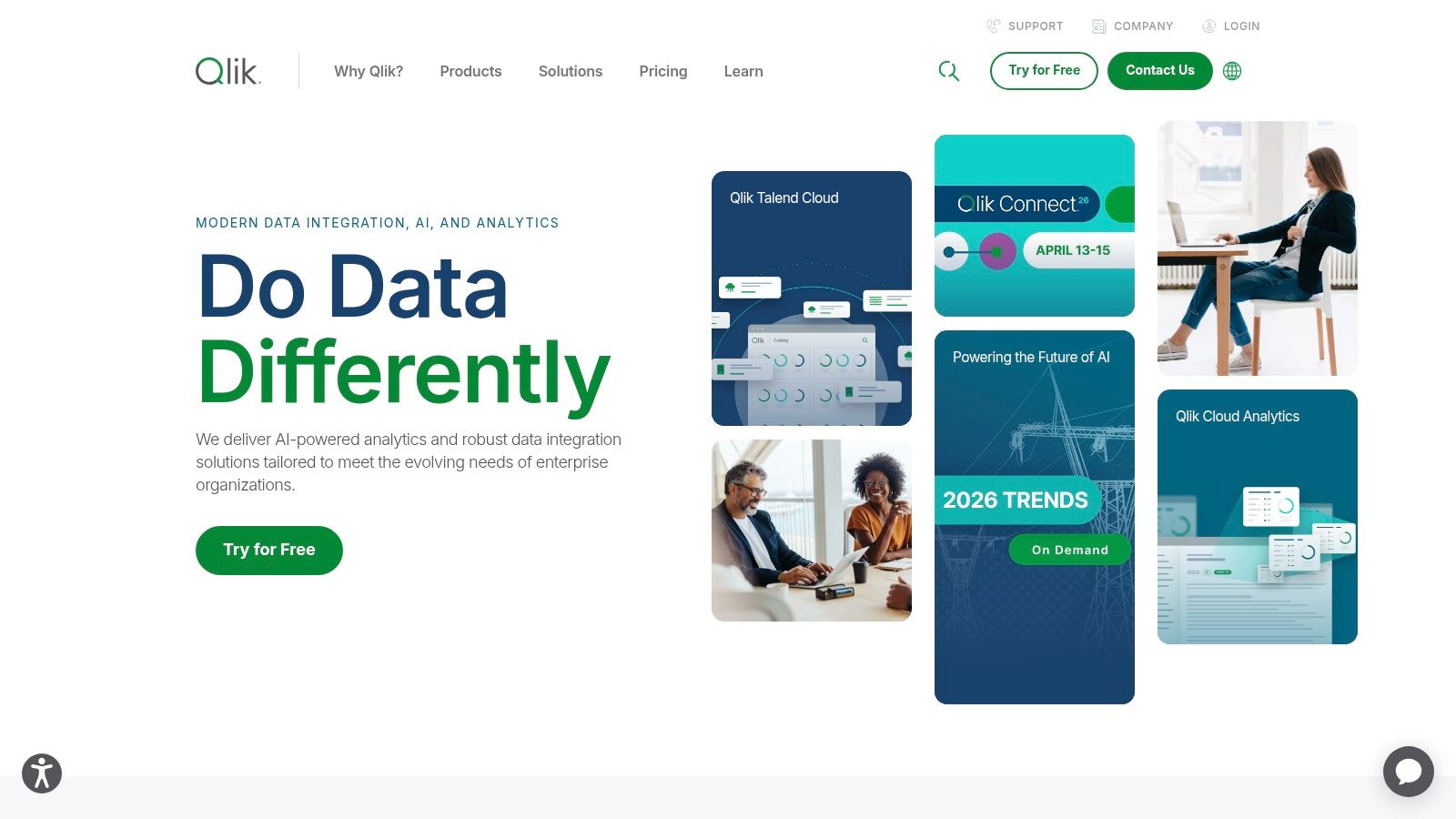
The platform is built on a modern, cloud-native architecture that emphasizes augmented analytics and automation. Features like Insight Advisor use AI to generate visualizations and narrative insights automatically, while Qlik Answers provides natural language search capabilities. While Qlik offers deep analytical power, businesses focused on user journey optimization and conversion rate improvements might also benefit from platforms designed for that purpose; you can read more about A/B testing with VWO to see how specialized tools complement BI. This combination of guided and self-service analytics makes Qlik a versatile choice for enterprises aiming for data democratization.
Key Details & Pricing
- Best For: Enterprises needing flexible, associative data exploration and AI-driven insights.
- Strengths: The powerful Associative Engine for unconstrained data discovery, strong augmented analytics features, and flexible capacity-based licensing.
- Weaknesses: Direct pricing is often opaque and requires sales engagement. Enterprise-level contracts can be significantly more expensive than per-user models.
- Pricing: Qlik Cloud Analytics offers several subscription tiers. Standard is priced at $20 per user/month (minimum 10 users). Premium and Enterprise tiers use custom, capacity-based pricing. It is also available via the AWS Marketplace with specific contract SKUs.
5. ThoughtSpot
ThoughtSpot redefines the landscape of top business intelligence tools by leading with an AI-first, search-driven analytics experience. Instead of requiring users to learn complex query languages or navigate pre-built dashboards, it allows anyone to ask questions of their data in natural language, much like using a search engine. This approach dramatically lowers the barrier to entry for data exploration, helping business users to get granular, ad-hoc answers instantly without relying on a dedicated data team for every new query.
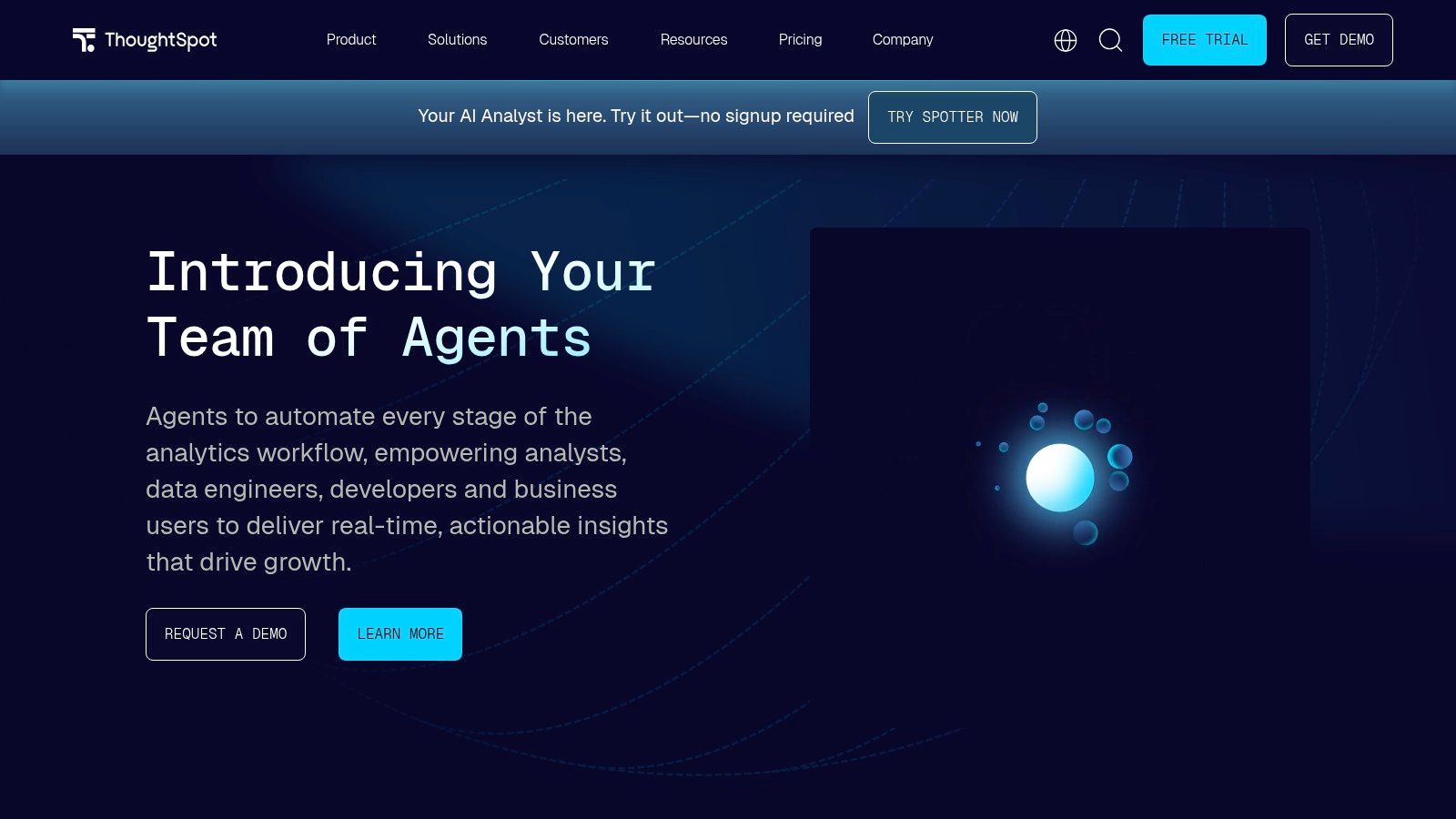
The platform's interactive "Liveboards" update in real-time as users drill down and explore, fostering a dynamic and conversational relationship with data. ThoughtSpot's strength in embedded analytics also makes it a powerful choice for companies looking to integrate sophisticated, self-service BI directly into their own applications. For organizations focused on tying analytics directly to marketing performance and lead generation, integrating data from platforms like the call and form tracking tool WhatConverts can provide a complete view of the customer journey. Its unique consumption-based pricing and a flat-rate startup program further distinguish it from traditional seat-based licensing models.
Key Details & Pricing
- Best For: Companies aiming to foster a data-literate culture with true self-service analytics for non-technical users, and for embedding analytics into products.
- Strengths: Best-in-class natural language search and AI-driven insights, user-friendly interface that accelerates adoption, and flexible consumption-based pricing.
- Weaknesses: Full enterprise deployments can become costly and often require direct sales engagement, while the startup plan has strict eligibility based on revenue and employee count.
- Pricing: Offers a Free Trial. Paid plans are consumption-based, using credits for queries and platform usage. The Team edition starts at $95/month. The Pro plan requires 5 users minimum starting at $2,500/month (billed annually), and Enterprise is custom-priced. A flat-price StartupSpot program is available for eligible early-stage companies.
6. Amazon QuickSight
Amazon QuickSight is a cloud-native, serverless BI service deeply integrated into the Amazon Web Services (AWS) ecosystem. It stands out among the top business intelligence tools for organizations heavily invested in AWS, offering smooth connectivity to data sources like S3, Redshift, and RDS. Its primary advantage is its pay-per-session pricing model and serverless architecture, which automatically scales to handle thousands of users without requiring manual infrastructure management.
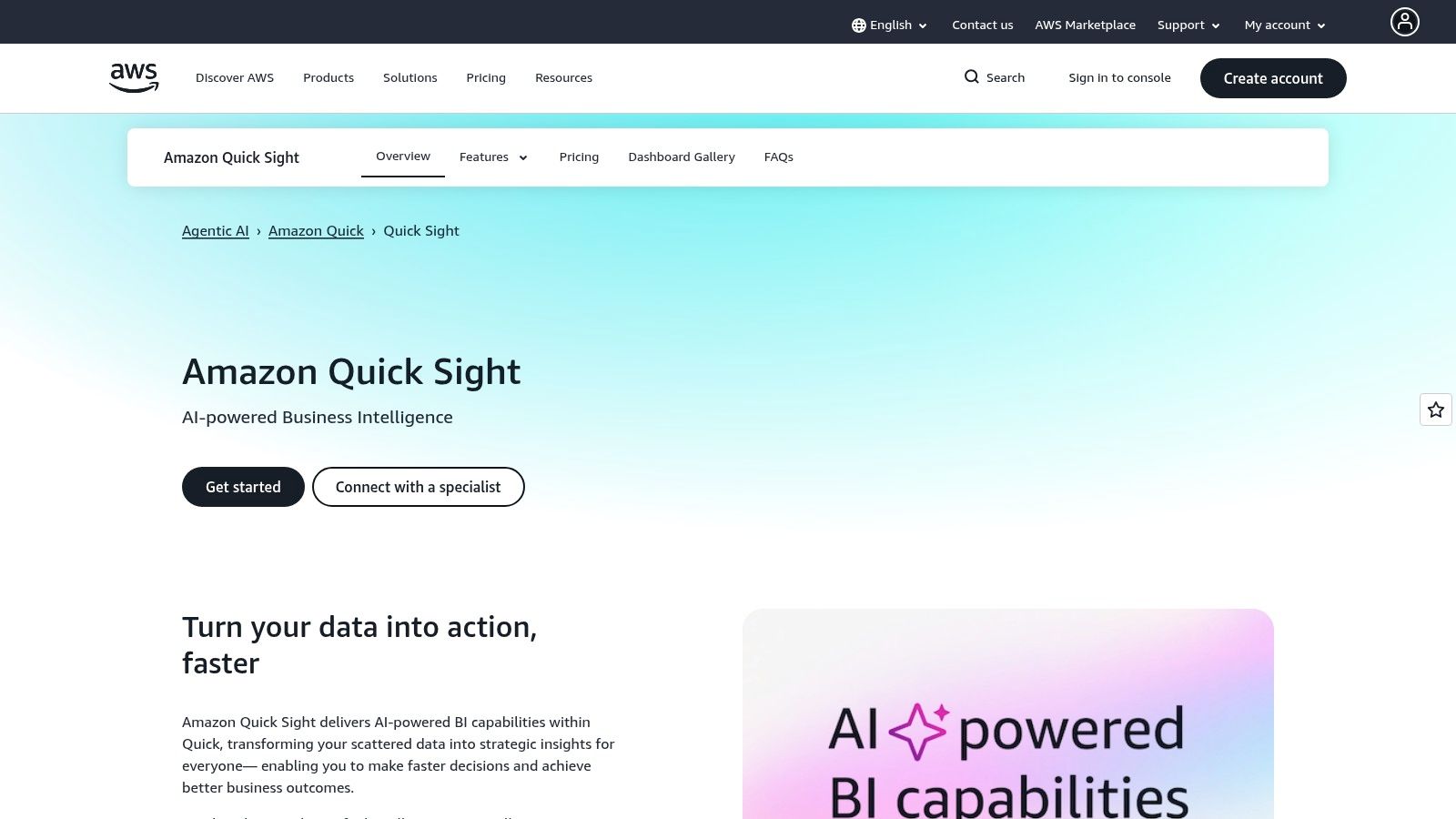
The platform uses its SPICE (Super-fast, Parallel, In-memory Calculation Engine) for rapid query performance and offers embedded analytics capabilities to integrate dashboards directly into applications. QuickSight's Q feature also introduces natural language querying, allowing users to ask questions in plain English and receive instant visualizations as answers. While its tight AWS integration is a massive benefit for existing users, it may present less value to organizations operating primarily on other cloud platforms like Azure or GCP.
Key Details & Pricing
- Best For: Organizations of any size that have their data infrastructure built on AWS.
- Strengths: Serverless auto-scaling, flexible pay-per-session pricing model, and native integration with the AWS ecosystem and its security protocols.
- Weaknesses: The pricing model, while flexible, can be complex to forecast. It delivers the best value almost exclusively for companies already committed to AWS.
- Pricing: A free trial is available. The Enterprise Edition offers granular pricing, including Authors at $24 per user/month and Readers priced per session at $0.30/session (max $5/month). Capacity-based pricing is also an option.
7. Domo
Domo is a fully cloud-native, end-to-end platform that positions itself as a complete solution among the top business intelligence tools, covering everything from data integration and ETL to advanced analytics and embedded BI. It is designed to help every person in an organization with real-time data access and self-service capabilities, aiming to accelerate decision-making and reduce reliance on specialized data teams.
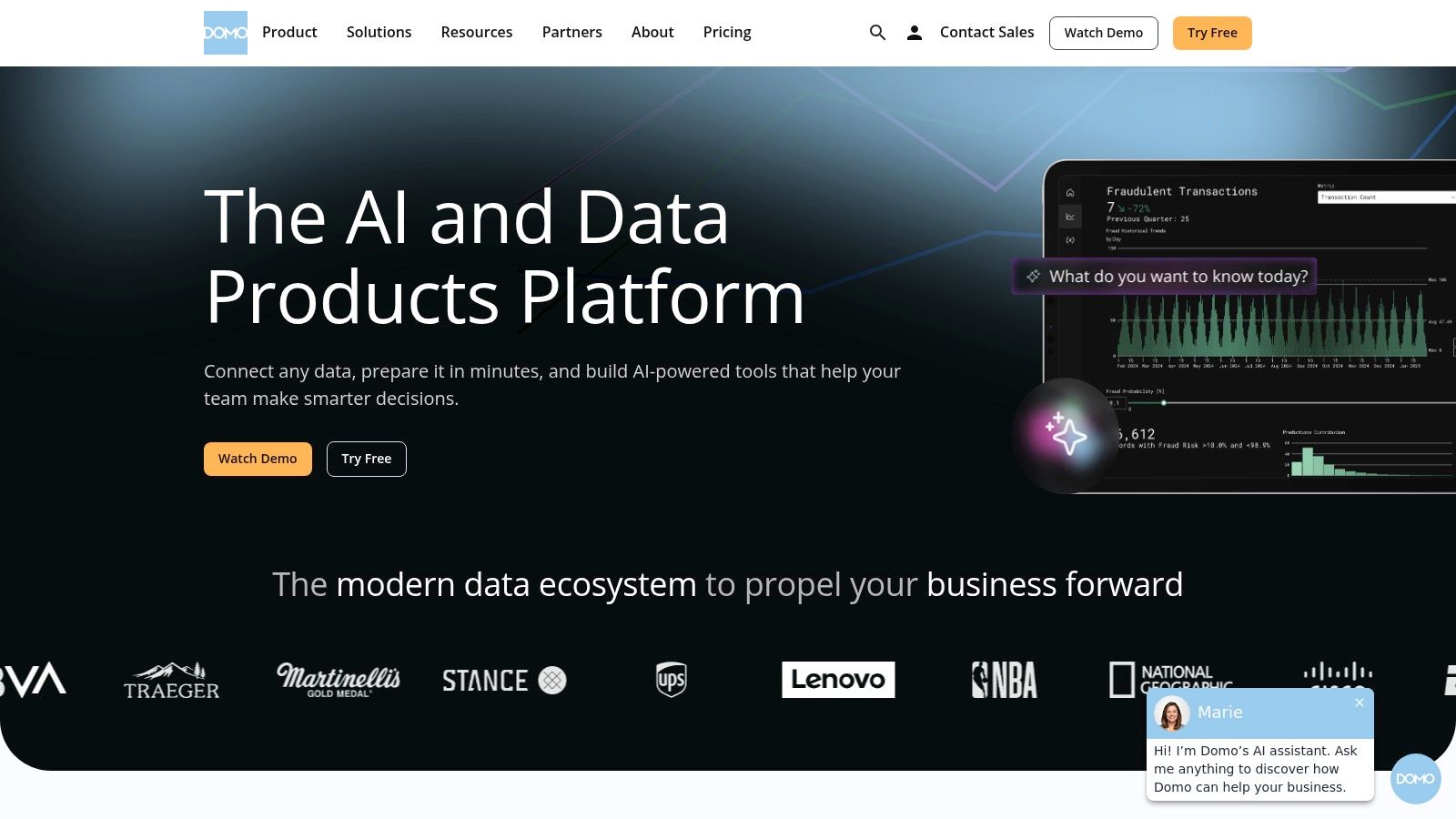
What truly sets Domo apart is its unique consumption-based pricing model, which moves away from traditional per-seat licensing. This approach allows for broad user access across an organization without incurring prohibitive costs for each new viewer. By offering full platform access from day one, including during its generous 30-day free trial, Domo enables companies to quickly prove its value and drive adoption.
Key Details & Pricing
- Best For: Companies of all sizes seeking a scalable, all-in-one BI platform with predictable, usage-based costs.
- Strengths: Unlimited users during the trial period, fast time-to-value with a fully enabled platform, and a pricing model that scales with data consumption, not user seats.
- Weaknesses: The consumption-based pricing can be difficult to forecast without a clear understanding of usage patterns, and the vastness of the platform may require dedicated enablement to fully use.
- Pricing: Domo's pricing is primarily consumption-based and tailored to specific needs, requiring a quote from their sales team. A 30-day free trial with full platform features and unlimited users is available.
8. Sisense
Sisense carves out a distinct niche among the top business intelligence tools by championing an "API-first" and embedded analytics approach. It is specifically engineered for product teams and developers who need to infuse powerful, interactive analytics directly into their own applications, portals, and workflows. This embed-first philosophy helps companies to offer data insights as a core feature of their product.
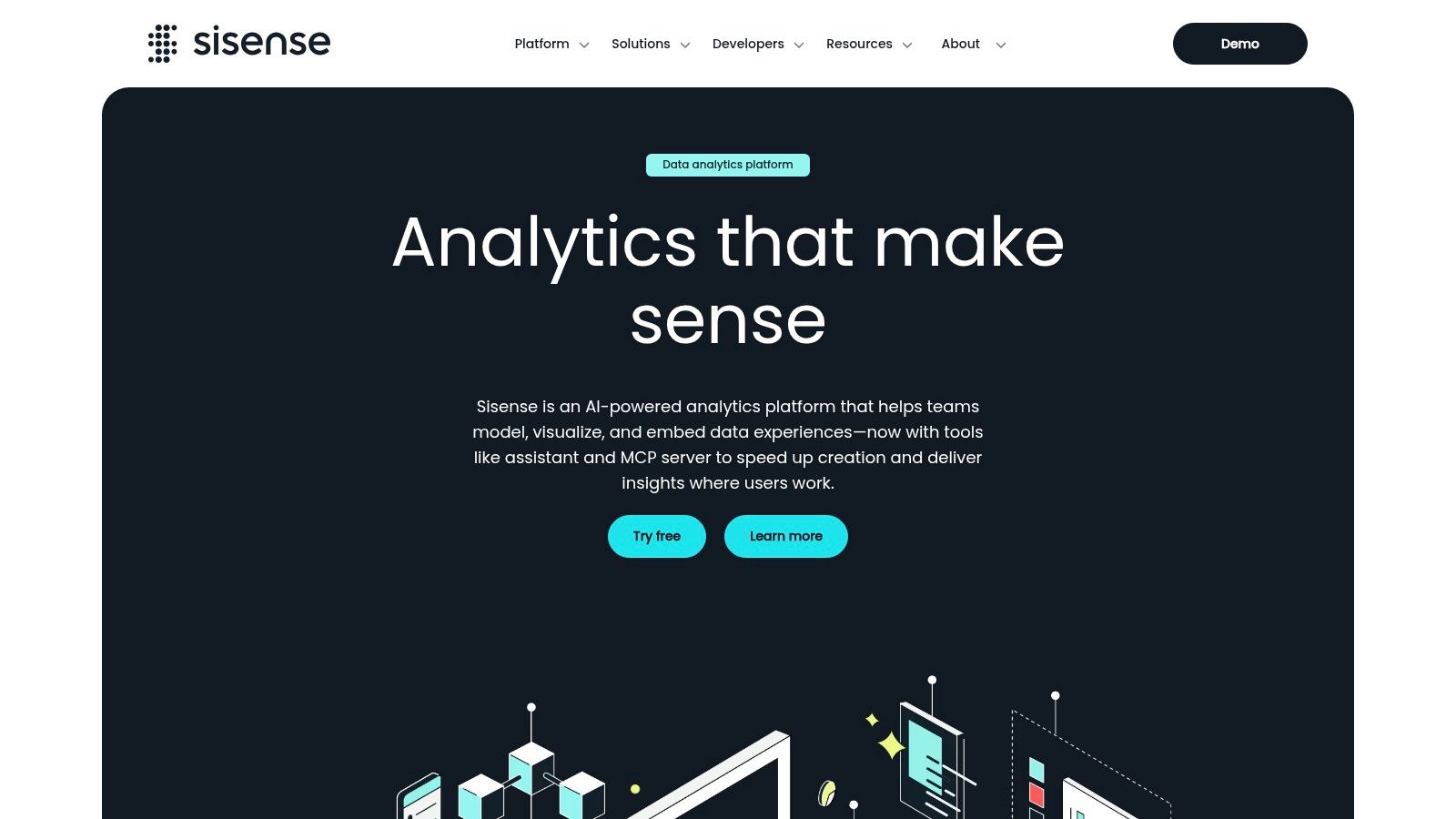
The platform's strength lies in its developer-centric toolkit, including the Compose SDKs and extensive APIs that provide granular control over the analytical experience. This allows for deep customization that goes far beyond the standard iframe embedding offered by many competitors. While it can function as a standalone BI tool, Sisense truly excels when used to power OEM analytics, providing a scalable architecture designed to serve analytics to external customers and partners.
Key Details & Pricing
- Best For: Product teams, ISVs (Independent Software Vendors), and developers building customer-facing analytics.
- Strengths: Unparalleled customization for embedded analytics, robust developer tools (APIs/SDKs), and a rich marketplace to extend core functionality.
- Weaknesses: Pricing is not publicly available and requires a sales consultation. The platform is heavily optimized for embedded use cases, making it less ideal for purely internal, self-service BI needs.
- Pricing: Sisense uses a custom pricing model tailored to specific use cases and scale. A free trial and a hands-on "test drive" environment are available for evaluation.
9. SAP Analytics Cloud
SAP Analytics Cloud (SAC) offers a unified, cloud-native solution that extends beyond traditional BI by integrating planning and predictive analytics into a single platform. Built on the SAP Business Technology Platform (BTP), its primary strength lies in its deep, native connectivity to SAP data sources like S/4HANA and BW/4HANA. This allows for real-time analysis without complex data replication.
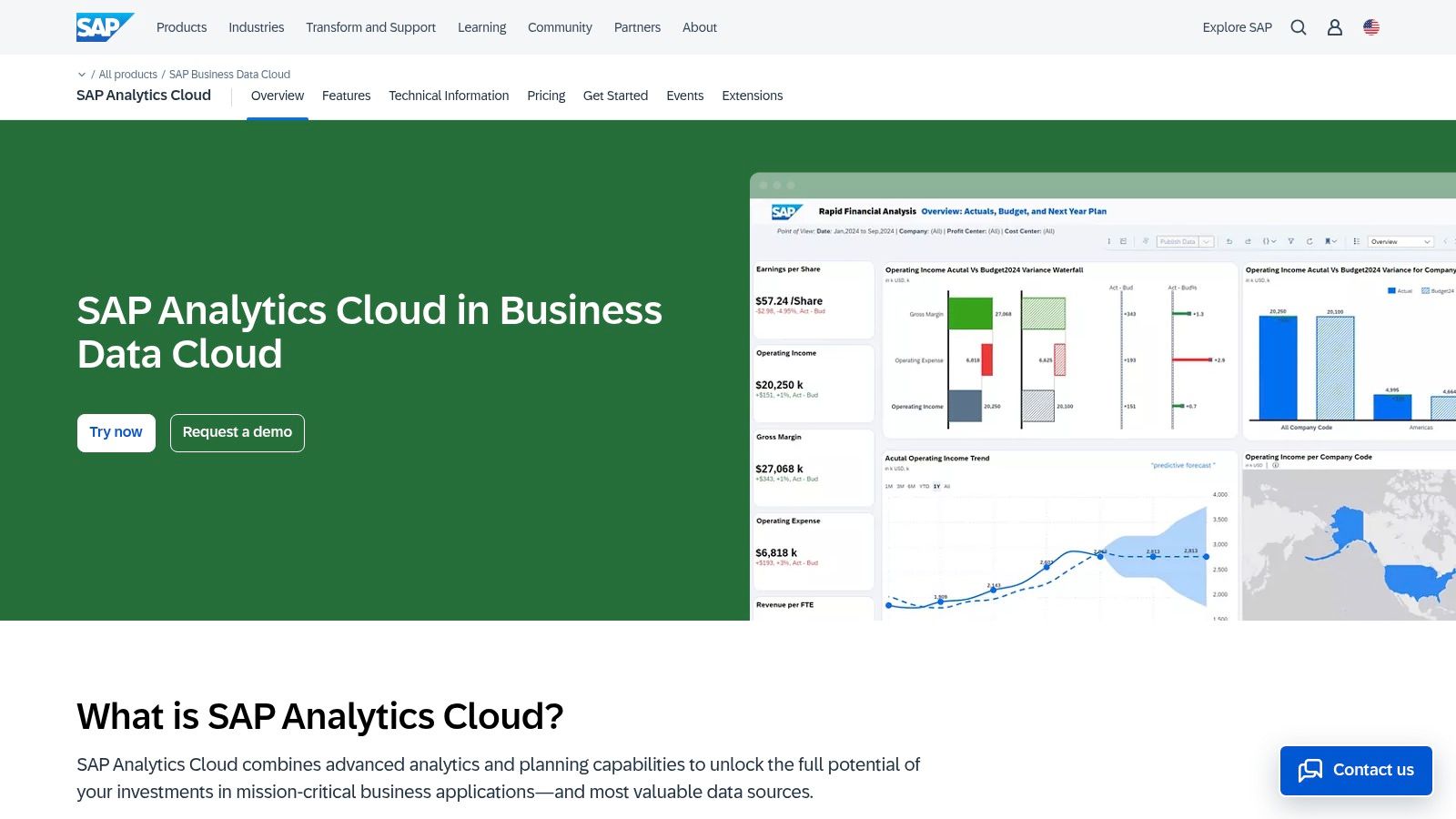
The platform provides a cohesive environment where users can smoothly switch from analyzing historical data to creating financial plans and running predictive scenarios. This convergence of BI, planning, and augmented analytics within one service helps reduce tool sprawl and streamlines workflows.
Key Details & Pricing
- Best For: Large enterprises, particularly those with existing SAP ERP, S/4HANA, or BW systems.
- Strengths: Unparalleled native integration with SAP data, a single SaaS platform for BI and planning, and powerful augmented analytics features.
- Weaknesses: Pricing is less transparent than competitors and is bundled into BTP licensing, making it complex. The platform offers the best value primarily within SAP-centric environments.
- Pricing: Licensed through SAP BTP with Pay-As-You-Go or subscription-based CPEA models. Public pricing lists a BI edition at $36 per user/month and a Planning edition at $178 per user/month.
10. IBM Cognos Analytics
IBM Cognos Analytics is a long-standing and mature BI platform, positioning itself among the top business intelligence tools for enterprises requiring robust, governed analytics. Its primary differentiator is deployment flexibility, offering on-premises, cloud, and containerized (Cloud Pak for Data) options to meet stringent data residency and security requirements.
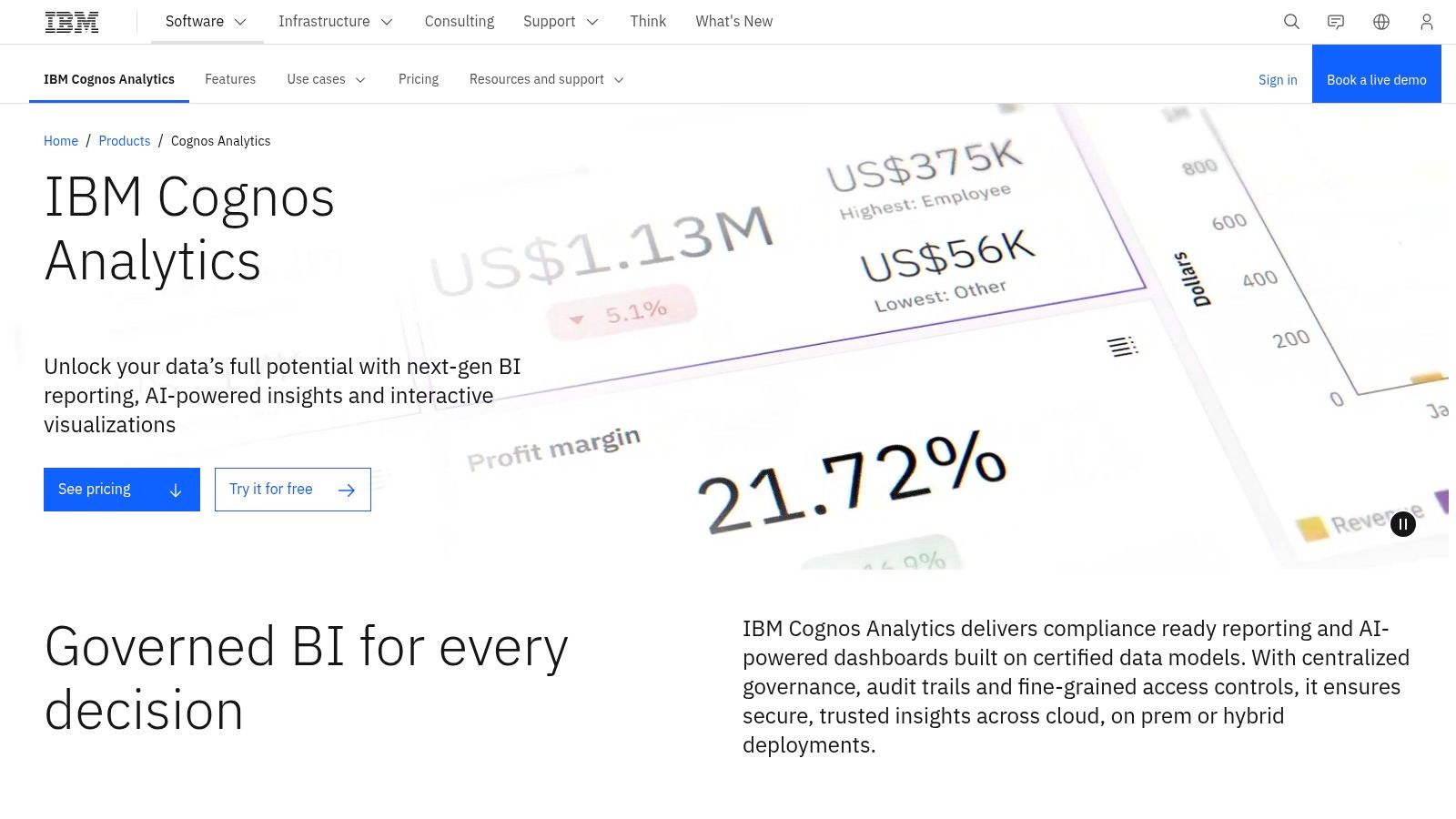
The platform blends traditional, enterprise-grade pixel-perfect reporting with modern, AI-assisted data discovery and dashboarding. Its AI infusion helps users uncover hidden patterns and generate natural language summaries of their data.
Key Details & Pricing
- Best For: Large enterprises in regulated industries needing strong governance and flexible on-premises or hybrid deployment.
- Strengths: Exceptional enterprise reporting and scheduling capabilities, powerful governance features, and flexible deployment models.
- Weaknesses: The modern self-service UX can have a steeper learning curve than newer SaaS tools. Public pricing is complex and often requires a custom quote.
- Pricing: IBM offers an online price estimator. The Cloud plan starts at $15.80 per user/month for a Viewer and $53.30 per user/month for an Author. On-premises licenses are sold as perpetual or subscription models.
11. Oracle Analytics Cloud
Oracle Analytics Cloud (OAC) is a complete business intelligence platform providing a full spectrum of analytics capabilities. As one of the top business intelligence tools, its primary advantage lies in its native integration within the Oracle ecosystem. For organizations heavily invested in Oracle Database, Fusion applications, or Oracle Cloud Infrastructure (OCI), OAC offers a smooth and powerful analytics layer.
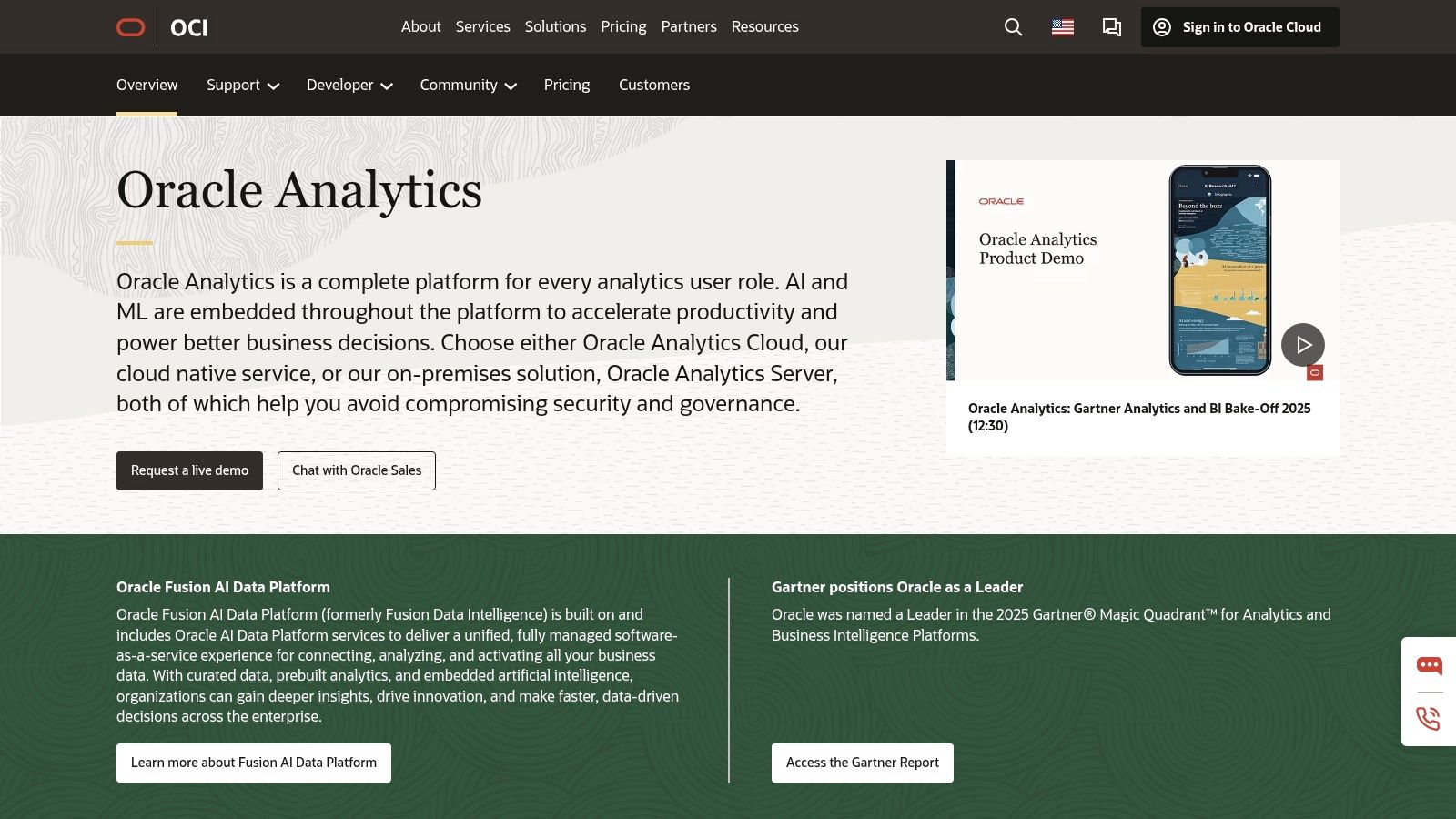
The platform helps users with augmented analytics features, including natural language processing and machine learning, to uncover hidden insights and automate data preparation tasks.
Key Details & Pricing
- Best For: Enterprises deeply integrated with the Oracle ecosystem (OCI, Oracle Database, Fusion Apps).
- Strengths: Deep integration with Oracle data sources and applications, flexible licensing models, and robust enterprise-level security and governance.
- Weaknesses: Can be less intuitive for users outside the Oracle environment. Specific pricing often requires an online estimator or direct sales engagement.
- Pricing: The Professional Edition starts at $16 per user/month. The Enterprise Edition is available at $80 per user/month or an OCPU-based model at approximately $1.11 per OCPU/hour. A BYOL option is available.
12. Zoho Analytics
Zoho Analytics carves out a significant niche among the top business intelligence tools, particularly for small to medium-sized businesses (SMBs) seeking a powerful, yet budget-friendly, cloud-based solution. It stands out with its extensive library of pre-built connectors for popular business applications like Salesforce, HubSpot, and QuickBooks, allowing teams to generate insightful dashboards with minimal setup.
The platform provides a complete BI and analytics suite, including an AI-powered assistant, Zia, that enables users to ask questions in natural language and receive immediate visual answers. Its smooth integration with the wider Zoho ecosystem (CRM, Books, etc.) makes it an obvious choice for companies already invested in Zoho's suite of business apps.
Key Details & Pricing
- Best For: SMBs and enterprises looking for a cost-effective, all-in-one BI solution with strong app integration.
- Strengths: Generous free tier, clear and affordable pricing, and a vast catalog of connectors and report templates for rapid deployment.
- Weaknesses: Row and user limits on lower-tier plans may necessitate upgrades as the business scales. Advanced governance and embedded analytics features are reserved for higher-priced plans.
- Pricing: A "Free" plan is available for up to 2 users and 10,000 rows. Paid cloud plans start with the Standard plan at $24/month (billed annually) and scale up to Premium ($115/month) and Enterprise ($445/month) tiers. A 15-day free trial is available.
"The goal of business intelligence is not just to generate dashboards, it's to change behavior. The most effective BI implementations are the ones where insights reach the right person at the right moment in their workflow, not sitting in a report nobody opens."
-- Cindi Howson, Chief Data Strategy Officer at ThoughtSpot, former VP Analyst at Gartner
Top 12 Business Intelligence Tools: Side-by-Side Comparison
| Tool | Core features | UX Rating | Price / Value | Target Audience | Key Differentiator |
|---|---|---|---|---|---|
| Microsoft Power BI | Self-service & enterprise reporting, DAX, MS365/Azure/Fabric | 4/5 | Competitive; Pro $10/user/mo | Analysts & Microsoft orgs | Tight MS ecosystem; best price-to-value |
| Tableau | Visual exploration, Cloud/Server, Prep & Pulse | 5/5 | Higher TCO; Creator $75/user/mo | Business users & visual analysts | Best-in-class interactivity; mature community |
| Looker (Google Cloud) | Centralized semantic modeling, APIs, embed-first | 4/5 | Sales-priced; from $5K/mo | Data teams & Google Cloud users | Governed semantic layer; API depth |
| Qlik Cloud Analytics | Associative engine, augmented analytics | 4/5 | Capacity-based; Standard $20/user/mo | Exploratory analysts & enterprises | Associative data discovery |
| ThoughtSpot | NL search, Liveboards, consumption pricing | 4/5 | Credit-based; Team from $95/mo | Business users & embedded apps | Natural-language AI search |
| Amazon QuickSight | Serverless BI, SPICE, per-session pricing | 4/5 | Authors $24/mo, Readers $0.30/session | AWS-centric teams | Serverless pay-as-you-go |
| Domo | End-to-end cloud BI, consumption pricing | 4/5 | Usage-based; quotes via sales | Teams needing quick TTV | All-in-one + unlimited trial users |
| Sisense | Embed-first SDKs/APIs, developer tooling | 4/5 | Custom pricing (sales) | Product/OEM teams | Compose SDK; developer-friendly |
| SAP Analytics Cloud | BI + planning + predictive, live SAP connectivity | 4/5 | BI $36/user/mo; Planning $178/user/mo | SAP-heavy enterprises | Unified BI & planning |
| IBM Cognos Analytics | Reporting, dashboards, AI-assisted discovery | 4/5 | Viewer $15.80/mo; Author $53.30/mo | Regulated orgs | Flexible deployment models |
| Oracle Analytics Cloud | Visualization, enterprise reporting, OCI integration | 4/5 | Pro $16/user/mo; Enterprise $80/user/mo | Oracle/OCI customers | Flexible OCPU licensing |
| Zoho Analytics | Budget-friendly BI, many connectors, free tier | 3/5 | Free tier; paid from $24/mo | Startups & SMBs | Best value for small teams |
Common Mistakes to Avoid When Selecting BI Tools
5 Costly BI Implementation Mistakes (And How to Avoid Them)
- Choosing based on features instead of data culture readiness. Gartner reports that through 2025, 80% of data analytics projects fail to deliver business outcomes, not because of tool limitations, but because organizations lacked the data literacy to use them. Before buying Tableau or Looker, assess whether your team can actually build and maintain dashboards.
- Ignoring total cost of ownership (TCO). A Power BI Pro license costs $10/user/month, but enterprise deployments with Premium capacity, training, and data engineering support can easily reach $50,000+/year. Always calculate 3-year TCO including implementation, training, data infrastructure, and ongoing administration.
- Picking a tool that doesn't match your data stack. If your data lives in BigQuery, Looker is a natural fit. If you're on Azure, Power BI integrates natively. Forcing a cross-ecosystem integration adds 30-40% more implementation time and ongoing maintenance burden (Forrester).
- Buying enterprise-grade tools for SMB needs. A 15-person marketing team doesn't need SAP Analytics Cloud or IBM Cognos. Start with Zoho Analytics or Power BI Pro, which cover 90% of SMB reporting needs at a fraction of the cost.
- Skipping the pilot phase. According to TDWI, organizations that run a 30-60 day proof-of-concept with real data see 2.4x higher adoption rates than those that skip evaluation. Every tool on this list offers a free trial, use it with your actual datasets before committing.
From Data to Decisions: Your Next Steps in Business Intelligence
Navigating the landscape of top business intelligence tools can feel overwhelming, but this detailed exploration reveals a clear, central truth: selecting a BI platform is not just a technical purchase, but a strategic investment in your organization's future decision-making capabilities. We've journeyed through the enterprise-grade power of Microsoft Power BI and Tableau, the modern, developer-friendly approach of Looker and Sisense, and the AI-driven search paradigms of ThoughtSpot. Each tool offers a unique philosophy on how to transform raw data into actionable insights.
The key takeaway is that the "best" BI tool is not a universal title but a relative one, defined entirely by your specific context. The ideal solution for a fast-moving startup prioritizing embedded analytics will differ vastly from the needs of a large enterprise standardizing on the Microsoft or Oracle ecosystem.
Crystallizing Your BI Strategy
Before you proceed, consolidate your findings by answering these critical questions:
- Who are the end-users? Will your platform primarily serve dedicated data analysts comfortable with SQL and complex modeling, or will it help business users who need intuitive, drag-and-drop interfaces and natural language queries? Tools like Tableau excel for analysts, while ThoughtSpot is built for the business user.
- What is your data ecosystem? Where does your data currently reside? Is it in a single cloud data warehouse like Snowflake or BigQuery, or is it spread across multiple on-premise and cloud sources? Your choice will be heavily influenced by data connectivity and integration capabilities.
- What is your budget and scalability plan? Consider both initial licensing costs and the total cost of ownership, including implementation, training, and maintenance. Amazon QuickSight offers a compelling pay-per-session model for scalability, while others have more predictable per-user monthly fees.
Your Immediate Action Plan
- Shortlist Your Top Contenders: Based on your internal assessment, choose two or three tools from this list that seem to be the strongest fit.
- Initiate Free Trials: This week, commit to signing up for the free trials or proof-of-concept programs offered by your shortlisted vendors.
- Run a Focused Test: Define a small, specific business problem you want to solve. Connect a relevant, manageable dataset and task a small team with building a simple dashboard to answer that question.
The Future of Business Intelligence
As you embark on this journey, keep an eye on the trends shaping the future of analytics. The growing integration of Artificial Intelligence (AI) and Machine Learning (ML) is automating insights and making predictive analytics more accessible. The rise of Natural Language Processing (NLP) is fundamentally changing how users interact with data. Furthermore, embedded analytics, which brings data insights directly into everyday applications, is becoming a standard expectation.
Choosing the right platform from the list of top business intelligence tools is about more than just creating charts; it's about fostering a data-driven culture. The right tool acts as a catalyst, transforming your organization into one that speaks the fluent language of data.
Stop overpaying for AI tools you barely use. See how Dupple X helps your team adopt AI without the bloat.
Some offers on this page may be paid placements or contain affiliate links.
