Fast AI Video Generation With a Specialty in Anime
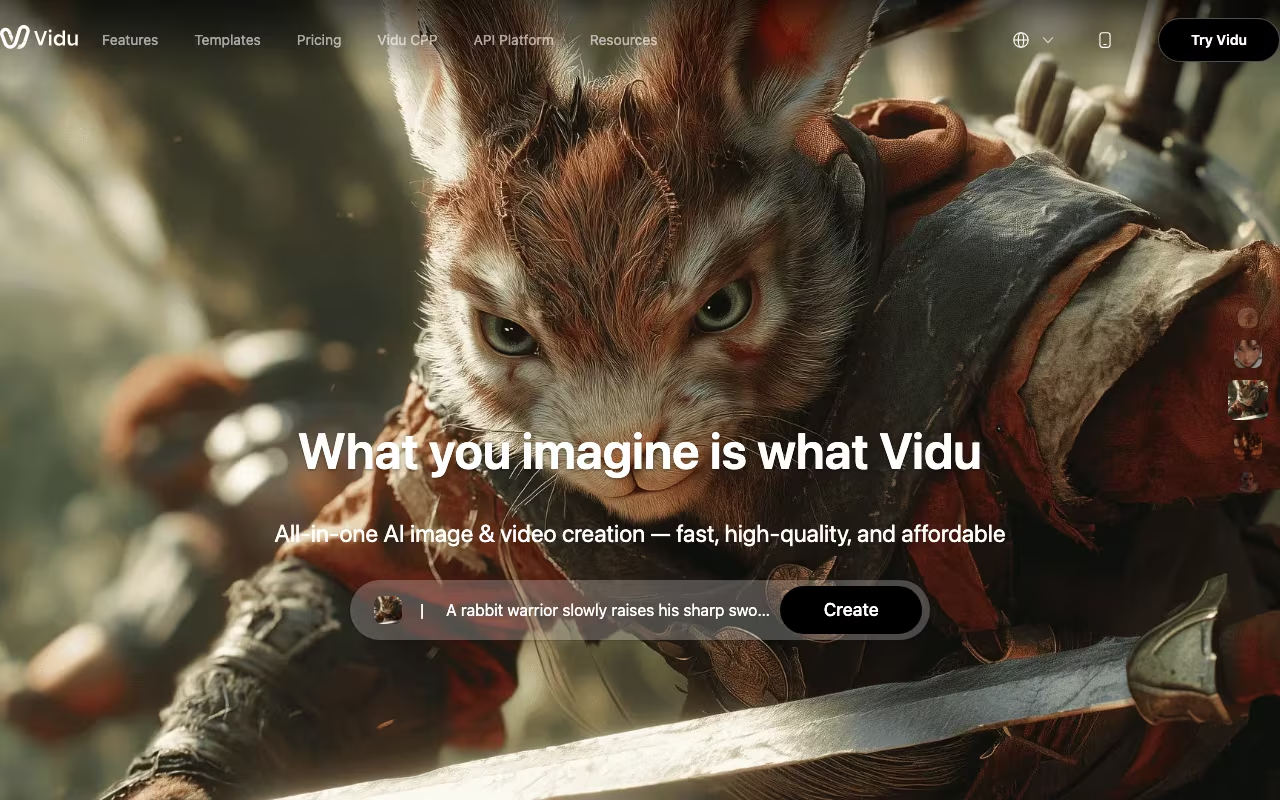
Vidu is an AI video generator built by Shengshu Technology, a Beijing-based startup founded by Tsinghua University researchers and backed by Baidu, Ant Group, and other major investors. The platform generates videos from text prompts or reference images at up to 1080p resolution in roughly 10 seconds per clip. With over 10 million users across 200+ countries, Vidu has carved out a niche between the premium tier (Runway, Sora) and the budget options, with particularly strong results in anime-style video generation.
The standout feature is Multi-Entity Consistency, which Vidu claims as a world first. Upload 3-7 reference images of characters, objects, or scenes, and the AI generates video that maintains visual consistency across all of them. If you upload photos of two specific characters and a background, the output keeps those characters looking the same throughout the clip rather than morphing them between frames. For content creators who need a consistent character across multiple videos, this solves a real pain point that other generators handle poorly.
Generate Your First AI Video Free Get started →Generation Modes and Output Quality
Text-to-video accepts natural language prompts and produces clips in cinematic, realistic, or anime styles. Anime is where Vidu genuinely excels compared to competitors. Character animation feels fluid and natural in the anime style in ways that Runway and Sora don't match. Realistic human footage is less impressive. Complex movements, overlapping limbs, and fast motion still produce artifacts that break immersion.
Image-to-video animates still images with first-frame and last-frame control. Upload a product photo and Vidu generates a short video of that product rotating or being used. The AI sound effects generator produces 48kHz audio matched to video content, a feature most competitors don't offer natively. Clip length ranges from 4-8 seconds on standard settings up to 16 seconds in some modes. The current model (Vidu Q1) outputs 5-second clips at 24fps in 1080p.
The "My References" library lets you save characters, props, and scenes for reuse across multiple generations. Build a character once, then drop it into different scenes and prompts without re-uploading reference images each time. For anyone producing a series of related videos, this saves considerable time and improves consistency.
What It Costs
The free plan provides 80 credits (about 20 standard videos) plus unlimited off-peak generation, which is genuinely generous. The Standard plan costs $10/month (or $8 annual) for 800 credits. Premium is $35/month ($28 annual) for 4,000 credits and high-speed generation. Ultimate runs $99/month ($79 annual) for 8,000 credits and up to 200 videos per day. Enterprise pricing starts at $1,399/workspace for teams.
At roughly 4 credits per video, the Standard plan covers about 200 videos per month. That's significantly cheaper than Runway's Standard plan ($12/month with tighter limits) or accessing Sora through ChatGPT Plus ($20/month). Kling AI starts even lower at $5/month, though with less consistency control.
Try Vidu's Free AI Video Generator Get started →User Experience and Known Issues
Vidu holds a 4.7 out of 5 on G2 from 61 reviews. Users praise the speed and the anime quality. The Trustpilot score tells a different story: 2.0 out of 5 on the vidu.studio domain (11 reviews), with 91% being 1-star. The negative reviews almost all mention refund problems and unresponsive customer support. If you're subscribing, know that getting your money back if you're unhappy may be difficult.
The biggest functional complaint is that failed renders still consume credits. If the AI produces something unusable because your prompt was too complex, those credits are gone. Multi-element prompts with detailed instructions often fail or produce unexpected results. The platform works best with simple, focused prompts rather than long, descriptive ones. Physics handling is weak for complex interactions, so liquids, overlapping objects, and fast motion sequences don't look realistic.
Where Vidu Fits Against Competitors
Runway Gen-4.5 offers the most creative control and the best stylized output but costs more and generates slower. Sora (through ChatGPT Plus) produces the most realistic physics and motion but gives you less control over generation parameters. Kling AI renders the best human faces and offers clips over 2 minutes long, making it better for longer content. Vidu's sweet spot is fast, affordable generation with strong anime capabilities and the Multi-Entity Consistency feature that nobody else matches yet.
For social media creators producing short-form content, especially in anime or stylized visual styles, Vidu offers the best speed-to-quality ratio at a competitive price. For professional video production, corporate presentations, or anything requiring realistic human footage, Runway or Sora are worth the premium. The free tier is generous enough to test thoroughly before committing any money. Start with the off-peak unlimited generation to gauge output quality for your specific use case before spending credits on faster processing. The quality difference between off-peak and standard generation is minimal, just slower queue times.
Start Creating AI Videos with Vidu Get started →How Vidu works
Vidu is a generative video platform from Shengshu Technology that turns text prompts, still images, or a set of reference photos into short video clips, with companion AI image and sound-effect generators alongside. You sign up on vidu.com and pick a mode: Text to Video, Image to Video, Start-End-to-Video (where you supply the first and last frame and the model fills the middle), or Reference to Video. That last mode is the differentiator. You upload up to seven reference images of characters, objects and environments, and the model keeps those entities consistent across the generated shot, which the vendor presents as the first multi-entity consistency of its kind.
Every generation spends credits, and credits come in three flavours with different lifespans. Subscription credits expire after 30 days. Purchased credits and bonus credits stay valid for two years. You can also top up through daily logins, sign-up bonuses, and the Artist and Creative Partner Program. An Off-Peak Mode runs generations for free without consuming credits when the queue is quiet, which makes experimentation cheap if you are not in a hurry. Template packs (hug, kiss, various effects) wrap pre-tuned prompt setups, and the vendor claims these optimized scene templates raise success rates by more than 50% compared with the general model.
The newest model tier, Vidu Q3, generates native audio inside the same pass: dialogue, voiceover, sound effects and music, with multi-speaker conversations and audio-video sync, rather than requiring you to stitch sound on afterwards. Q3 runs up to 16 seconds per generation. Output tops out at 1080p, and there is a heavy anime and animation specialization alongside the usual ad and social formats. For product teams there is a separate developer surface at platform.vidu.com with API access to the same four modes, a debug console and a template library. Consumer billing runs through Stripe with automatic renewal.
Where Vidu wins
- Reference to Video accepts up to 7 reference images and is built specifically for keeping the same character, object or scene across generations, which most text-to-video tools handle poorly.
- Q3 bakes audio into the generation (dialogue, voiceover, sound effects, music) with multi-speaker conversations and audio-video sync, instead of a separate sound pass.
- 16 seconds per generation on Q3 is longer than the 5 to 10 second ceiling common in this category, and the vendor advertises generations as fast as 10 seconds.
- Off-Peak Mode gives credit-free generation, so trial and error does not have to burn the subscription allowance.
- A genuine API product at platform.vidu.com covering all four modes with templates and a debug console, so it is usable as infrastructure and not only as a web toy.
- Explicit anime and 2D animation specialization, an area where general-purpose video models tend to be weakest.
Where it falls short
- No refunds at all. The vendor states plainly that it cannot provide refunds. Cancelling the Stripe subscription is the only remedy, and it must be requested via [email protected].
- Plan prices and per-tier credit allocations are not readable on the pricing page. The plan table loads dynamically and renders as "Loading pricing plans...", so you cannot compare cost before creating an account.
- Subscription credits expire after 30 days, so unused monthly allowance is lost rather than banked.
- 1080p is the stated ceiling. No 4K path is advertised, which rules Vidu out for broadcast or large-format delivery.
- Native audio output is limited to English, Japanese and Chinese.
- The 16-second cap still means anything longer is a stitching job, and the site does not publish resolution, format or concurrency limits per plan.
Who should use Vidu
Vidu fits solo creators, anime and short-form studios, and social or ad teams that need character-consistent clips quickly and cheaply. The combination of seven-image referencing, native audio and Off-Peak Mode means you can iterate on a recurring character without paying for every failed take. Developers who want a video model behind an API are the second natural audience, since platform.vidu.com exposes all four modes rather than a cut-down subset.
Skip it if you need 4K masters, long-form continuous footage, dialogue in a language other than English, Japanese or Chinese, or a vendor that will refund a bad month. The unreadable pricing page is also a real obstacle if you have to justify the spend before signing up, since you cannot see plan costs or credit allocations without creating an account first.