What Is UX Pilot?
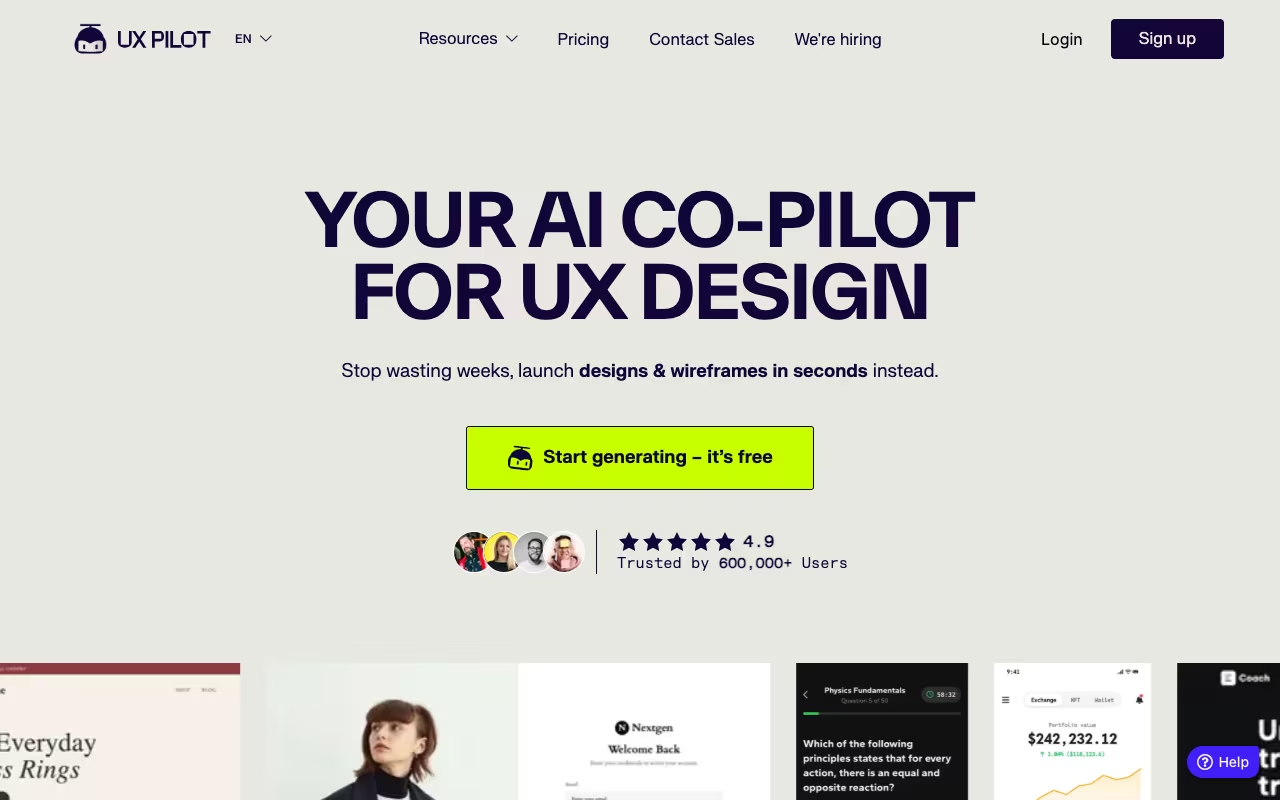
UX Pilot is an AI-powered UX/UI design platform that generates wireframes, high-fidelity screens, and complete user flows from text prompts or reference images. What distinguishes UX Pilot from the growing crowd of AI design tools is its emphasis on design validation alongside generation. While most competitors focus purely on creating designs faster, UX Pilot adds predictive heatmaps, automated design reviews, and layout feedback that help you test assumptions before building anything. The platform works both as a standalone web application and as a Figma plugin, making it flexible enough to fit into existing design workflows.
UX Pilot launched in 2023 and has built a following among product designers, UX researchers, and startup teams who want to move faster through the ideation and prototyping phases. The Figma plugin has over 100,000 installs in the Figma Community, and the platform has been recognized on multiple "best AI design tools" lists throughout 2025 and 2026. The pricing is accessible (starting at $14 per month), which has made it popular with freelancers and small teams, not just enterprise design departments.
Key Features
AI Wireframe Generator
Describe what you want in plain language, and UX Pilot generates wireframes for desktop, tablet, or mobile. The wireframes are not just static mockups: they include proper component hierarchy, spacing, and layout logic that you can edit and iterate on. You can specify the type of page (landing page, dashboard, settings screen, checkout flow) and UX Pilot applies appropriate design patterns. The quality is consistently usable as a starting point, though complex, highly custom layouts will need more manual adjustment.
High-Fidelity UI Designer
Beyond wireframes, UX Pilot generates polished, high-fidelity screens with typography, color, imagery placeholders, and component styling. You can specify a design direction (minimal, corporate, playful, dark mode) and the AI adjusts accordingly. The precision controls let you tweak individual elements after generation, so you are not locked into the AI's first interpretation.
Screen Flows and User Journeys
This is where UX Pilot adds real workflow value. You can generate connected multi-screen flows (onboarding sequences, checkout processes, navigation hierarchies) from a single prompt. The AI understands that screens in a flow need visual and logical consistency, so elements like navigation, branding, and layout patterns carry across screens. On the Pro plan, screen flows are unlimited.
Predictive Heatmaps
This feature sets UX Pilot apart from most competitors. After generating a design, you can run a predictive heatmap that shows where users are likely to focus their attention based on established eye-tracking research and visual hierarchy principles. This is not a substitute for real user testing, but it catches obvious issues (buried CTAs, competing visual elements, poor information hierarchy) before you invest time building anything.
Automated Design Reviews
UX Pilot can analyze your designs and flag potential usability issues: contrast problems, spacing inconsistencies, missing interactive states, accessibility concerns, and layout patterns that conflict with platform guidelines (iOS, Android, web). Think of it as an automated design critique that catches the technical issues a human reviewer would flag.
Figma Plugin
The Figma plugin lets you generate wireframes, high-fidelity screens, and user flows directly inside your Figma workspace. Designs appear as native Figma components with proper layers, auto-layout, and naming conventions. You can also import existing Figma designs into UX Pilot for analysis (heatmaps, design review) and then push the results back. The integration is bidirectional, which means UX Pilot works within your existing workflow rather than demanding you switch to a separate tool.
Image-to-Design Conversion
Upload a screenshot, photo of a whiteboard sketch, or design inspiration image, and UX Pilot converts it into editable design components. This is useful for translating hand-drawn concepts into digital wireframes or for reverse-engineering competitor designs into your own editable starting points.
Code Export
UX Pilot generates HTML/CSS from finished designs, providing developers with a functional starting point for implementation. The code output is clean enough to serve as a prototype or reference implementation, though production code will still need developer refinement.
Pricing
UX Pilot offers four plans:
- Free: $0. One-time credits to generate up to 7 screens. Includes access to wireframe generation, high-fidelity design, design reviews, and predictive heatmaps. This is enough to evaluate the tool's output quality on a real project, but the credits do not replenish.
- Standard: $14 per month. Monthly credits for generating up to 70 screens. All core features included. Best for individual designers with moderate usage who want AI acceleration without heavy investment.
- Pro: $22 per month. Higher monthly screen limits (approximately 200 screens), unlimited screen flows, Figma import/export, Image-to-Design conversion, and priority processing. This is the sweet spot for professional designers and freelancers.
- Teams: $31 per user per month. Shared credits, collaboration features, and team management. Built for design teams that want to standardize AI-assisted workflows across multiple designers.
Annual billing saves approximately 25% across all paid plans. All plans are month-to-month with no long-term contracts. If you cancel, your account reverts to the Free tier at the next billing cycle. The credit-based system means costs are predictable, though credits do not roll over between months.
What We Like
- Predictive heatmaps are a genuine differentiator. No other AI design tool at this price point offers built-in attention prediction. Being able to spot visual hierarchy problems before building anything saves both design and development time.
- Automated design reviews catch real issues. The contrast checks, spacing analysis, and accessibility flags are practical, not theoretical. This feature alone has prevented usability problems that would otherwise surface during QA or user testing.
- Screen flow generation maintains consistency. Many AI design tools generate individual screens well but fall apart when you need a coherent multi-screen flow. UX Pilot handles this better than most, carrying design patterns and branding across connected screens.
- Figma integration is bidirectional. The ability to push designs to Figma and pull existing Figma designs back into UX Pilot for analysis creates a flexible workflow that does not force you to abandon your current tools.
- Pricing is accessible. At $14 to $22 per month for individuals, UX Pilot is priced for freelancers and independent designers, not just enterprise teams with large tool budgets. The free plan with 7 screens is enough to make an informed purchase decision.
- No long-term contracts. Month-to-month billing with easy cancellation means low commitment risk. You can try it for a month on a real project and decide without being locked in.
What Could Be Better
- Figma export has inconsistencies. Multiple users report that designs exported from UX Pilot to Figma sometimes have spacing, alignment, or layer-naming issues that require cleanup. The integration works, but it is not perfectly smooth.
- Free plan is very limited. Seven screens is enough to evaluate quality but not enough to complete even a small project. A more generous trial (perhaps 20 to 30 screens) would help users commit with more confidence.
- Credits do not roll over. Unused monthly credits expire at the end of each billing cycle. If you have a light month followed by a heavy one, you cannot bank credits for when you need them most.
- Complex, custom layouts need significant manual work. UX Pilot excels at standard UI patterns (dashboards, forms, settings pages, landing pages), but unusual or highly creative layouts require more manual intervention after generation.
- Heatmaps are predictive, not real. While the predictive heatmaps are useful for catching obvious hierarchy issues, they are based on algorithms and research patterns, not actual user behavior on your specific design. They should supplement real user testing, not replace it.
- Teams plan pricing can add up. At $31 per user per month, a team of 5 designers pays $155 per month. That is reasonable for the value, but it is worth comparing to team pricing on competing platforms before committing.
Who Should Use UX Pilot?
UX Pilot is an excellent fit for product designers who want to accelerate the wireframing and prototyping phases without sacrificing design quality. Freelancers and solo designers will appreciate the speed gains and the affordable pricing. UX researchers who want to quickly generate design concepts for user testing will find the predictive heatmaps and automated reviews especially valuable. Startup teams that need to iterate on product concepts rapidly, without a full design team, can use UX Pilot to produce professional-quality wireframes and mockups. And Figma power users who want AI assistance without leaving their primary tool will appreciate the deep plugin integration.
Who Should Skip UX Pilot?
If your design work is primarily visual or brand-focused (illustration, marketing creatives, brand identity), UX Pilot is not the right tool. It is built for functional UI/UX design, not artistic expression. Large enterprise design teams with established design systems and strict component governance may find the AI-generated output too inconsistent with their existing standards. Developers who want a no-code builder (rather than a design tool) should look at platforms like Webflow, Framer, or Bolt.new instead. And if you do not use Figma at all, you lose access to UX Pilot's strongest integration, which significantly reduces its value proposition.
Frequently Asked Questions
Can I use UX Pilot without Figma?
Yes. UX Pilot has a standalone web application where you can generate, edit, and export designs. However, the Figma plugin is where the tool is most powerful, offering bidirectional import/export and native Figma component output. If Figma is not part of your workflow, UX Pilot still works, but you miss out on the deepest integration.
How accurate are the predictive heatmaps?
The heatmaps are based on established eye-tracking research and visual hierarchy principles, so they are directionally accurate for identifying where users are likely to focus attention. They are most useful for catching obvious issues (buried CTAs, competing focal points, poor information hierarchy) rather than predicting exact user behavior. They should complement real user testing, not replace it.
Can I generate designs for mobile apps?
Yes. UX Pilot supports wireframe and high-fidelity design generation for desktop, tablet, and mobile screen sizes. You can specify the platform (iOS, Android, responsive web) in your prompts, and the AI applies appropriate design patterns, navigation conventions, and component sizing for each platform.
What happens to my designs if I cancel my subscription?
Any designs you exported to Figma or downloaded as code remain yours permanently. Your UX Pilot account reverts to the Free tier, which means you lose access to monthly credits and some features, but previously generated designs in your account history are not deleted.
Our Verdict
UX Pilot stands out in the increasingly crowded AI design tool space by combining generation with validation. The wireframe and high-fidelity screen generation is solid (comparable to competitors like UX Magic and Galileo AI), but the predictive heatmaps and automated design reviews add a layer of practical value that most rivals lack. The Figma integration is the strongest aspect of the platform, making it a natural fit for Figma-centric design workflows. The pricing is fair, starting at $14 per month for individuals and scaling reasonably for teams. The main weaknesses are the limited free plan, credit expiration, and occasional Figma export inconsistencies. For product designers, UX researchers, and startup teams who want to move faster through the design process while catching usability issues early, UX Pilot is worth the investment. Start with the free 7-screen trial to evaluate output quality on a real project, then move to Standard or Pro based on your volume needs.
Try UX Pilot free Get started →