Last updated: May 2026
What Is Switcher Studio?
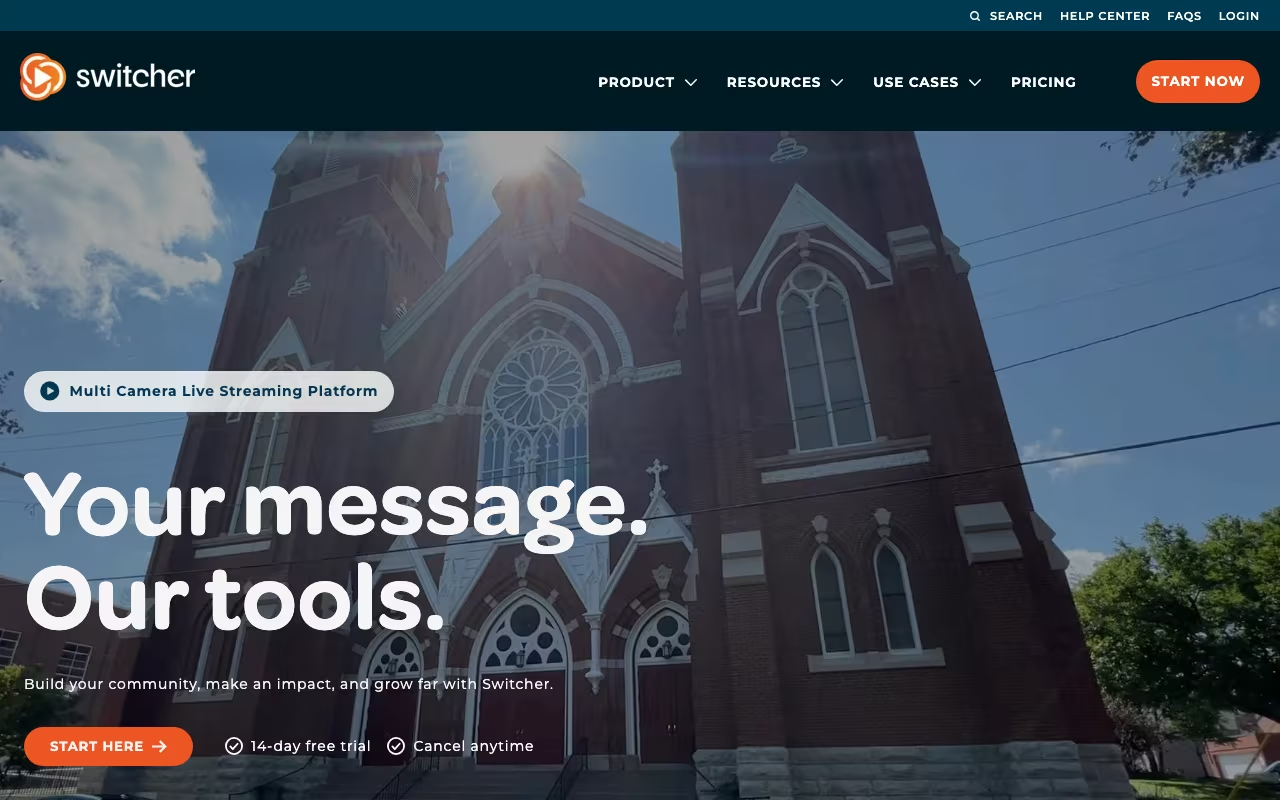
Switcher Studio is the mobile video production platform that turns iPhones and iPads into professional multi-camera live streaming and recording setups. Founded in 2014, Switcher Studio serves over 250,000 creators, churches, schools, and businesses producing live video without traditional video production gear.
The pitch is professional video on mobile. Building a multi-camera live stream traditionally required thousands of dollars in cameras, switchers, and capture devices. Switcher Studio connects 9 iPhones or iPads over WiFi to create a multi-angle live production controllable from a single iPad acting as the director's console.
The product targets churches streaming services, sports teams capturing games, educators producing online courses, and DTC brands running live commerce. Production quality often exceeds what amateur creators achieve with single-camera setups while requiring no specialized hardware.
Try Switcher StudioHow Switcher Studio Works
Set up 1-9 iOS devices around your scene. One device acts as the "switcher" (director's console); others act as cameras. All devices connect to the same WiFi network and pair through the Switcher app.
The director controls the live production from the switcher device: select active camera angle, switch between scenes, add lower-third graphics, run replays, show pre-recorded clips, manage audio mix. The interface mirrors traditional broadcast control surfaces.
Stream live to YouTube, Facebook Live, Twitch, LinkedIn Live, custom RTMP, or other destinations. Multi-streaming (one source, multiple platforms simultaneously) supported. Recording captures locally for editing later.
Graphics templates handle lower-thirds, picture-in-picture, full-screen graphics, and animated transitions. Custom graphics import from your design tools.
For churches, the platform handles song lyrics with scripture overlay, Bible verse pop-ups, and donation appeals as graphic elements during streams.
Switcher Studio Pricing in 2026
Personal: $39/month annually. Single iOS device, basic streaming, 720p quality.
Creator: $79/month annually. Up to 3 iOS devices, full features, 1080p, basic graphics.
Pro: $169/month annually. Up to 9 iOS devices, advanced graphics, multi-streaming, 4K capable.
Enterprise: Custom pricing for organizations with dedicated production needs.
Compared to OBS Studio (free but PC-based and complex), Switcher Studio costs more but works on iOS without technical setup. Compared to broadcast hardware ($3,000+ for similar multi-camera capability), Switcher Studio is dramatically cheaper.
See Switcher Studio PlansWhere Switcher Studio Wins
- iOS-native: no Mac or PC required for production.
- Multi-camera affordably: 9-camera production without broadcast gear.
- Real production interface: actual director's console experience.
- Live streaming destinations: YouTube, Facebook, Twitch, custom RTMP.
- Church-friendly features: lyrics, scripture, donation graphics.
Where It Falls Short
- iOS only: no Android or PC version.
- WiFi dependency: 9-camera setups require strong WiFi infrastructure.
- Pricing higher than software-only solutions: OBS is free but complex.
- iOS device cost: 9 iPads for full setup is significant hardware investment even if cheaper than broadcast gear.
Switcher Studio vs OBS Studio vs Wirecast vs Restream
OBS Studio is free and powerful but requires PC and significant setup expertise.
Wirecast targets professional broadcasters with deeper features and PC-based workflow. Much more expensive.
Restream handles multi-platform streaming distribution but does not produce multi-camera shows.
vMix is the Windows-based competitor for professional multi-camera production.
Who Should Use Switcher Studio
Churches streaming services: multi-angle worship without broadcast complexity.
Sports teams capturing games: multi-angle replay and live coverage.
Educational institutions: hybrid classroom and lecture capture.
DTC brands running live commerce: product demos with switching camera angles.
Skip it if: you produce on Windows or Mac (use OBS or vMix), need broadcast-grade equipment for high-stakes productions, or only need single-camera streaming (basic phone apps suffice).
Frequently Asked Questions
How many cameras can connect?
Up to 9 iOS devices on Pro tier.
Does it require a Mac or PC?
No. Entirely iOS-based. Director's console runs on iPad.
Can I stream to multiple platforms simultaneously?
Yes on Pro tier with multi-streaming.
What about audio mixing?
Audio mix controls in the director console. Mic levels, music, and source mixing supported.
Can I record locally?
Yes. Local recording on the switcher device for editing later.