
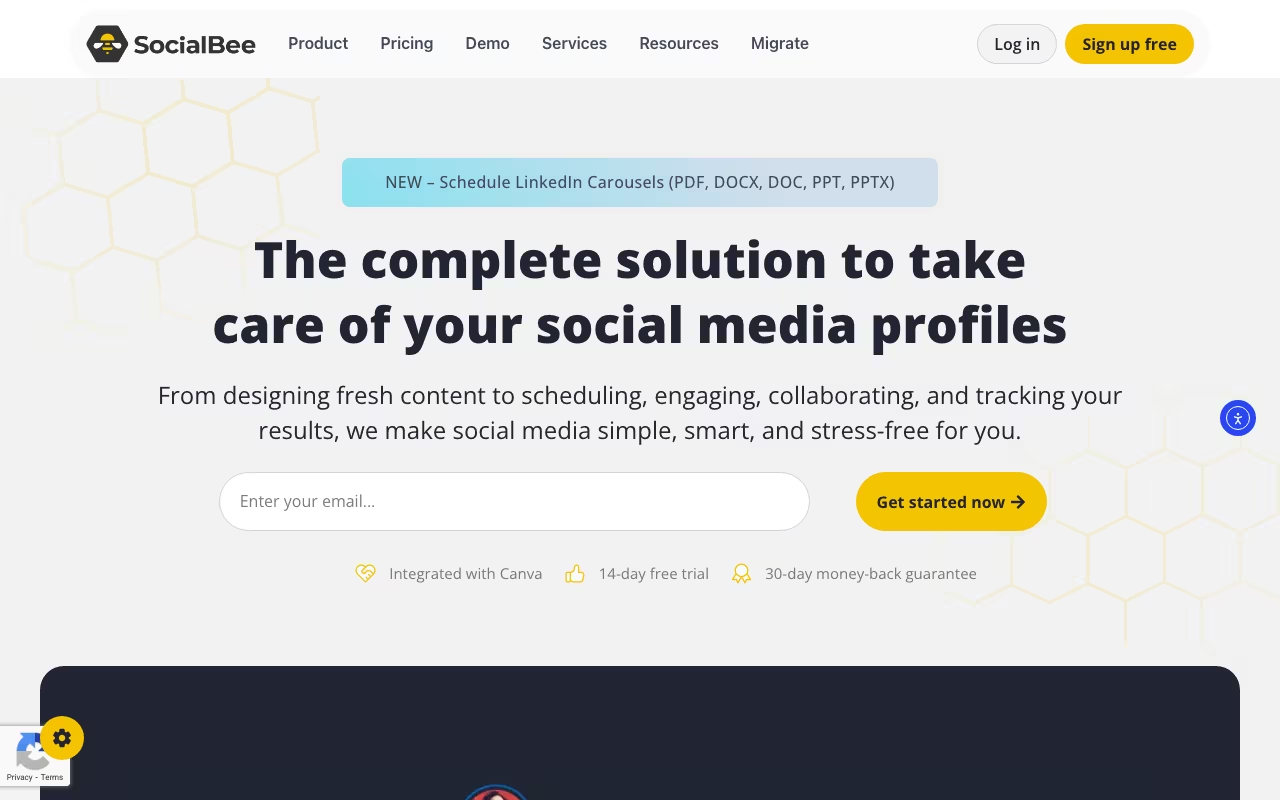
What is SocialBee?
SocialBee provides social media management with a unique category-based approach to content scheduling that sets it apart from traditional scheduling tools. Instead of scheduling individual posts one by one, you organize content into categories and SocialBee automatically creates balanced posting schedules that maintain variety and consistency. The platform covers all major social networks with AI-assisted content creation, making it a comprehensive solution for anyone serious about social media marketing.
For marketers and businesses wanting consistent social presence without the daily grind of scheduling effort, SocialBee's automation maintains engagement systematically. The platform has evolved significantly since its launch, now offering robust features that compete with enterprise solutions while remaining accessible to solopreneurs and small businesses.
Schedule & Automate Social MediaKey Features
Content Categories
The category system is SocialBee's standout feature. Organize posts into categories like tips, promotions, quotes, curated content, blog posts, and user testimonials. Instead of scheduling by individual post, you schedule by category mix, ensuring balanced content variety without manual planning each day. Categories can be set to recycle evergreen content or expire after publishing, giving you complete control over your content lifecycle.
Evergreen Recycling
Reuse evergreen content automatically without lifting a finger. Posts cycle back through your schedule over time, maximizing content value without constantly recreating. You can set expiration dates for time-sensitive content while keeping evergreen posts in perpetual rotation. This feature alone can save hours of content creation time each week.
AI Content Creation
Generate post ideas and copy with AI assistance built directly into the platform. Create multiple variations for A/B testing different messaging approaches. The AI understands context and can adapt content for different platforms automatically. This accelerates content production significantly, helping you maintain consistent posting even during busy periods.
Multi-Platform Publishing
Schedule content to Facebook, Instagram, Twitter (X), LinkedIn, Pinterest, TikTok, and Google Business Profile from a single dashboard. Platform-specific customization ensures your content looks native on each network. You can modify captions, hashtags, and media for each platform while maintaining the core message. First comment scheduling is available for platforms like Instagram and LinkedIn.
Visual Content Calendar
The visual calendar provides a comprehensive overview of your scheduled content across all platforms. Drag-and-drop functionality makes rescheduling intuitive. Color-coded categories help you spot content gaps and ensure variety at a glance. Preview posts exactly as they will appear on each platform before publishing.
RSS Feed Automation
Automatically import content from RSS feeds directly into your posting queue. Perfect for curating industry news or sharing your latest blog posts across social channels. Set rules to categorize imported content automatically and customize posts before they go live.
Canva Integration
Design graphics directly within SocialBee through seamless Canva integration. Access your Canva designs and templates without leaving the platform. Create professional visuals that match your brand without switching between applications.
Analytics and Reporting
Track engagement across all connected platforms with comprehensive analytics. Understand which content categories perform best with your audience. Identify optimal posting times based on historical engagement data. Generate reports for clients or stakeholders showing social media performance over time.
Team Collaboration
Multiple users and workspaces serve agencies and teams of all sizes. Approval workflows ensure content review before publishing, maintaining brand consistency. Role-based permissions let you control access levels for team members and clients. Collaboration features scale with your team size without complexity.
Detailed Use Cases
Solopreneurs and Freelancers
For solopreneurs juggling multiple responsibilities, SocialBee eliminates the daily burden of social media management. Set up your content categories once with a mix of promotional content, valuable tips, and engagement posts. The platform maintains your social presence automatically, freeing you to focus on client work and business development. The evergreen recycling feature ensures your best content continues working for you without constant attention.
Marketing Agencies
Agencies managing multiple client accounts benefit enormously from SocialBee's workspace organization. Each client gets a dedicated workspace with its own content categories, posting schedules, and team access. Approval workflows let clients review content before publishing without accessing other accounts. White-label reporting capabilities help agencies demonstrate value to clients with professional, branded reports.
Content Marketers and Bloggers
Content marketers can repurpose blog posts, videos, and other long-form content across social platforms efficiently. Transform one blog post into dozens of social media posts using different angles and quotes. The RSS feed integration automatically queues new blog posts for social distribution. Content recycling ensures your archive continues driving traffic long after initial publication.
E-commerce Businesses
Online stores can maintain consistent product promotion while balancing educational and engagement content. Create categories for product highlights, customer testimonials, behind-the-scenes content, and industry tips. Seasonal content can be scheduled in advance, then automatically replaced with evergreen posts. Track which content categories drive the most traffic and conversions.
Coaches and Consultants
Service providers can build authority through consistent thought leadership content. Schedule motivational quotes, client success stories, tips and advice, and promotional content in balanced rotation. The AI assistant helps overcome writer's block by generating post ideas tailored to your expertise. Build a consistent presence that nurtures leads even when you are busy with client sessions.
Pricing
Bootstrap — $29/month ($24/month annually). 5 social profiles, 1 user, 3 months analytics history. Best for solopreneurs and freelancers starting their social media journey.
Accelerate — $49/month ($41/month annually). 10 social profiles, 1 user, 2 years analytics history. Best for small businesses and growing personal brands needing more capacity.
Pro — $99/month ($83/month annually). 25 social profiles, 3 users, 5 workspaces. Best for agencies and teams managing multiple brands or clients.
Pro50 — $179/month ($149/month annually). 50 social profiles, expanded capacity for larger agencies managing extensive client portfolios.
All plans include a 14-day free trial with full feature access. 30-day money-back guarantee provides additional peace of mind. Add-ons available for extra profiles, users, and workspaces as your needs grow.
Schedule & Automate Social MediaPros and Cons
Pros
Unique category-based scheduling — The content category system provides automation that competitors simply cannot match. Once set up, your social presence runs on autopilot with guaranteed variety.
Excellent evergreen recycling — Maximize the value of your best content without manual effort. Posts automatically cycle back through your schedule, saving hours of content creation time.
Competitive pricing — Compared to enterprise tools like Hootsuite and Sprout Social, SocialBee offers powerful features at accessible price points suitable for small businesses.
Intuitive interface — Despite powerful features, the platform remains approachable. Most users can set up their first automated schedule within an hour of signing up.
Strong AI integration — The built-in AI content assistant genuinely helps overcome creative blocks and speeds up content creation without leaving the platform.
Cons
Learning curve for categories — The category system requires initial setup time and strategic thinking. Users accustomed to simple queue-based scheduling may need adjustment time.
Limited social listening — Unlike some enterprise competitors, SocialBee focuses on publishing rather than monitoring brand mentions or competitor activity.
Basic Instagram features — While Instagram scheduling works well, some advanced features like Instagram Story scheduling have limitations compared to specialized tools.
Analytics could be deeper — While adequate for most users, analytics depth does not match dedicated analytics platforms for users requiring granular data analysis.
SocialBee vs Competitors
SocialBee vs Buffer
Buffer offers simpler scheduling without a category system. Buffer excels at straightforward queue-based scheduling with a clean interface. SocialBee provides more automation through categories and evergreen recycling. Choose Buffer for simplicity and quick setup; choose SocialBee for automated variety and reduced daily management.
SocialBee vs Hootsuite
Hootsuite serves enterprise needs with comprehensive features including social listening, team collaboration, and extensive integrations. SocialBee offers more accessible automation for SMBs at lower price points. Hootsuite for enterprise requirements; SocialBee for efficient scheduling without enterprise complexity or cost.
SocialBee vs Later
Later specializes in visual content planning, particularly for Instagram. SocialBee offers broader multi-platform capabilities with superior automation features. Choose Later for Instagram-first strategies; choose SocialBee for comprehensive multi-platform automation.
Tips for Getting the Most from SocialBee
Start with 5-7 content categories — Begin with categories like Tips, Promotions, Questions, Curated Content, and Behind-the-Scenes. Add more specific categories as you understand what resonates with your audience.
Set different posting frequencies per category — Not all content types need equal representation. You might post tips daily but promotional content only twice weekly. Adjust category frequency to match your strategy.
Use the content queue preview — Before activating your schedule, preview the upcoming two weeks of posts. This helps identify gaps or awkward content combinations that need adjustment.
Leverage expiration dates strategically — Set evergreen content to never expire, but add expiration dates to seasonal promotions, event announcements, and time-sensitive offers.
Create platform-specific variations — Take advantage of platform customization. What works on LinkedIn may need adjustment for Instagram. Customize tone, hashtags, and formatting for each network.
Review analytics monthly — Check which content categories drive the most engagement. Adjust your category mix based on data rather than assumptions. Double down on what works.
Frequently Asked Questions
Can I try SocialBee before committing?
Yes, SocialBee offers a 14-day free trial with full feature access. No credit card required to start. A 30-day money-back guarantee applies to all paid plans.
Does SocialBee support Instagram Reels and Stories?
SocialBee supports Instagram Reels scheduling. Stories scheduling has some limitations due to Instagram API restrictions. Check current capabilities during your trial.
Can I import existing content from other tools?
Yes, SocialBee provides CSV import functionality for bulk content upload. This makes migrating from other scheduling tools straightforward.
How does evergreen recycling work?
When you mark content as evergreen, it automatically re-queues after publishing. You can set minimum intervals between republishing the same content to avoid repetition.
Is SocialBee suitable for agencies?
Absolutely. The Pro and Pro50 plans include multiple workspaces, team seats, and approval workflows designed specifically for agency workflows. Many agencies use SocialBee as their primary scheduling solution.
What happens if I exceed my profile limit?
You can add extra social profiles through add-ons without upgrading your entire plan. This provides flexibility as your needs grow.
Final Verdict
SocialBee's category-based scheduling provides unique automation value that stands out in the crowded social media management space. The platform strikes an excellent balance between powerful features and accessibility, making it suitable for both solopreneurs and agencies alike.
For marketers wanting consistent, varied posting without daily scheduling work, SocialBee delivers efficient social media management that saves real time. The evergreen recycling feature alone can justify the subscription cost for content-focused businesses. While it may not match enterprise platforms for social listening or deep analytics, it excels at its core purpose: keeping your social channels active and engaging with minimal ongoing effort.
Rating: 4.4/5