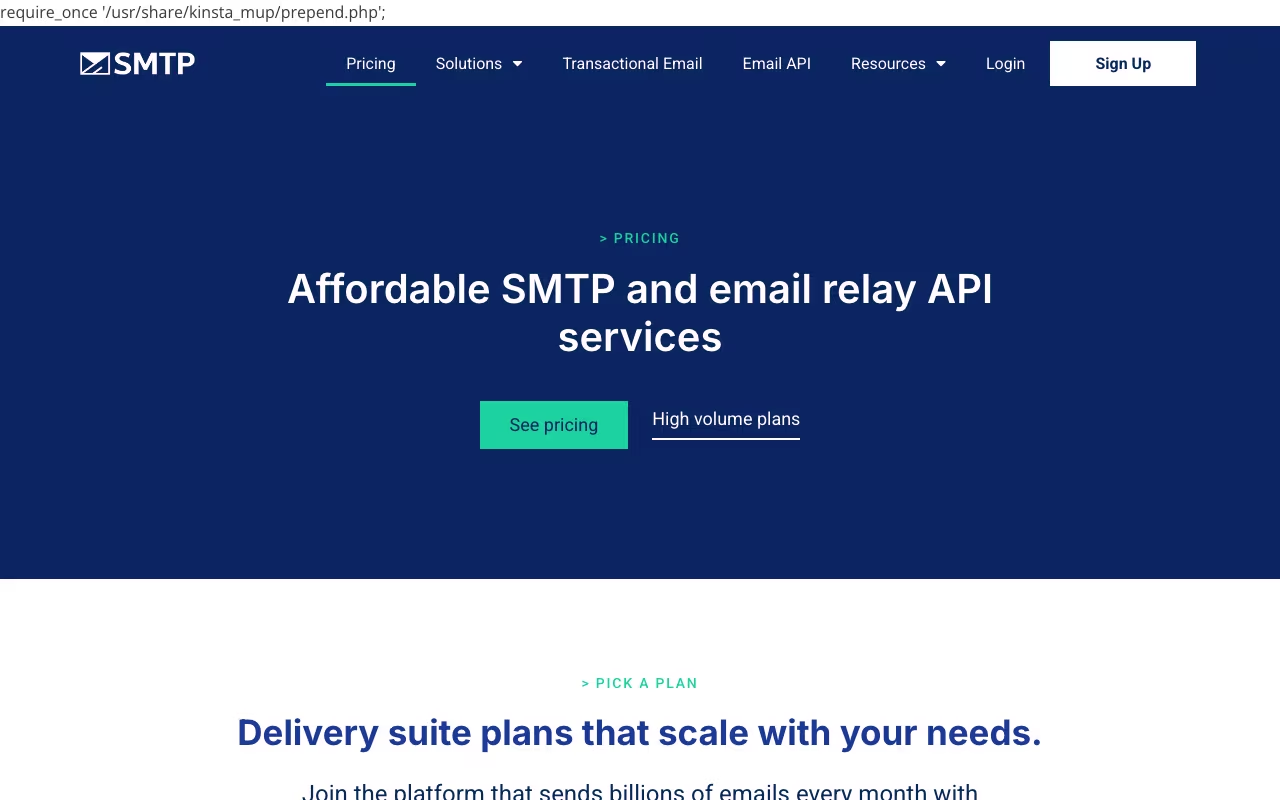
SMTP.com has been in the email delivery business since 1998. That is longer than most of its competitors have existed. It does one thing: relay your emails and try to get them into inboxes instead of spam folders. No email builder, no marketing automation, no drag-and-drop templates. Just infrastructure. Originally founded as EMUmail in 1998, the company has changed hands multiple times before settling as SMTP, Inc. It went public on Nasdaq in 2014 and claims over 100,000 customers. The longevity is notable, but longevity alone does not guarantee the best value in a market that has changed dramatically.
Pure Email Relay
SMTP.com is an SMTP relay and email API service. You point your application or email system at their servers, and they handle the actual delivery. This includes transactional emails (order confirmations, password resets, shipping notifications) and bulk marketing sends. The platform manages bounce processing, address suppression, and deliverability optimization behind the scenes.
On the security and authentication side, SMTP.com enforces SPF, DKIM, and DMARC protocols. Their Reputation Defender dashboard monitors your sender score and tracks blacklist status in real time. Dedicated IP addresses are available starting from the Starter plan ($80/month), which gives you full control over your sending reputation rather than sharing it with other senders.
The REST API is straightforward and well-documented. Integrations exist for WordPress, Salesforce, HubSpot, Shopify, BigCommerce, and Zapier. If your use case is "send emails reliably at volume," SMTP.com covers the basics competently. Open and click tracking provide campaign-level visibility, and event-triggered email tracking lets you monitor delivery outcomes in real time.
Try SMTP.comPricing Tiers
SMTP.com prices purely on email volume. Every plan includes the same features:
- Essential ($25/month): 50,000 emails/month, shared IP
- Starter ($80/month): 100,000 emails/month, dedicated IP
- Growth ($300/month): 500,000 emails/month, dedicated IP
- Business ($500/month): 1,000,000 emails/month, dedicated IP, deliverability expert access
- High Volume (custom pricing): 1M+ emails/month, fully customized infrastructure
Whether a free trial exists is genuinely unclear. Some sources cite a 30-day trial with 50,000 emails. Others, including a detailed GMass review, state there is no free trial and the minimum commitment is $25/month. The signup process itself involves business verification and website confirmation, which can take multiple days. Be prepared for that.
The Problems You Should Know About
SMTP.com's review scores tell an interesting story. G2 rates it 3.5/5 from 42 reviews. Capterra gives it 4.0/5. But Trustpilot rates it 2.4/5 from 68 reviews, which is solidly in "poor" territory. The gap between professional review sites and consumer feedback is significant.
The number one complaint across platforms is the cancellation policy. Users report a strict 30-day cancellation notice requirement, difficulty finding cancellation options in the dashboard, and unexpected charges after attempting to cancel. For a service that competes with providers offering no-commitment free tiers, this is a red flag worth investigating before you sign up.
Other recurring complaints: the user interface feels dated and loads slowly, some users report their assigned dedicated IPs getting blacklisted with slow remediation from SMTP.com's team, and customer support quality varies widely depending on who you get. The reliability itself scores well in user feedback, but the experience around the service frustrates people.
Compare SMTP.com PlansAgainst the Competition
This is where SMTP.com faces its toughest challenge. The email infrastructure market has evolved significantly since 1998, and SMTP.com has not kept pace.
SendGrid (owned by Twilio) offers a permanent free tier with 100 emails/day, a full drag-and-drop email builder, marketing automation, A/B testing, and extensive documentation. Paid plans start at $19.95/month. It is the market leader for a reason.
Mailgun is the developer favorite with SDKs for Python, Ruby, PHP, Java, Go, and C#. Its Flex plan charges $0.80 per 1,000 emails with no monthly minimum. For developers building email into applications, Mailgun's tooling is far more sophisticated than SMTP.com's basic REST API.
Amazon SES costs roughly $0.10 per 1,000 emails with no monthly commitment. For pure relay at volume, it is dramatically cheaper than SMTP.com. You trade managed support for cost savings.
SMTP.com's positioning is "managed deliverability with dedicated account managers." If you want someone to actively manage your sender reputation and consult on deliverability strategy, SMTP.com's Business plan with deliverability expert access is that service. But for most businesses that just need reliable email delivery, SendGrid, Mailgun, or Amazon SES offer better value, better tools, and more transparent billing practices.
Who Should Consider SMTP.com
Mid-size businesses sending 100,000-1,000,000 emails monthly who want managed deliverability support and dedicated IPs without building internal email expertise. If you have staff who can handle email infrastructure decisions, the self-service alternatives will save you money. If you want a provider that actively manages your sending reputation and you are comfortable with the pricing and cancellation terms, SMTP.com has 25+ years of infrastructure behind it. Just read the contract carefully before committing.
Visit SMTP.com