
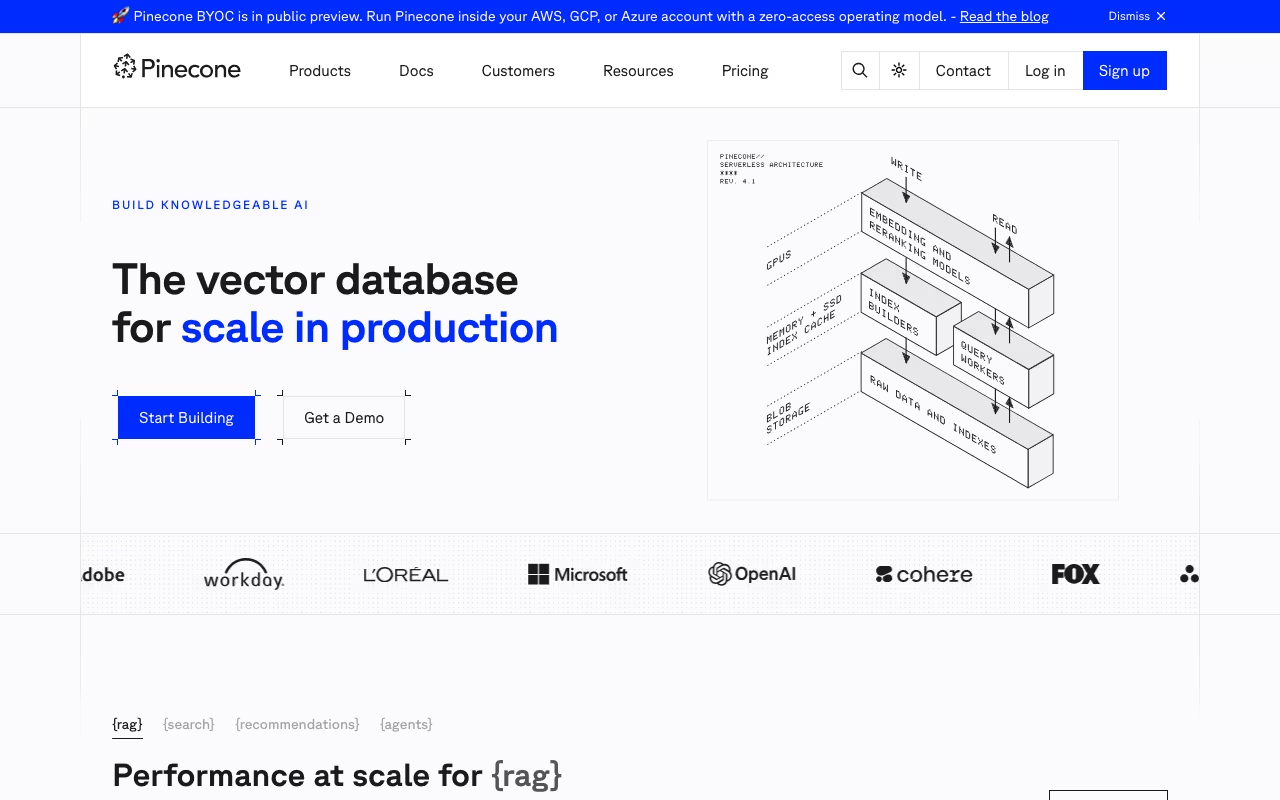
Pinecone is the vector database most AI teams reach for first. There's a reason for that: it works, it scales, and you don't have to babysit it. If you're building RAG pipelines, semantic search, or recommendation systems, Pinecone handles the hard infrastructure parts so you can focus on your actual application.
Pinecone compares well to pgvector, Weaviate, and Qdrant across different projects. Pinecone wins when you want to ship fast and don't want to think about indexing algorithms or shard management. It loses when you need to keep everything in one database or when the bill starts climbing at scale.
How Vector Search Actually Works Here
Traditional databases match exact values. You ask for "user_id = 42" and get a precise result. Vector databases work differently. You feed in a query vector (a numerical representation of text, an image, or anything else) and Pinecone returns the most similar vectors in your index. Millisecond response times, even across billions of records.
This is what makes RAG possible. Your AI assistant gets a user question, converts it to a vector, searches Pinecone for the most relevant documents, and feeds those into the LLM as context. Without fast vector retrieval, that pipeline falls apart.
Pinecone adds metadata filtering on top of similarity search. You can search for semantically similar products but filter by "in_stock = true" and "price < 100". That combination of semantic and structured filtering is where things get practical.
Try Pinecone Free Get started →Serverless, Dedicated Read Nodes, and BYOC
Pinecone has moved heavily toward serverless since 2024. The old pod-based architecture still exists, but serverless is the default for new projects. You create an index, send vectors, and pay based on storage and queries. No capacity planning, no idle compute burning money.
For high-throughput production workloads, Pinecone introduced Dedicated Read Nodes (DRN) in late 2025. These sit between serverless and pods: you get isolated compute with warm data paths (memory + local SSD), which means predictable low latency at scale. If you're running a search feature that handles thousands of queries per second, DRN makes the cost model much better than pure serverless.
Bring Your Own Cloud (BYOC) is the newest option, currently in preview on AWS. You deploy Pinecone inside your own AWS account. Pinecone handles operations and maintenance, but your data never leaves your infrastructure. This matters for regulated industries and companies with strict data sovereignty requirements.
The Extras: Assistant and Inference
Pinecone has expanded beyond pure vector storage. Pinecone Assistant is a built-in RAG pipeline: you upload documents, and it handles chunking, embedding, storage, and retrieval. On the Starter plan you get 100 documents and limited tokens. Standard and Enterprise plans get unlimited file storage.
Pinecone Inference lets you generate embeddings and run reranking directly through Pinecone's API. The Starter plan includes 5M embedding tokens/month and 500 reranking requests. This means you can skip the separate OpenAI or Cohere embedding call for simple use cases.
These additions make Pinecone more of a platform than a pure database. Whether that's a good thing depends on how much you want bundled into one vendor.
What Pinecone Costs
Starter (Free): 2GB storage, 5 indexes, 2M write units/month, 1M read units/month. Enough for prototyping and small production apps. No credit card required.
Standard ($50/month minimum): Pay-as-you-go after the minimum. Storage runs $0.33/GB, read units cost $16 per million, write units $4 per million. Includes a 3-week trial with $300 in credits. Adds SAML SSO, RBAC, backup/restore, Prometheus metrics, and multi-cloud support (AWS, GCP, Azure).
Enterprise ($500/month minimum): Same pay-as-you-go model but at higher per-unit rates ($24/M reads, $6/M writes). The premium gets you a 99.95% uptime SLA, private networking, customer-managed encryption keys, audit logs, and HIPAA compliance.
The free tier is genuinely useful. 2GB of storage holds a lot of vectors. A typical knowledge base with tens of thousands of documents fits comfortably. The jump to $50/month on Standard is reasonable if you need SSO, multi-region, or higher limits.
Where costs can surprise you: high read volumes. If your app makes millions of vector queries per month, those $16-per-million read units add up. Run the numbers before committing to a production architecture.
Start Building with Pinecone Free Get started →Developer Experience and Integrations
Pinecone's API is clean. Create an index, upsert vectors, query. The Python client takes maybe 10 minutes to get a working prototype. Documentation is some of the best in the infrastructure space, with real examples for common use cases.
Integrations cover the full AI stack: LangChain, LlamaIndex, OpenAI, Cohere, Hugging Face, Vercel AI SDK, and dozens more. If you're using any major embedding model or orchestration framework, there's a Pinecone integration.
Namespaces within an index let you isolate data per customer or use case, which simplifies multi-tenant architectures. You don't need separate indexes (and separate bills) for each tenant.
Where Pinecone Falls Short
- Vendor lock-in is real. Migrating away means exporting vectors and rebuilding indexes elsewhere. There's no standard vector database protocol.
- Cloud-only. BYOC helps, but there's no true self-hosted option. If you need on-premise, look at Qdrant or Milvus.
- Single-purpose. Unlike Postgres with pgvector, you can't store relational data and vectors in the same database. That means maintaining two data stores and keeping them in sync.
- Cost at scale. A startup running a few thousand queries a day won't notice. An enterprise doing billions of reads per month will feel it. The per-unit pricing model means costs scale linearly with usage.
- No local development mode. You're always hitting the cloud API, even during development. Open-source alternatives let you run locally.
Pinecone vs Open-Source Alternatives
Dev tools, published pricing
| Tool | Pricing | Model |
|---|---|---|
| Pinecone | Free (100K vectors), from $70/mo (Standard), custom (Enterprise) | Freemium |
| Netlify | $19/mo (lowest published recurring price) | Subscription |
| Dify | $59/mo (lowest published recurring price) | Subscription |
| Ultahost | $2.49/mo (lowest published recurring price) | Subscription |
| Capacity | Free (5 credits), $25/mo (Starter), $69/mo (Growth), $129/mo (Professional), $299/mo (Business) | Credits |
| Airia | AI orchestration platform, custom enterprise pricing | Subscription |
Weaviate gives you an open-source vector database with GraphQL APIs and built-in model serving. You can self-host it or use their cloud. More flexibility, more operational work.
Qdrant is the strongest open-source competitor on performance. Written in Rust, available as cloud or self-hosted, with a simpler API than Milvus. If self-hosting matters, Qdrant is worth evaluating first.
Milvus/Zilliz has the largest open-source community and handles complex multi-vector queries well. Steeper learning curve, but very capable at scale.
PostgreSQL + pgvector is the pragmatic choice when your vectors are a small part of a larger application. You avoid a second database entirely. Performance degrades past a few million vectors, though.
Chroma is the simplest option for local development and prototyping. Popular with LangChain users. Not built for production scale.
Pick Pinecone if you want zero operational overhead and need to ship fast. Pick open-source if you need self-hosting, tighter cost control, or local development.
Frequently Asked Questions
What embedding dimensions does Pinecone support?
Vectors from 1 to 20,000 dimensions. Common choices: 384 (sentence transformers), 1536 (OpenAI ada-002), 3072 (OpenAI text-embedding-3-large).
Can Pinecone handle real-time updates?
Yes. Vectors become searchable within seconds of being upserted or deleted. No batch reindexing required.
What's the difference between serverless and Dedicated Read Nodes?
Serverless is pay-per-query with automatic scaling. DRN gives you isolated compute with predictable latency, priced per node per hour. DRN is more cost-effective for sustained high-throughput workloads (thousands of QPS).
Pinecone is the safe bet for production vector search. The developer experience is excellent, the free tier is generous enough to build real prototypes, and the managed infrastructure means you skip the operational headaches that come with self-hosting. Just keep an eye on read costs as you scale, and make sure you're comfortable with vendor lock-in before building your entire RAG stack on top of it.
Get Started with Pinecone Free Get started →