
Last updated: March 2026
Musicfy Review: AI Music Generation That Goes Beyond Novelty
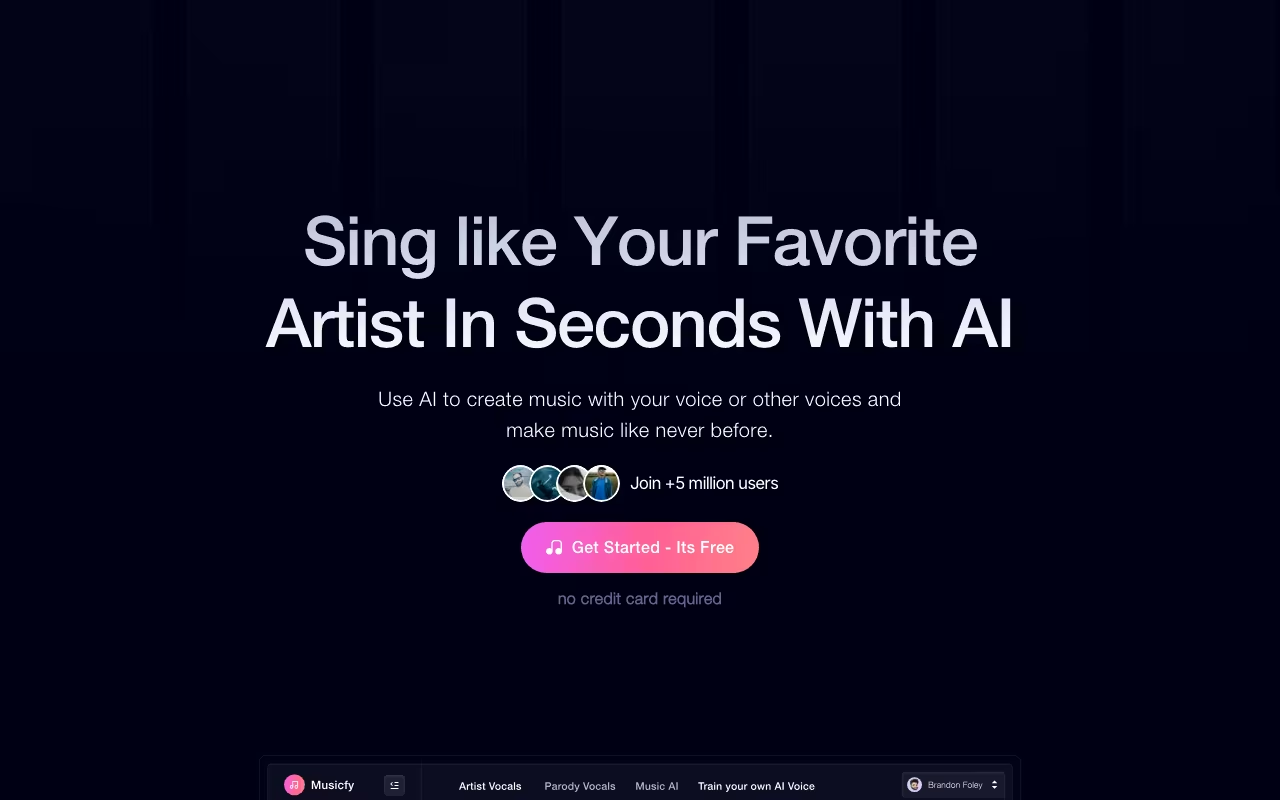
AI music tools have exploded in the last year, but most of them produce results that sound impressive for about 30 seconds before you realize the output is not usable for anything professional. Musicfy takes a different approach. Instead of just generating generic background music from text prompts, it combines voice transformation, voice cloning, text-to-music generation, and voice-to-MIDI conversion in a single platform that over one million users now rely on.
The standout feature is the voice model library. With over 100,000 AI voice models spanning every genre, character, and style you can imagine, Musicfy lets you transform your vocals into something completely different, create AI covers using existing voice models, or clone your own voice and use it across unlimited variations without ever stepping back into a recording booth.
Whether you are a content creator who needs custom music for videos, a producer experimenting with new sounds, or just someone who wants to hear their favorite song in a completely different voice, Musicfy offers tools that range from casual fun to genuinely useful production capabilities.
Try Musicfy Free Get started →Key Features
Voice Transformation
This is Musicfy's signature feature. Upload an a cappella vocal recording, select from 100,000+ voice models in the library, and the AI transforms your voice to match the selected model while preserving your melody, timing, and expression. You can transform a basic vocal take into something that sounds like R&B, opera, rock, or a character voice. The quality varies by model, but the best results are genuinely impressive and increasingly hard to distinguish from natural performances.
The voice model library includes models trained on different genres, vocal styles, instruments, and even specific character types. You are not limited to celebrity impersonations. There are models for specific vocal textures, techniques, and timbres that give you creative options that would normally require hiring different vocalists.
Voice Cloning
Upload 30 to 60 seconds of clean, isolated vocal audio, and Musicfy builds a custom voice clone that you can use repeatedly. Once created, your cloned voice becomes a reusable model. You can "sing through" your clone for different songs, styles, and genres without re-recording. For artists who want to produce variations quickly or content creators who need consistent voiceover across projects, this saves enormous time.
The number of custom voice profiles you can create depends on your plan. Free users cannot create clones, Starter users get a limited number, and Studio users can create up to 30 custom voice profiles.
Text-to-Music
Type a description of the music you want (genre, mood, instruments, tempo, lyrics) and Musicfy generates a complete track with vocals, instrumentation, and basic mixing. The results are best suited for background music, content creation, and prototyping ideas. Professional producers will want to refine the output, but for creators who need custom music without licensing fees, the quality is good enough for YouTube videos, podcasts, and social content.
Voice-to-MIDI
This is an underrated feature that bridges AI generation with traditional music production. Hum a melody, beatbox a rhythm, or whistle a riff into Musicfy, and it converts your audio performance into clean MIDI data. You can then export that MIDI to any DAW (Ableton, Logic, FL Studio, and others) and use it with your own instruments and samples. For producers who think in sound rather than piano rolls, this is a genuinely useful workflow tool.
Stem Splitting
Upload any song (MP3 or WAV) and Musicfy separates it into isolated stems: vocals, drums, bass, and other instruments. The separation takes about 30 seconds and the quality is competitive with standalone stem splitting tools. This is useful for creating remixes, isolating vocals for transformation, or extracting instrumental tracks.
Musicfy Pricing in 2026
Musicfy uses a credit-based system with four tiers:
Free ($0): 10 monthly credits with a 15-second generation limit. Access to basic voice models and two-track stem splitting. Enough to experiment and understand what the platform does, but the 15-second cap makes it impractical for real projects.
Starter ($9.99/month or $95.99/year): More credits, longer generation limits, access to the full voice model library, and a limited number of custom voice clones. This is the entry point for creators who want to actually use the output in their work.
Pro ($24.99/month or $239.99/year): Significantly more credits, higher-quality audio output, more custom voice profiles, and faster rendering. This is the sweet spot for regular users who produce content consistently.
Studio ($69.99/month or $671.99/year): Up to 30 custom voice profiles, unlimited generations (fair use policy), fastest rendering priority, dedicated support, and advanced mixing tools. Built for professional producers and agencies.
Additional credits are available for purchase at approximately $4 per 50 credits if you exhaust your monthly allowance. Annual billing saves roughly 20% across all plans.
What I Like
- Voice model library is unmatched. 100,000+ models is not just a big number. It means you can find specific vocal textures and styles that simply are not available on competing platforms. The variety enables creative experiments that would be impossible or extremely expensive with real vocalists.
- Voice-to-MIDI is genuinely useful for producers. Being able to hum a melody and get clean MIDI output bridges the gap between creative inspiration and production workflow. Most AI music tools are generation-only. This feature connects to real DAW workflows.
- Audio quality is above average. Compared to other AI music generators, Musicfy's output sounds cleaner and more polished. The voice transformations in particular retain natural expression and dynamics that competitors often flatten out.
- Accessible to non-musicians. You do not need to read music, play an instrument, or understand production to use Musicfy. The text-to-music and voice transformation features work for complete beginners who just want custom audio for their content.
- Stem splitting is a nice bonus. Having built-in stem separation means you do not need a separate tool (like LALAL.AI or iZotope RX) for basic isolation tasks.
What I Don't Like
- Free tier is too limited. 10 credits with a 15-second generation cap is barely enough to understand what Musicfy does, let alone evaluate it properly. Competitors like Suno offer more generous free trials that let you create full-length songs.
- Credit system is opaque. It is not always clear how many credits a given operation will consume before you start it. Voice transformations, text-to-music, and stem splitting all use credits at different rates, and the lack of upfront cost transparency can lead to frustration when credits run out faster than expected.
- Customer support has mixed reviews. Multiple users report slow response times and difficulty getting issues resolved. For a platform charging up to $70/month, the support experience should be better.
- Legal and ethical gray areas. Using AI voice models (especially those that resemble real artists) raises copyright and ethical questions that Musicfy does not fully address in its terms of service. If you use AI-generated vocals commercially, you should understand the legal landscape in your jurisdiction.
- Text-to-music output is inconsistent. While the voice transformation features are reliably good, the text-to-music generation produces highly variable results. Some prompts yield impressive tracks; others sound generic or disjointed. You often need multiple generations to get something usable.
Who Should Use Musicfy
Content creators (YouTubers, podcasters, social media creators) who need custom music and vocals without licensing headaches or production skills. Musicians and producers who want to experiment with AI voices and integrate AI tools into their existing DAW workflow. Marketing teams that need original audio for ads, videos, and campaigns without paying for studio recordings. Hobbyists and music enthusiasts who want to explore AI music creation for fun and creative experimentation.
Who Should Skip It
Professional musicians who need full creative control and pristine audio quality should stick with traditional recording and production tools. Anyone expecting to generate radio-ready tracks entirely through text prompts will be disappointed by the inconsistency. Users in jurisdictions with strict AI-generated content regulations should research the legal implications before using AI voices commercially. If you only need background music without vocals, dedicated tools like Epidemic Sound or Artlist offer curated, pre-cleared libraries that are more reliable for commercial use.
Frequently Asked Questions
How does Musicfy compare to Suno AI?
Suno focuses on text-to-song generation, creating complete songs with vocals and instrumentation from text prompts. Musicfy is broader, offering voice transformation, voice cloning, and voice-to-MIDI in addition to text-to-music. If you primarily want to generate songs from descriptions, Suno is more polished at that specific task. If you want to transform your own vocals, clone your voice, or bridge AI and DAW workflows, Musicfy offers capabilities Suno does not. The two tools complement each other more than they compete.
Can I use Musicfy-generated music commercially?
According to Musicfy's terms, paid plan users retain rights to their generated content for commercial use. However, the legal landscape around AI-generated music is evolving rapidly, particularly regarding voice models that resemble real artists. For commercial projects, use original voice clones (your own voice) or generic style models rather than celebrity-resembling models. Consult a music attorney if you plan to release AI-generated music commercially, especially for distribution on streaming platforms.
How good is the voice cloning quality?
With a clean 30 to 60 second vocal sample, the voice cloning quality is remarkably good for most singing styles. The clone captures your vocal timbre, tone, and basic stylistic tendencies. It works best for pop, R&B, and singer-songwriter styles. More extreme vocal techniques (screaming, operatic vibrato, complex runs) are less accurately cloned. The output is typically good enough for demos, content creation, and creative experimentation, but not indistinguishable from your real voice in a side-by-side comparison.
Does Musicfy work with my DAW?
Musicfy is a web-based platform, not a DAW plugin. You generate or transform audio on the Musicfy website, then download the output files and import them into your DAW. The voice-to-MIDI feature exports standard MIDI files compatible with any DAW. While the workflow involves an extra step compared to a native plugin, the export formats (WAV, MP3, MIDI) are universally compatible with Ableton, Logic, FL Studio, Pro Tools, and any other major DAW.
Final Verdict
Musicfy is the most complete AI music tool available if your needs extend beyond simple text-to-music generation. The voice transformation library is genuinely massive and produces results that range from fun experiments to usable production assets. Voice cloning, voice-to-MIDI, and stem splitting add real workflow value for producers and content creators. The weaknesses are notable: the free tier is stingy, the credit system lacks transparency, customer support needs improvement, and text-to-music output is inconsistent. But for the specific use case of AI voice transformation and creative vocal experimentation, nothing else on the market offers this breadth at this price point. Start with the free tier to test voice transformation on your own recordings, then upgrade to Starter or Pro if the output quality matches your expectations.
Try Musicfy Free Get started →