
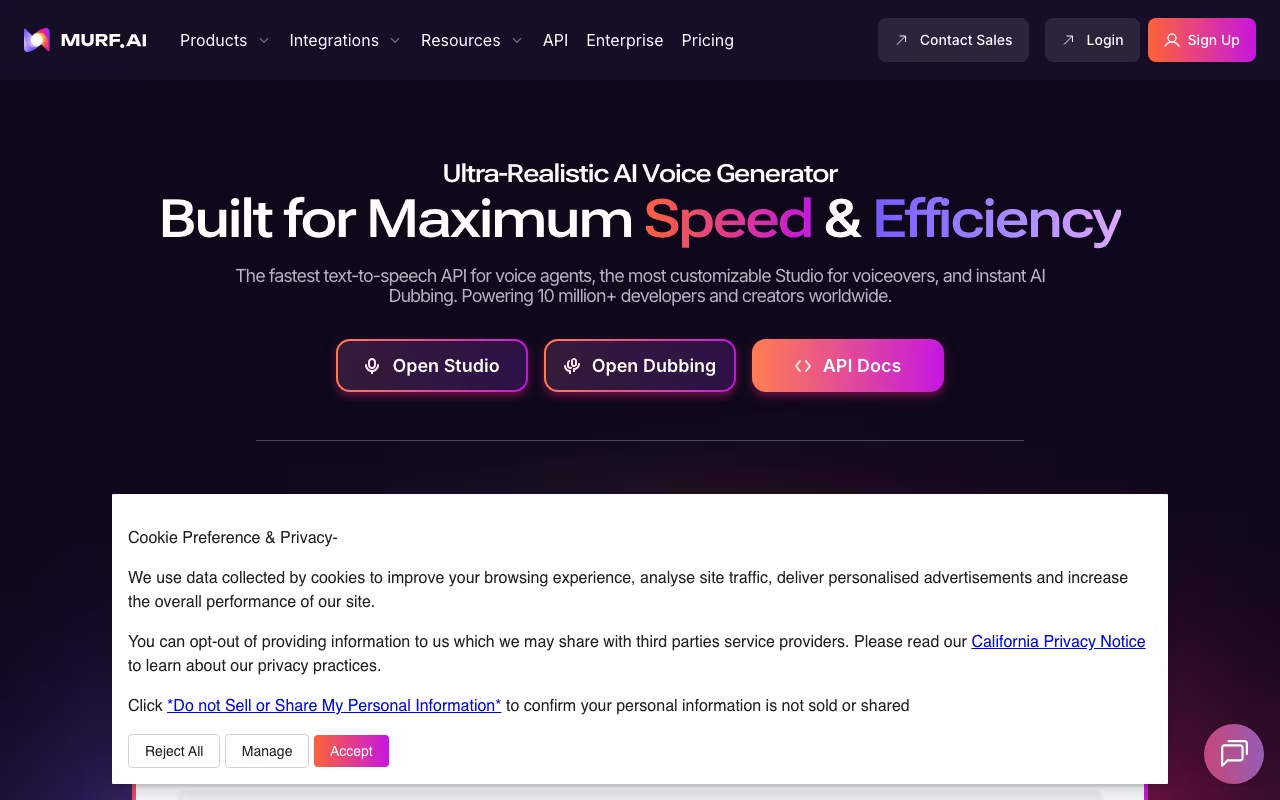
A professional voiceover used to cost $200-500 per session, plus finding the right voice actor, booking time, managing revisions. Murf AI gives you 120+ human-sounding voices in 20+ languages, on demand, for a monthly fee. The quality is genuinely good. Not flawless, but good enough for explainer videos, e-learning courses, YouTube content, and marketing materials.
Murf compares to ElevenLabs and Play.ht. Murf's advantage isn't raw voice quality (ElevenLabs edges it out there) but the studio experience. You get a full production environment: voice generation, word-level customization, background music, video creation, and export, all in the browser.
Try Murf AI Free (10 Minutes Included) Get started →Voice Quality and Customization
The 120+ voice library covers different genders, ages, accents, and speaking styles. Corporate narration, friendly explainer, authoritative documentary, energetic promo. Most English voices are strong. Other major languages (Spanish, French, German, Hindi) are solid. Smaller languages have fewer options and slightly lower quality.
Where Murf separates from basic text-to-speech is word-level control. Adjust pitch, speed, and emphasis on individual words. Add pauses exactly where you want them. Emphasize key terms. This turns generic output into something that sounds directed. It takes a few minutes of tweaking, but the difference is noticeable.
The Murf Studio
Everything happens in the browser. Paste your script, pick a voice, customize delivery, preview, and export. The timeline-based interface feels like a simplified video editor.
You can add background music from Murf's royalty-free library and mix it with the voiceover. Import images, slides, or video clips to create complete explainer videos without a separate tool. It's not replacing Premiere Pro, but for "slides plus voiceover" content, it's remarkably capable.
Voice cloning is available on Business and Enterprise plans. Provide recordings of your spokesperson, and Murf builds a custom AI model. Useful for brands wanting consistent voice across all content.
What Murf Costs
Murf restructured pricing in 2025 with Lite and Plus tiers:
Free: 10 minutes of generation. Try all voices, but no download or commercial use.
Creator Lite ($19/month annual): 24 hours/year, 60 voices. Enough for occasional YouTube intros or short projects.
Creator Plus ($33/month annual): 48 hours/year, 120+ voices, voice changer. For regular content creators.
Business Lite ($26/month annual): 48 hours/year, team collaboration, commercial licensing.
Business Plus ($52/month annual): 240 hours/year, priority rendering. For teams producing at volume.
Enterprise (from $75/month): Unlimited generation, voice cloning, API access, dedicated support.
Compare $19-52/month to $200-500 per traditional voiceover session. Even if you need a dozen retakes, Murf is dramatically cheaper.
See Murf AI Plans See plans →Where Murf Delivers
- Voice quality: Top-tier among AI voice generators. Professional enough for published content
- Word-level control: Emphasis, pauses, pitch, and speed on individual words. Most competitors only offer global settings
- All-in-one studio: Voice, music, video creation, and export without switching tools
- Instant iteration: Don't like the delivery? Tweak and regenerate in seconds. No scheduling a follow-up session with a voice actor
- 20+ languages: Localize content without hiring native speakers for each market
Where It Falls Short
- Still detectably AI: Careful listeners will notice. For casual content it's fine; for audiobook narration or intimate podcasts, human voice actors are still better
- Complex emotions are weak: Anger, sadness, humor with timing, these remain difficult for any AI voice tool
- Generation caps: Plans limit hours per year. Heavy users on Creator Lite (24 hours/year) can burn through their allocation fast
- Name pronunciation: Unusual proper nouns, technical terms, and brand names need manual phonetic adjustments
Murf vs ElevenLabs vs Play.ht
Content Creation tools, published pricing
| Tool | Pricing | Model |
|---|---|---|
| Murf AI | Free (10 min), $29/mo (Creator), $59/mo (Business) | Freemium |
| Livestorm | $99/mo (lowest published recurring price) | Subscription |
| Restream | $19/mo (lowest published recurring price) | Subscription |
| Descript | Free, $15/mo (Creator), $30/mo (Pro) | Freemium |
| ElevenLabs | $5/mo (lowest published recurring price) | Subscription |
| Storylane | $40/mo (lowest published recurring price) | Subscription |
ElevenLabs produces the most realistic voices on the market. If pure audio quality is all that matters, ElevenLabs wins. But it lacks Murf's studio environment (video creation, timeline, background music mixing). ElevenLabs is better for developers building voice into apps; Murf is better for content creators making videos.
Play.ht offers solid voice quality at competitive prices with a focus on audio content (podcasts, audiobooks). Good alternative if Murf's video features don't matter to you.
Amazon Polly / Google TTS are API-first services for developers. Better for embedding voice in apps, worse for creating finished content.
Descript takes a different approach: edit audio by editing text, with voice generation as one feature among many. Better for podcast editing workflows; Murf is better for from-scratch voiceover creation.
Frequently Asked Questions
Can I use Murf content commercially?
Yes. All paid plans include commercial rights. Use generated voiceovers in monetized videos, ads, courses, and products.
Can I clone my own voice?
Available on Business Plus and Enterprise plans. You provide recordings, Murf creates a custom AI voice model. Good for brand consistency across content.
Murf won't replace a talented voice actor for emotional, nuanced performances. But for the vast majority of voiceover needs (explainers, tutorials, product demos, training content, localized versions), it delivers professional results at a fraction of the traditional cost. The free tier gives you 10 minutes to test with your own script. That's enough to know whether the quality meets your bar.
Try Murf AI Free Get started →