
Last updated: January 2026
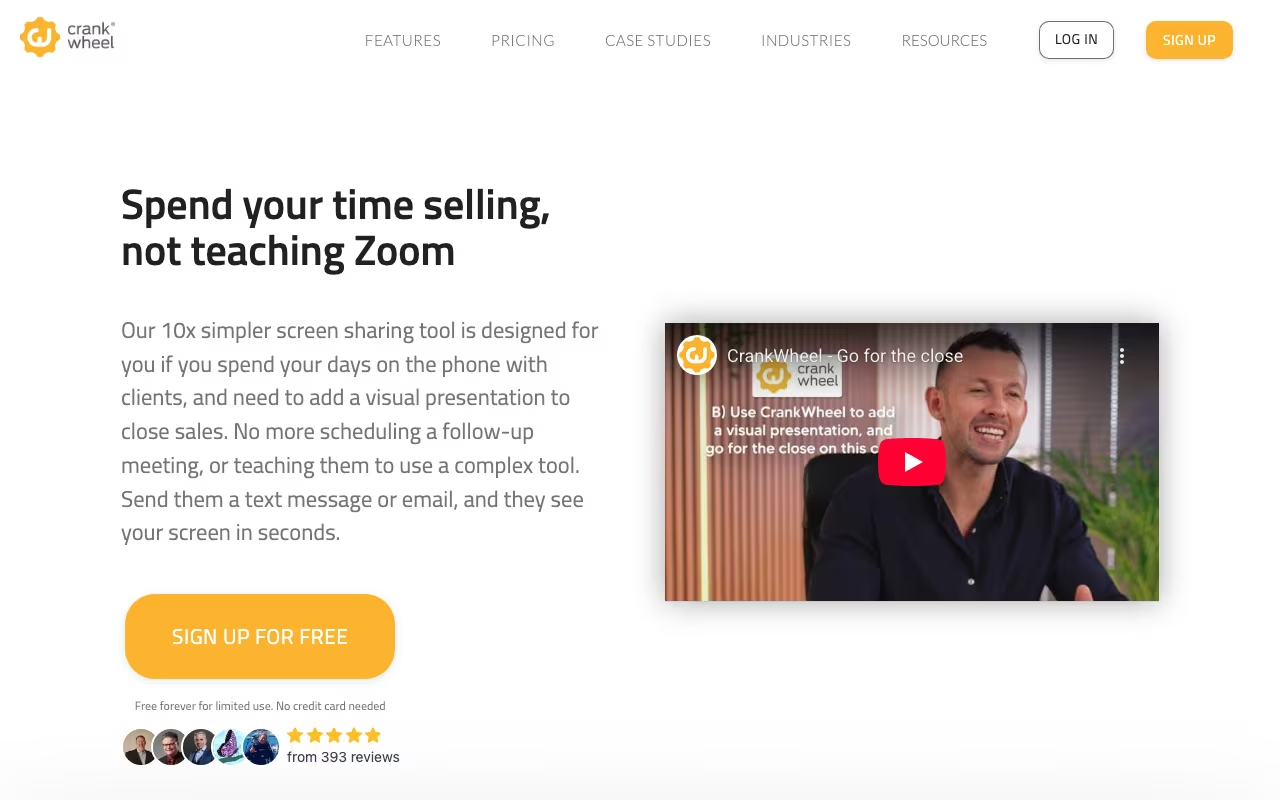
You're on the phone with a prospect. They're interested. You say "let me show you." With Zoom, that means scheduling a follow-up meeting, hoping they show up. With CrankWheel, you send a link, they click it, and they're looking at your screen in 3 seconds. No download, no account, no waiting room. Just instant screen sharing while you stay on the phone.
That's the entire value proposition, and for inside sales teams who live on the phone, it's a big deal. The difference between "let me show you now" and "let me schedule a demo for Thursday" is often the difference between a closed deal and a ghosted follow-up.
Try CrankWheel FreeHow It Works
Install the Chrome extension. When you're on a call and want to show something, click the CrankWheel button. It generates a short link. Text or email it to your prospect. They click, your screen appears in their browser. Desktop, phone, tablet, whatever they have handy.
Audio stays on the phone. This is intentional. Sales conversations have a rhythm on the phone. CrankWheel adds the visual layer without replacing the audio connection you've already built. You talk them through what they're seeing, point things out, walk through a demo, whatever the call needs.
Sessions can be recorded for training or CRM logging. Analytics track how long viewers watched, what screens they saw, and when they dropped off. Useful for coaching reps and understanding where demos lose people.
CRM Integrations
CrankWheel logs demos to Salesforce, HubSpot, and other CRMs automatically. Activity records, recordings, and engagement data push into your sales pipeline without manual entry. For teams that track activity metrics, this is valuable.
See CrankWheel PricingPricing
Professional: $29/user/month. Unlimited screen sharing, recordings, core features. Fine for individual reps or small teams.
Business: $49/user/month. Adds advanced analytics, team management, and more integrations.
Enterprise: Custom. SSO, advanced security, dedicated support.
Annual billing gets you a discount. For a 5-person sales team, the Professional plan runs $145/month. That's cheaper than losing deals to "let me schedule something for next week."
Where It Excels / Where It Falls Short
Excels:
- Zero viewer friction. One click, instant screen. Nothing to install, ever.
- Works on any device. Prospect on their iPhone? Fine. Old Android? Fine. Office desktop? Fine.
- Phone-first design. The tool complements calls rather than trying to replace them.
- Speed. 3 seconds from "let me show you" to screen visible.
Falls short:
- One-way only. Prospects see your screen, but they can't share back. This is by design, but it limits use cases.
- Not a meeting tool. No video conferencing, no group meetings, no breakout rooms. If you need Zoom, use Zoom.
- $29/user adds up. For a 20-person team, that's $580/month for screen sharing.
- Desktop-only for presenters. You need to share from a computer; you can't present from your phone.
CrankWheel vs. Zoom vs. Demodesk
Zoom / Google Meet: Better for scheduled meetings with video. Worse for spontaneous "let me show you" moments on a phone call. The download/login/waiting-room friction kills spontaneity.
Demodesk: Similar sales demo focus with coaching features, automation, and interactive demos. More expensive, more features. CrankWheel is simpler and faster.
Loom: Async video, not live screen sharing. Different problem entirely.
FAQ
Do prospects need to download anything?
No. They click a link and see your screen in their browser. Works on any device, any browser. Nothing to install.
Does it include video or audio?
No. CrankWheel is screen sharing only. Audio stays on your phone call, which is the point. For full video conferencing, use a different tool.
CrankWheel is a one-trick tool. That trick is making screen sharing during phone calls frictionless. If your sales team does demos on the phone and you're losing momentum between "I'll show you" and "can you download Zoom?", CrankWheel solves that problem cleanly. It won't replace your video conferencing tool, and it shouldn't. But for the instant-demo moment that wins deals, it's hard to beat.
Start Sharing Screens Instantly