
How to File 1099 Forms Online: 2026 Step-by-Step Guide for Small Businesses
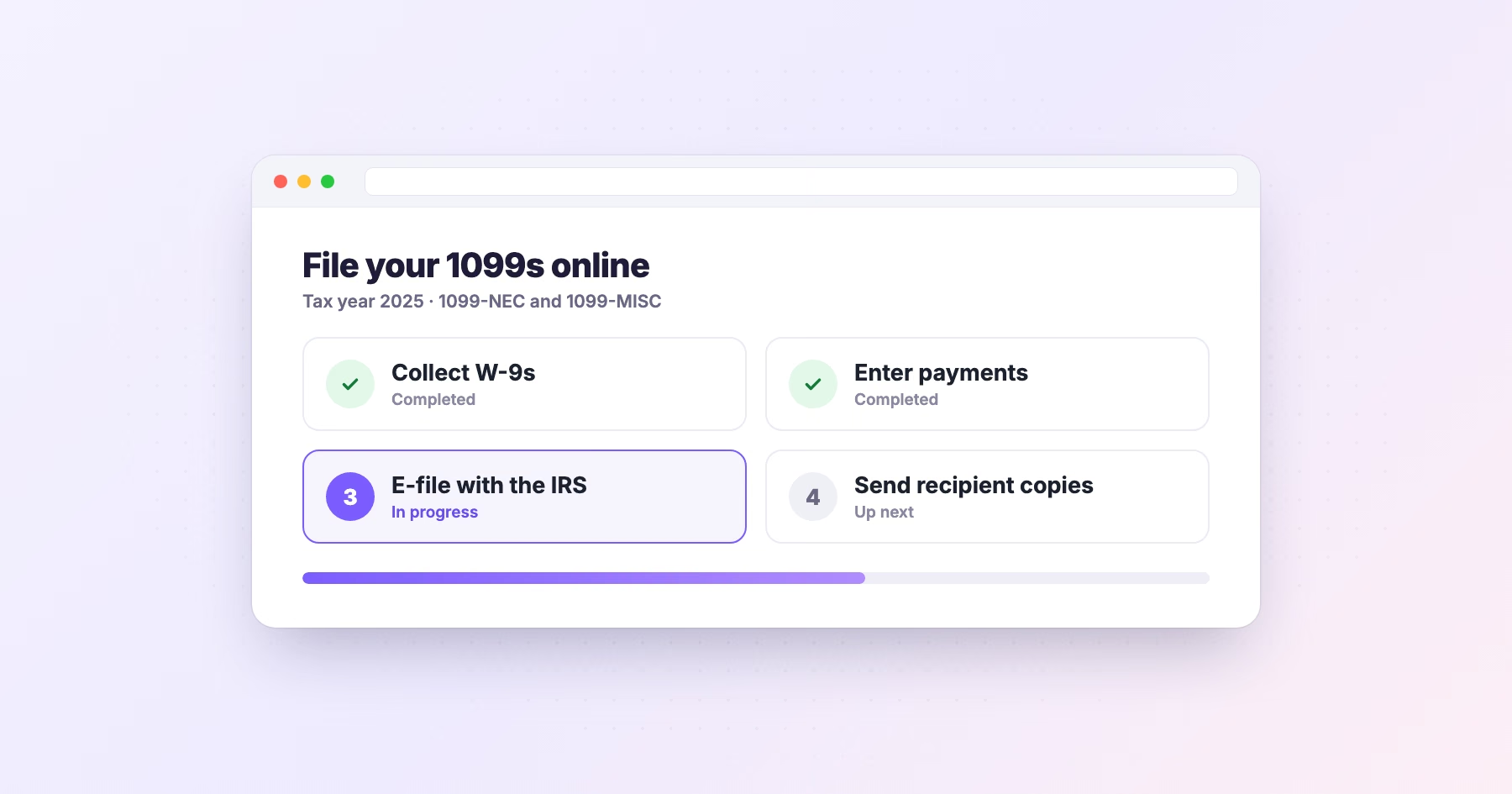

Key facts2026 1099 reporting threshold rose to $2,000, up from $600, under the OBBBA
- The 1099-NEC and 1099-MISC reporting threshold rose from $600 to $2,000 for payments made on or after January 1, 2026.
- Businesses filing 10 or more information returns in a year must e-file rather than file on paper.
- Collect a W-9 from every payee before paying them to avoid IRS CP2100 B-notices and 24% backup withholding.
- The 1099-NEC recipient copy and IRS e-file deadline is January 31; the 1099-MISC e-file deadline is March 31.
- IRIS becomes the IRS's only information-return intake system starting with tax year 2026, replacing the legacy FIRE system.
Filing 1099s used to mean red-ink paper forms, a typewriter's worth of patience, and a trip to the post office. In 2026 almost none of that is true anymore, and for most small businesses, filing on paper isn't even allowed. Here's exactly how to file your 1099 forms online this year, what changed, and how to get it done without triggering an IRS notice three months later.
What changed for 2026 (read this first)
Two updates matter before you file anything:
The reporting threshold jumped from $600 to $2,000. Under the One Big Beautiful Bill Act (OBBBA), the reporting threshold for both Form 1099-NEC and Form 1099-MISC rose from $600 to $2,000 for payments made on or after January 1, 2026. In practice, you now issue a 1099-NEC to a contractor only if you paid them $2,000 or more during the year. (Royalties remain the exception, reportable at $10 or more.)
Most filers must e-file. Since January 1, 2024, any business filing 10 or more information returns of any type in a year (counting all your W-2s, 1099s, and similar forms together) is required to file electronically. Paper is off the table for the vast majority of small businesses.
Step 1: Confirm which form you need
The most common 1099 for small businesses is the 1099-NEC (nonemployee compensation), used when you pay an independent contractor, freelancer, or unincorporated vendor $2,000+ for services. The 1099-MISC covers other payments: rent, prizes, awards, medical payments, and gross proceeds paid to an attorney. If you're unsure which applies, our guide to 1099-NEC vs 1099-MISC breaks it down.
Step 2: Collect a W-9 from every payee
Before you can file, you need each recipient's legal name, address, and Taxpayer Identification Number (TIN), all captured on Form W-9. Collect it before you pay a vendor, not in January when you're scrambling. A missing or mismatched TIN is the number-one cause of the IRS CP2100 "B-notices" that lead to 24% backup withholding.
Step 3: Choose how you'll file online
You have three practical paths:
- IRS IRIS portal (free). The Information Returns Intake System lets you key in or upload forms directly to the IRS at no cost. It's genuine but bare-bones: you handle recipient copies, state filing, and TIN checks yourself, and you'll need a Transmitter Control Code (TCC) to get started. Note that IRIS is replacing the legacy FIRE system and, beginning with tax year 2026 (filing season 2027), IRIS becomes the IRS's only intake system for information returns. For a step-by-step walkthrough of the move from FIRE to IRIS, eFileMyForms keeps a detailed guide.
- Accounting software add-ons. QuickBooks, Xero and others can e-file basic 1099-NECs, which is fine if your needs are simple.
- A dedicated 1099 e-file service. This is the path most small businesses and accountants land on because it does the whole job in one place: e-file to the IRS, deliver recipient copies (print/mail + digital), handle state filing, and run TIN matching before you submit.
For that third option, eFileMyForms is a strong pick. It e-files 1099-NEC, 1099-MISC and dozens of other forms directly to the IRS, mails and emails recipient copies for you, supports state filing, and includes TIN matching so you catch errors before the IRS does, all without you needing a TCC or wrestling with IRIS yourself.
Step 4: Enter or import your data
Type recipients in manually for a handful of forms, or upload a spreadsheet/import from your accounting system for volume. Double-check names and TINs against each W-9 exactly: "Bob's Plumbing LLC" and "Robert Smith" are not interchangeable to the IRS.
Step 5: Run TIN matching, then submit
Before you hit send, validate each name/TIN combination. Filing with a mismatch is what generates a CP2100 notice and the 24% backup-withholding obligation that follows. A service that bakes TIN matching into the workflow (like eFileMyForms) turns this from a manual e-Services chore into one click.
Step 6: Deliver recipient copies and file with your state
The IRS filing is only half the job. You must also furnish each recipient their copy, and many states require a separate 1099 filing (some are covered automatically through the Combined Federal/State Filing program, some aren't). A full-service platform handles recipient delivery and state filing so nothing slips.
Key 2026 deadlines
| Form | Recipient copy | E-file to IRS |
|---|---|---|
| 1099-NEC | January 31 | January 31 |
| 1099-MISC (most boxes) | January 31 | March 31 |
| 1099-MISC (boxes 8 & 10) | February 15 | March 31 |
If a deadline lands on a weekend or holiday, it moves to the next business day. The 1099-NEC deadline is firm and has no automatic extension for the IRS copy, miss it and penalties start accruing.
FAQ
Do I still have to file if I paid a contractor less than $2,000 in 2026? No. For 2026 payments the threshold is $2,000 (up from $600). Below that, no 1099-NEC is required, though you can still issue one, and you always keep your own records.
Can I file 1099s on paper? Only if you file fewer than 10 information returns total for the year. At 10 or more, e-filing is mandatory.
What's the difference between FIRE and IRIS? Both are IRS e-file systems. FIRE is the legacy system being phased out; IRIS is the modern replacement and becomes the sole intake system starting with the 2026 tax year. If you file through a service like eFileMyForms, this transition is handled for you.
What happens if a TIN is wrong? The IRS sends a CP2100/CP2100A notice ("B-notice"), and you may have to begin 24% backup withholding. Running TIN matching before filing is the simplest way to avoid it.
Ready to file? eFileMyForms handles IRS e-filing, recipient delivery, state filing, and TIN matching in one place, no TCC or IRIS setup required.
Sources: IRS General Instructions for Certain Information Returns; IRS "E-file information returns with IRIS"; IRS Instructions for Forms 1099-MISC and 1099-NEC.
Some offers on this page may be paid placements or contain affiliate links.
