
Last updated: May 2026
What Is Restream?
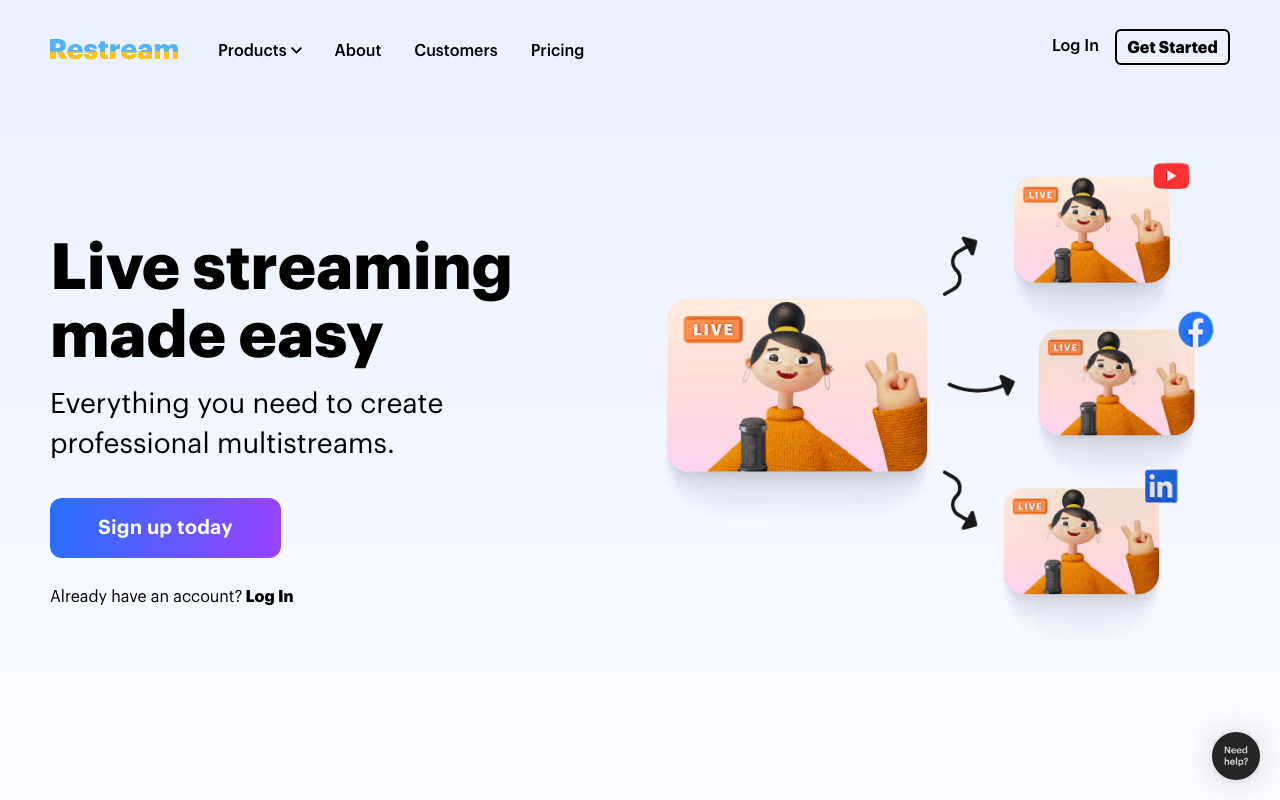
Restream is the multistreaming and live video platform that lets creators broadcast to 30+ destinations simultaneously including YouTube, Twitch, LinkedIn, X, TikTok, Facebook, and Kick. Founded in 2015, Restream serves over 6 million streamers ranging from solo content creators to enterprise marketing teams running live commerce events.
The pitch is simple. Streaming to multiple platforms used to require multiple computers, expensive hardware encoders, or unreliable software workarounds. Restream uses the cloud to fan out one source to many destinations, making multi-platform streaming accessible to anyone with a stable internet connection.
The product covers casual creators streaming weekly, businesses running webinars and live commerce, and professionals producing TV-style productions with multiple guests. Use cases span gaming, marketing, education, religion, and entertainment.
Try Restream FreeHow Restream Works
Two main workflows. Restream Studio runs in the browser as a complete production environment: webcam, screen share, scenes, overlays, lower thirds, guest invitations via browser link. Hit "Go Live" and your stream broadcasts to every connected destination.
Alternative workflow: stream from your existing software (OBS Studio, Streamlabs, vMix, hardware encoders) to Restream's RTMP endpoint. Restream then fans the stream out to your selected destinations. Same multistreaming benefit; you keep your preferred production tools.
Destinations include YouTube, Twitch, Facebook (Pages and Groups), LinkedIn, X (Twitter), TikTok, Kick, Trovo, plus custom RTMP for less common platforms. Each destination can have different stream titles, thumbnails, and descriptions optimized for that platform's algorithm.
Chat aggregation shows messages from all platforms in one stream. Respond to YouTube comments, Twitch chat, Facebook reactions, and LinkedIn questions without switching tabs. Critical for solo streamers who would otherwise miss messages on platforms they cannot watch simultaneously.
Recording captures locally and to the cloud. Edit later or download for podcast distribution, social media clips, or course content.
Restream Pricing in 2026
Free: 2 destinations, 720p, Restream branding overlay.
Starter: $19/month annually. 4 destinations, 1080p, no branding.
Standard: $41/month annually. 7 destinations, 4 guests, scheduled streams.
Professional: $83/month annually. 8 destinations, 10 guests, advanced production features.
Business: Custom pricing for SLA, dedicated support, advanced features.
See Restream PlansWhere Restream Wins
- Multistreaming made easy: configure once, broadcast everywhere.
- Cloud Studio: full production without OBS skills or hardware.
- Chat aggregation: respond to viewers across platforms from one panel.
- Reliable infrastructure: rare to drop streams during major events.
- Guest invitations: browser-based co-host without VPNs or NDI.
Where It Falls Short
- Pricing climbs fast: hitting 5+ destinations at high quality requires Pro or Business.
- Bitrate caps: 1080p OK, 4K available only on top tiers.
- Studio less polished than StreamYard: works but UI feels older in places.
- Audio quality varies: especially with multiple guests on different connections.
Restream vs StreamYard vs Castr vs OBS
StreamYard is the closest competitor on browser-based Studio. Cleaner UX, owned by RingCentral, similar pricing.
Castr targets multistreaming with stronger video quality controls.
OBS Studio is free and powerful for solo creators. No native multistreaming or cloud features.
vMix targets professional production with Windows-only desktop software.
Who Should Use Restream
Creators streaming to multiple platforms: simplest path to multistreaming.
Podcasters running live shows: chat aggregation across platforms helps.
Businesses running webinars and demos: cloud-based production without hardware.
Churches streaming services: multi-platform reach for the congregation.
Skip it if: you stream to one platform only (use platform-native tools), need 4K everywhere (consider Castr), or want full OBS-level production control.
Frequently Asked Questions
Can I use OBS with Restream?
Yes. Stream from OBS to Restream's RTMP endpoint.
Does Restream record streams?
Yes. Recordings available for download after the stream.
How many guests can join?
10 guests on Professional. 4 guests on Standard.
Does it support 4K?
1080p on most tiers. 4K available on Business and Enterprise.
Can I schedule streams in advance?
Yes. Schedule streams to go live automatically at specified times.