Last updated: March 2026
Napkin AI Review: Turn Your Text Into Professional Visuals in Seconds
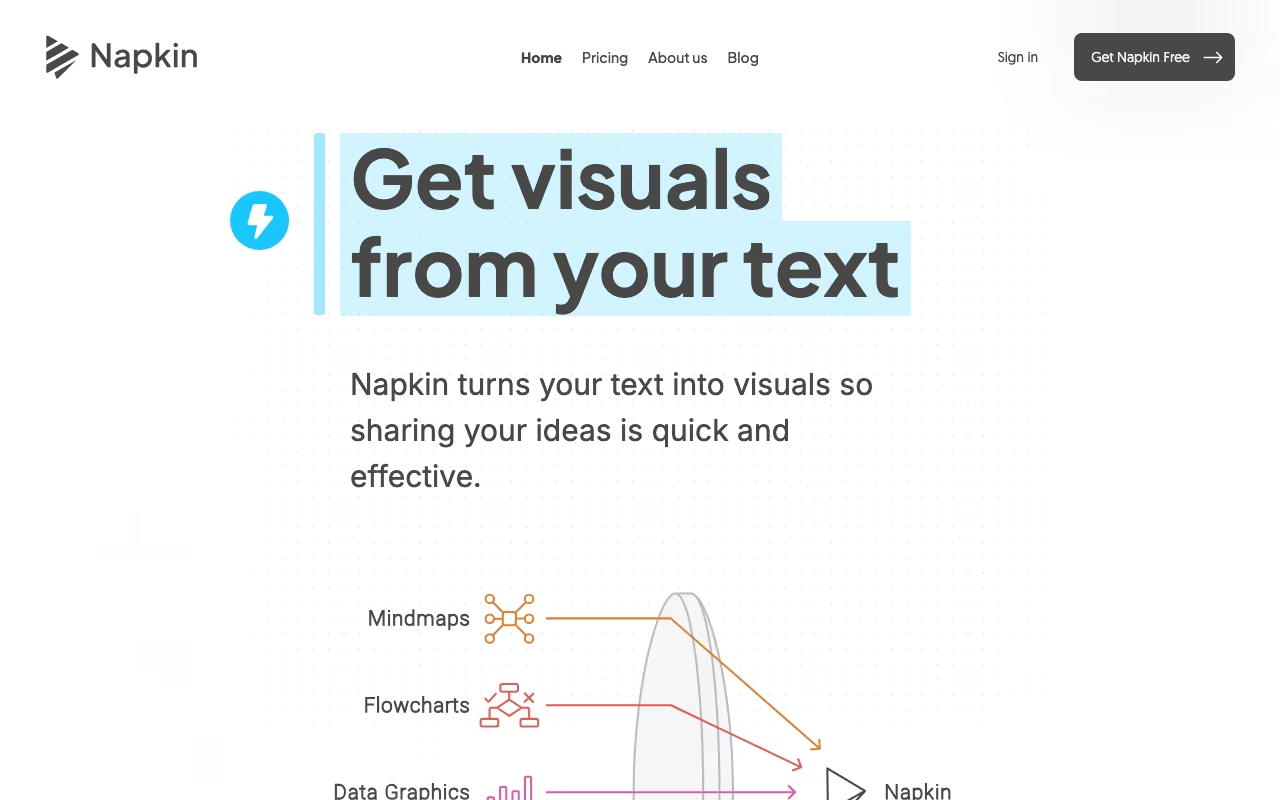
If you have ever spent 45 minutes fighting with PowerPoint's shape tools to make a simple flowchart, or wasted an afternoon in Canva trying to turn your meeting notes into a presentable diagram, Napkin AI was built to end that pain. It is an AI-powered visual content generator that converts text into diagrams, flowcharts, infographics, mind maps, and business frameworks with a single click.
The premise is simple. Paste your text, click generate, and Napkin's AI analyzes the content to identify key concepts, relationships, and data points. It then produces multiple visual representation options that you can customize, brand, and export. What used to take a designer 30 minutes takes Napkin about 10 seconds.
For content creators, marketers, educators, project managers, and anyone who regularly needs to present structured information visually, Napkin eliminates the biggest bottleneck: turning ideas into visuals requires design skills that most people do not have. Napkin replaces that skill requirement with AI that understands your content well enough to visualize it automatically.
Try Napkin AI Free Get started →Key Features
Text-to-Visual Generation
This is the core feature. Select any text (a paragraph, a list, a data table, or an entire article), click generate, and Napkin produces multiple visual options. The AI does not just make generic graphics. It analyzes the structure and meaning of your text to determine the most appropriate visual format. A comparison paragraph becomes a comparison chart. A process description becomes a flowchart. A hierarchical list becomes a mind map or org chart.
The quality of the AI's interpretation is surprisingly good. In testing, it correctly identified the visual format for about 80% of inputs without manual guidance. For the remaining 20%, you can specify the desired format before generating.
Visual Customization
Every generated visual is fully editable. You can adjust colors, fonts, icons, connectors, layouts, and styles to match your brand or presentation aesthetic. The customization interface is significantly simpler than tools like Figma or Illustrator. You are working with pre-structured visual components rather than raw design elements, which means the barrier to creating something professional-looking is much lower.
On Pro plans, you can create unlimited custom brand styles and upload your own fonts. This ensures that every visual you create matches your corporate identity without manual adjustment each time.
File Import
Napkin accepts imports from PowerPoint, Word, PDF, HTML, and Markdown files. This means you can take an existing document, import it into Napkin, and generate visuals from the content without retyping anything. For teams that already have written content (blog posts, reports, documentation), this import capability turns existing text assets into visual content with minimal effort.
Export Options
Free users can export as PNG and PDF. Paid users get additional formats including PowerPoint (PPT) and SVG. The PowerPoint export is particularly useful because it means you can generate a visual in Napkin and drop it directly into a presentation as an editable slide element, not just a static image. SVG export enables further editing in design tools like Figma or Illustrator.
Collaboration
Napkin supports real-time collaboration with unlimited editors. Multiple team members can work on the same visual simultaneously, which makes it useful for brainstorming sessions, team planning, and collaborative content creation. The collaboration features are available on paid plans with team management and billing.
Napkin AI Pricing in 2026
Napkin uses a credit-based system where approximately 1 credit is consumed per word selected for visual generation:
Free ($0/month): 500 AI credits per week, unlimited visual editing, unlimited file imports (PPT, DOC, PDF, HTML, MD), unlimited PNG and PDF export, built-in styles and fonts, and standard icons. The catch: Napkin branding appears on all visuals. This is a genuinely usable free tier, not a teaser.
Plus ($9/person/month, or ~$7/person/month annually): 10,000 AI credits per month, everything in Free, plus unlimited PPT and SVG export, 3 brand styles, bold icons, Napkin branding removal, and team management. This is the most popular plan and the one most individual professionals will want.
Pro ($22/person/month, or ~$17/person/month annually): 30,000 AI credits per month, everything in Plus, plus exclusive designs, unlimited custom branding, font uploads, and optional credit top-ups. For teams that produce high volumes of visual content with strict brand requirements.
Enterprise (custom pricing): For large organizations needing tailored solutions, dedicated account management, and custom features. Contact sales for details.
Annual billing saves 25% compared to monthly. All plans accept major credit and debit cards globally.
What I Like
- Speed is the killer feature. Going from text to a polished visual in under 10 seconds is not an exaggeration. For anyone who produces presentations, blog posts, or reports regularly, the time savings are dramatic. What used to require a designer or an hour in PowerPoint now takes seconds.
- AI interpretation is surprisingly accurate. The system correctly identifies whether your text should be a flowchart, comparison chart, mind map, or timeline about 80% of the time. When it gets the format wrong, regenerating with a different format takes one click.
- Free tier is genuinely useful. 500 credits per week with full editing and PNG/PDF export is enough for most individual users. The only real limitation is the Napkin watermark, which is a reasonable tradeoff for free access.
- PowerPoint export bridges the gap. Most AI visual tools only export static images. Napkin's PPT export gives you editable elements inside your presentation, which means you can fine-tune the visual in PowerPoint after generating it in Napkin.
- File import is a workflow multiplier. Being able to import existing documents (not just paste text) means you can turn a finished report into a visual summary without any rework. For repurposing content across formats, this is incredibly efficient.
What I Don't Like
- Complex ideas sometimes get oversimplified. When you feed Napkin dense, nuanced content with multiple layers of relationships, the AI tends to flatten the complexity into simpler visual structures. You lose subtlety in the translation. For intricate technical diagrams or complex system architectures, the AI-generated starting point may need significant manual refinement.
- Limited integration ecosystem. Napkin does not currently integrate directly with tools like Notion, Google Docs, or Slack. You have to manually import/export content rather than working within your existing tools. For a platform built around content transformation, tighter integrations would make the workflow significantly smoother.
- Icon and design library could be larger. While the built-in icons and styles are professional, the selection is noticeably smaller than dedicated design tools. You may find yourself wanting icons or visual elements that are not available, especially for niche or technical domains.
- No offline mode. Napkin is entirely web-based. If you are working without internet access (on a flight, in a remote location), you cannot access the tool at all. Offline editing with sync-on-reconnect would be a welcome addition.
- Credit consumption is hard to predict. Credits are consumed per word, but different types of visual generation seem to use credits at slightly different rates. You can hit your weekly free limit faster than expected if you are generating visuals from long text blocks.
Who Should Use Napkin AI
Content creators and marketers who need visuals for blog posts, social media, and presentations will save hours per week. Consultants and project managers who regularly produce reports, proposals, and strategy documents will find the text-to-visual conversion invaluable. Educators who need to create instructional diagrams, process flows, and concept maps will appreciate the speed and simplicity. Anyone who regularly copies text into PowerPoint and manually creates shapes and arrows to visualize it should try Napkin immediately.
Who Should Skip It
Graphic designers and illustrators who need pixel-perfect creative control should stick with Figma, Illustrator, or Canva. Engineers and architects creating detailed technical drawings or schematics need purpose-built CAD or diagramming tools like Lucidchart or draw.io. Teams that need complex data visualization with live data connections should look at Tableau or Power BI instead. If your visuals need to be highly customized with specific brand animations, transitions, or interactive elements, Napkin's static output will not meet your needs.
Frequently Asked Questions
How does Napkin AI compare to Canva?
Canva is a general-purpose design tool where you start with a blank canvas or template and build visuals manually. Napkin AI starts with your text and generates visuals automatically. They serve different needs. Use Canva when you need creative design freedom (social media graphics, posters, marketing materials). Use Napkin when you need to convert structured information into diagrams, charts, and frameworks quickly. For blog post visuals, presentation diagrams, and process documentation, Napkin is dramatically faster. For creative marketing materials and custom graphics, Canva gives you more control.
Can I use Napkin visuals for commercial purposes?
Yes. All plans (including Free) allow commercial use of generated visuals. The only restriction on the Free plan is that Napkin branding appears on the visuals. On paid plans, you can remove the branding and apply your own. There are no additional licensing fees or usage restrictions for commercial projects, presentations, publications, or client deliverables.
How many visuals can I create on the free plan?
The Free plan gives you 500 AI credits per week, which resets every 7 days. Since credits are consumed at approximately 1 credit per word of selected text, a 100-word paragraph uses about 100 credits per visual generation. That means roughly 5 visuals per week from medium-length text blocks. You can edit and customize generated visuals unlimited times without using additional credits, so the credits only apply to the initial AI generation step.
Does Napkin support real-time collaboration?
Yes. Paid plans support real-time collaboration with unlimited editors on the same visual. Team members can edit simultaneously, similar to Google Docs. The collaboration features include team management and centralized billing on Plus and Pro plans. The Free plan is designed for individual use and does not include team collaboration features.
Final Verdict
Napkin AI solves a specific, universal problem: turning text into visuals is time-consuming and requires design skills that most professionals do not have. Napkin removes both barriers. The speed is remarkable, the AI interpretation is accurate enough to be useful on the first try most of the time, and the customization tools are simple enough for non-designers to produce professional results. The free tier is one of the most generous in the visual AI space, making it easy to evaluate without commitment. The limitations are real but expected for a focused tool: complex ideas get simplified, the integration ecosystem is thin, and the design library is not as deep as dedicated design platforms. But for the core use case of converting text into presentable visuals for blog posts, presentations, reports, and documentation, Napkin is the fastest path from idea to visual that currently exists. Try the free tier on your next blog post or presentation. If you find yourself reaching for it every time you need a diagram, the Plus plan at $9/month is an easy investment.
Try Napkin AI Free Get started →