Last updated: May 2026
What Is Livestorm?
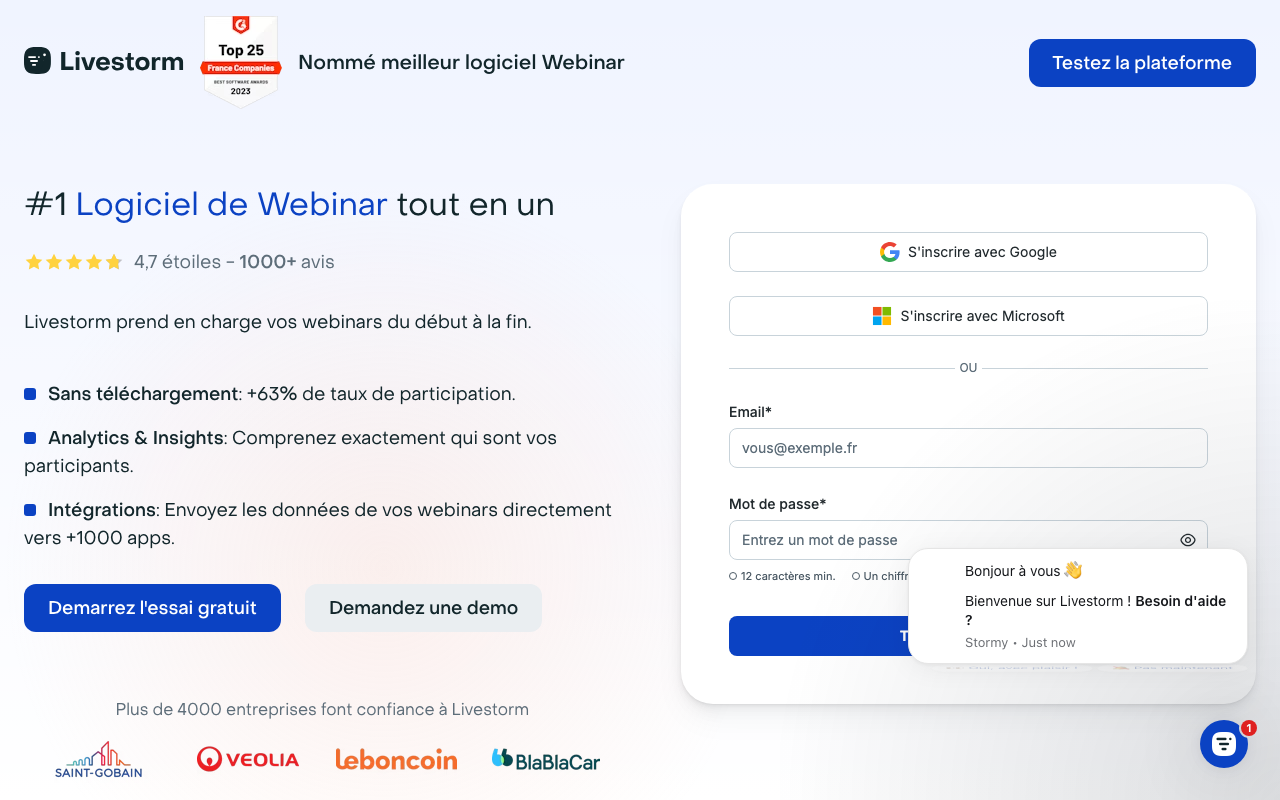
Livestorm is the browser-based video engagement platform for webinars, virtual events, demos, and customer-facing meetings. Founded in 2016 in Paris, Livestorm serves over 6,000 companies running marketing webinars, product demos, and customer-facing events at scale.
The pitch is straightforward. Webinar attendees join from a browser, no install required. Hosts run sessions with registration pages, polls, Q&A management, chat, and screen sharing. Post-event, attendee data flows to CRM and marketing automation tools, turning webinars into trackable lead-generation programs rather than one-off events.
The product targets marketing teams running monthly webinars, sales engineering teams doing product demos at scale, and customer education teams running training programs. Enterprise events requiring 3,000+ attendees may use specialized platforms; mid-market webinars fit Livestorm well.
Try Livestorm FreeHow Livestorm Works
Create an event with title, description, date, and host details. Generate a branded registration page that captures attendee information. Customize confirmation emails and reminder sequences that send automatically as the event approaches.
Attendees register, receive reminders, and join from a browser link on the day. No app downloads required. The session runs through Livestorm's browser-based engine; hosts work from the same interface.
During the session, hosts use polls, Q&A panels, chat, screen sharing, and "bring on stage" features for guests. The interface accommodates one-to-many broadcasts (1 host, many viewers) and small group meetings (multiple cameras).
Post-event analytics show attendee data: registration source, attendance duration, engagement actions (chat messages, poll responses, Q&A participation), and follow-up actions (clicked links, downloaded resources). Data syncs to CRM (Salesforce, HubSpot, Marketo) for lead routing.
Replays publish automatically to a branded library. Attendees who could not make the live session watch on-demand; the platform tracks replay viewership separately from live attendance.
Livestorm Pricing in 2026
Free: 30 attendees per session, 20 minutes max session length. Trial-grade.
Pro: $99/month annually. 100 attendees, 4 hour sessions, automated workflows.
Business: Custom pricing. Up to 3,000 attendees, advanced analytics, SSO, API access.
Enterprise: Custom pricing. Unlimited attendees, dedicated CSM, advanced security.
See Livestorm PlansWhere Livestorm Wins
- No-download experience: attendees join instantly. Higher show-up rate than Zoom Webinars.
- Registration and reminders built in: replace separate landing pages and email sequences.
- CRM sync: attendee data flows into Salesforce or HubSpot for lead routing.
- Polished UX: cleaner than Zoom Webinars for both hosts and attendees.
- Multi-language support: works well for international audiences.
Where It Falls Short
- Pricing steepness: $99/month base is more than Zoom Webinars.
- Less depth than dedicated event platforms: Hopin and Goldcast handle multi-track virtual conferences better.
- Limited internal meeting support: better for external events than daily standups.
- Recording storage limits: replays count against plan storage.
Livestorm vs Zoom Webinars vs Demio vs On24
Zoom Webinars is cheaper and more familiar but requires app installs.
Demio is the closest competitor on simplicity. Similar pricing, slightly different feature mix.
On24 targets enterprise marketing with deeper engagement analytics. Significantly more expensive.
BigMarker offers similar feature scope at competitive pricing.
Who Should Use Livestorm
Marketing teams running monthly webinars: the workflow fits.
Sales engineering teams doing product demos: no-install experience converts.
Customer success teams running training: replay library serves ongoing training.
SaaS companies generating leads through content: webinars feed CRM with engagement data.
Skip it if: you only need internal meetings (use Zoom), run massive virtual conferences (use Goldcast or Hopin), or have a tight budget (Zoom Webinars cheaper).
Frequently Asked Questions
Do attendees need to download anything?
No. Browser-based, works on any modern browser including mobile.
Can I integrate with my CRM?
Yes. Native integrations with Salesforce, HubSpot, Marketo, Pardot, and Mailchimp.
How many people can attend?
100 on Pro, up to 3,000 on Business, unlimited on Enterprise.
Does it support polls and Q&A?
Yes. Live polls, Q&A moderation, chat, and attendee engagement features.
Are replays automated?
Yes. Replays publish automatically to a branded library with tracking.