Last updated: April 2026
I spend about 90 minutes every morning on email triage, calendar shuffling, and meeting prep. That adds up to roughly 7.5 hours a week of pure administrative overhead. CompanyClaw by Dry Ground AI promises to do all of that autonomously, 24/7, without you ever typing a prompt. It is the most ambitious AI "operator" I have tested in 2026, and also the most expensive at $497/month on the low end.
The pitch: CompanyClaw is not a chatbot. You don't ask it questions. It connects to your email, calendar, CRM, and 50+ other tools, then runs workflows on its own. Morning briefings with financial summaries. Meeting prep packages with attendee context pulled from your inbox. Email triage that scores urgency, detects VIPs, and drafts replies in your writing style. Calendar optimization that resolves double-bookings and protects focus blocks. All of it happens before you open your laptop.
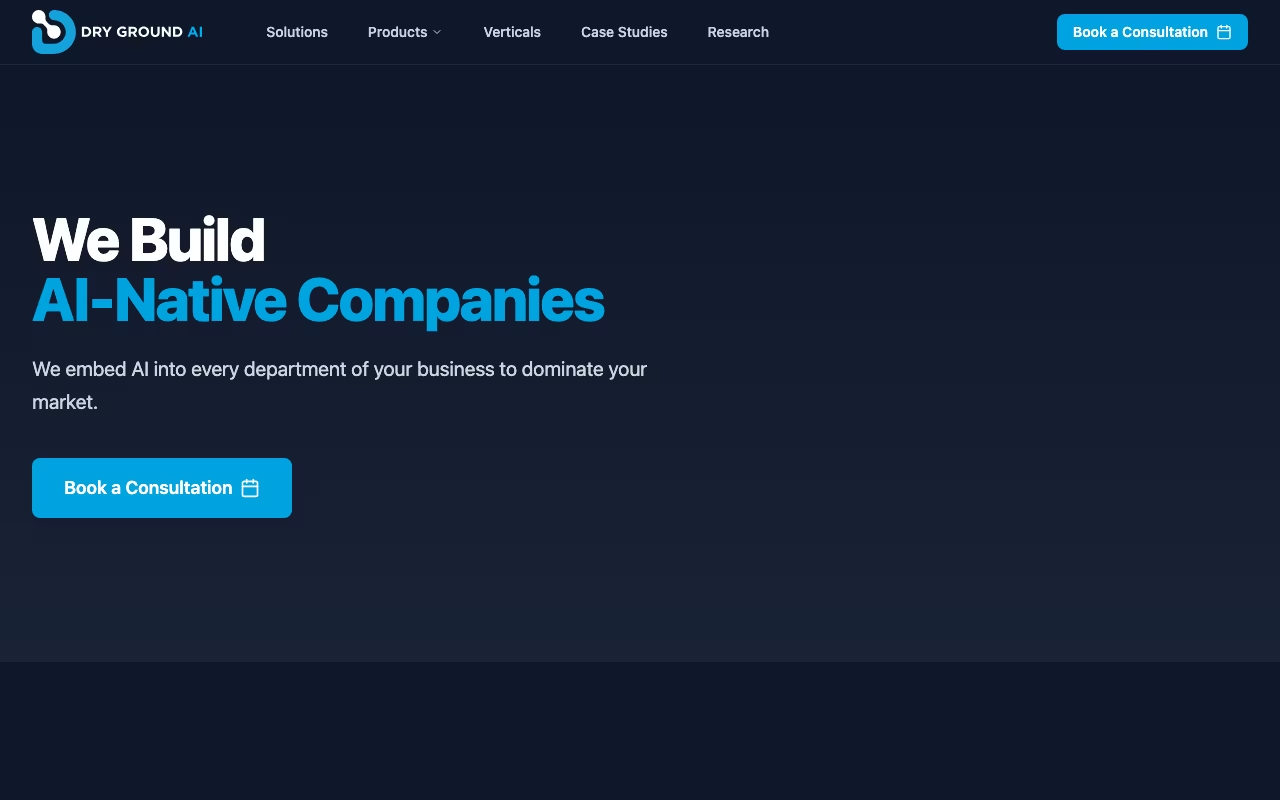
Built on OpenClaw, an open-source AI agent framework, by a Dallas-based team led by Keith Ross (ex-Rackspace, EA Games, Wyndham). Dry Ground AI also sells Nexa, an engagement management platform aimed at AI consultancies, for $175/month. But CompanyClaw is the flagship product and the one worth examining closely.
Start Your 14-Day CompanyClaw TrialWhat a Typical Day Looks Like with CompanyClaw
I connected CompanyClaw to a Gmail inbox with 200+ daily emails, a Google Calendar with 6-8 meetings per day, and Slack. Setup took about 45 minutes. The system was preconfigured from day one with email triage, briefings, and calendar management active immediately.
By the second morning, I had a daily briefing in my inbox at 7:15 AM. It summarized open action items from yesterday's meetings, flagged three emails marked "urgent" (two were actually urgent, one was a false positive from a vendor using dramatic subject lines), listed my day's meetings with attendee bios and context from prior email threads, and pulled two financial metrics from a connected QuickBooks account.
The meeting prep feature is where it stood out. Before a 2 PM call with a prospective client, CompanyClaw compiled the last four email exchanges, the prospect's LinkedIn summary, a recent news article about their company, and a one-paragraph "suggested talking points" section. Building that manually would take me 15-20 minutes per meeting. With 5 external meetings a week, that is over an hour saved on prep alone.
Email triage worked well for sorting, but the draft replies needed editing maybe 40% of the time. The tone was close to mine but not exact. After two weeks the accuracy improved noticeably, closer to 75-80% usable as-is. The system uses what Dry Ground calls "progressive onboarding": it learns your patterns over 30 days and keeps refining.
The Three-Tier Knowledge Graph
CompanyClaw organizes information in three layers. Company-level data includes financials, org structure, standard processes, and brand guidelines. Department-level context covers team-specific workflows, project statuses, and reporting hierarchies. Personal-level preferences track your communication style, decision patterns, and scheduling rules.
Access controls keep things compartmentalized. The marketing team's operator cannot see HR's compensation data. The CEO's operator can see everything. This matters for teams where multiple people use CompanyClaw, because the Enterprise plan supports unlimited operator connections.
There is also a Context Graph that records decision rationale: not just what you decided, but why, and what alternatives were on the table. In theory, this prevents the AI from re-suggesting ideas you already rejected. In practice, I found it needed about 3 weeks of usage before it started referencing past decisions accurately.
Knowledge Gap Detection is a quieter feature that compares your internal processes against customer-facing documentation and flags when they have drifted apart. If your help docs say "we respond in 24 hours" but your actual average is 48 hours, CompanyClaw surfaces that. Useful for operations teams, less relevant for solo founders.
See CompanyClaw's Knowledge Graph in ActionHow the Credit System Works (and Why It Gets Confusing)
Base features like email triage, calendar management, briefings, and meeting prep are unlimited on all plans. But deeper tasks burn credits. A "Think Fast" interaction costs 5 credits. A "Think Hard" research task costs 15. Document analysis, content drafts, and complex multi-step reasoning all eat into your monthly allotment.
The Pro plan includes 5,000 monthly credits. That sounds like a lot, but I burned through roughly 3,200 credits in my first month with moderate use. If you run the operator heavily across research, drafting, and analysis, you could hit the cap. Credit top-up packs start at $20, though Dry Ground has not published exactly how many credits that buys.
The credit system adds real mental overhead. I found myself second-guessing whether to let CompanyClaw research a topic (15 credits) versus just Googling it myself (free). That friction undercuts the "autonomous" promise. For an operator that costs $497/month, I would prefer a simpler usage model.
Pricing Breakdown
- Pro: $497/month per operator. Dedicated instance, 5,000 monthly credits, 1 email inbox + 1 calendar, all briefings and meeting prep. 14-day free trial.
- Enterprise: $1,997/month. Dedicated GPU, 15,000 credits + 7,500 per additional operator, unlimited email/calendar connections, Private Mode, priority support, dedicated account manager.
- Private: Custom pricing. Air-gapped, on-premise deployment for regulated industries (healthcare, finance, defense).
Add-ons: sub-operators at $97/month for specialist personas (e.g., a "sales assistant" persona that only handles pipeline emails), full operators at $447/month for team-member-level isolation, and credit top-up packs from $20.
For comparison, a virtual executive assistant on Belay or Time Etc costs $1,500-$2,500/month for 40 hours. A lower-cost AI assistant like Lindy.ai starts at $49/month but requires manual prompt setup and does not run autonomously. Motion handles calendar optimization for $19/month but does not touch email or meeting prep. CompanyClaw sits in a middle ground: cheaper than a human, far more expensive than simpler AI tools, but genuinely autonomous in a way the cheaper alternatives are not.
Where CompanyClaw Genuinely Delivers
- Autonomous execution: This is not a chatbot you prompt. Email triage, briefings, meeting prep, and calendar management run 24/7 without input. I tested it by ignoring the tool for 3 days. Every morning briefing arrived on schedule with accurate, current information.
- Meeting prep quality: The attendee context packages were consistently useful. Pulling together email history, LinkedIn context, and suggested talking points saves real time for anyone with 5+ external meetings per week.
- Open-source foundation: Built on OpenClaw, so it is inspectable and extensible. If you have engineers on your team, you can build custom integrations or audit the agent logic. OpenClaw Cloud also offers a stripped-down version at $59/month for budget-conscious teams.
- Day-one value: Unlike most AI tools that require weeks of training, CompanyClaw's preconfigured workflows produce useful output immediately. The quality ramps up over 30 days, but it is not useless on day one.
Where It Struggles
- $497/month is a steep floor: For solopreneurs or teams under 10 people, this is hard to justify. You need to be saving at least 10-15 hours a month of admin work to break even on the cost. If your inbox gets 30 emails a day instead of 200, the triage feature barely matters.
- Early-stage product risk: CompanyClaw launched in 2026. There are almost no independent case studies, third-party reviews, or community forums yet. You are an early adopter, with all the risk that implies.
- Credit system creates friction: The unlimited base features are great, but the credit-gated deeper tasks make you hesitate before using the full capability. At this price, everything should feel unlimited.
- Integration ecosystem is still growing: Core integrations (email, calendar, Slack, Teams, QuickBooks, GitHub, Notion) work well. But the broader "skills marketplace" for niche tools is thin. If you rely on industry-specific software, check compatibility before committing.
- Draft reply accuracy takes time: Expect 60% usable drafts in week one, improving to 75-80% by week three. You will still edit replies manually, especially for sensitive communications.
CompanyClaw is built for CEOs, founders, and operations leads at companies with 11-500 employees who burn significant time on email, meetings, and scheduling. If you genuinely spend 2+ hours daily on administrative overhead and your team can absorb a $497/month tool cost, the Pro plan's 14-day trial is worth testing. If that budget feels painful, start with OpenClaw Cloud at $59/month to see if the framework fits your workflow before upgrading.
Start Your 14-Day CompanyClaw Free Trial