
8 Best AI Tools for Literature Review (2026)

Key facts8 tools compared: Semantic Scholar, Elicit, Consensus, Perplexity AI, SciSpace, Scite.ai…
- 8 tools compared: Semantic Scholar, Elicit, Consensus, Perplexity AI, SciSpace, Scite.ai, NotebookLM (Gemini Notebook), Connected Papers
- Semantic Scholar (best for: Paper discovery and filtering): Free
- Elicit (best for: Data extraction and systematic reviews): $49/user/mo billed annually (Pro)
- Consensus (best for: Evidence-based answers): $144/yr (Pro, annual)
- Perplexity AI (best for: Quick research with citations): $17/mo billed annually
Short answer: Start with Semantic Scholar, which is free and indexes over 200 million papers. Add Elicit for systematic-review extraction (free Basic plan; Pro from $49 per user a month billed annually), Consensus for evidence checks, and NotebookLM, now called Gemini Notebook, for grounded synthesis.
A literature review that used to take weeks of database searching, abstract scanning, and manual note-taking can now be done in days, if you combine the right tools.
The catch: you need different tools for different stages. One for finding papers. Another for reading them. A third for extracting data. A fourth for synthesis. No single tool does all of it well, despite what their marketing pages claim.
Here are the eight tools that actually work, organized by what stage of the review process they handle best.
Toolradar data: of the 120 AI research tools Toolradar tracks (as of October 19, 2026), 68, or 57%, offer a free plan, and seven of the eight picks below do. Elicit is listed as an alternative to 24 other tools, third in the category behind Perplexity, which makes it the most cross-shopped dedicated literature tool.
What changed: Updated October 2026: every price re-checked on vendor pages, Elicit's and Consensus's new plan lineups added, NotebookLM's rename to Gemini Notebook and its new source discovery noted, Scite's free tier removed (it now offers a 7-day trial), and database sizes corrected.
(The AI Academy offers hands-on courses for academic and professional researchers if you want structured practice beyond a comparison.)
Quick comparison
Prices checked on each vendor's pricing page on October 19, 2026.
| Tool | Best for | Database size | Free tier | Starting price |
|---|---|---|---|---|
| Semantic Scholar | Paper discovery and filtering | 200M+ papers | Yes (full) | Free |
| Elicit | Data extraction and systematic reviews | 138M+ papers | Yes (Basic) | $49/user/mo billed annually (Pro) |
| Consensus | Evidence-based answers | 400M+ papers | Yes (10 Pro messages/mo) | $144/yr (Pro, annual) |
| Perplexity AI | Quick research with citations | Web + academic | Yes | $17/mo billed annually |
| SciSpace | Reading and understanding papers | Not stated | Yes (limited) | $12/mo billed annually |
| Scite.ai | Citation context analysis | 300M+ articles | 7-day trial | $12/mo billed yearly |
| NotebookLM (Gemini Notebook) | Source-grounded synthesis | Your uploads | Yes (100 notebooks) | Free |
| Connected Papers | Visual citation mapping | Semantic Scholar | Yes (5 graphs/mo) | Paid plans for unlimited graphs |

Semantic Scholar
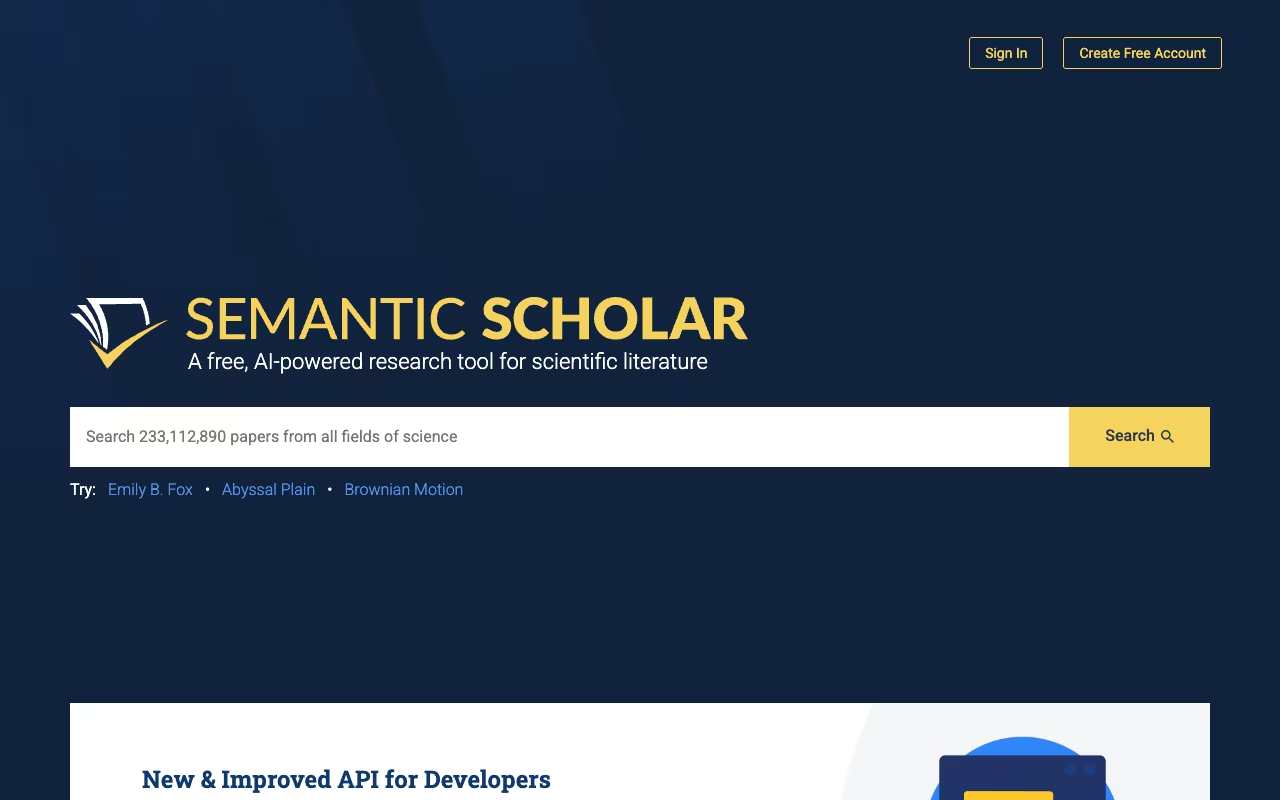
Semantic Scholar is where every literature review should start. It's a free academic search engine from the Allen Institute for AI, indexing over 200 million papers across all disciplines, per its about page. The AI ranks results by relevance and influence rather than just publication date, which means the important papers actually show up first.
The TLDR summaries are the real time-saver. Every paper gets a one-sentence AI summary. Instead of reading 50 abstracts to find the 10 papers you need, you scan TLDRs in a fraction of the time, which makes a first pass over a few hundred results realistic in one sitting.
The Semantic Reader annotation layer highlights key findings, methods, and citation relationships inside the paper. Research Feeds track new publications in your topic areas automatically. The Semantic Scholar API is also free and well-documented, useful if you're running computational bibliometric analysis.
Free. No premium tier. No restrictions.
The limitation: coverage in humanities and social sciences is improving but still has gaps compared to Google Scholar. The AI summaries can miss methodological subtleties in complex papers. Use it as your primary search tool, then fill gaps with discipline-specific databases.
Where every literature review should start: a free academic search engine covering over 200 million papers, with TLDR summaries that make scanning hundreds of results fast. Humanities and social sciences coverage still has gaps, and the summaries can miss methodological subtleties.

Elicit
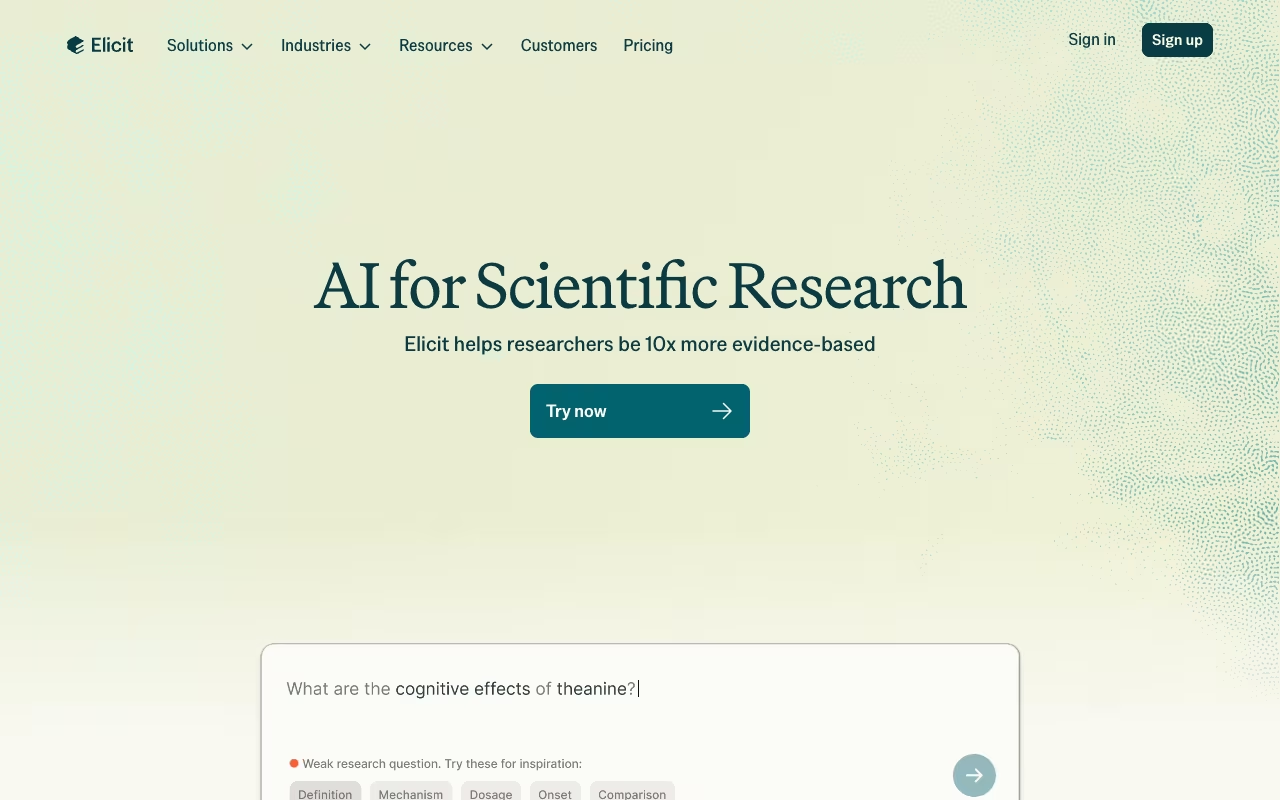
Elicit goes beyond finding papers. It reads them and extracts specific data points you define. That makes it the strongest tool for systematic reviews and structured literature analysis. It now indexes over 138 million papers.
The custom extraction is where it justifies the subscription. Define what data points you need: sample size, methodology, key findings, population, outcomes, effect sizes. Elicit reads through your paper set and fills in a structured table, and its Pro plan adds a dedicated systematic review workflow that can screen 5,000 papers.
For a systematic review that requires manually reading 100 papers and recording the same information from each, Elicit can save dozens of hours of copy-and-paste work.
The strongest pick for systematic reviews, since it extracts the data points you define into a structured table and screens thousands of papers on Pro. Theoretical and qualitative work is harder for it to parse, so always check extractions against the originals.
The free Basic plan includes unlimited search and summaries with limited Research Agent use. On Elicit's pricing page (read 19 October 2026), Pro is $49 per user per month billed as $588 a year and Scale is $169 billed as $2,028 a year; Enterprise is custom. Elicit also lists academic pricing; check the current academic rate on its site.
Extraction accuracy depends on paper structure. Clearly organized empirical papers with methods-results-discussion format work best. Theoretical papers, qualitative studies, and humanities scholarship are harder for it to parse. Always check extracted data against the originals for your most important sources.
For guidance on citing AI tools in academic work, see our guide on how to cite AI.
Consensus
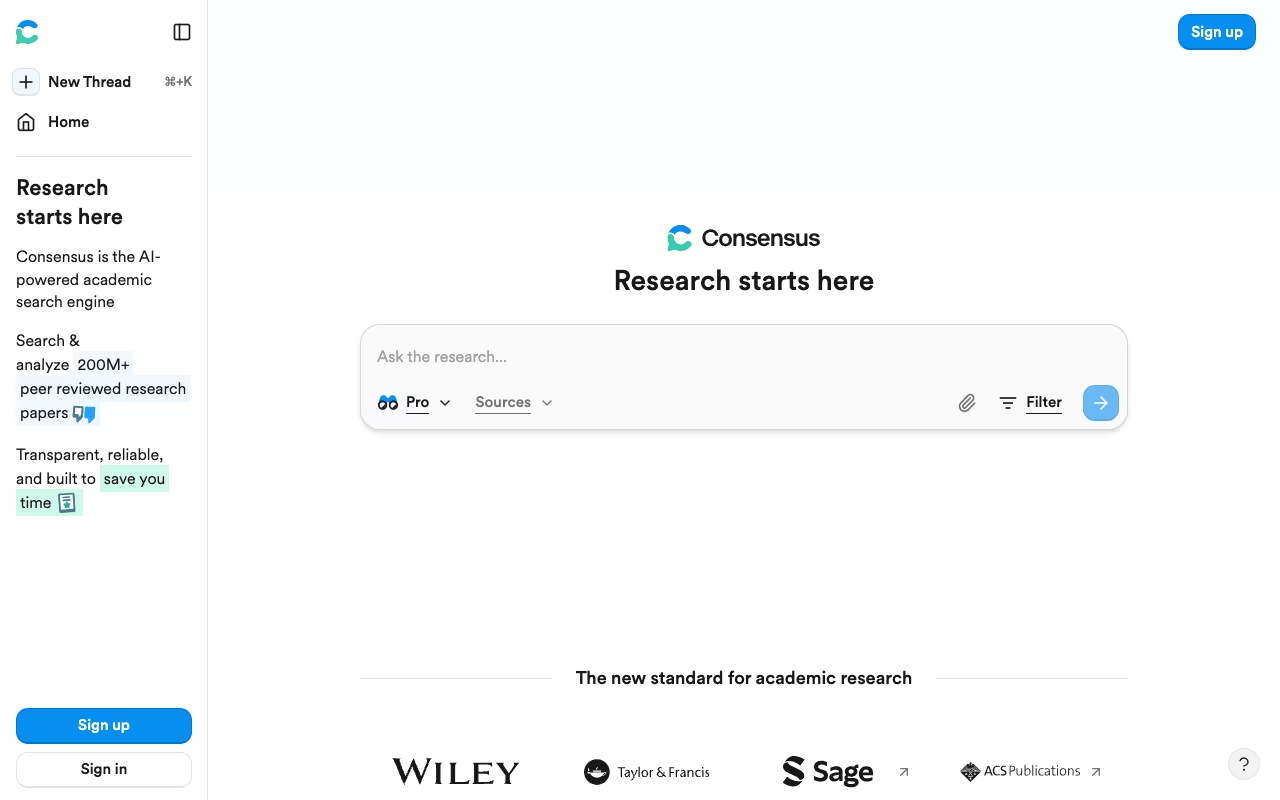
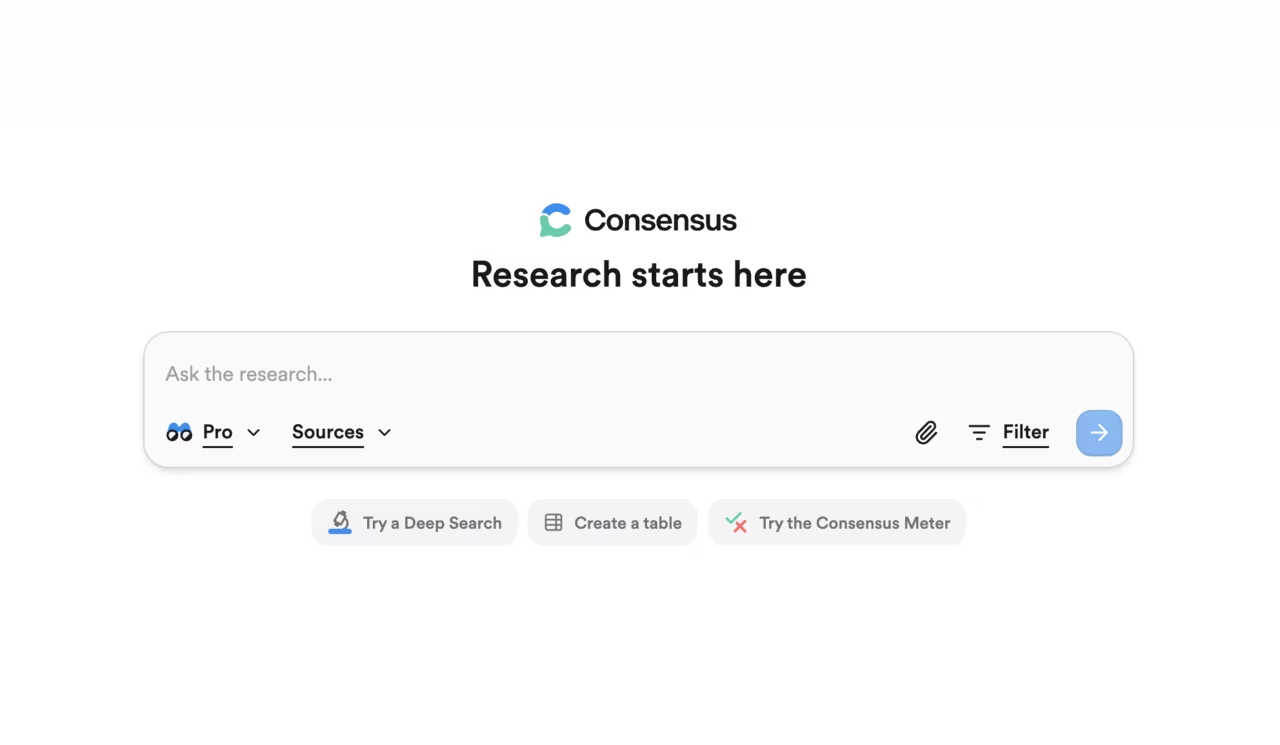
Consensus answers specific research questions by searching over 400 million peer-reviewed papers and showing how much published evidence supports or contradicts a claim. Ask "Does intermittent fasting reduce inflammation?" and you get a consensus meter, a synthesized answer, and the supporting papers with relevant excerpts.
Pro messages synthesize findings across multiple papers into a summary with citations, and Deep reviews run a fuller literature review across many studies. Filters let you narrow by study type (RCT, meta-analysis, systematic review, case study). The study snapshot feature pulls key stats from individual papers so you can scan findings without opening every PDF.
This tool is built for specific, testable questions. It's the fastest way to check what the evidence says on a particular sub-question within your review. For the kind of work where you need to establish "the literature says X" with citations, Consensus gets you there faster than anything else.
The fastest way to check what the evidence says on a specific, testable question, with a consensus meter and filters by study type. Open-ended conceptual questions fit poorly and coverage leans biomedical, so skip it for humanities or theory-driven reviews.
Free keeps basic paper search with 10 Pro messages and up to 3 Deep reviews a month. Pro costs $12 a month billed annually ($144 a year) for unlimited Pro messages and 15 Deep reviews, and Deep costs $45 a month billed annually for 200 Deep reviews, per Consensus pricing. Students, faculty and US clinicians can get up to 40% off.
The limitation: open-ended conceptual questions don't fit the yes/no framework well. Coverage leans toward biomedical and health sciences. Not the right tool for humanities or theory-driven reviews.

Perplexity AI
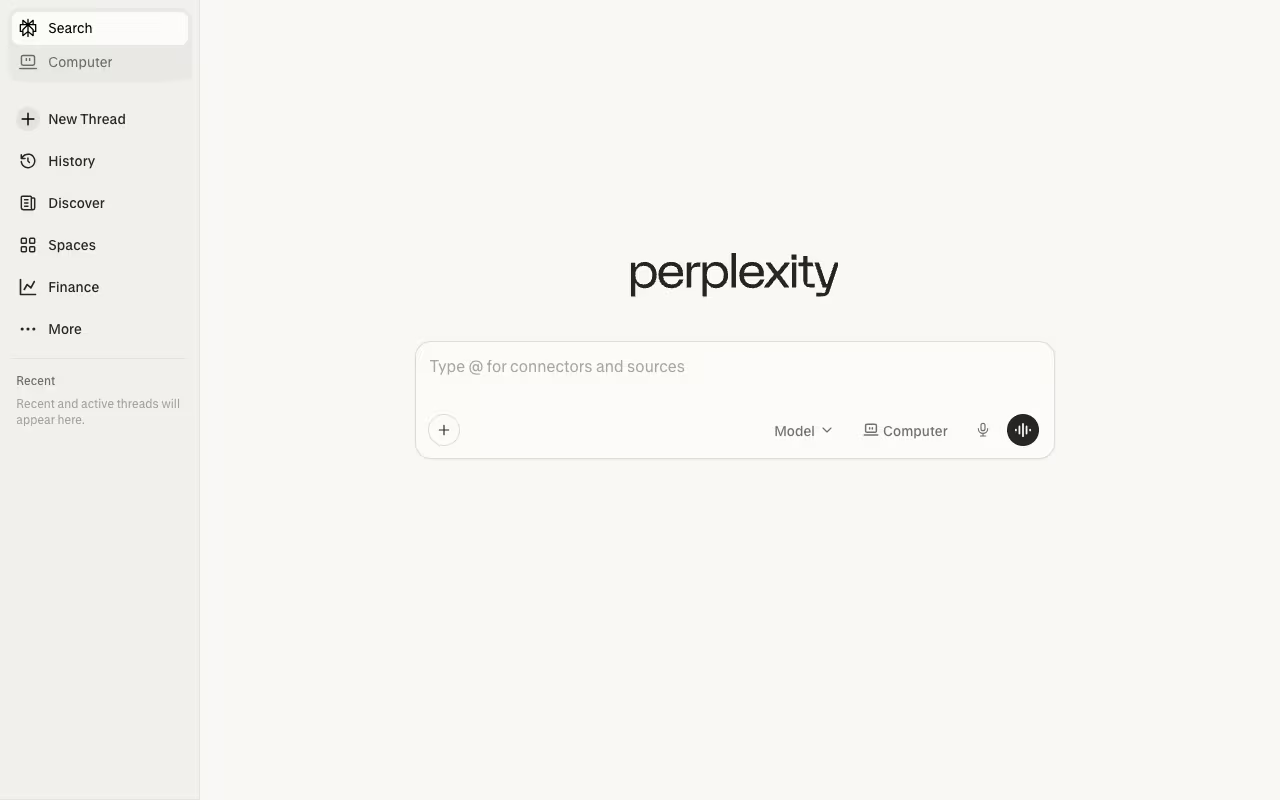
Perplexity combines conversational AI with real-time search, including academic sources. Every answer includes inline citations, and paid plans add Deep research for longer, multi-source reports.
During the exploratory phase of a literature review, when you're scoping a topic and identifying themes before running a systematic search, Perplexity gets you oriented fast. Ask a question, follow up on interesting threads, build a mental map of the field. The citation links make it easy to track down the actual papers for deeper reading.
It works well as a starting point in an unfamiliar research area: a short Perplexity conversation gives you enough context to write good search queries for Semantic Scholar and Elicit.
A quick way to get oriented in an unfamiliar field, with inline citations and Deep research on paid plans. It summarizes rather than analyzing papers in depth, and it sometimes pulls in non-peer-reviewed sources, so verify every citation.
A free tier is available. Pro costs $17 a month billed annually and adds Deep research, a choice of top AI models and higher usage limits; Max costs $167 a month billed annually, per Perplexity Pro.
The limitation: Perplexity summarizes but doesn't do deep paper-level analysis. It's better for getting oriented than for running a rigorous, reproducible literature search. Its answers sometimes pull in non-peer-reviewed sources. Always verify the citations it provides are actually peer-reviewed.
Our guide on how to use Perplexity AI covers advanced research techniques.
SciSpace
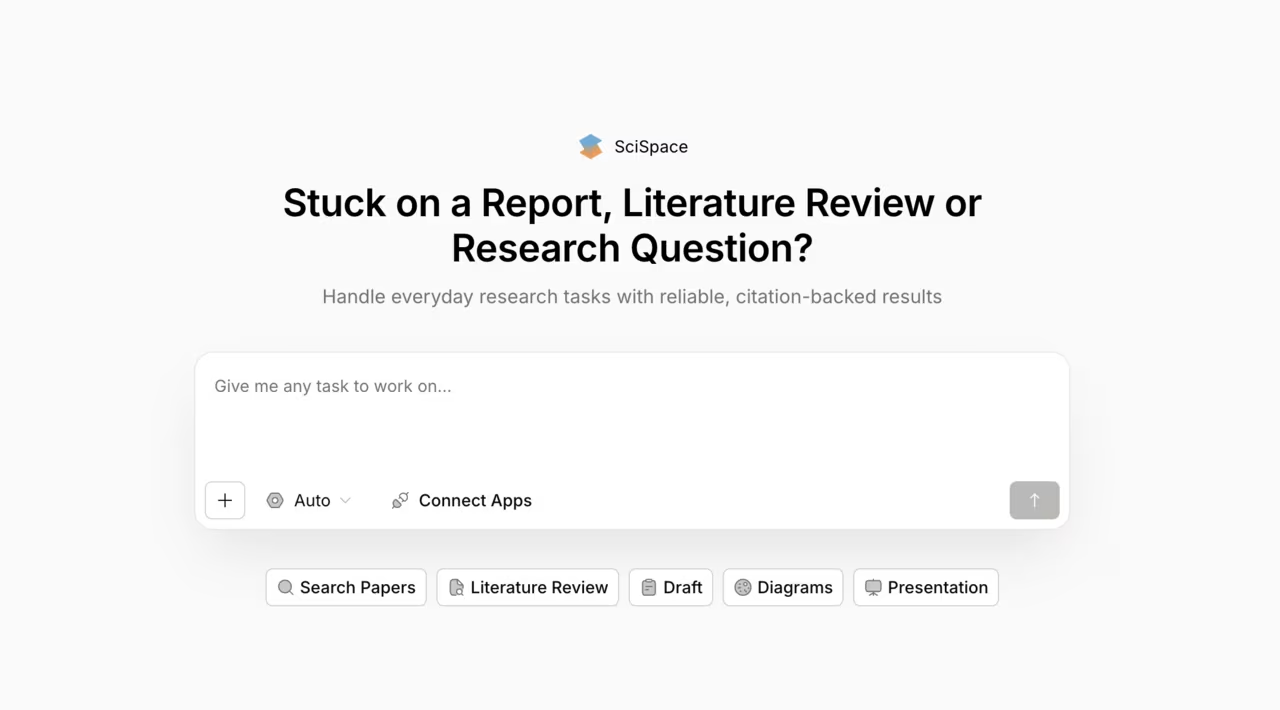
SciSpace (formerly Typeset) focuses on helping you read and understand papers, not just find them. The AI copilot sits alongside any paper and answers questions about the content, explains methods, clarifies jargon, and highlights findings.
Its literature review and Deep Research tools process sets of papers and generate structured review drafts with citations, giving you a thematic synthesis as a starting point. It's not publishable as-is, but it saves the painful first-draft phase of review writing. Unlimited literature reviews and systematic research now come with the Premium plan.
Highlight any equation and the copilot breaks it down step by step. Hover over a table and get an explanation of what it shows. For interdisciplinary reviews where you're reading papers from fields outside your expertise, this comprehension layer saves real time and reduces misinterpretation.
A strong comprehension layer for reading papers, explaining methods, equations and tables as you go. Its review tools can draft a literature synthesis, but the draft is a starting point, not publishable.
You can sign up free with limited use. Premium costs $12 a month billed annually or $20 billed monthly, with 1,200 monthly credits, per SciSpace pricing. Advanced, at $70 a month billed annually, adds unlimited usage, expert models and verified reports.
The review generator needs substantial editing to meet academic standards. The copilot sometimes oversimplifies tricky methodological points. Treat it as a comprehension aid, not a writing tool.
If you're also looking at AI for automating repetitive research tasks, many of these tools offer API access for batch processing.

Scite.ai
Scite.ai does something none of the other tools here do: it shows you how papers cite each other. Not just that Paper A cites Paper B, but whether the citation supports, contradicts, or just mentions the finding. That's called Smart Citation, and Scite applies it across a search index of more than 300 million articles, preprints, books, patents and datasets.
For a literature review, this changes how you evaluate evidence. A paper with 500 citations sounds impressive until you see that 40 of those citations are contradicting its findings. Scite surfaces that information.
The Assistant feature answers research questions with citations from the database, similar to Consensus but with the added layer of citation context. The dashboards let you visualize citation patterns for a paper or set of papers.
Pick Scite.ai to see whether citations support, contradict or merely mention a paper, which changes how you judge evidence. The interface takes getting used to and the analysis is strongest in STEM and biomedical research.
There is no free tier, only a 7-day free trial. Basic costs $12 a month billed yearly and Pro, with API access, $40 a month billed yearly, per Scite pricing; organizations get custom pricing. There's also a Zotero plugin that integrates Smart Citations directly into your reference manager.
The interface takes some getting used to, and the citation analysis is strongest in STEM and biomedical research. But for evaluating the actual impact and reception of key papers in your review, nothing else provides this depth.
Google NotebookLM (now Gemini Notebook)
NotebookLM, which Google now calls Gemini Notebook, is Google's research tool built on Gemini, and it's become genuinely useful for the synthesis stage of literature review. Upload PDFs, paste URLs, or connect Google Docs. NotebookLM reads your sources, answers questions grounded in the uploaded material, and generates summaries with inline citations back to specific passages.
The grounding is the key feature. When you ask a question, NotebookLM answers using only the text you've uploaded. It doesn't hallucinate findings or mix in training data. For literature review work where accuracy matters, that constraint prevents the false citations that plague ChatGPT.
The Audio Overview feature converts your sources into a podcast-style discussion, a useful way to get a high-level understanding of papers in adjacent fields while commuting. The Mind Map feature also helps visualize the relationships between concepts across your uploaded sources.
The right tool for the synthesis stage, answering only from the sources you add, which prevents the false citations that plague ChatGPT. Its new source discovery is no substitute for an academic database, so find your core papers elsewhere first.
The free plan allows 100 notebooks and 50 sources per notebook, per Google's plan details. Google AI Plus ($4.99 a month) doubles the usage limits, and Google AI Pro ($19.99 a month) gives four times the standard limits and 300 sources per notebook. Workspace and enterprise versions are also available.
The limitation: it works best with sources you provide. Source Discovery and Deep Research can now pull in material, but they do not query academic databases with the filters Semantic Scholar or Elicit offer, and it does not perform calculations. It's a synthesis tool first, not a discovery tool. Use Semantic Scholar and Elicit to find papers, then bring them into NotebookLM for grounded analysis.
Connected Papers
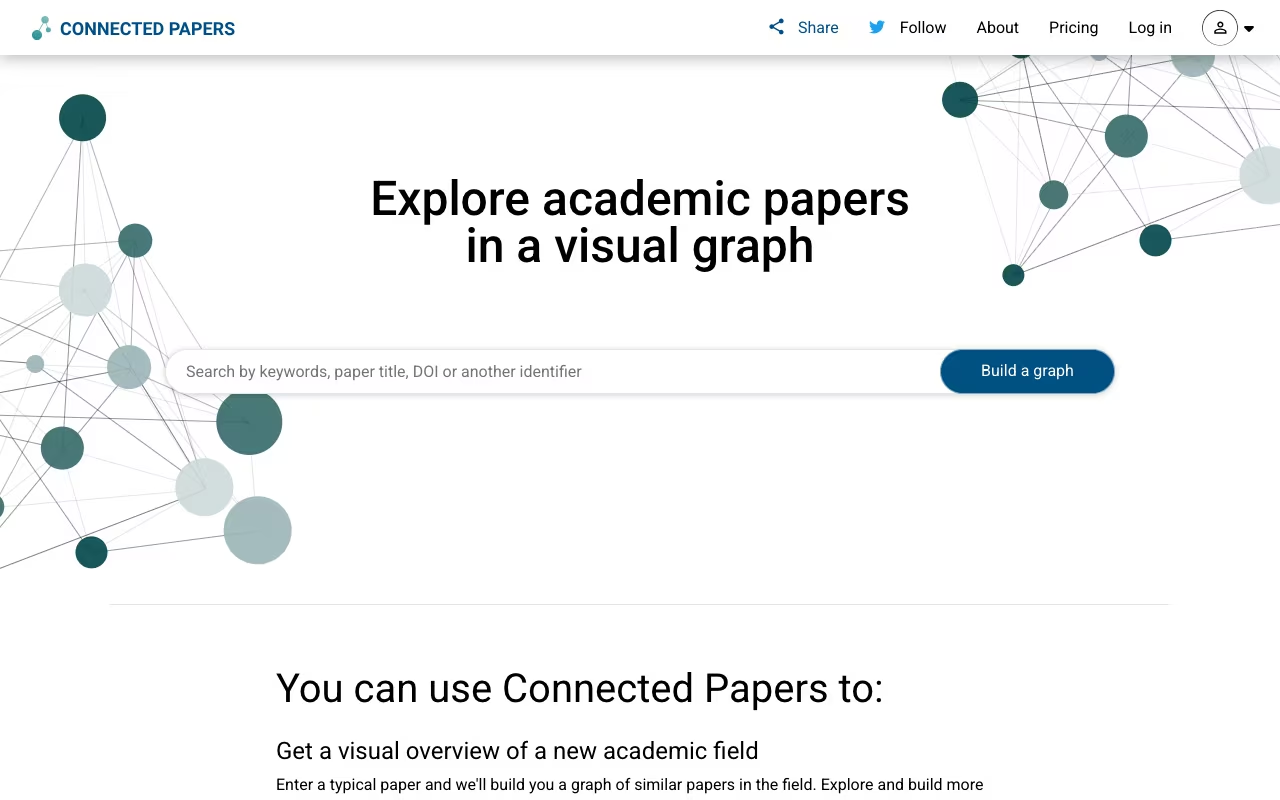
Connected Papers generates visual graphs showing how papers relate to each other based on co-citation and bibliographic coupling. Each paper appears as a node. Larger nodes mean more citations. Papers closer together are more closely related.
The Prior Works view shows papers that influenced a given paper. Derivative Works shows papers influenced by it. Color-coded by year to spot temporal trends. This is the most intuitive way to see how a research area fits together.
For checking coverage, build a graph around a central paper in your review and verify that you've read the closely related nodes. Gaps in your reading become visible immediately.
The most intuitive way to see how a research area fits together, and a simple way to spot gaps in your reading around a central paper. It has no AI summarization and each graph centers on one paper, but the free tier covers most users.
Free with 5 graphs per month, which Connected Papers says is enough for most users. Unlimited graphs need the Academic or Business plan, billed annually or quarterly; check the current price on Connected Papers' site, since it is shown in your local currency.
No AI summarization built in. Each graph centers on one paper, so you need multiple graphs for a broad topic. But it is an easy add to any research workflow, and a scholarship program covers researchers who cannot afford a plan. If you're already using AI for productivity in other parts of your work, Connected Papers fits naturally into that stack.
How we ranked these tools
We read each tool's pricing page, plan documentation and product pages on October 19, 2026, and kept only prices, limits and database sizes the vendors print. Tools are grouped by the review stage they handle best (discovery, extraction, reading, citation analysis, synthesis), then ranked on how much of a real literature review they remove from your plate. Category figures come from Toolradar's AI research statistics. Read more in our editorial policy.
How to choose
If you're running a systematic review or meta-analysis: Elicit (extraction) + Semantic Scholar (discovery) + Scite (citation analysis). This gives you reproducible search, structured data extraction, and evidence quality assessment.
If you're writing a thesis literature review: Semantic Scholar (search) + SciSpace (comprehension) + NotebookLM (grounded synthesis). Find papers, understand them, pull everything together.
If you need to stay current in your field: Perplexity (quick answers) + Semantic Scholar Research Feeds (new paper alerts) + Connected Papers (mapping new work to what you know).
If you're doing a quick exploratory review: Perplexity (scoping) + Consensus (evidence checking) + NotebookLM (synthesis). Fastest route from question to structured overview.
If you're on a tight budget: Semantic Scholar (free) + NotebookLM (free) + Connected Papers (5 free graphs/month). Covers discovery, synthesis, and citation mapping without spending anything.
If you'd rather have one workspace than three apps: Anara combines literature search, PDF reading, and citation-backed synthesis in a single tool, a tidier alternative to stitching Elicit, SciSpace, and NotebookLM together.
Always verify AI-extracted data and claims against the original papers. These tools handle volume so you can focus your reading time on the papers that matter most.
The AI Academy teaches how to build a reliable AI-assisted research workflow from start to finish.
FAQ
What is the best free AI tool for literature review?
Semantic Scholar is the best free option for discovery: over 200 million papers, AI TLDR summaries, relevance-based ranking, no limits. NotebookLM (Gemini Notebook) is free for source-grounded synthesis, with up to 100 notebooks of 50 sources each. Connected Papers gives 5 free citation graphs per month, as of October 2026. You can run a solid literature review using only free tools.
Can AI tools replace manual literature review?
No. AI handles searching, filtering, and initial synthesis, but it can't do the critical thinking. It misses methodological subtleties, may skip papers outside its database coverage, and sometimes misinterprets findings. Use AI for volume and surface the relevant work, then read your key sources carefully.
How do I cite AI tools used in my literature review?
APA 7th, MLA 9th, and Chicago all have formats for citing AI-generated content. Generally cite the AI tool as the author, include the date, and note the prompt or query. Many institutions have their own disclosure policies. Check your university's guidelines before submitting. Our guide on how to cite AI covers the format for every major citation style.
Are AI literature review tools accurate enough for academic work?
For initial screening and organization, yes. Elicit pitches PRISMA-grade screening and extraction accuracy on its Enterprise plan, and it works best on structured empirical papers. But all tools make mistakes, especially with complex methodology or qualitative findings. Always verify critical data points against the original paper. Treat AI output as a first draft, not a final answer.
Which AI tool is best for finding research gaps?
Connected Papers and Scite.ai are the best combination. Connected Papers visualizes citation networks, making underexplored areas visible as sparse regions in the graph. Scite shows which findings have been contradicted or remain unsupported by classifying how later papers cite them. Elicit's structured extraction also helps by making missing data points across studies obvious when you view them side by side.
Can I use AI tools for a systematic review without compromising rigor?
Yes, if you document your process. Use AI for the screening and extraction stages, but report exactly which tools you used, what parameters you set, and how you verified accuracy. PRISMA 2020 guidelines now acknowledge computational tools in the screening process. Keep your manual verification step for all included studies.
What's the best AI tool for reading papers outside my field?
SciSpace is the strongest choice. Its copilot explains jargon, breaks down equations, and interprets tables in context. NotebookLM is also useful: upload papers from the unfamiliar field and ask questions in plain language. Both ground their answers in the actual paper text rather than general training data.
Accelerate your research from discovery to publication. Start your free 7-day trial →
Some offers on this page may be paid placements or contain affiliate links.
Across our whole catalogue the median is $24 a month and 33% of tools advertise a free tier. Figures are the lowest recurring monthly price quoted in our own review of each tool, read on 2026-08-19. Full method and every category.
