
7 Best AI Tools for Economics (2026)

Key facts7 tools compared: ChatGPT, Claude, Wolfram Alpha, Perplexity AI, Julius AI, Stata with AI…
- 7 tools compared: ChatGPT, Claude, Wolfram Alpha, Perplexity AI, Julius AI, Stata with AI, NotebookLM
- ChatGPT (best for: All-around economics work): Free / $20/mo (Plus)
- Claude (best for: Long-form analysis and research): Free / $20/mo (Pro)
- Wolfram Alpha (best for: Mathematical economics): Free / $7.25/mo (Pro)
- Perplexity AI (best for: Economic research and data): Free / $20/mo (Pro)
Economics sits in an awkward spot between math and storytelling. You need to derive a Lagrangian, run a panel regression, and then explain what all of it means to someone who doesn't know what a p-value is. No single AI tool handles all of that well. Some are good at the math. Others write better policy briefs. A few can eat a 50,000-row dataset and spit out charts before you've finished your coffee.
AI tools for economics work have come a long way since GPT-4 launched. The tools that barely handled supply-and-demand curves back then now run panel regressions and draft policy memos. Here's what actually works in 2026, grouped by what matters: theory, data, research, and writing.
Quick comparison
| Tool | Best for | Pricing | Key strength |
|---|---|---|---|
| ChatGPT | All-around economics work | Free / $20/mo (Plus) | GPT-5.6 reasoning, code generation, data analysis |
| Claude | Long-form analysis and research | Free / $20/mo (Pro) | 1M token context, careful reasoning |
| Wolfram Alpha | Mathematical economics | Free / $7.25/mo (Pro) | Exact symbolic solutions |
| Perplexity AI | Economic research and data | Free / $20/mo (Pro) | Real-time sourced answers |
| Julius AI | Data analysis and visualization | Free / $20/mo (Plus) | Upload data, get instant results |
| Stata with AI | Econometrics | Stata license + AI tools | Publication-standard output |
| NotebookLM | Research synthesis | Free / $19.99/mo (Plus) | Source-grounded analysis |

ChatGPT
ChatGPT running GPT-5.6 covers more economics ground than any other single tool. Solve an IS-LM model, write Python code for panel data analysis, draft a policy memo, optimize a utility function, interpret regression output. It does all of it, and on Plus the Medium and High thinking levels of GPT-5.6 Sol show their working, per OpenAI's model guide.
ChatGPT is well suited to this kind of back-and-forth debugging: paste an error message and describe the model, and it can catch issues like a rank-deficient instrument matrix, explain why, and suggest an alternative specification. It's like having a patient TA who never gets frustrated when you ask the same question three times.
Code Interpreter (on the Plus plan) lets you upload datasets directly. Upload a CSV of GDP growth rates across 50 countries, ask for a panel regression with country fixed effects, and get the code, the output, and an interpretation in one conversation.
The broadest single tool for economics work, from IS-LM models to panel data code and policy memos. It acts like a patient TA for back-and-forth debugging, though the better thinking levels and Code Interpreter need the Plus plan.
Free tier available (limited messages). Go at $8/month for more access. Plus at $20/month gets you GPT-5.6 Sol and expanded data analysis. Pro at $100 or $200/month for heavy use.
Ratings: G2: 4.7/5.
Where it falls short: ChatGPT still makes occasional calculation errors on multi-step derivations. It can produce confident-sounding but wrong economic reasoning, especially on edge cases or heterodox theory. Always verify quantitative results independently.
If you're using AI for coursework, our guide on how to use AI to study covers prompting strategies that work across subjects.

Claude
Claude's 1M token context window (on Pro) makes it the strongest tool for working with long economic documents. Upload an 80-page IMF report, a full CBO analysis, or an entire issue of the American Economic Review, and Claude reads the whole thing without losing track of details buried on page 47.
Ask Claude to identify methodological weaknesses in a long working paper, say one on monetary policy transmission, and it can flag an endogeneity concern in the identification strategy, note the sensitivity to the sample period choice, and suggest a robustness check worth adding. That kind of close reading is what sets it apart from ChatGPT for research work.
Claude also writes well-structured policy briefs, literature reviews, and research proposals. The analysis tool (a sandboxed JavaScript environment) handles data processing and visualization. For economics writing where you need to synthesize multiple sources into a coherent argument, Claude's output tends to require less editing than most alternatives.
The strongest tool for long economic documents, with a 1M token context window on Pro that digests an 80-page IMF report without losing details. It also flags methodological weaknesses and writes briefs that need less editing than most alternatives.
Free tier available. Pro at $20/month. Max at $100/month (5x Pro capacity) or $200/month (20x).
The catch: Claude doesn't browse the internet in its standard mode, so it can't pull live economic data. For current numbers, pair it with Perplexity.
Wolfram Alpha
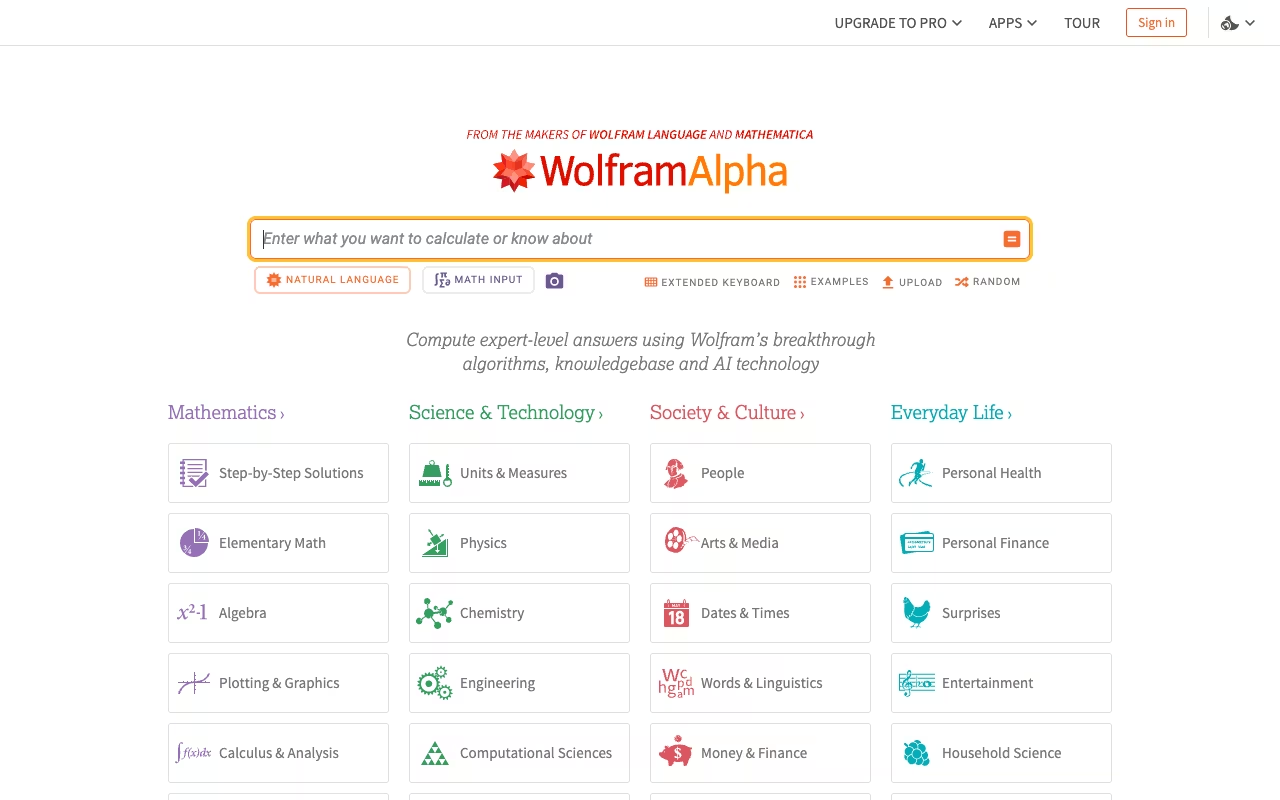
Wolfram Alpha is the tool when precision matters and conversation doesn't. It uses computational knowledge to deliver exact symbolic solutions. Type in a constrained optimization problem and get the answer with full derivation steps, not an approximation.
For mathematical economics, nothing else comes close. Lagrangian optimization, partial derivatives, Hessian matrices for second-order conditions, definite integrals for consumer surplus calculations, matrix operations for input-output analysis. Wolfram computes these correctly every time, which is more than I can say for any language model.
It also holds curated economic data. GDP, inflation rates, unemployment figures, trade statistics. The data is clean and sourced, which saves time compared to hunting through FRED or World Bank databases for quick lookups.
The pick when precision matters more than conversation: exact symbolic solutions with full derivations for Lagrangians, Hessians and integrals. It also holds clean, sourced economic data, but it is a calculator, not a research assistant.
Free with limited queries. Pro at $7.25/month (or ~$5/month annual) adds step-by-step solutions and extended computation time. Pro Premium at ~$12/month for additional features. Student discounts available (30% off via UNiDAYS).
The trade-off: Wolfram doesn't do explanation or conceptual reasoning. Ask it "why does quantitative easing sometimes lead to asset bubbles?" and you get nothing useful. It's a calculator for people who know exactly what they want to calculate.

Perplexity AI
Perplexity pairs conversational AI with real-time web search. Every answer cites specific sources. For economics research where you need actual data, recent papers, and institutional reports, that matters more than raw reasoning power.
I use it to check current economic indicators, find recent working papers, and verify claims. "What was the US core PCE inflation rate in Q4 2025?" comes back with the number, the source (BEA), and a link. "What recent papers address the employment effects of AI adoption?" returns a list with citations.
Early in a research project, when you're trying to figure out what's been written on a topic before diving into the databases, Perplexity gets you oriented fast. If you're doing a literature review, Perplexity is a strong starting point for mapping what's been published.
Go with Perplexity to get oriented fast early in a project, since every answer cites sources for indicators, working papers and reports. It maps what has been published, but raw reasoning is not its strength.
Free tier for basic queries (~3 Pro searches/day). Pro at $20/month for 300+ searches/day and stronger models. Education Pro at $10/month for students (SheerID verified).
Ratings: G2: 4.5/5 (217 reviews).
Where it falls short: the math. Don't use Perplexity to solve optimization problems or interpret regression coefficients. It's a research and data tool, not a computation engine.

Julius AI
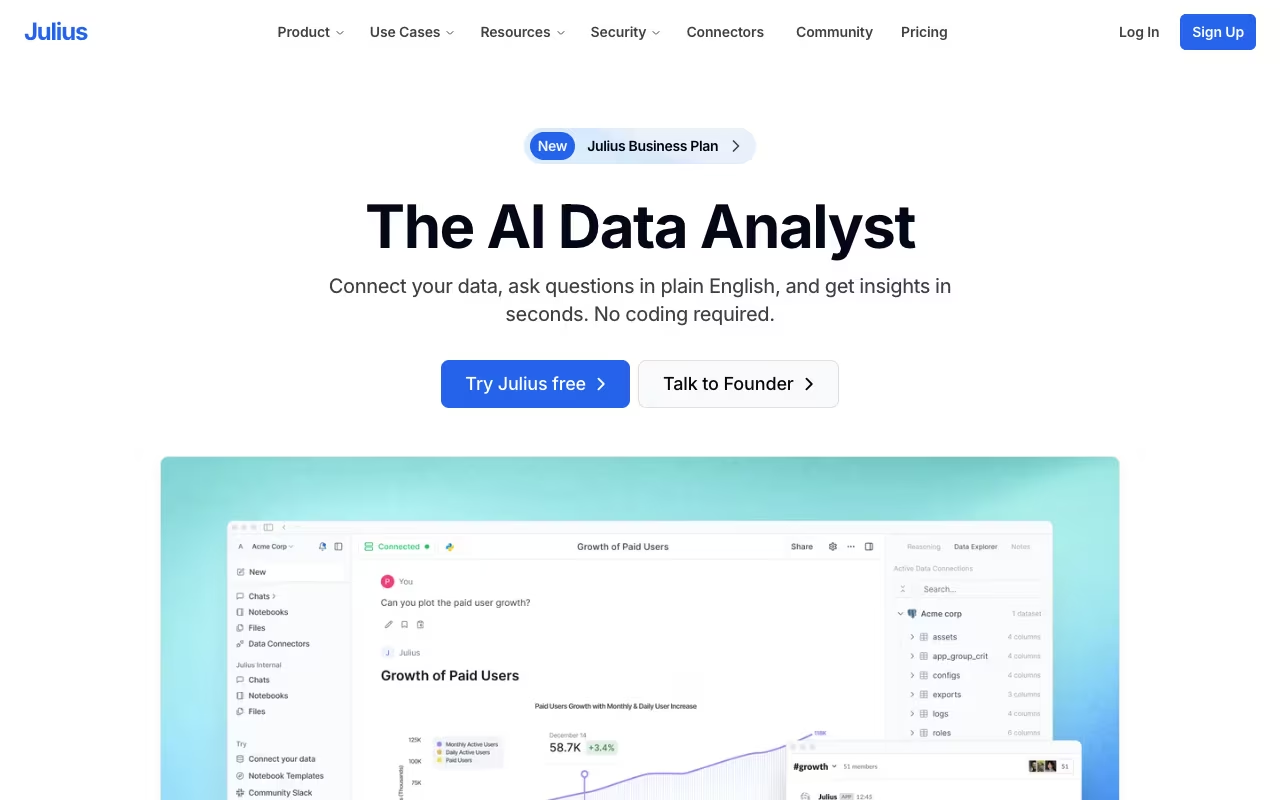
Julius AI is built for data analysis, and it handles economics datasets well. Upload a CSV or Excel file, describe what you want in plain English, and Julius cleans the data, runs the analysis, builds charts, and interprets the results.
Upload something like a World Bank dataset with 30 years of GDP data across 100 countries, ask for a fixed-effects panel regression with GDP growth as the dependent variable and trade openness, government spending, and inflation as controls, and Julius returns the regression output, coefficient interpretations, diagnostic plots, and the Python code to reproduce it all.
The code export matters. Julius shows you the Python or R code for every analysis, so you can verify the methodology, adjust parameters, or submit the code alongside your results.
A solid choice for econometric work: upload a dataset, describe a fixed-effects regression in plain English and get output, diagnostics and reproducible Python or R code. It does not interpret results through economic theory, so that part stays on you.
Free tier (15 messages/month). Plus at $20/month (250 messages/month, most capable AI model). Pro at $45/month (unlimited messages, 32 GB RAM). Team at $50/user/month.
The downside: Julius doesn't interpret results in the context of economic theory. It'll tell you the coefficient is statistically significant, but it won't explain why that matters for your model of trade liberalization. Pair it with ChatGPT or Claude for the "so what" layer.
See also our guide on best AI for statistics for more data analysis tools.
Stata with AI
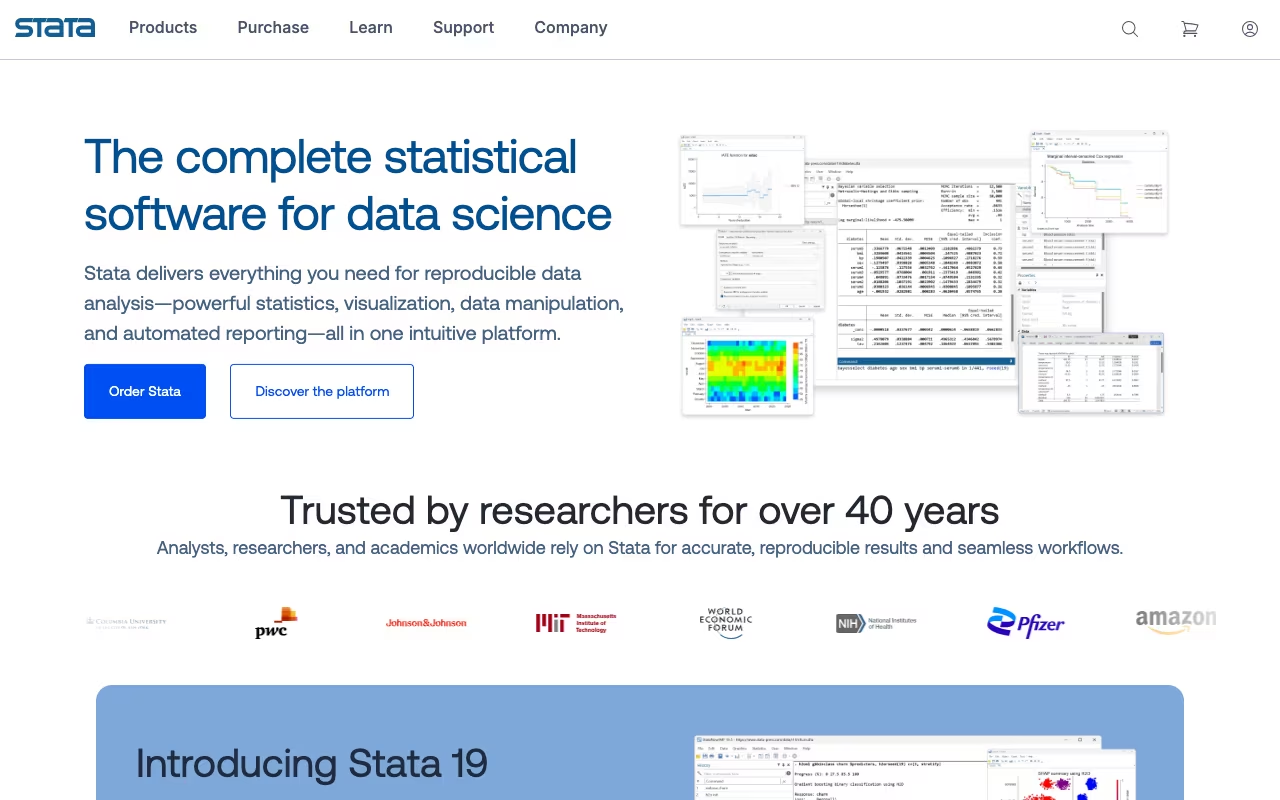
Stata remains the standard for academic econometrics. The workflow most economists use now: describe a model specification in ChatGPT or Claude, get the Stata syntax, paste it in. Run the regression, copy the output, ask for interpretation and robustness suggestions. It's not a single integrated experience, but it's much faster than reading through Stata manuals.
Third-party tools are closing the gap. Community-built Stata MCP servers connect Stata directly to Claude and other AI assistants. Stat.ai offers a specialized Stata GPT for code generation and conversion. These tools make the AI-assisted workflow smoother, though none are officially supported by StataCorp.
Stata handles the econometric models that journals expect: IV regression, difference-in-differences, panel fixed effects, GMM, quantile regression, spatial econometrics. No other tool on this list produces output in the format that economics journal referees accept without modification.
Educational licenses from ~$94/year (Stata/BE). Professional licenses from $295-$995+/year depending on edition. The AI tools you use alongside it have their own costs.
If your department already uses Stata, adding AI to the workflow makes the learning curve less painful. If you're starting from scratch and don't have institutional requirements, Julius or Python with AI assistance might be a more accessible path to the same results.
Google NotebookLM
NotebookLM is Google's research synthesis tool. Upload PDFs, paste URLs, or connect Google Docs, and NotebookLM reads through your sources, answers questions grounded in the uploaded material, and generates summaries with inline citations back to the original documents.
For economics research, the grounding is the key feature. When you ask "What are the main identification challenges in this paper?", NotebookLM answers using only the text you've uploaded, citing specific passages. It doesn't hallucinate findings or mix in information from its training data. For literature review work where accuracy matters, that constraint is a feature.
Audio Overviews convert your sources into a podcast-style discussion. I've found this useful for getting up to speed on papers outside my main area. Upload five papers on labor market dynamics, generate a 10-minute audio summary, listen while commuting. Mind Maps visualize how concepts connect across your uploaded sources.
The grounded choice for literature review work, answering only from your uploaded sources with inline citations, so it does not hallucinate findings. Audio Overviews and Mind Maps help you get up to speed on papers outside your field.
Free tier (100 notebooks, 50 sources/notebook, 3 Audio Overviews/day). NotebookLM Plus via Google AI Pro at $19.99/month (500 notebooks, 300 sources/notebook, 5x usage limits). Students get 50% off at $9.99/month.
The constraint: NotebookLM only works with sources you upload. It can't search for papers, pull live data, or perform calculations. It's a synthesis and comprehension tool, not a discovery or analysis tool. Use it alongside Perplexity or Semantic Scholar for finding papers first.
How to choose
For coursework and problem sets: ChatGPT for conceptual help and code generation. Wolfram Alpha for precise mathematical solutions. These two cover most undergraduate and graduate coursework.
For research and writing: Perplexity for finding data and papers. Claude for processing long documents and writing analysis. NotebookLM for source-grounded literature review work.
For data analysis and econometrics: Julius for quick dataset analysis with visualizations. Stata with AI assistance for publication-quality work. ChatGPT for generating and debugging code.
For professionals: Perplexity (real-time data) + Claude (long-form analysis) + Julius (data visualization) as a combined workflow.
On a budget: ChatGPT free + Perplexity free + NotebookLM free handles most coursework, literature reviews, and basic data questions without spending anything.
Most economists I know use 2-3 tools regularly. The free tiers on everything except Stata are generous enough to test on your actual work before committing.
If you work with data in spreadsheets, our guide on how to use AI in Google Sheets covers complementary techniques.
FAQ
Can AI replace an economics tutor?
For standard coursework, mostly yes. ChatGPT solves problems step by step, explains concepts at any level, and reviews your work. Wolfram Alpha handles the math. Where AI falls short: understanding your specific knowledge gaps and building a learning plan around them. For introductory courses, AI often covers what a tutor would. For advanced theory or thesis-level work, a human advisor still matters.
Is ChatGPT accurate for economics calculations?
GPT-5.6 handles most intermediate-level economics math correctly: optimization, elasticity, basic econometrics. It slips up occasionally on multi-step derivations and complex constrained optimization. Always verify important calculations with Wolfram Alpha or by running the math yourself. No AI model should be your sole source of truth for quantitative work.
Which AI tool is best for econometrics?
For learning: Julius AI, because you upload data and get instant results with explanations. For publication-quality work: Stata with AI-assisted syntax generation. For flexible analysis without Stata: Python (statsmodels, linearmodels) with ChatGPT generating and debugging code. Learn the concepts with AI help, then implement in whatever software your institution uses.
Can I use AI for economics essays and papers?
Yes, with caveats. AI structures arguments, generates outlines, explains theory, and drafts literature reviews well. It should not be your source of empirical data. ChatGPT and Claude hallucinate statistics and misattribute findings. Use Perplexity for sourced data, write your core arguments yourself, and use AI to refine structure and clarity. Check your institution's academic integrity policy, as rules vary widely. For citation guidance, see our guide on how to cite AI.
Are free AI tools good enough for economics students?
The free tiers of ChatGPT, Perplexity, Claude, Julius, and NotebookLM cover most undergraduate and many graduate economics tasks. The main limits on free tiers are daily query caps and restricted access to the strongest models. For typical coursework and study sessions, free tools handle the job. You'll want paid tiers when you're doing heavy data analysis or working with documents too long for the free context windows.
What's the best AI tool for reading economics papers?
NotebookLM is the strongest option. Upload papers and ask questions grounded in the actual text. Claude's 1M token context window is the alternative when you need to work with very long documents or multiple papers simultaneously. For papers outside your field, SciSpace explains jargon and breaks down equations in context.
Build real economics skills with AI tools that speed up every part of your workflow. Start your free 7-day trial →
Some offers on this page may be paid placements or contain affiliate links.
Across our whole catalogue the median is $24 a month and 33% of tools advertise a free tier. Figures are the lowest recurring monthly price quoted in our own review of each tool, read on 2026-08-19. Full method and every category.
