Last updated: March 2026
What Is WestFax?
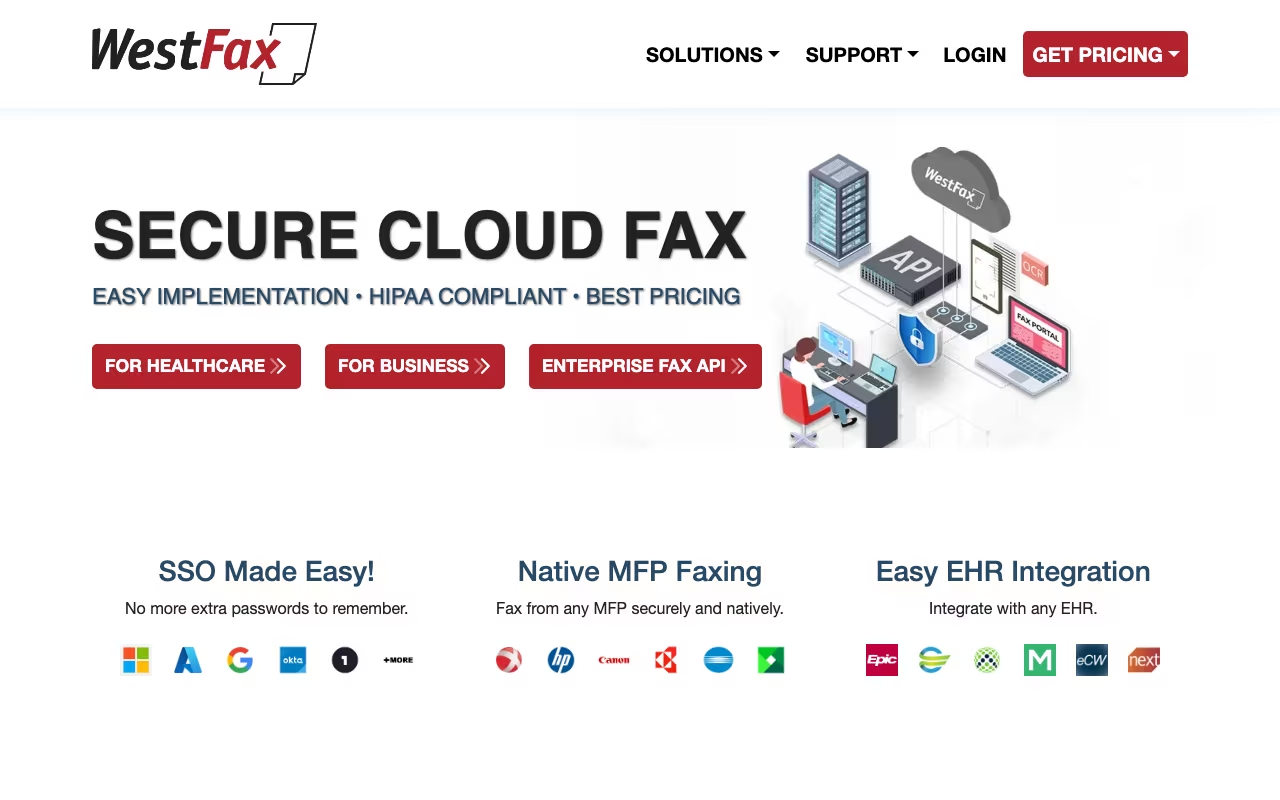
WestFax is a cloud-based fax service built for businesses that still need to send and receive faxes, particularly in industries where fax remains a regulatory requirement. It focuses heavily on security and compliance, with HIPAA certification, AES-256 encryption, and features designed for healthcare, legal, government, and financial organizations. If your business sends faxes because it has to (not because it wants to), WestFax provides a modern, secure way to handle that requirement without maintaining physical fax machines.
Key Features
- HIPAA-Compliant Faxing: Full HIPAA compliance with Business Associate Agreements (BAA) available, making it suitable for healthcare organizations that transmit protected health information via fax.
- AES-256 Encryption: End-to-end encryption with TLS 1.2 for all fax transmissions. Documents are encrypted at rest and in transit, meeting strict security requirements for regulated industries.
- Email-to-Fax and Fax-to-Email: Send faxes directly from your email client by attaching documents to an email. Incoming faxes arrive as PDF attachments in your inbox. No software installation needed.
- REST API: Developer-friendly API for integrating fax capabilities into your existing applications, EHR systems, or automated workflows. Pricing starts as low as $0.015 per page for API usage.
- Print-to-Fax Driver: Install a virtual printer on your computer that sends documents as faxes. Print from any application (Word, Excel, your EHR) and fax directly without exporting to PDF first.
- AI-Powered Document Processing: OCR, document classification, and rules-based routing that can automatically sort incoming faxes into the right departments or systems.
- Microsoft Integration: Works with Microsoft 365, Teams, and Outlook for sending and receiving faxes within tools your team already uses.
- Unlimited Storage: All plans include unlimited fax storage, so you never need to worry about archiving or deleting old faxes to free up space.
How to Log In to WestFax
If you already have a WestFax account, log in at westfax.com/login using your email address and password. The login page accepts business email plus account number on the Enterprise tier. If you cannot remember your password, use the "Forgot password" link to receive a reset email; resets typically arrive within 1-2 minutes. For SSO accounts on the Enterprise plan, click "Sign in with SSO" and enter your company domain to redirect to your identity provider (Okta, Azure AD, or Google Workspace).
Once logged in, you land on the dashboard showing fax volume, recent activity, and any incoming faxes that need attention. Send a new fax from the "Compose" button, or check the inbox for fax-to-email arrivals. For API users, the dashboard also surfaces your API key and rate-limit usage. If you are stuck out of your account, WestFax support is at westfax.com/support or 1-800-FAX-1010, with response times under an hour during business hours.
WestFax Pricing in 2026
WestFax uses volume-based pricing with four tiers. All plans include unlimited storage and number portability. Overage pages cost $0.03 each beyond the included quota.
| Plan | Monthly | Pages / Users / Lines | Best for |
|---|---|---|---|
| Basic | $8.99 | 500 pages / 1 user / 1 line + print-to-fax driver | Solo practitioners, small clinics |
| Fax 1500 | $29.95 | 1,500 pages / 5 users / API access; extra lines $4.95 each | Mid-size practices, legal firms |
| Fax 3K | $59.95 | 3,000 pages / 20 users / full API access | Multi-location healthcare, financial firms |
| Enterprise | Custom | High volume, SSO, MFP integration, OCR, white-label, 24/7 SLA | Hospitals, large agencies, regulated enterprises |
For API-only usage (no portal users), WestFax also offers pay-per-page API pricing starting as low as $0.015 per page. This is the cheapest option if you only need to integrate faxing into a custom application or EHR system without giving anyone a login.
What We Like
- Genuine HIPAA compliance with BAA, not just a marketing claim
- Affordable entry point at $8.99 per month for low-volume faxing
- The email-to-fax approach is dead simple and requires zero training for end users
- REST API is well-documented and priced competitively for developers integrating fax into custom workflows
- Unlimited storage means you never have to think about archiving
- 97% user satisfaction rating across review platforms, which is unusually high for a fax service
What Could Be Better
- The web portal interface looks dated compared to modern SaaS applications
- No whitelisting or blacklisting features for managing which numbers can send you faxes
- Mobile experience is limited. There is no dedicated mobile app for managing faxes on the go.
- The Basic plan is limited to a single user, which is restrictive even for small offices
- Enterprise features (OCR, document routing, SSO) are not available on lower-tier plans
Who Should Use WestFax?
WestFax is purpose-built for regulated industries. Healthcare organizations that need HIPAA-compliant fax transmission for patient records, prescriptions, and referrals are the primary audience. Legal firms sending court filings and sensitive documents, government agencies with fax requirements, and financial services companies handling regulated communications will all find WestFax meets their compliance needs. Any business that still relies on fax machines and wants to move to a cloud-based solution without sacrificing security should evaluate WestFax.
Who Should Skip WestFax?
If you rarely send faxes (fewer than a handful per month), a pay-per-use service or even a free online fax tool might be more cost-effective. Businesses looking for a modern communication platform that includes fax alongside messaging, video, and phone should look at unified communications providers like RingCentral or 8x8 instead. If you do not have compliance requirements, simpler and cheaper alternatives like eFax or Fax.Plus will handle basic faxing needs.
Is WestFax really HIPAA compliant?
Yes. WestFax provides full HIPAA compliance with Business Associate Agreements (BAA) for healthcare customers. They use AES-256 encryption, TLS 1.2 for transmission, and maintain the administrative, physical, and technical safeguards required by HIPAA. This is not a self-declared claim. WestFax is certified and used by healthcare organizations nationwide.
Can I keep my existing fax number with WestFax?
Yes. WestFax supports number portability, so you can transfer your existing fax number to their service. The porting process typically takes a few business days depending on your current carrier. You can also get a new local or toll-free number if you prefer.
How does the email-to-fax feature work?
You compose a regular email, attach the document you want to fax (PDF, Word, image files), and address it to the recipient's fax number followed by @westfax.com. WestFax converts the attachment to fax format and transmits it. Incoming faxes arrive as PDF attachments in your designated email inbox. No additional software or training is required.
Does WestFax integrate with electronic health record (EHR) systems?
Yes. WestFax integrates with many EHR and RCM systems through its REST API and print-to-fax driver. Healthcare organizations can send faxes directly from their EHR without switching applications. The Enterprise plan includes additional integration support and dedicated account management for complex healthcare IT environments.
Our Verdict
WestFax does exactly what it promises: secure, compliant cloud faxing for businesses that cannot afford to get security wrong. The HIPAA compliance, encryption, and BAA support are the real selling points, and the 97% user satisfaction rate suggests they deliver on those promises. The interface is not flashy, the mobile experience is limited, and the feature set beyond faxing is minimal. But if you need to send faxes in a regulated industry and want to ditch the physical fax machine, WestFax is a reliable, affordable, and genuinely secure option. Start with the Basic plan at $8.99 per month, test the email-to-fax workflow with your team, and scale up if your volume requires it.
Try WestFax free