Last updated: January 2026
Google reads your email to sell ads. iCloud can hand your files to law enforcement with a warrant. Your VPN provider might be logging everything. Proton is the alternative: end-to-end encrypted email, VPN, cloud storage, calendar, and password manager, all built by CERN scientists in Switzerland, where privacy laws have actual teeth.
The business model is simple: you pay with money, not data. No advertising, no data mining. Proton can't read your emails even if they wanted to, because encryption happens on your device before anything reaches their servers. For anyone who's tired of being the product, that's the pitch.
Start with Proton Free Get started →The Ecosystem
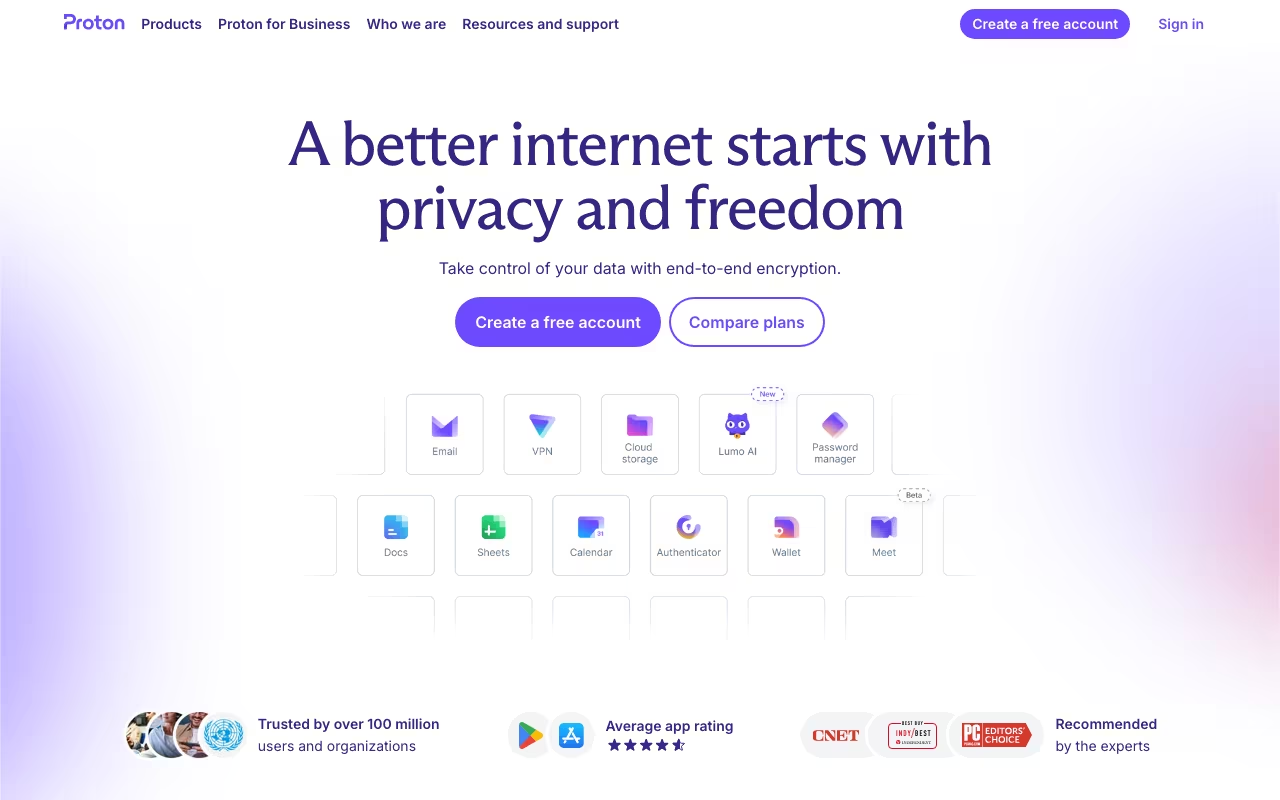
Proton Mail is the flagship. End-to-end encrypted email between Proton users. For non-Proton recipients, you can send password-protected messages they open via a link. The web and mobile apps feel like any modern email client. You won't miss Gmail's interface (much).
Proton VPN is a no-logs VPN with servers in 60+ countries. The free tier is genuinely usable (unlike most "free" VPNs that are basically spyware). Paid tiers add speed, more server locations, and ad/malware blocking. It's one of the few VPNs I'd trust with the word "no-logs."
Proton Drive is encrypted cloud storage. Files encrypt on your device before upload. Proton never sees them. Less polished than Google Drive or Dropbox, but if privacy matters more than real-time collaboration features, it's the best option.
Proton Calendar keeps your schedule encrypted. Proton Pass is a password manager with end-to-end encryption and autofill. Both are newer products, functional but not yet matching dedicated tools like Fantastical or 1Password in features.
Why Switzerland Matters
Proton is headquartered in Geneva deliberately. Swiss privacy law is some of the strongest in the world. Foreign government surveillance requests can't compel Proton to hand over data the way a US subpoena can compel Google. The legal protection layer adds real teeth to the technical encryption.
All apps are open source and regularly audited by third parties. You don't have to take their word for the encryption. You can verify it.
See Proton Plans See plans →What It Costs
Free: 1 GB email storage, limited VPN (1 server, 1 device), basic access to all services. Good enough for trying it out or light personal use.
Mail Plus: $5.49/month. 15 GB mail storage, custom domains, filters, and labels. Good for someone who just wants encrypted email.
Proton Unlimited: $10.99/month. The full suite: 500 GB storage, VPN on all devices, Drive, Calendar, Pass, and priority support. This is the sweet spot.
Family: Up to 6 users at a discounted per-person rate. Business: Custom pricing with admin controls and compliance features.
Compare to Google One at $2.99/month for 200 GB: Proton costs more. You're paying the privacy premium. Whether that's worth it depends on how much you value not being profiled.
The Trade-Offs
Worth it:
- Real encryption. Not marketing encryption. Even Proton can't read your data.
- Swiss jurisdiction provides legal protection that US-based services can't match
- Open source, audited, transparent. No "trust us" required.
- The free tier is genuinely useful, not a bait-and-switch
- One subscription covers email, VPN, storage, calendar, and passwords
The cost:
- Gmail's search is better. Google Calendar is more polished. Google Drive's collaboration features are years ahead.
- Encrypted email only works fully between Proton users. External recipients get password-protected links, which adds friction.
- 500 GB storage costs $10.99/month. Google gives you 2 TB for $10/month. You're paying for encryption, not storage.
- Ecosystem lock-in cuts both ways. If you go all-in on Proton and want to leave, migration takes effort.
Proton vs. Gmail vs. Tutanota
Dev tools, published pricing
| Tool | Pricing | Model |
|---|---|---|
| Proton | Free, $5.49/mo (Mail Plus), $10.99/mo (Unlimited) | Freemium |
| Netlify | $19/mo (lowest published recurring price) | Subscription |
| Dify | $59/mo (lowest published recurring price) | Subscription |
| Ultahost | $2.49/mo (lowest published recurring price) | Subscription |
| Capacity | Free (5 credits), $25/mo (Starter), $69/mo (Growth), $129/mo (Professional), $299/mo (Business) | Credits |
| Airia | AI orchestration platform, custom enterprise pricing | Subscription |
Gmail / Google Workspace: Superior features, superior collaboration, zero privacy. Google's business model is advertising. Your email content informs their ad targeting. If that doesn't bother you, Gmail is the better product.
Tutanota (now Tuta): The closest encrypted email competitor. Similar privacy commitment, different technical architecture. Tutanota is cheaper but has a smaller ecosystem. No VPN, no password manager.
NordVPN / ExpressVPN: Comparable VPN performance, but they're commercial privacy companies, not mission-driven. Proton VPN's no-logs policy is backed by Swiss law.
FAQ
Can I use my own domain?
Yes, on paid plans. You keep your domain and get Proton's encryption on all messages sent and received through it.
Can I email non-Proton users securely?
Yes, via password-protected messages. The recipient gets a link and enters a password you share separately. It works, but it's an extra step for both of you.
Proton is the best option for people who want privacy to be the default, not an opt-in setting buried in a menu. The encryption is real, the legal protections are meaningful, and the ecosystem is broad enough to replace most Google services. You'll give up some polish and some convenience. For journalists, activists, lawyers, healthcare workers, or anyone handling sensitive information, that trade-off is obvious. For everyone else, it depends on how much you care about not being the product.
Switch to Proton Get started →