
Last updated: January 2026
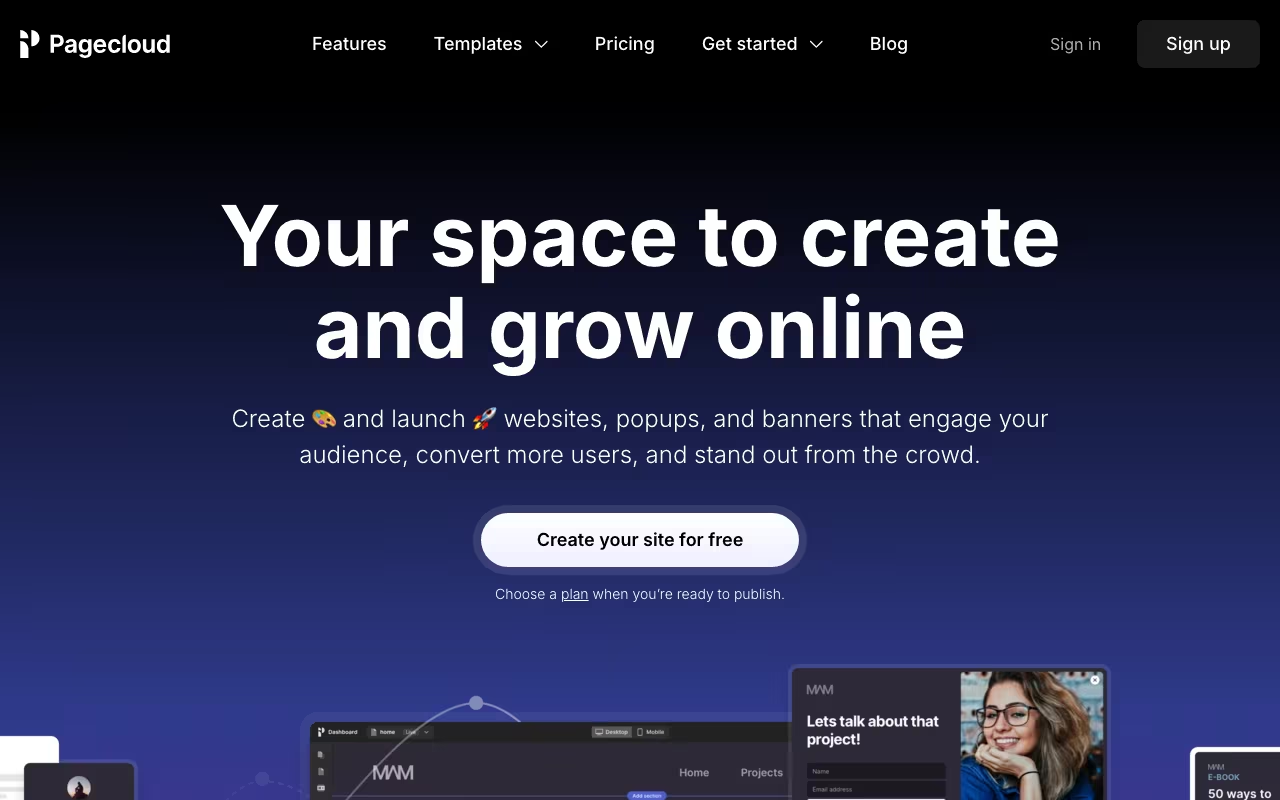
Every website builder says "drag and drop." What they mean is "drag into the spots we've decided for you." Pagecloud is different. Elements go anywhere on the canvas. Overlapping, off-grid, pixel-positioned. It's closer to designing in Figma or Photoshop than building in Squarespace. If you've ever screamed at a template because it wouldn't let you put something 30 pixels to the left, Pagecloud exists for you.
Try Pagecloud FreeFreeform Design That Actually Works
The editor gives you a blank canvas (or a template starting point). Drag elements anywhere. Text, images, buttons, videos, forms. Nothing snaps to a grid unless you want it to. Overlap elements, create layered compositions, position things exactly where your design eye says they should go.
Responsive design is where it gets interesting. Freeform layouts that look great on desktop need manual adjustment for tablet and mobile. Pagecloud gives you separate views for each breakpoint where you reposition elements. It's more work than template builders (which handle responsive automatically), but the results can be far more distinctive.
E-commerce, blogging, forms, and integrations are all built in. You can sell products, publish content, and connect with email marketing tools. The platform is complete, not just a design tool.
See Pagecloud PricingPricing
Website: $24/month (annual). Custom domain, SSL, basic site features.
Business: $49/month (annual). Adds e-commerce, membership features, and more functionality.
Professional: $99/month (annual). Advanced features, priority support, agency-level needs.
Comparable to Squarespace and Wix pricing, but with genuinely more design freedom.
The Trade-Off: Freedom vs. Guardrails
What you gain:
- True design freedom. No template constraints. Put anything anywhere.
- Unique-looking sites that don't scream "Squarespace template #47"
- Visual interface that designers actually enjoy using
- Custom code support (HTML, CSS, JS) when you need it
What you give up:
- Templates provide guardrails. Without them, bad design is easy. Good design is on you.
- Responsive design takes more work. Every breakpoint needs manual attention.
- Smaller app ecosystem than Wix or Shopify
- Less community, fewer tutorials, less third-party support than major builders
Pagecloud vs. Webflow vs. Squarespace
Webflow: Similar design freedom, but with a steeper learning curve and more powerful capabilities (CMS, interactions, animations). If you're willing to invest time learning Webflow, it's more powerful. If you want something more approachable, Pagecloud is easier.
Squarespace: Beautiful templates, less customization. If you're happy working within template structures, Squarespace is polished and well-supported. If templates frustrate you, Pagecloud is the alternative.
Wix: Moving toward more flexibility with Wix Studio, but still more template-oriented at its core.
FAQ
Do I need design skills?
It helps. Pagecloud gives you freedom but no guardrails. Someone with design sense will create better results than someone who's never thought about layout, typography, or spacing.
Are the sites mobile-friendly?
They can be, but it requires manual responsive adjustment at each breakpoint. Template builders handle this automatically; freeform design doesn't.
Pagecloud fills a real gap: it's more flexible than Squarespace, more approachable than Webflow, and more capable than Wix for designers who want pixel-level control. The audience is specific: people who care about design and find template constraints limiting. If that's you, try rebuilding one page in Pagecloud that you could never get right in a template builder. The difference in creative control is immediately obvious.
Design Without Limits