Last updated: January 2026
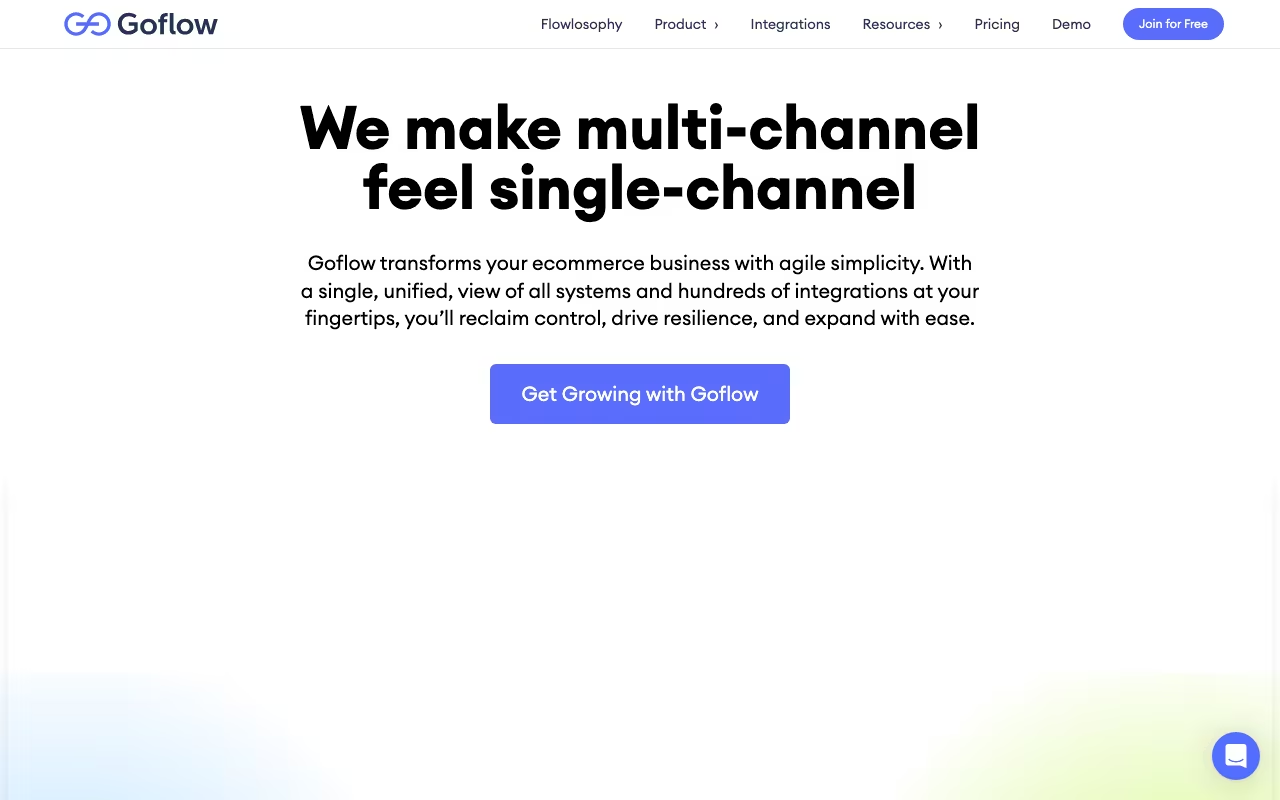
You're selling on Amazon, eBay, and Shopify simultaneously. Inventory lives in two warehouses and a 3PL. Orders flood in from five channels, and you're manually updating stock counts in spreadsheets, praying you don't oversell. If that sounds familiar, Goflow is built for you. It centralizes order management, inventory, warehousing, shipping, and accounting into one platform designed for high-volume e-commerce sellers.
This isn't for someone selling 50 orders a month on Shopify. Goflow targets sellers doing thousands of orders monthly across multiple channels, the ones who've outgrown ShipStation and Shopify's built-in tools but aren't ready to spend six figures on NetSuite.
See Goflow for Your BusinessOrders, Inventory, and Fulfillment in One Place
Orders from Amazon, eBay, Shopify, Walmart, BigCommerce, and custom channels all land in one unified dashboard. Goflow routes them through fulfillment workflows automatically: pick, pack, ship, track. Inventory syncs in real time across all channels and all locations, so when you sell a unit on Amazon, the count drops everywhere else before someone buys a unit that doesn't exist.
For sellers running their own warehouse, Goflow includes WMS functionality: bin locations, pick paths, barcode scanning, and pack verification. You don't need a separate WMS. For those using 3PLs, Goflow connects to major providers and syncs shipment data back into the system.
Purchase order management handles the vendor side. Create POs, track inbound shipments, receive inventory, and maintain vendor records. When inventory arrives, available-to-promise quantities update across all channels immediately.
Shipping and Automation
Rate shop across carriers to find the best price for each shipment. Automated rules route orders to the nearest warehouse, cheapest carrier, or fastest delivery option based on criteria you set. Print labels, generate tracking numbers, and push status updates to buyers.
Accounting integration with QuickBooks and Xero keeps financials accurate without manual data entry. Orders, COGS, inventory values, and refunds flow into your books as they happen.
Get Goflow PricingWhat It Costs
Growth: From ~/month. Core order management, inventory sync, and shipping for smaller high-volume sellers.
Professional: From ~/month. More automation, more users, and advanced features for complex operations.
Enterprise: Custom pricing. Dedicated support, custom development, and advanced requirements.
At -999/month, Goflow is expensive for small sellers. But for a business doing M+ in annual revenue across multiple channels, the cost of overselling, missed shipments, and manual data entry far exceeds the subscription. The ROI math usually works once you're processing 1,000+ orders per month.
Strengths and Weaknesses
Strengths:
- Real multi-channel inventory sync. No more overselling because Amazon and eBay didn't talk to each other.
- Integrated WMS means you don't need separate warehouse software
- Automation rules reduce manual order processing significantly
- Accounting integration keeps books accurate without data entry
Weaknesses:
- /month minimum. If you're doing under M in revenue, probably not worth it yet.
- Implementation takes 4-8 weeks. Mapping your processes, migrating data, training staff. It's a project.
- Steep learning curve. Powerful features take time to configure and master.
- Overkill for simple operations. If you sell on one channel from one location, use something simpler.
Goflow vs. Extensiv vs. Cin7
Extensiv (formerly Skubana): Direct competitor. Similar feature set, similar price point. Compare demos side by side.
Cin7: Inventory and order management with a retail focus. Good if you have both online and physical retail.
NetSuite: The enterprise play. More powerful, far more expensive (K+/year), and takes months to implement. Goflow gets you 80% of the functionality at 20% of the cost.
FAQ
How long does implementation take?
4-8 weeks for a typical setup. Simple configurations go faster; complex multi-warehouse, multi-channel setups take longer. Goflow's team guides the process.
Does Goflow handle returns?
Yes. RMA processing, inventory updates, and refund handling are built in. Returns flow back through the same system as outbound orders.
Goflow fills the gap between "we've outgrown basic tools" and "we can't afford NetSuite." If you're managing multi-channel e-commerce from spreadsheets and duct-taped integrations, the operational improvement is real: fewer oversells, faster fulfillment, accurate inventory, clean books. The price and implementation time are significant commitments, but for sellers at the right scale, the chaos of not having a system like this costs more than the subscription.
Book a Goflow Demo