Connecteam Review: The All-in-One App for Managing Deskless Teams
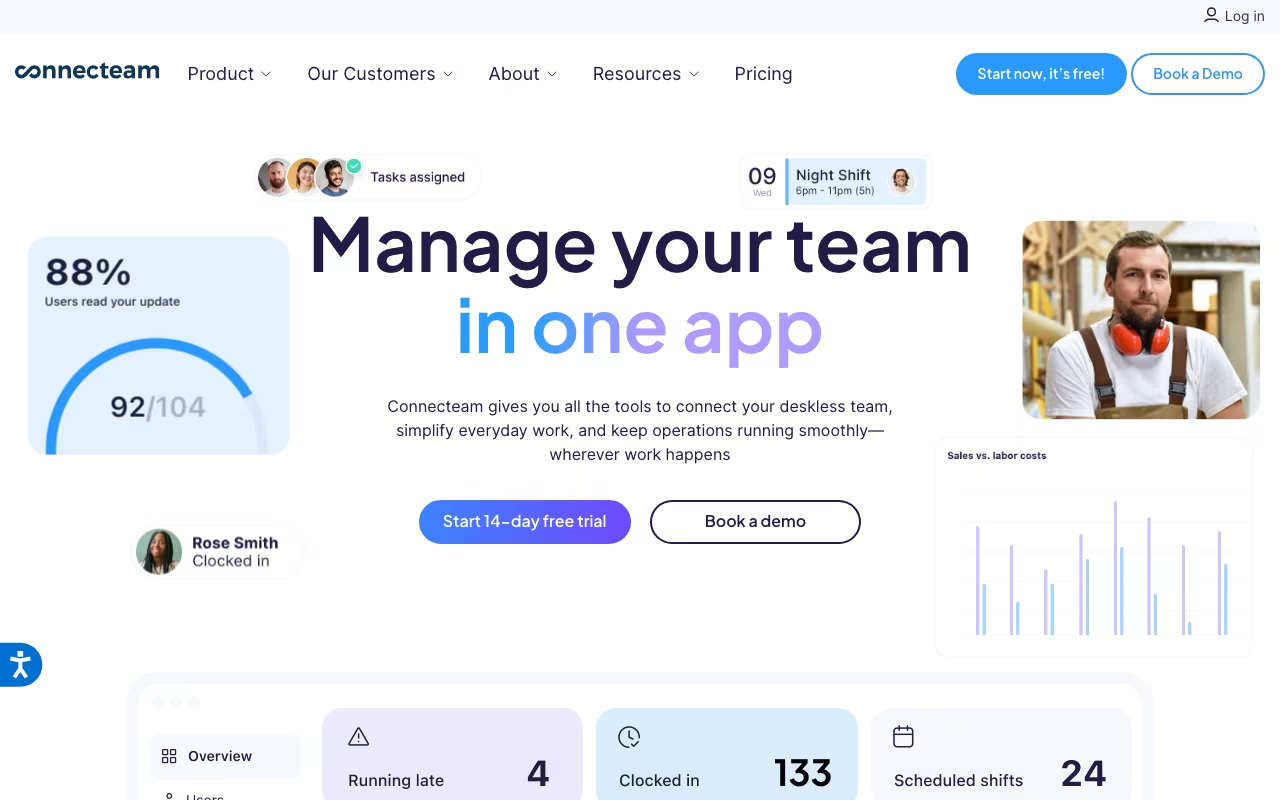
If your workforce doesn't sit at desks all day, you already know that most business software wasn't designed for them. Connecteam was built specifically for this reality. It's a mobile-first employee management platform that bundles time tracking, scheduling, communication, training, and HR tools into one app that frontline workers actually use on their phones.
Construction crews, restaurant staff, retail teams, cleaning services, field technicians: these are the people Connecteam is designed for. And for small to mid-sized businesses with deskless workers, it's one of the most complete options available.
Try Connecteam Free Get started →How Connecteam Is Structured
Connecteam organizes its features into three "Hubs," each sold separately or together:
Operations Hub: Time tracking with GPS, employee scheduling, task management, forms, and checklists.
Communications Hub: Team chat, company updates feed, surveys, events, and a company directory.
HR and Skills Hub: Training courses, quizzes, document management, PTO tracking, and recognition features.
This modular approach means you can subscribe to just the hub you need, or combine all three for a complete workforce management solution. It's flexible, but as we'll discuss, the pricing math can get tricky when you start stacking hubs.
Key Features
Time Tracking and GPS
Employees clock in and out from their phones. GPS location stamping verifies they're at the right job site. Geofencing lets you set up automatic clock-in/out when workers enter or leave a defined area. The system auto-generates timesheets that managers can review and approve, then export directly to payroll. For field service businesses dealing with "he said, she said" disputes about hours, this feature alone can justify the subscription.
Employee Scheduling
Drag-and-drop scheduling with templates for recurring shifts. Employees can view their schedules on their phones, swap shifts (with manager approval), and request time off. Managers get notifications for conflicts, overtime risks, and unfilled shifts. The scheduling works well for businesses running morning/evening rotations and supports multi-location management.
Team Communication
A dedicated chat system (think Slack, but simpler) with one-on-one and group messaging. The Updates feature works like an internal social media feed where managers can post announcements, attach files, and track who's read them. For teams where not everyone checks email, this is a practical way to push information out and confirm it was received.
Training and Onboarding
Build mobile-friendly training courses with text, images, videos, and quizzes. Track completion rates and quiz scores. This is particularly useful for industries with high turnover where you're constantly onboarding new hires. Having SOPs and training materials accessible on workers' phones beats printing binders that nobody reads.
Task Management
Assign tasks with descriptions, checklists, due dates, and file attachments. Workers update task status from their phones, and managers get real-time visibility into what's done and what's pending. It's not project management software, but for operational tasks (daily checklists, safety inspections, equipment checks), it works well.
Pricing
Connecteam's pricing structure is unique because each Hub is priced independently:
Small Business Plan (Free): Full access to all features for up to 10 users. This is genuinely generous and makes Connecteam a strong choice for very small teams.
Basic ($29/month billed annually, $35 monthly): Up to 30 users per hub.
Advanced ($49/month billed annually, $59 monthly): Up to 30 users per hub, with more advanced features.
Expert ($99/month billed annually, $119 monthly): Up to 30 users per hub, full feature set.
Enterprise: Custom pricing.
Important detail: those prices are per hub. If you want Operations + Communications + HR, you're paying for three separate subscriptions. So a Basic plan across all three hubs runs $87/month (annual) for 30 users. That's still very affordable per user ($2.90/user/month), but it's worth doing the math upfront. From user 31 onward, there's an additional per-user charge on each plan.
What We Like
- Genuinely mobile-first: Unlike tools that bolt a mobile app onto a desktop platform, Connecteam was designed phone-first. The app is intuitive enough that workers with minimal tech experience can use it without training.
- Free plan is real: 10 users get full access to everything. For micro-businesses (a small restaurant, a 5-person cleaning crew), this is a complete workforce management solution at zero cost.
- All-in-one value: Replacing separate tools for scheduling, time tracking, communication, and training with one platform reduces both cost and complexity. Workers download one app instead of four.
- GPS and geofencing: For field service businesses, the location-verified time tracking eliminates disputes about hours and job site attendance. The geofencing auto-clock feature is a genuine time-saver.
- Affordable at scale: Even with all three hubs, the per-user cost is lower than most competitors. A 30-person team on the Basic plan across all hubs pays about $2.90/user/month.
What Could Be Better
- Mobile app stability: Despite the mobile-first design, user reviews on the Google Play Store report crashes, glitches, and performance issues. For a platform that relies entirely on mobile access for frontline workers, this is a meaningful concern.
- Hub pricing is confusing: The three-hub structure means pricing isn't as straightforward as competitors with a single plan. New customers often don't realize they need to buy multiple hubs to get the full feature set, leading to sticker shock at checkout.
- No native payroll: Connecteam tracks time and generates timesheets, but you need to export to a separate payroll system (Gusto, QuickBooks, etc.) to actually pay people. Competitors like Homebase include basic payroll.
- Reporting is basic: The built-in analytics cover the essentials (hours worked, task completion, training progress) but lack the depth that larger organizations need for workforce planning and cost analysis.
- Limited integrations: Connecteam doesn't integrate with as many third-party tools as competitors like Deputy or When I Work. If your tech stack is complex, this could be a friction point.
Who Should Use Connecteam
Connecteam is best for small to mid-sized businesses with deskless or field-based workers. Construction companies, cleaning services, restaurants, retail chains, healthcare facilities, and field service businesses are the sweet spot. If your employees work on job sites, on the road, or in locations without desktop computers, Connecteam meets them where they are.
It's not ideal for office-based teams that need deep project management, or for enterprises with complex payroll and HR compliance requirements. Companies that need advanced reporting or extensive third-party integrations may also find it limiting.
Final Verdict
Connecteam is the best all-in-one workforce management app for businesses with deskless employees. The combination of time tracking, scheduling, communication, and training in a single mobile app is genuinely useful for frontline teams. The free plan for up to 10 users is one of the most generous in the category, and the per-user cost stays low even on paid plans.
The main concerns are mobile app stability (ironic for a mobile-first platform) and the hub-based pricing that can confuse first-time buyers. If your team works in the field and you need one app to replace several, Connecteam delivers strong value.
Try Connecteam Free Get started →